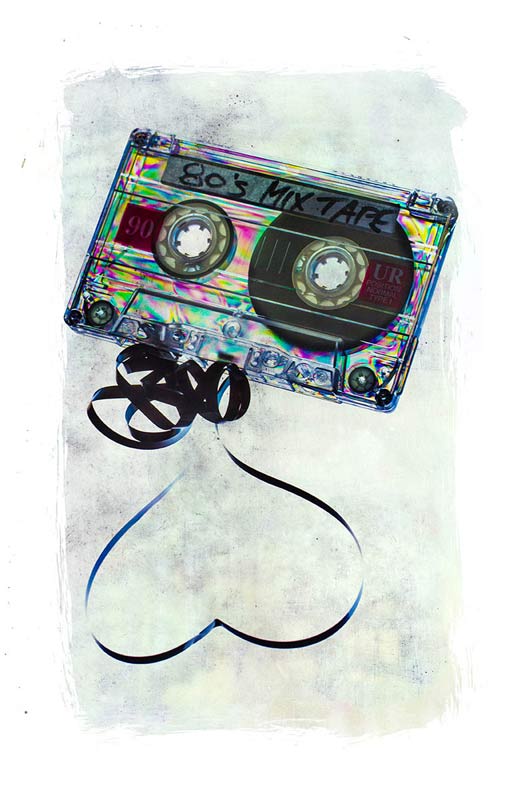
Retro Cross Polarisation Effect

80s-Mix2Here in the UK we’re in the full grip of Autumn and all the wonderful photo opportunities that this time of year brings. Sadly the amazing colours of autumn are usually a fleeting thing with wind and rain making the chances of capturing them even more challenging.

So here’s a brilliant idea that you can do any time of year and whatever the weather.

The techique makes use of cross polarisation. It’s one of the very first tricks I learnt way back in the mid 80’s when I first became serious about photography. All you need is an LCD screen as your light source, something made of clear plastic and a polarising filter for your camera. I’d also recommend a tripod to minimise camera shake or high ISO noise.

To finish off I added a texture and as I mention in the video I’m sharing it. To download it just follow this link http://adobe.ly/1ac4x7M click the Actions button and choose to download the JPG image.

[youtube]http://www.youtube.com/watch?v=AG3F4gG3tuw&feature=c4-overview&list=UU8Pksdbj37CdE00kmE7Z1dw[/youtube]

Shooting a slide show

RBpro1What do you do with all the 1000’s or may be 10,000’s of photos you take every year? There’s only so many pictures you can put on Facebook and tweeting to many photos, to often, is a sure fire way to loose followers.

Of course there’s no shortage of photo sharing sites like Flickr and the excellent 500px and uploading the best of your photos to these sites is a great idea.

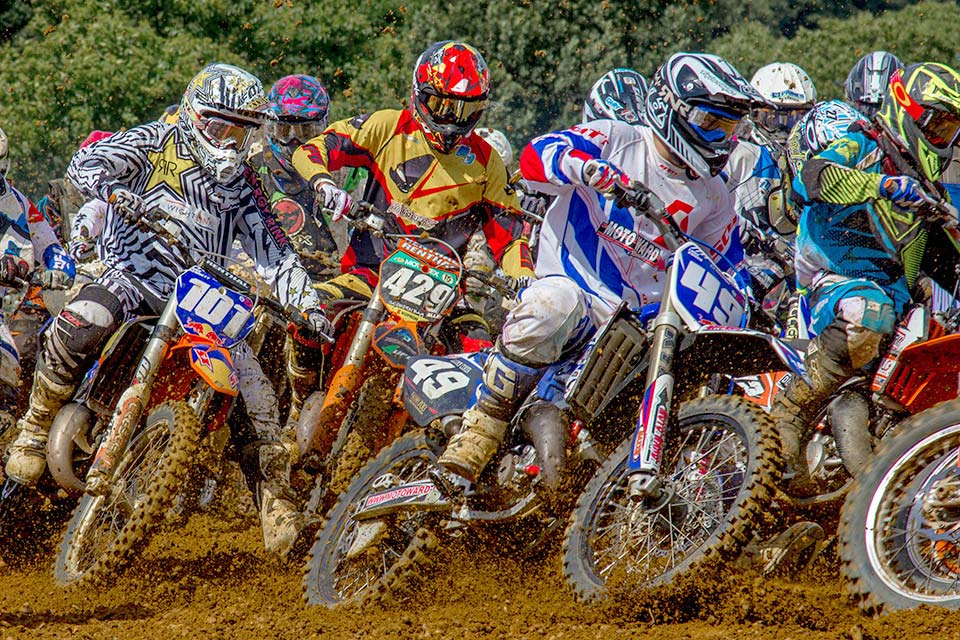
In this video I have another way to show off lots of your photos in an amazing way, by making a slide show. It’s a great way to show off the photos you’ve already taken but you can also take photos specifically for use in a slide show. That’s exactly what I do in this video and I get to pass on some shooting tips along the way.

Once you’ve chosen which photos you’d like to use in your slide show, you’re ready to start putting the show together. I used Photoshop Elements to do the job but there are plenty of alternatives out there (such as Lightroom) which is good news if you’re on a Mac as frustratingly the slide show part of Elements is a Windows only feature.

[youtube]http://www.youtube.com/watch?v=vmXh9poFRhI&feature=c4-overview&list=UU8Pksdbj37CdE00kmE7Z1dw[/youtube]

Need royalty free music? YouTube has you covered with thier brand new audio library, which is where I downloaded the mp3 file used in this video.

Here’s the final slide show
[youtube]http://www.youtube.com/watch?v=onUsQsKHALw[/youtube]

Faking into a sweat

So you want your model to look they’ve done a workout but you don’t have a gym in your studio. What do you do? Well you could send them out for a run or turn the heating up to max, both would work but neither is ideal.

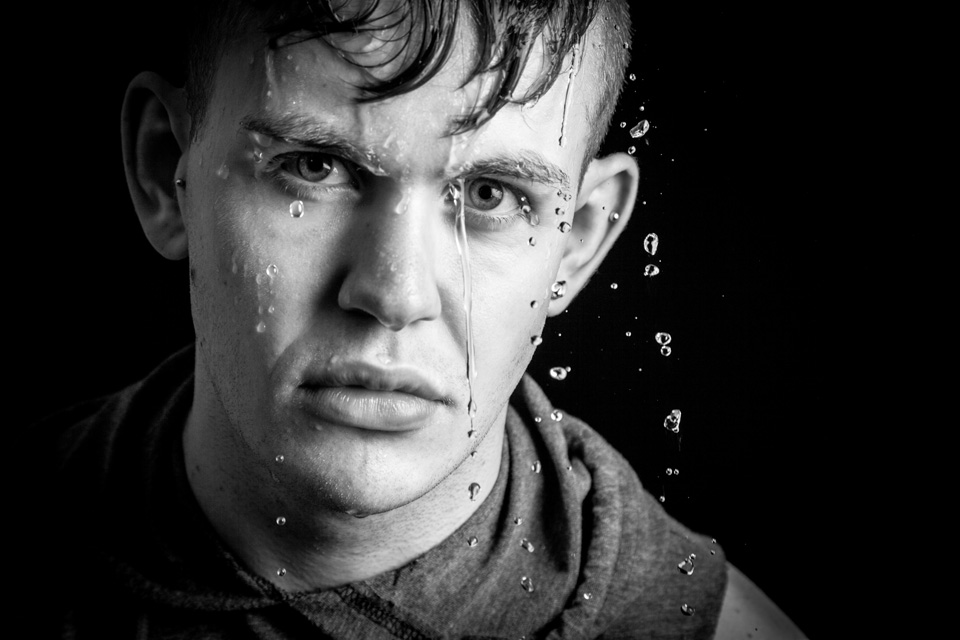
In this video I’ll show you how to apply fake perspiration to a models face.

Now if you’re thinking that you can just spray water in their face, you’re wrong. Water alone doesn’t give beads of sweat, for that you need something more. A little olive oil applied to the forehead, cheeks and noise will make the world of difference and very convincing perspiration. For obvious reasons, don’t put oil close to the eyes.

The video doesn’t stop there. I also have some great lighting tips and I run through the Photoshop processing too.

[youtube]https://www.youtube.com/watch?v=_lyRzp8YEUc[/youtube]

Can’t see the video? Click Here http://youtu.be/_lyRzp8YEUc

Harry-2

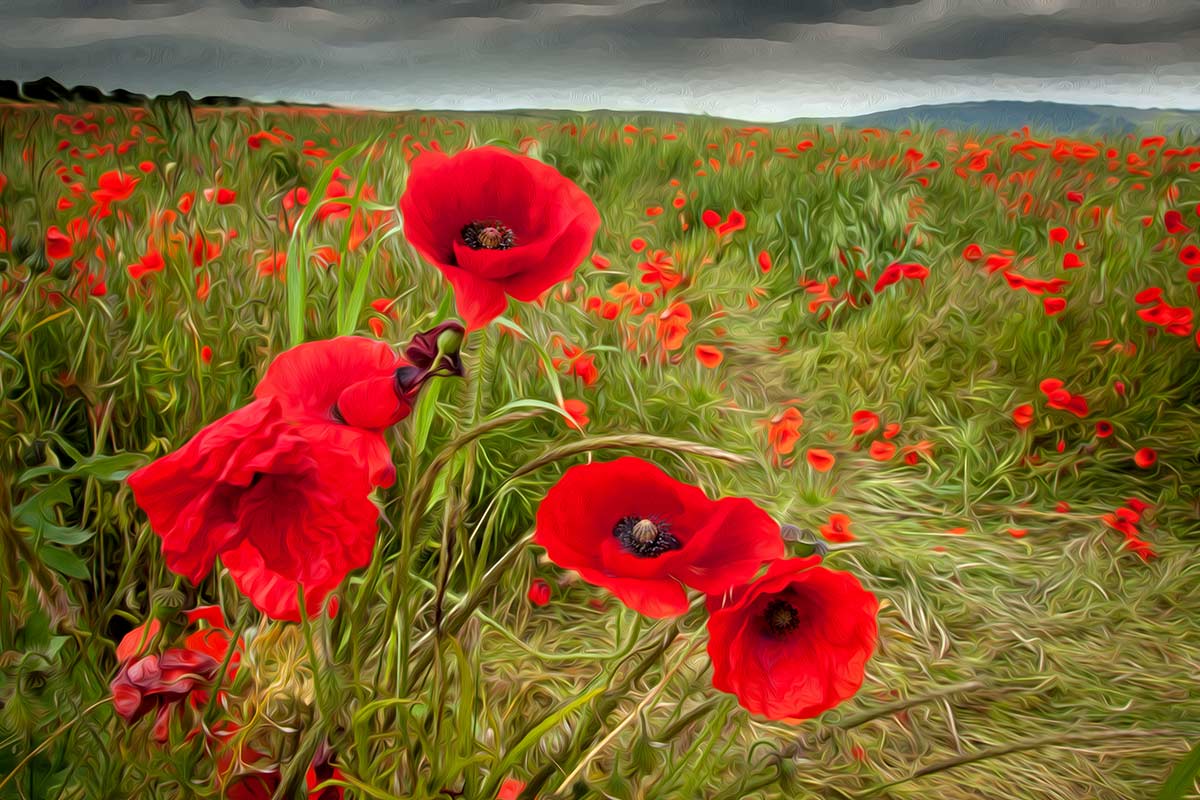
Poppy field – 15 Minute Photo Challenge

Not so long ago I added a new 15 minute photo challenge to Adorama TV, if you can see the video below in case you missed it.

This time I visited a field of poppies growing on the south downs just outside of Brighton, Sussex.

I’m a sucker for poppies, may be it’s the bright red colour, which always looks great in photos. May be it’s the beauty of the poppies themselves. Either way I can’t resist photographing them and I wasn’t alone. In the sort time I was at the field I bumped in to several other photographers who couldn’t resist the lure of a field full of poppies either.

[youtube]http://www.youtube.com/watch?v=Xmz2ZVy1Ykw&feature=c4-overview&list=UU8Pksdbj37CdE00kmE7Z1dw[/youtube]
Can’t see the video? Click Here http://youtu.be/Xmz2ZVy1Ykw

15-Min-Poppy-Oil-PaintEquipment used in this video:
Adobe Photoshop CS6 http://www.adorama.com/searchsite/default.aspx?searchinfo=photoshop+cs6&category=4294967278+11&KBID=67338

Canon 60D http://www.adorama.com/ICA60D.html?KBID=67338

Canon 24-105L f/4 IS http://www.adorama.com/CA24105AFU.html?KBID=67338

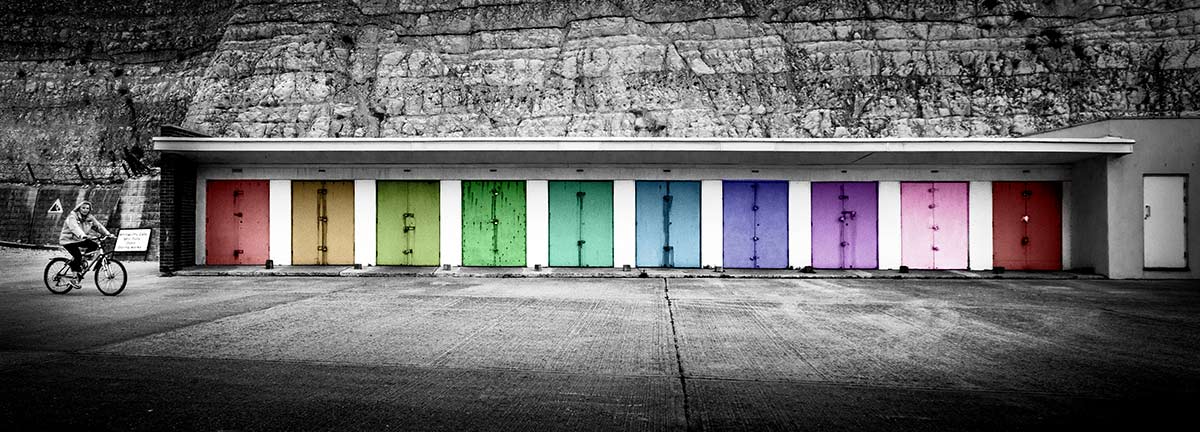
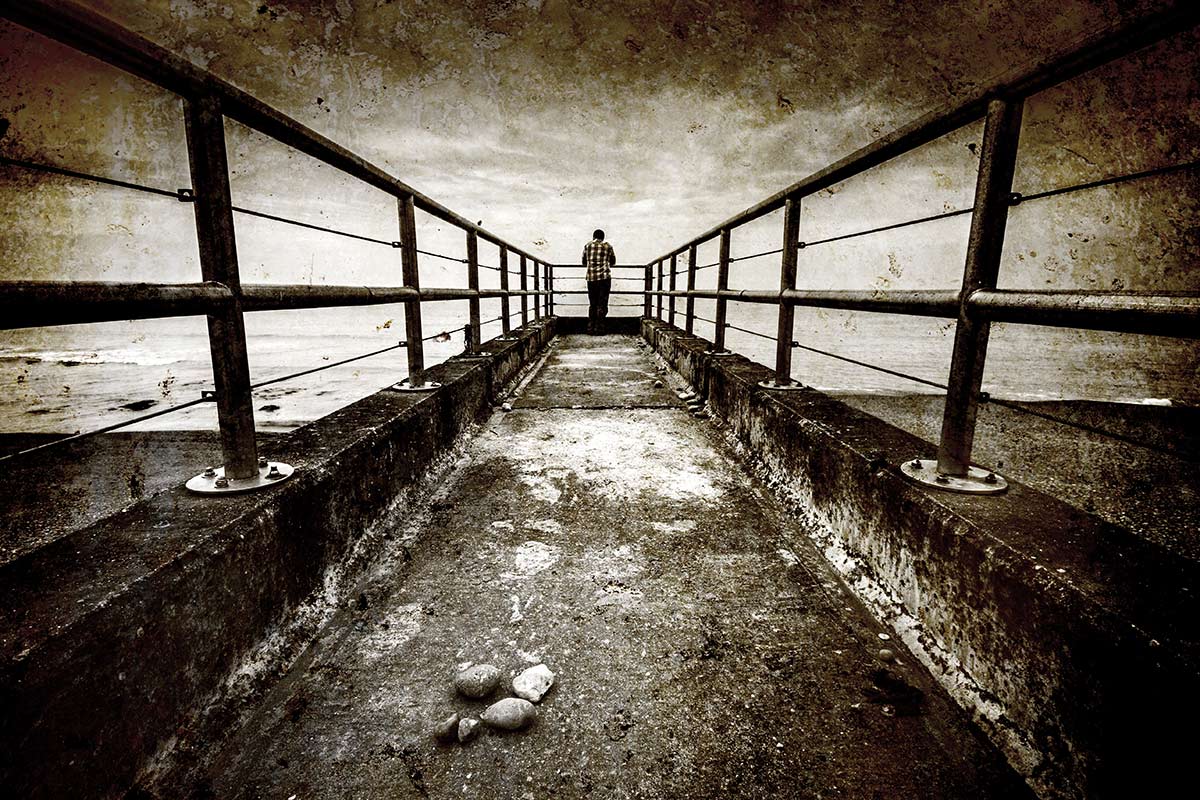
Coastal 15 minute photo challenge

I know there are a lot of photographers out there who enjoy my 15 minute photo challenge videos, including me. Although I don’t get the chance to make as many as I once did they’re certainly not consigned to the history book… far from it.

If you’re new to my blog then you may be wondering what a fifteen minute photo challenge is. Basically its my way of sharpening my camera skills and training my photographers eye but limiting myself to a fixed amount of shooting time. Not only that but I’m also restricting the geographic area in which I can look for photos which can be a blessing and a curse. The end result is often unpredictable and always challenging, it often takes me out of my comfort zone which is always a good thing to do every once in a while.

Keep scrolling down to see a few of the final photos.

[youtube]http://www.youtube.com/watch?v=gFU4SSEjYVs[/youtube]
Can’t see the video? Click Here http://www.youtube.com/watch?v=gFU4SSEjYVs

Saltdean-1

Saltdean-2

Saltdean-3

Equipment used in the video:

Adobe Photoshop CC
http://www.adorama.com/ABPSCS6W.html?KBID=67338

Canon 60D
http://www.adorama.com/ICA60D.html?KBID=67338

Sigma 10mm-20mm
http://www.adorama.com/SG1020EOS.html?KBID=67338

Sigma 10mm-20mm
http://www.adorama.com/BRRS7.html?KBID=67338

Vanguard ABEO Plus 283CT Tripod
http://www.adorama.com/VGABEO283CT.html?KBID=67338

Vanguard GH-200 head
http://www.adorama.com/VGGH200.html?KBID=67338


Planning for Black & White

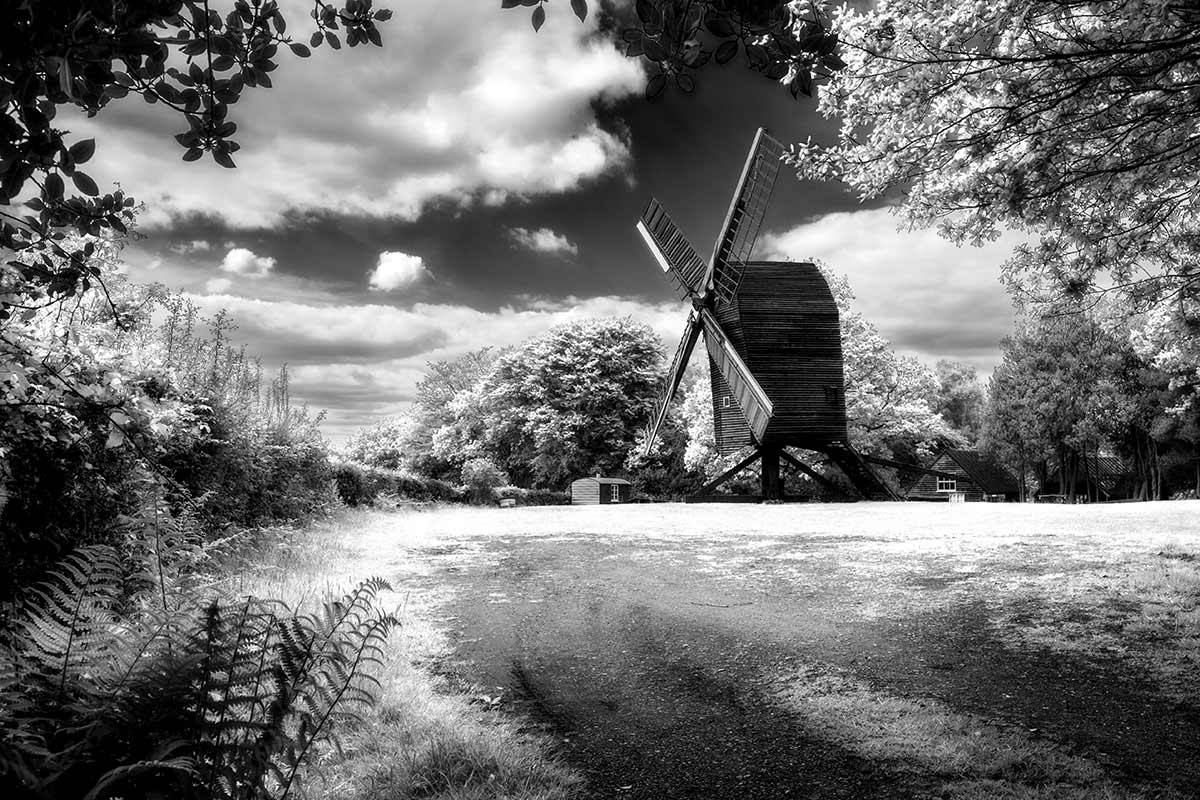
Adorama-MonoWay back  when I started learning photography the only real option for serious photographers was to make black and white prints and we were darn good at it too. Skip forward 25 years and now everyone takes colour photos but thanks to post processing everyone can also make black and white images too.

There’s an art to making top quality colour photos but making quality mono photos is an extra challenge. One of the reasons many photographers find shooting for black and white a challenge is because we don’t see the world monchrome, we see colour. However there a few tips you can apply at both the camera and Photoshop stages which will quickly step your black and white photography up a gear.

In this video for Adorama TV I visit Nutley Windmill on the Ashdown Forest with the plan of shooting for black and white. Then it’s into Photoshop to make the magic happen.

[youtube]http://www.youtube.com/watch?v=GZhk-S9Y-vs[/youtube]

Equipment used in the video:

Adobe Photoshop CS6
http://www.adorama.com/ABPSCS6W.html?KBID=67338

Canon 5D Mark II
http://www.adorama.com/ICA5DM2.html?KBID=67338

Canon 24-105L f/4 IS
http://www.adorama.com/CA24105AFU.html?KBID=67338

Vanguard ABEO Plus 283CT Tripod
http://www.adorama.com/VGABEO283CT.html?KBID=67338

Vanguard GH-200 head
http://www.adorama.com/VGGH200.html?KBID=67338


Bonus composite videos

Mark+Gav-2Last week I uploaded the two part video with Mark Wallace and myself. If you missed it the click here to go back and see both videos.

Mark was kind enough to share all the photos he shot with me and it seemed like a terrible waste not make use of at lease one more. So in the video below I’ll show you how I created this photo composite. Going mono was all part of the plan and makes compositing two images together a whole lot easier as you no longer have the issue of matching colours to get in the way.
[youtube]http://youtu.be/vbFlTkkOglU[/youtube]
Can’t see the video? Click here http://youtu.be/vbFlTkkOglU

In this video I do a deep dive tutorial on how to use Photoshop to composite the original photos. I start with how to use Adobe Camera RAW to create an HDR background and then add some light rays with my recent Friday Freebie Light Ray Brushes.
[youtube]http://youtu.be/szQ0kj1xuZc[/youtube]
Can’t see the video? Click here http://youtu.be/szQ0kj1xuZc

Composite with Mark Wallace

Mark-Gav-1200A few weeks back I had the absolute privilege of spending a few hours with photographer and fellow Adorama TV presenter Mark Wallace. He was on a European vaccation and we met up in London for a chat over a cup of tea.

Dispite Mark being on his holiday and neither of us planning to shoot a video we decided the oportunity was too good to miss. The plan was for Mark to shoot a portrait in his studio in Phoenix, Arizona and I’d shoot a background in the UK and composite the two photos together.

So here’s part one which starts in the UK before moving on to the USA.

[youtube]http://youtu.be/Eh1-IaDmUnc[/youtube]

Part two is where I get to shoot a new background and composite the two photos together. I’ll be using Photoshop Elements 11 to do this which features the same ability to make amazing selections of hair that’s found in Photoshop CS5. In otherwords the technique I use in Elements is the same in Photoshop CS5, CS6 and Photoshop CC.

[youtube]http://youtu.be/uAPtbWLc_J0[/youtube]

We had a real laugh shooting this video and who knows, may be one day we can organise a bigger, better shoot or two. Mark made a BONUS outtakes video which you can see here and may be the best video of the three 🙂 http://youtu.be/gJf6vJ5_WXc

Equipment used in the video:

Adobe Photoshop Elements 11
http://www.adorama.com/ABPSE11WM.html?KBID=67338

Canon 5D Mark II
http://www.adorama.com/ICA5DM2.html?KBID=67338

Canon 24-105L f/4 IS
http://www.adorama.com/CA24105AFU.html?KBID=67338

Vanguard ABEO Plus 283CT Tripod
http://www.adorama.com/VGABEO283CT.html?KBID=67338

Vanguard GH-200 head
http://www.adorama.com/VGGH200.html?KBID=67338


Candlelight From A Speedlite

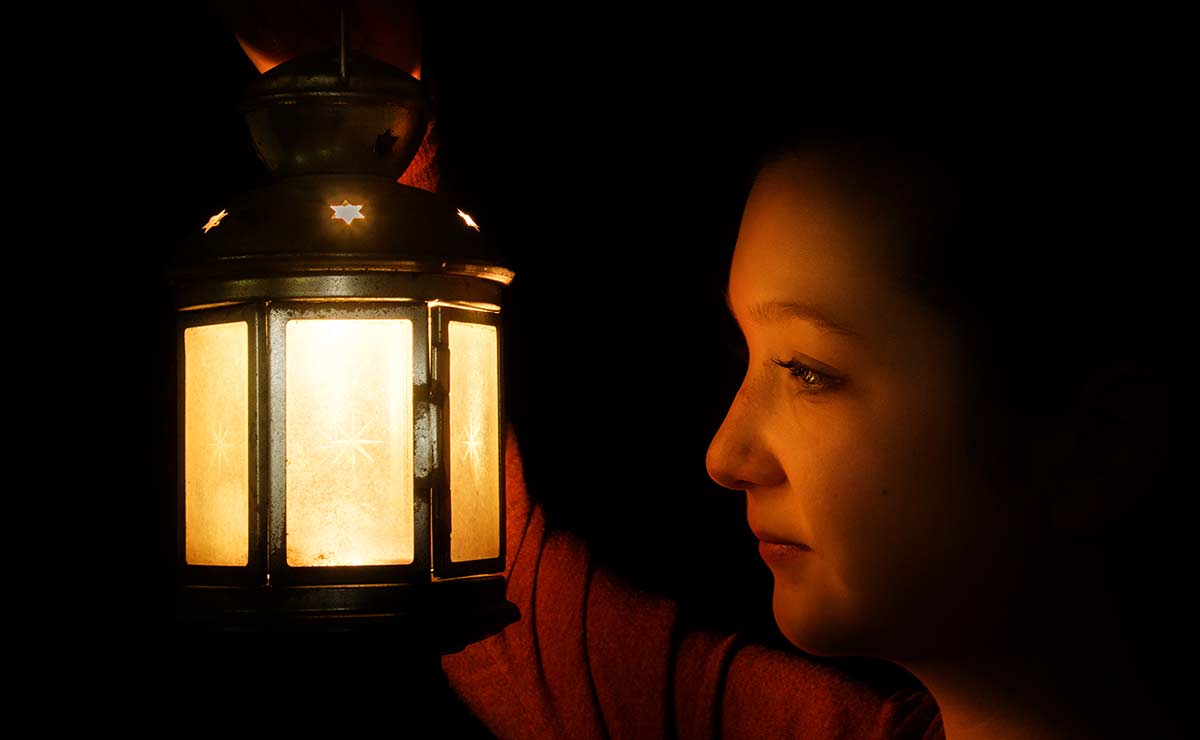
Sophie-FinalCandle light is one of the toughest types of light to work with for several reasons. There’s the obvious health and safety issues with naked flames and when your studios ‘made of wood (like mine is) that’s a big concern. That aside, candle light is also incredibly dim which is why film and TV directors fake candle light… and so do I.

In this video tutorial I’ll show you how to turn a speedlight in to realistic candle light which is safe, predictable and bright enough to keep your ISO at sensible levels.

I’m using a modified lantern as my virtual light source. If you want to get the same lamp then pop along to your nearest Ikea where you can pick one of the Rotera Lanterns up for around £2.00 (see link below) all you need to is leave it exposed to the elements for a few years and it’ll look just like mine 🙂

[youtube]http://youtu.be/Z_7kQorCwkU[/youtube]
Can’t view the video? Try this link http://youtu.be/Z_7kQorCwkU

Equipment used in the video:

Adobe Photoshop CS6
http://www.adorama.com/searchsite/default.aspx?searchinfo=photoshop+cs6&category=4294967278+11&KBID=67338

Canon 60D
http://www.adorama.com/ICA60D.html?KBID=67338

Canon 24-105L f/4 IS
http://www.adorama.com/CA24105AFU.html?KBID=67338

Ikea Lantern
http://www.ikea.com/gb/en/catalog/products/26472200/

Shooting Ice Hockey for Adorama TV

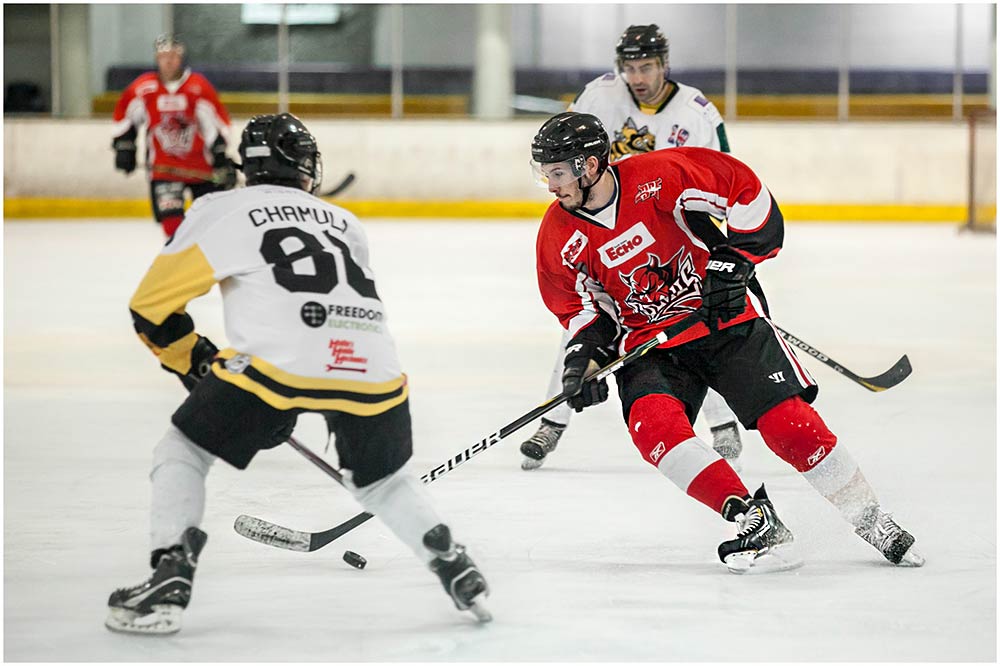
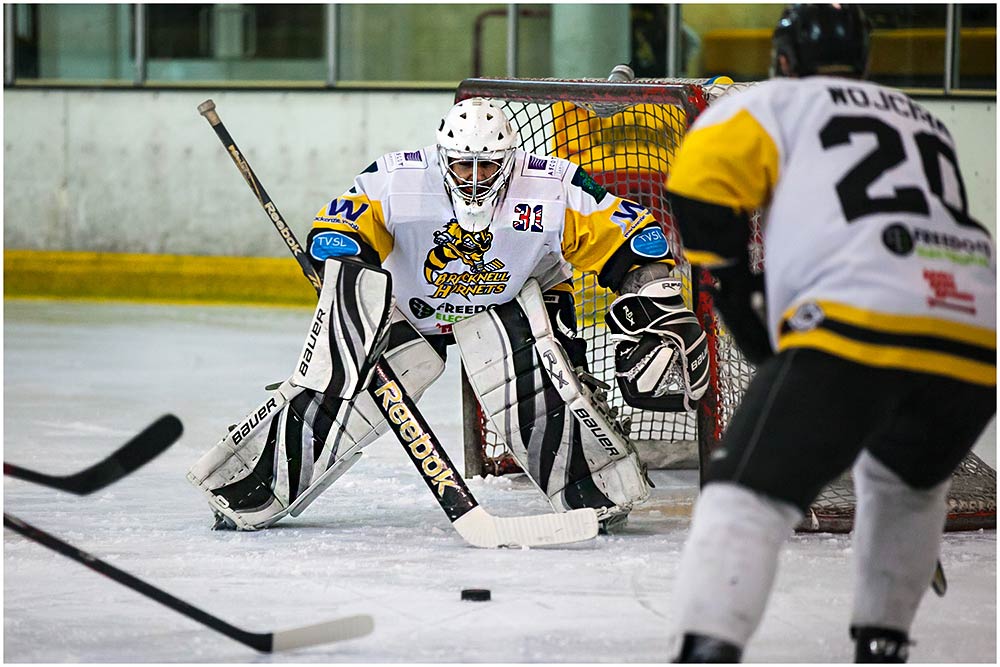
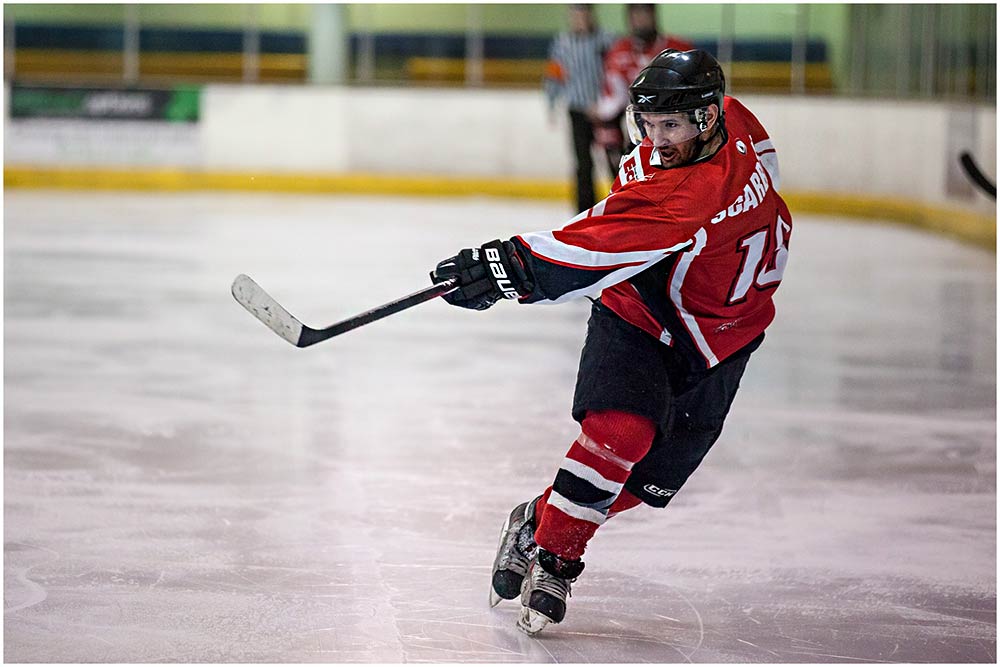
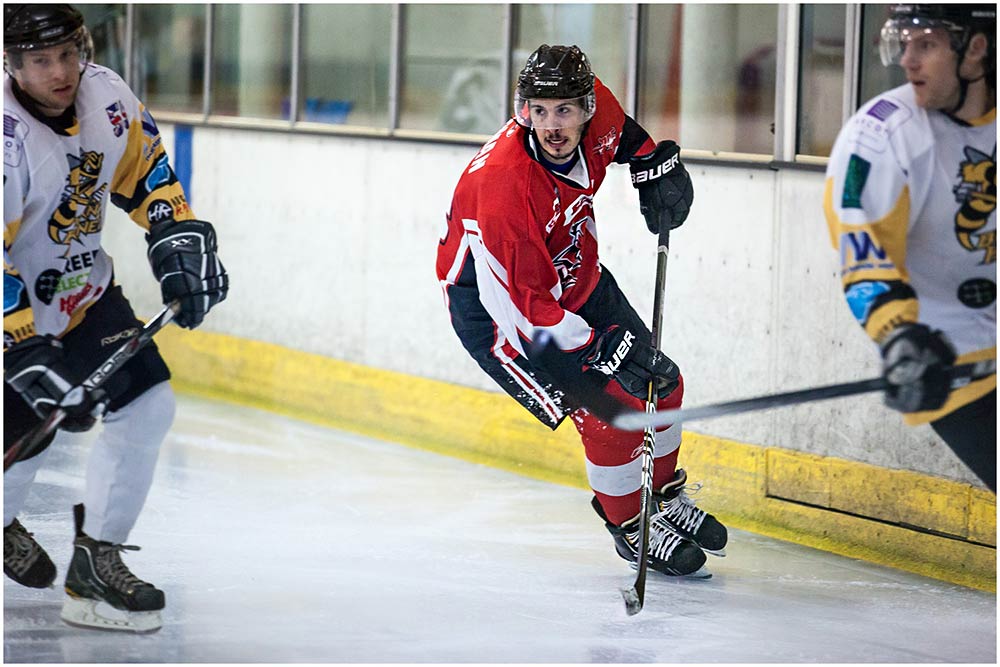
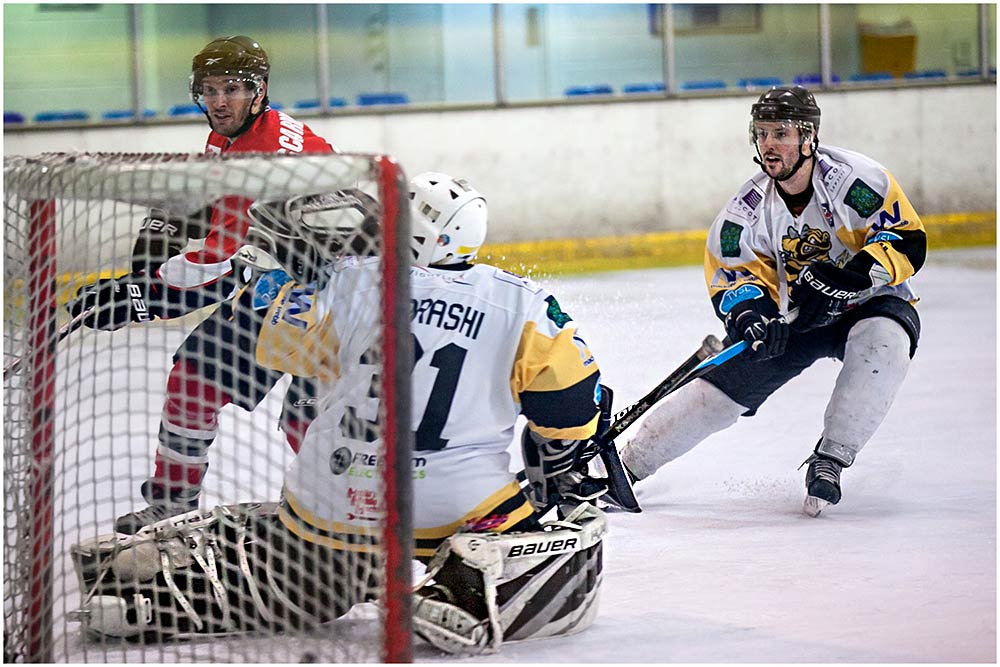
A few weeks back I got the chance to shoot an ice hockey match at the rink in Bracknell. I had a blast, so much so that when I was invited back to shoot the Bracknell Hornets vs The Cardiff Devils I knew I had to shoot a video for the event.

[youtube]http://www.youtube.com/watch?v=che7EgvJbDc&feature=share&list=UU8Pksdbj37CdE00kmE7Z1dw[/youtube]

If you enjoyed the video and fancy having a go yourself then contact your local rink. Offer to shoot a minor league game (like the one I shot) which often has smaller crowds. If you fancy shooting a Bracknell Hornets game not only will you’ll have to wait until next season but I’d recommend sweet talking to their official photographer Kevin Slyfield who was kind enough to arrange for me to shoot the video at the John Nike ice rink in Bracknell

Gear used in this video:
Canon 5D Mark II
Canon 70-200mm L f/2.8 IS
Giottos MML3270B Monopod

Hornets-5Hornets-1 Hornets-2 Hornets-3 Hornets-4