Creative Glassware | Live Highlights

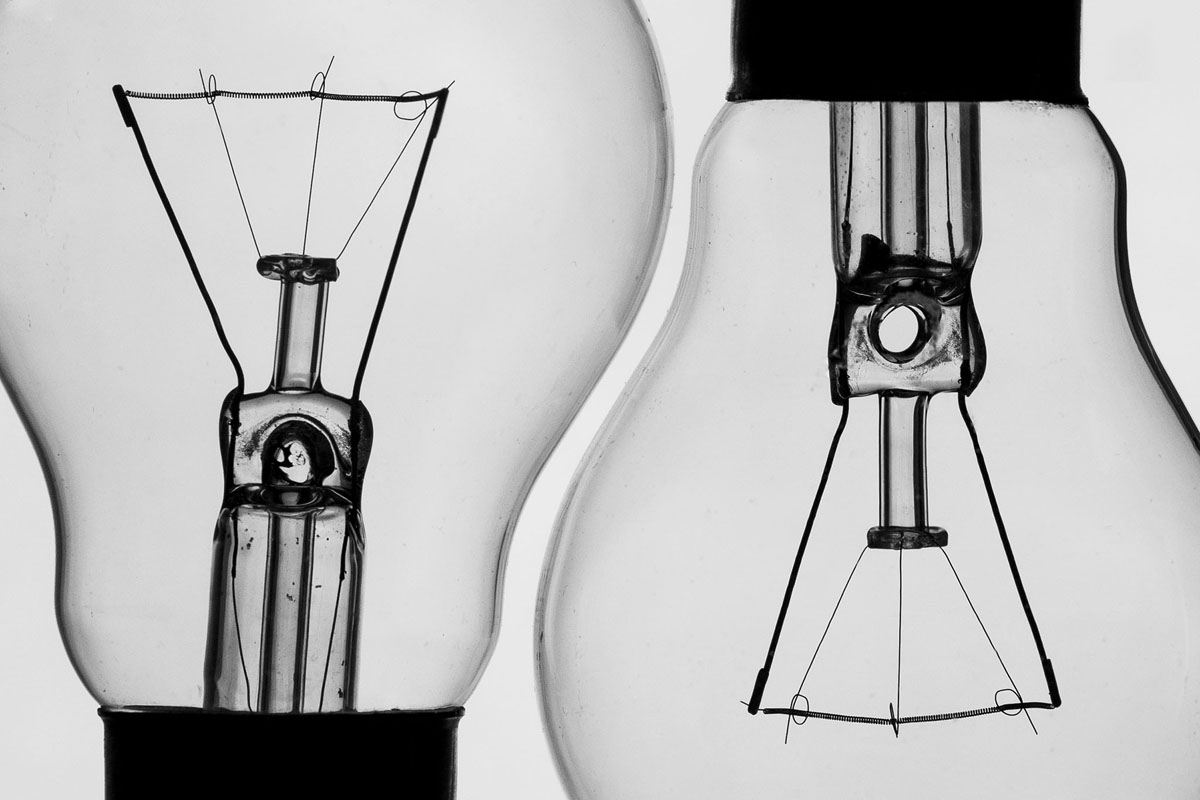
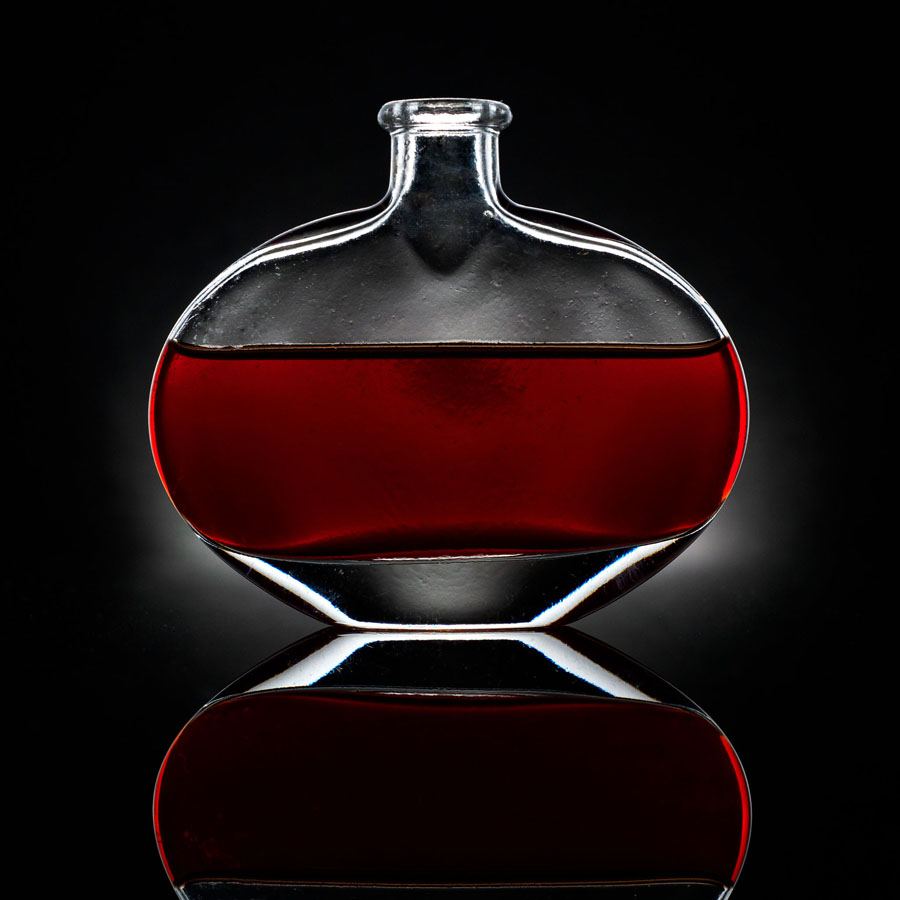
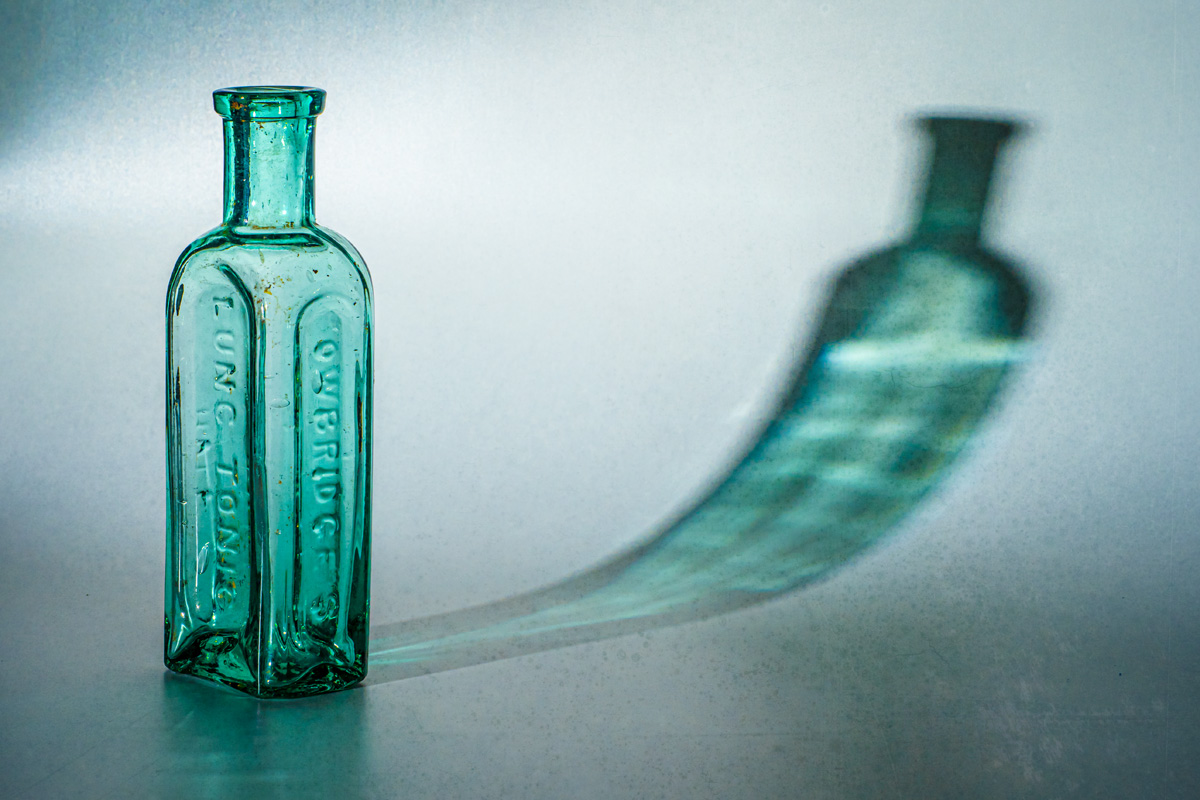
When it comes to tricky objects to photograph, glass is one of the most challenging. From black backgrounds and reflections to white backgrounds and wine bottles, glass objects make a great stay at home photo project and with a little help you’ll soon master the technique.

This session was streamed live on the Olympus UK Facebook page. The edited highlights are below or you can catch the full session here View the full Facebook Live Session https://fb.watch/1WlI5x-tYU

Gear used in this video
Interfit Badger Beam https://amzn.to/35YqgUV
Spiffy Gear KYU-6 RGB https://amzn.to/35TB9XS
PIXAPRO 100x150cm 5in1 Reflector https://amzn.to/3nMA8qB
Olympus E-M1 Markiii https://amzn.to/3nNPWtf
Olympus 40 – 150mm https://amzn.to/3fpafKC
Olympus 12 – 40mm https://amzn.to/3flVzM8

Freezing and Blurring Movement with Flash

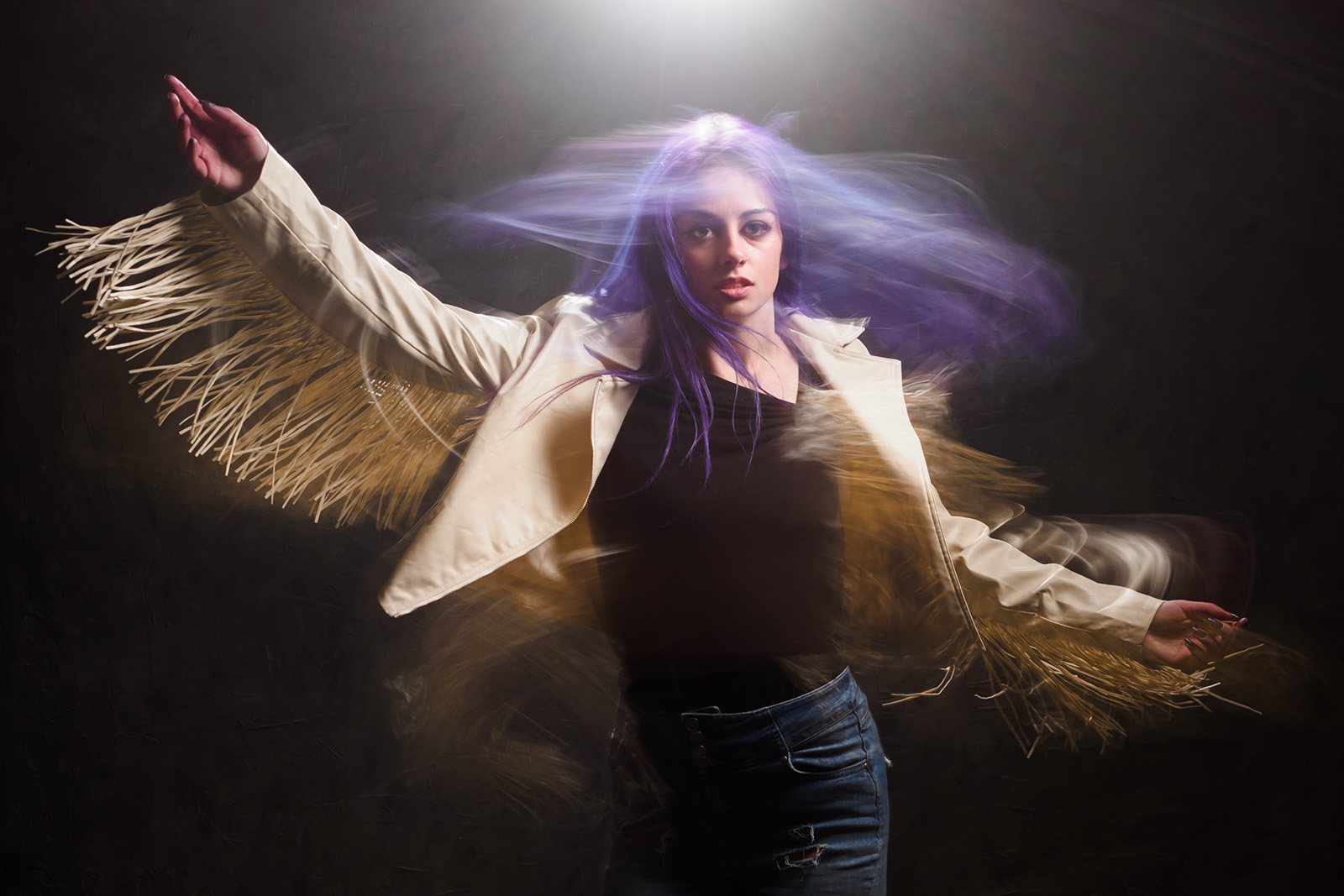
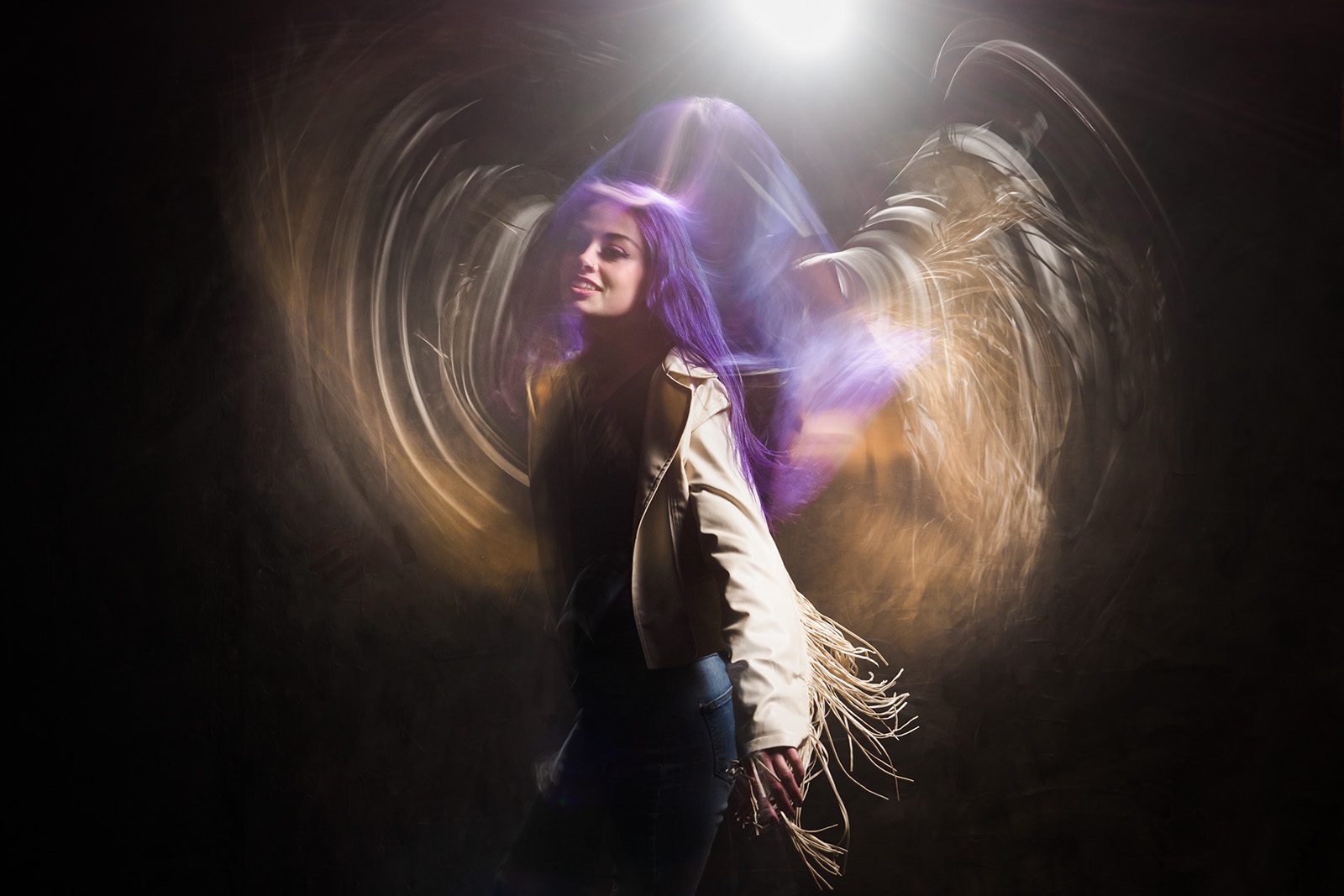
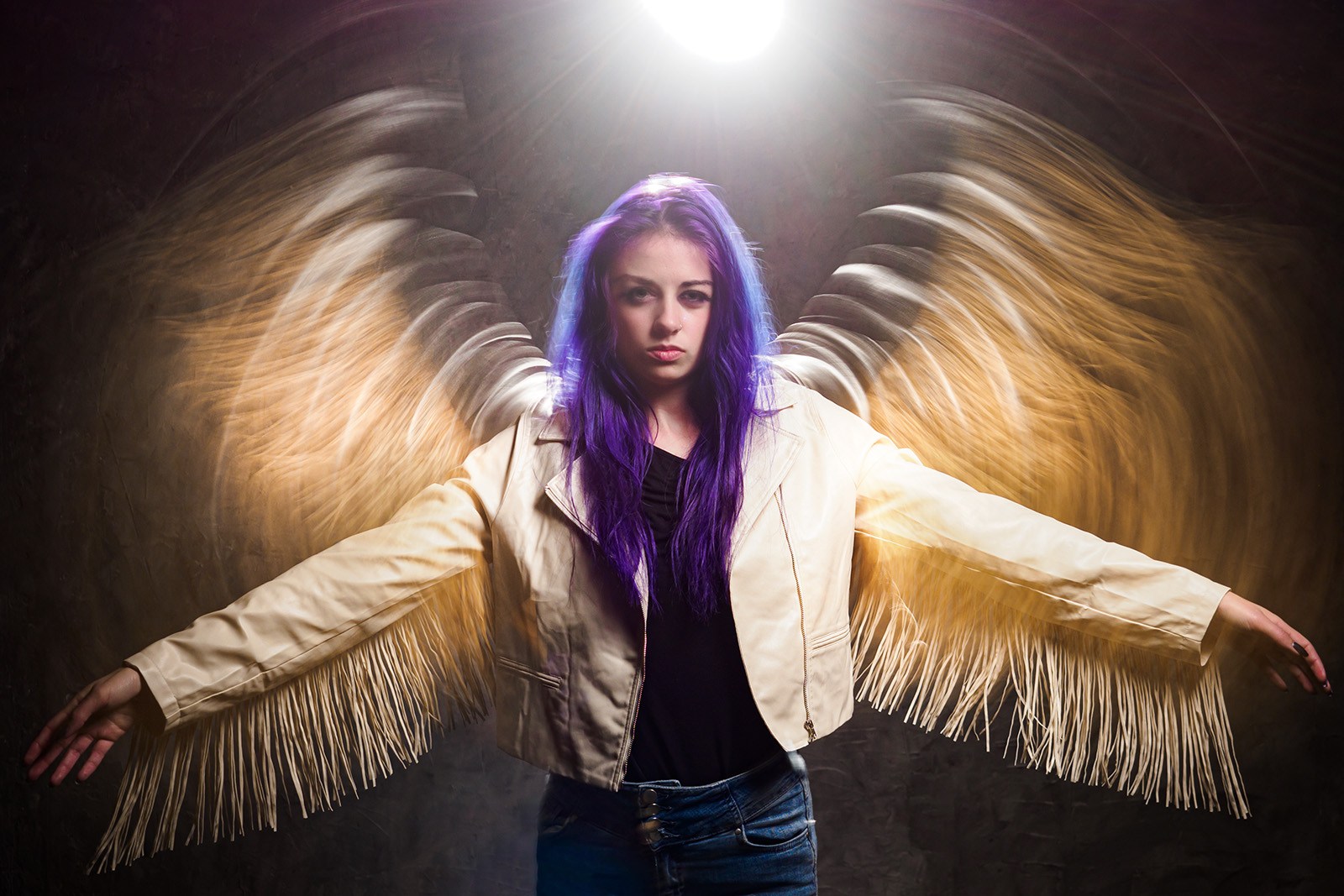
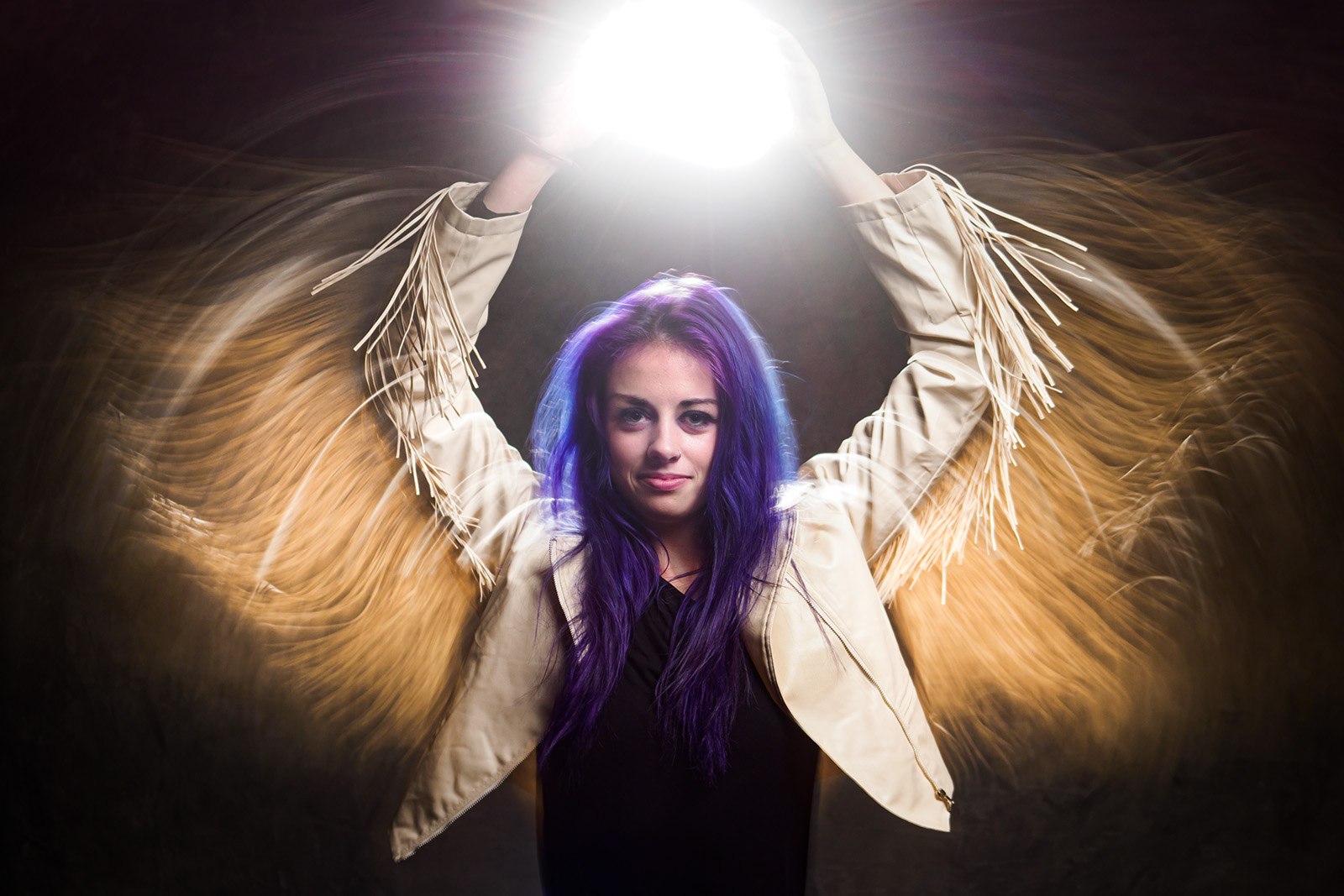
Capturing the sense of motion can be done by freeze the action to cature a unique moment in time, or you could let the movement blur to give the sense of time passing. But why choose one or the other when you can have both in one shot.

In this video I’ll cover everything you need from using a long exposure with ambient light, mixing in flash, and finally the advantage of rear or 2nd curtain sync flash. Even with the limited space of my small home studio, you’ll be surprised at just what’s possible when you mix flash, LED lights, and motion together.

Gear used in this video
Godox 300 Pro https://amzn.to/2Mf1Vmg
Godox Transmitter https://amzn.to/3o5SOl6
C-Stand and Boom Arm https://amzn.to/3iFUCjt
Olympus E-M1 Mark iii https://amzn.to/3iAdIaE
Olympus 12-40mm f/2.8 Pro https://amzn.to/393NVVf

Model: Jessica Maria https://www.instagram.com/jessicamariamodel

Smoke Photography (almost) LIVE!

About 10 years ago I made a video all about photographing smoke patterns. Dig around on YouTube and you’ll find it but a lot has changed in that time and I don’t just mean how grey my hair has gone.

I felt it was time to revisit photographing smoke patterns and Olympus UK were kind enough to host the live shoot on their Facebook page. If you missed it live, you can catch the whole thing here

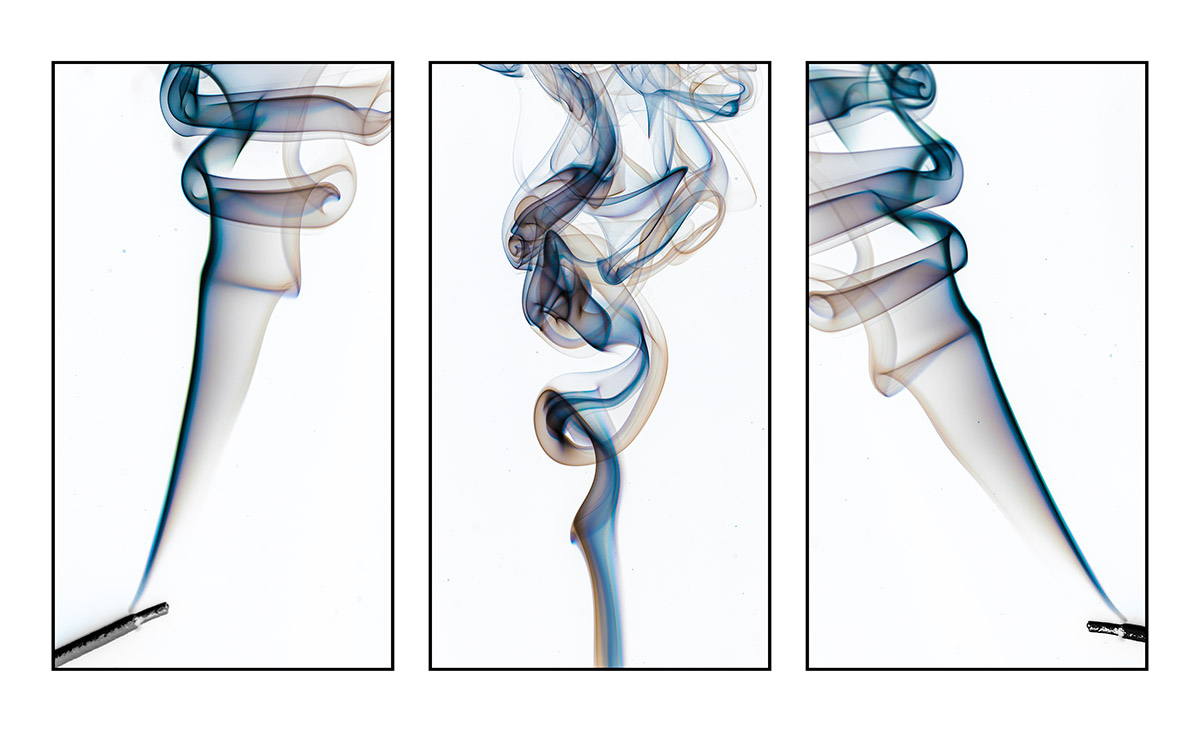
At the end of the demo I made a triptych from three smoke images. To save time I created a Photoshop action which automated the process down to one single click.

Since the demo I’ve had many requests for the triptych action, so here it is.

To action assumes a few things. First it will make the triptych from three images that are already open in Photoshop. Next it assumes they’re the newest images you have on screen. Finally, all the images need to be exactly the same size and shape.

Usage rulesThe Photoshop Action is copyright Gavin Hoey 2020. Use is strictly limited to any personal but non-commercial purposes. 
Please share the action by linking back to this page. Do not redistribute the original action without my permission.
No technical support is provided.

Download instructions     1. Click on the correct download link below (no sign up is needed)
https://drive.google.com/file/d/11bJ2fcJsmuDYB4sKGTAv6trw1ozW0oqs

  1. Click the Download icon download_icon
  2. The download should start automatically
  3. Unzip the download and install the Photoshop Action
  4. No support is provided with the Photoshop action.
  5. If you need help Google or YouTube the question and you’ll almost certainly find the answer

Instant (Overhead) Rain Action

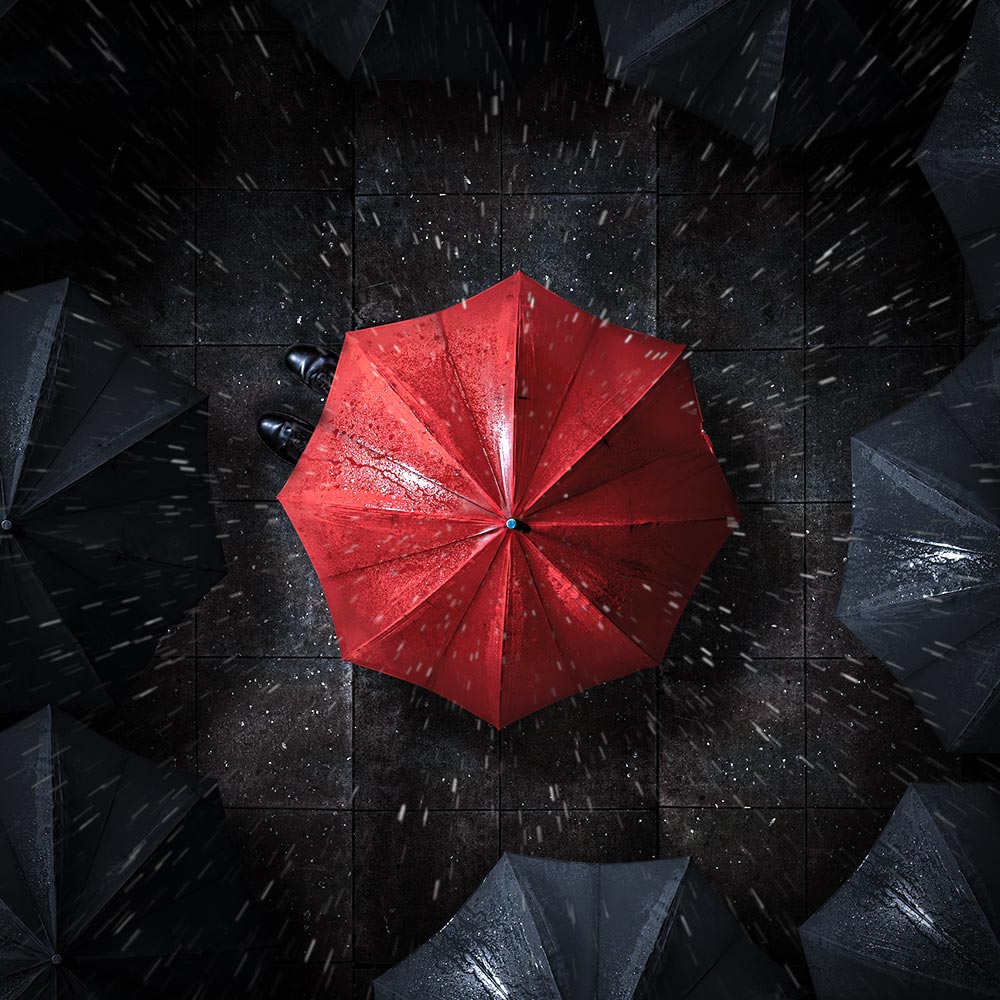
On a recent live stream I created an overhead, rainy day scene in my small home studio. If you missed it, I’ve added the video below. During the stream I added some rain using a Photoshop action and as promised, I’m sharing it here.

The action does a few things you need to be aware of. First it makes a duplicate of your image, so the original is always untouched. The effect is random, so running a few times will give different patterns of rain. I’ve also left the rain as layers, so you can fine tune as needs be and if you need a higher resolution version, you can copy, paste and re-size the rain to your original image.

If you create a photo using my Photoshop action then let me (and everyone else) know by leaving the link in the comments below.

Usage rules
The Photoshop Action is copyright Gavin Hoey 2020. Use is strictly limited to any personal but non-commercial purposes. 
Please share the action by linking back to this page. Do not redistribute the original action without my permission.
No technical support is provided.

Download instructions
     1. Click on the correct download link below (no sign up is needed)
https://drive.google.com/file/d/1wB5LoehRGOSYA1k3WF7suyNi94J3ep_e

  1. Click the Download icon download_icon
  2. The download should start automatically
  3. Unzip the download and install the Photoshop Action
  4. No support is provided with the Photoshop action.
  5. If you need help Google or YouTube the question and you’ll almost certainly find the answer

Bottle Shadows – LIVE!

With lock down in full swing here in the UK (and around much of the rest of the world) I’ve finally had the time to explore the possibilities of live streaming some shoots from my small home studio.

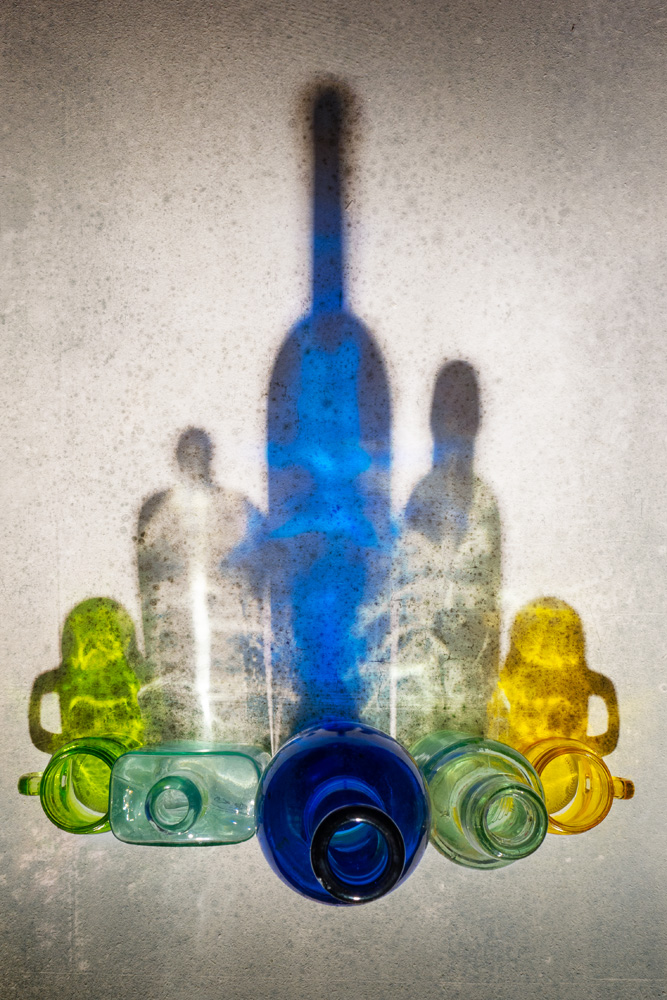
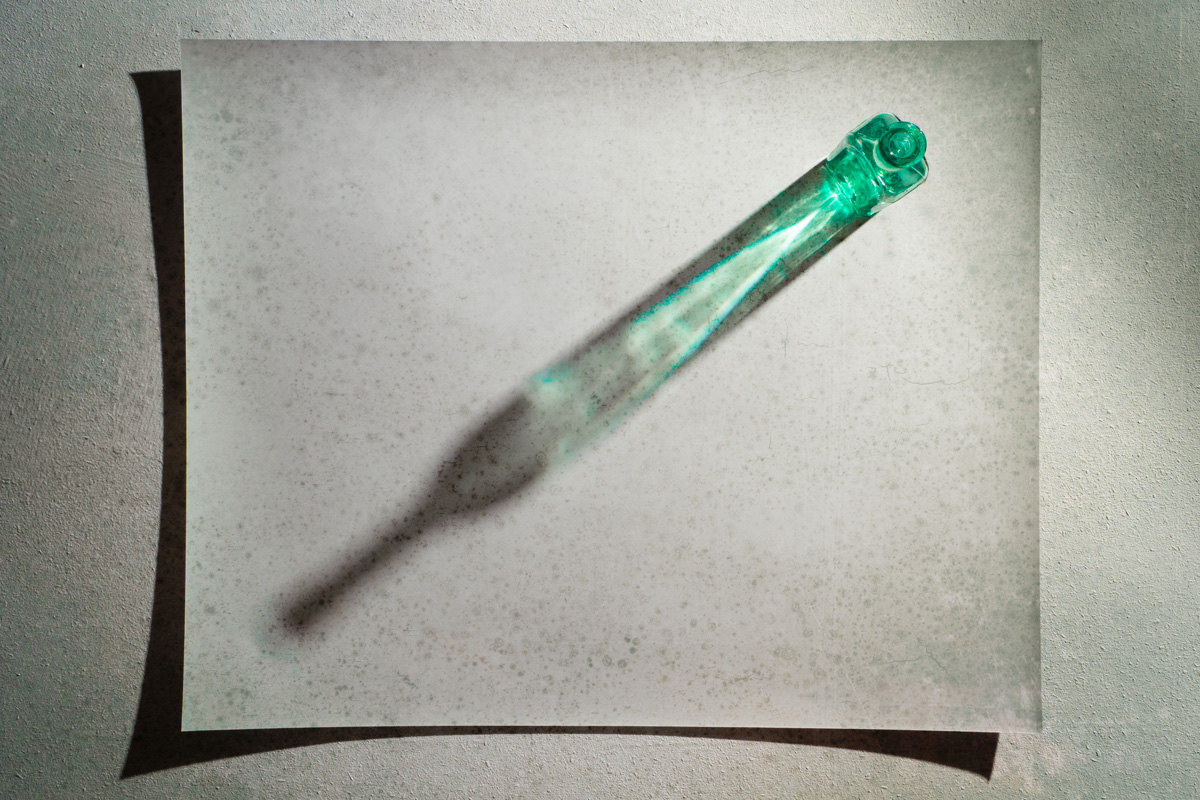
So here’s the first of (hopefully) many live sessions. This one was hosted last week by Olympus UK on their Facebook page. It’s a simple “stay at home” photography project using nothing more then some empty jars or bottles, a flash and a the back of an old print.

There’s more of these to come, keep an eye on my Instagram Stories for link to them and hopefully I’ll see you (virtually) at a live event soon.

You can download the texture I used in this video here
https://drive.google.com/file/d/1vld-rdsFAXkDEmLIGyMBG58E52o6zoJj/view?usp=sharing
Usage rules
The images are copyright Gavin Hoey 2020. Use is limited to any personal but non-commercial purposes. Only share by linking back to this page. Do not redistribute the original image without my permission.
No support is provided. If you need help Google or YouTube the question and you’ll almost certainly find the answer.

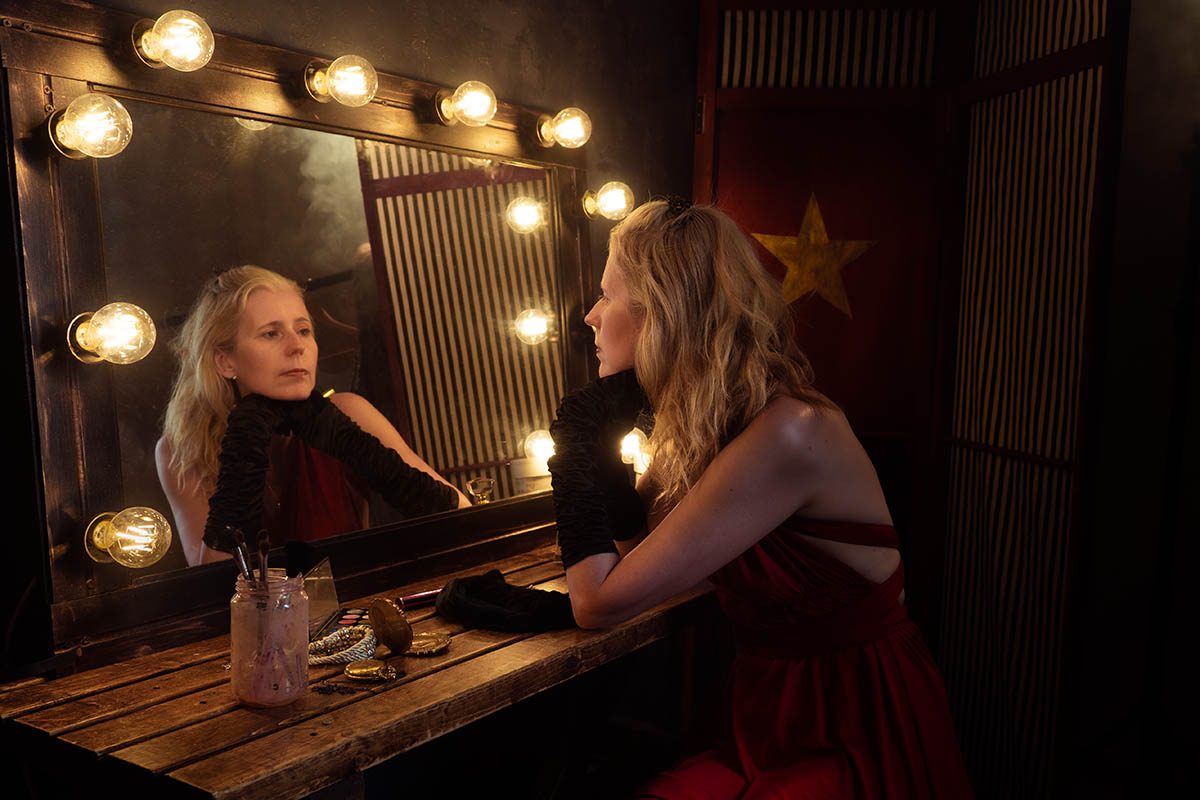
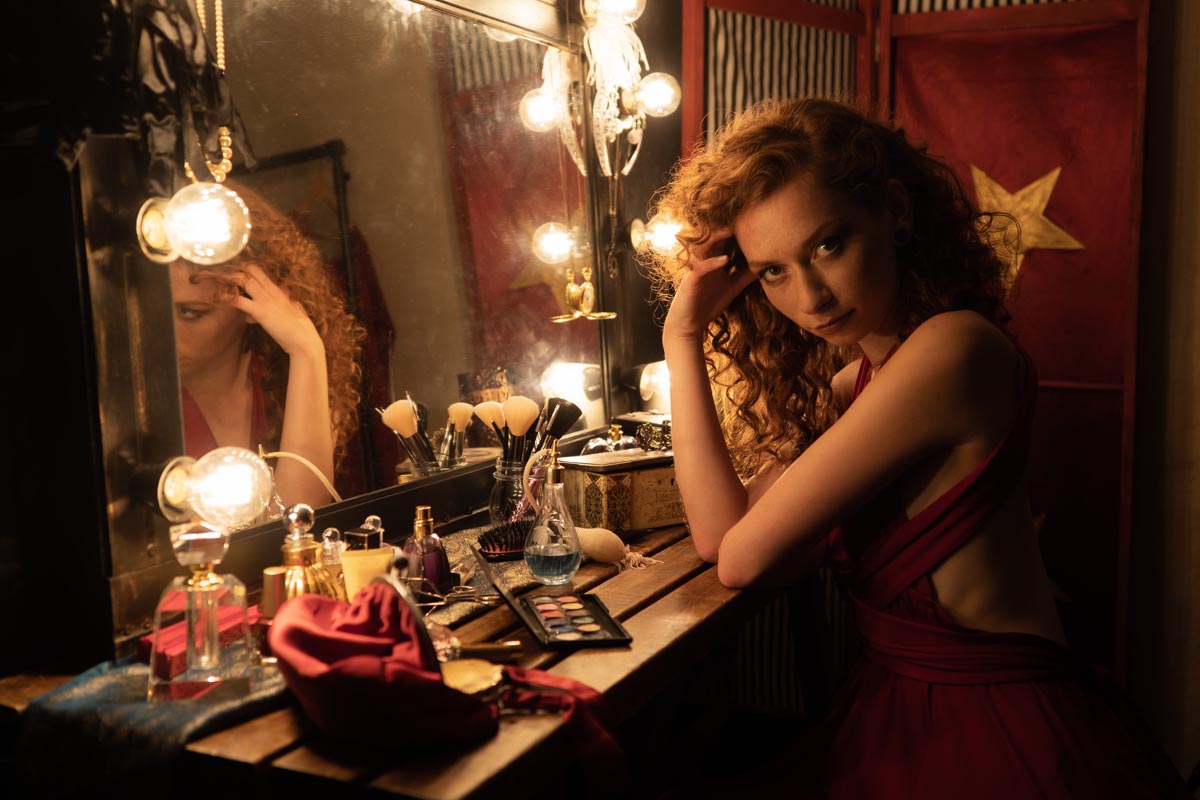
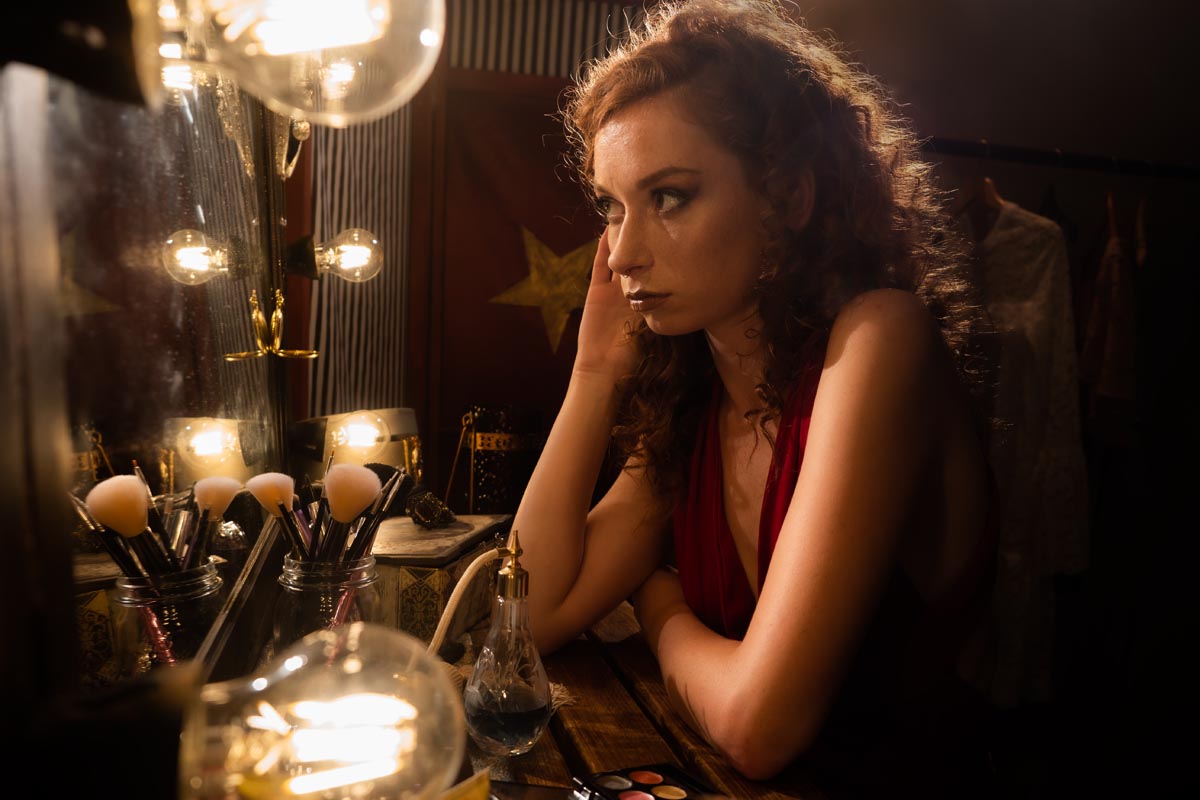
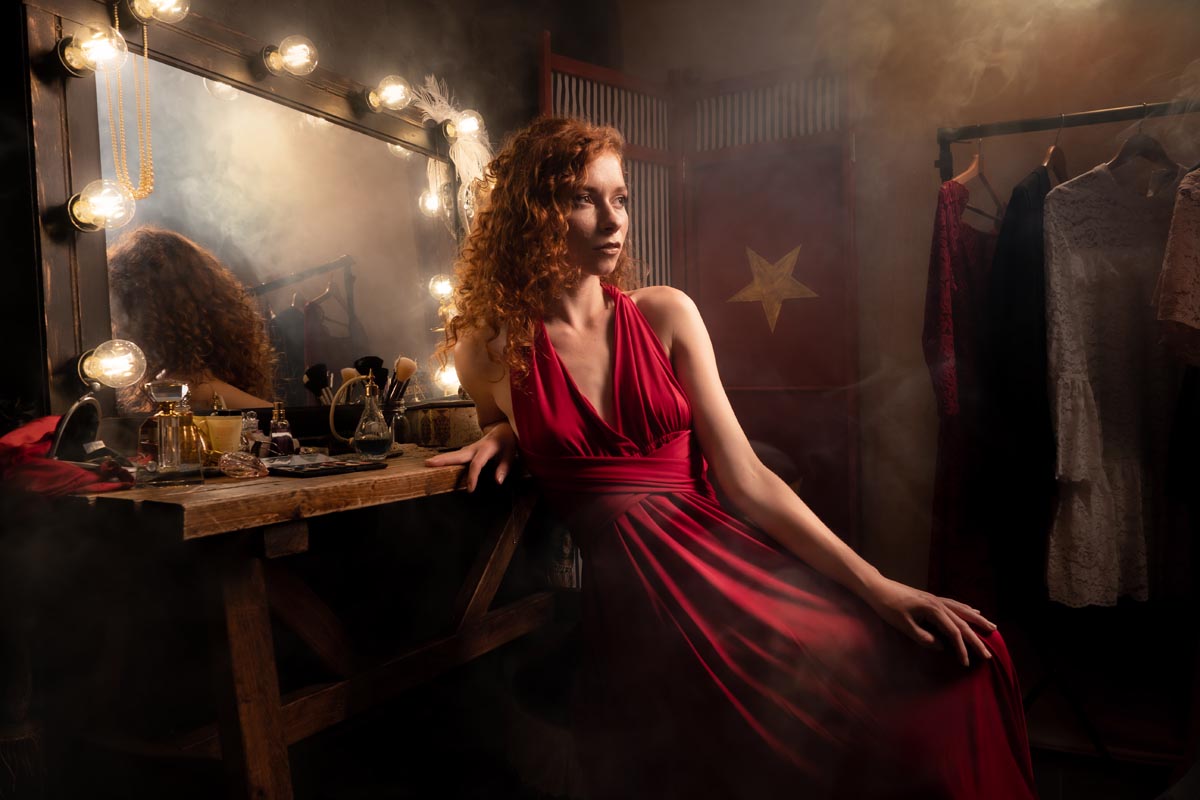
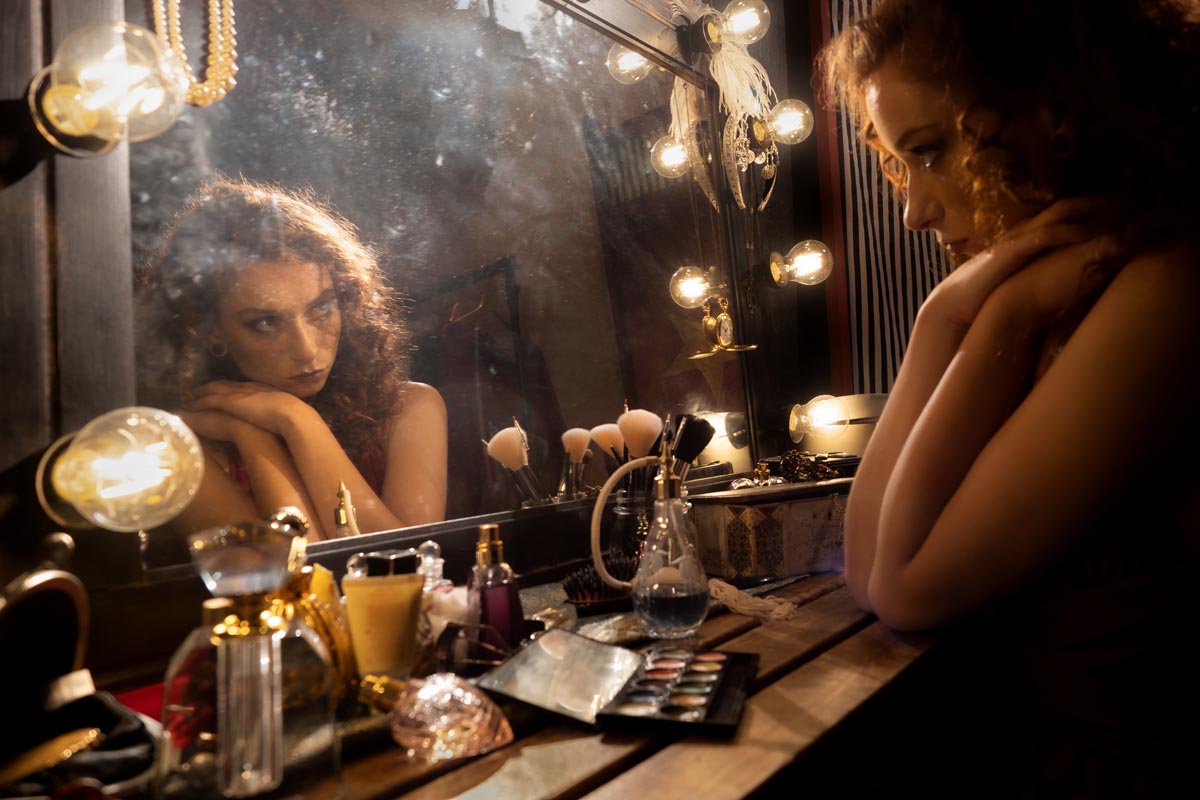
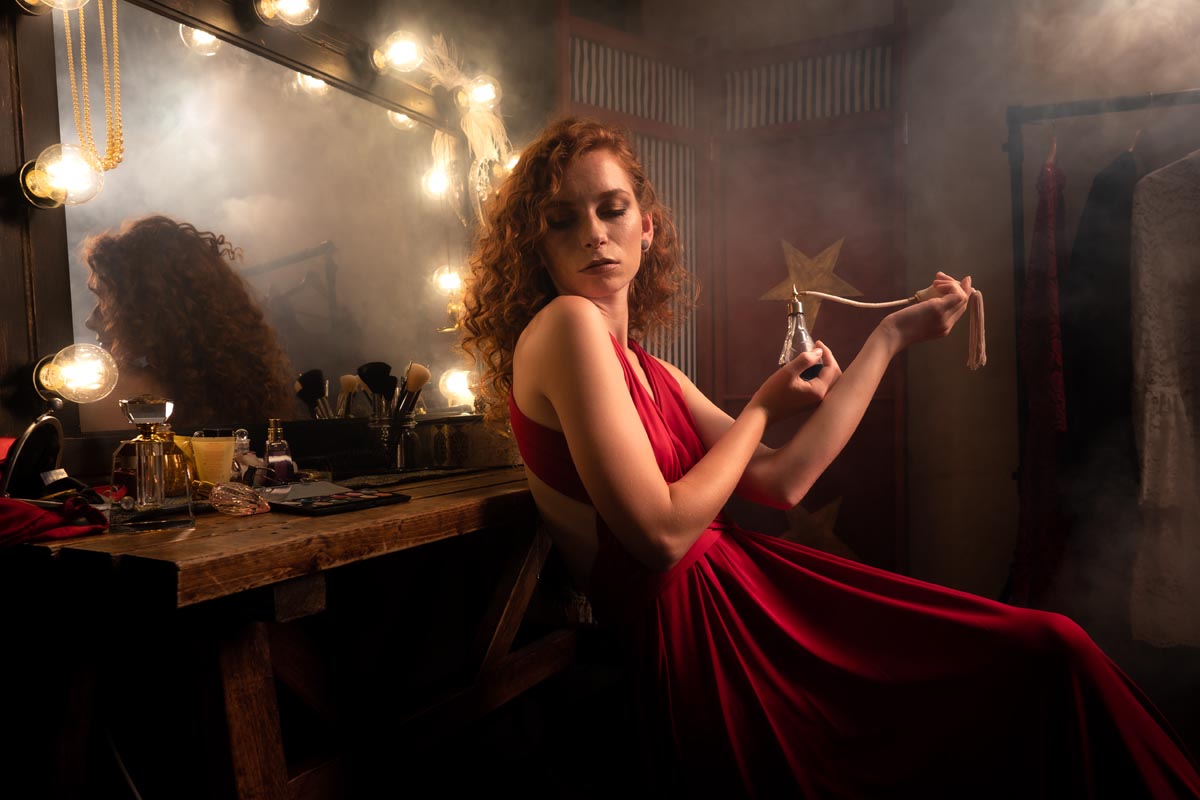
BTS Dressing Room Shoot

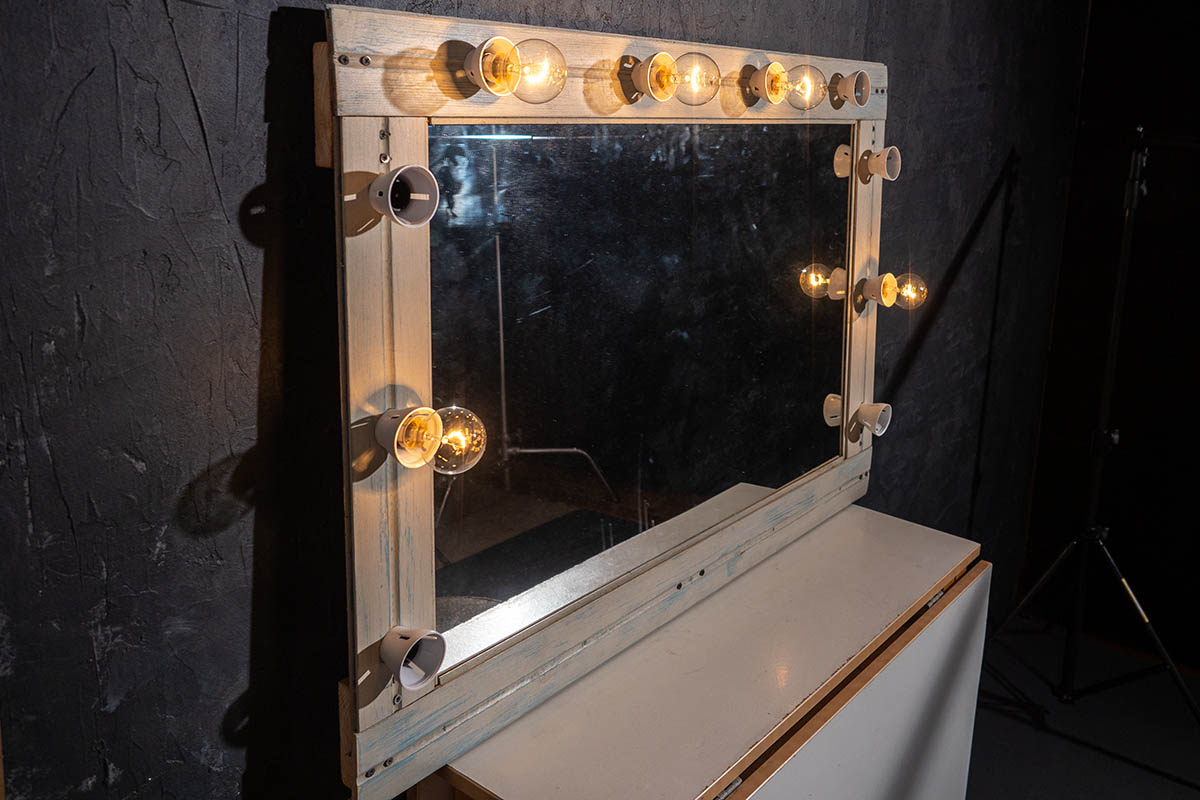
Gavin had an idea of creating a dressing room look, a behind the scenes glimpse at a theatre style. A real challenge in his small home studio, but he reckoned he was up to the challenge!

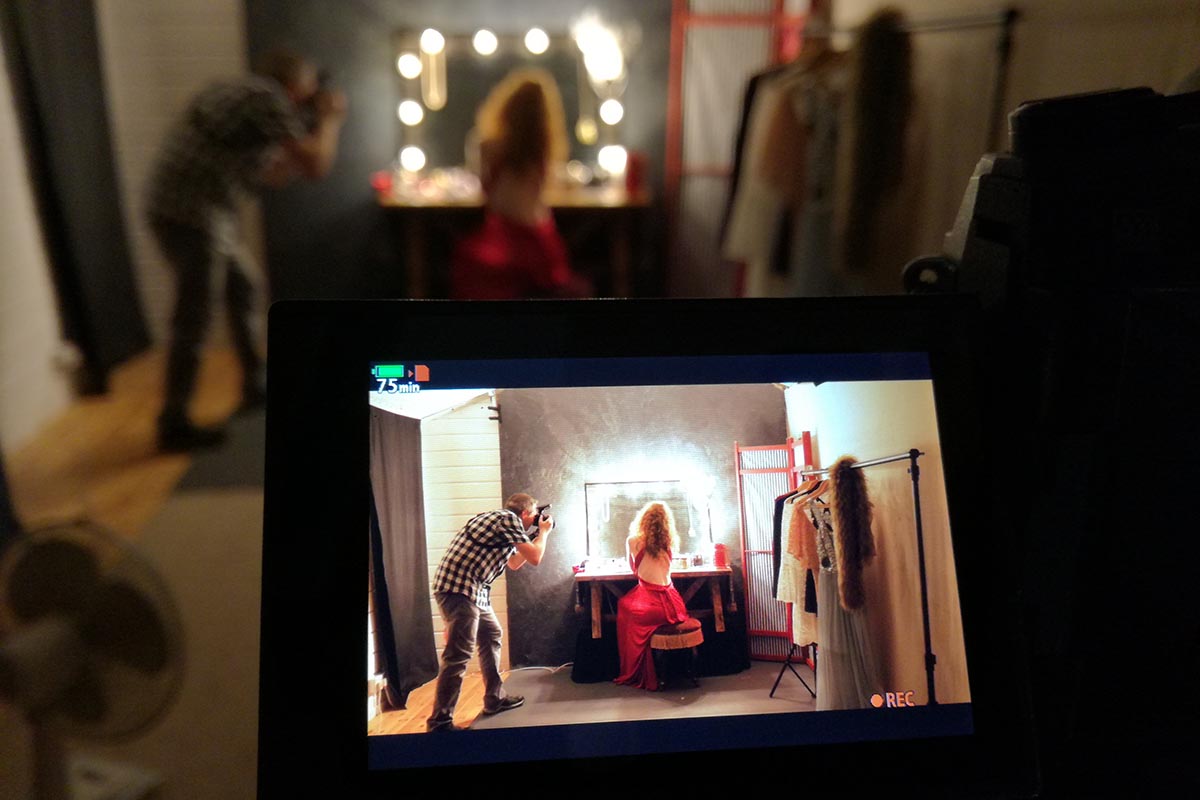
The main thing we felt we needed was the classic and slightly cliche mirror with lights. Surely we’d be able to get our hands on one of those without breaking the budget…..not an easy task as it turns out. Not one to be put off, Gavin decided “I can make one” (a familiar sentence uttered in our house, with varying degrees of success!).

We recycled the mirror from a previous shoot and Gavin made a surround using some of my old tongue and groove planks. I gave it a paint and gilded effect. Although a bit labour intensive, it came out really well and worked like a charm when we did a test shoot. Ten bulbs would generate a lot of heat and as we were filming on an already hot day, Gavins choice of LED bulbs proved to be a good one.

To compete the look we purchased some props and recycled others from previous shoots to give our ‘dressing room’ a vintage and slightly eclectic look.

[youtube]https://www.youtube.com/watch?v=jBYPlTfE4ck[/youtube]

Sporting the outfit and accessories on the video shoot day was the fabulous Gracie Here’s some of the final photos and a behind the scenes shot of the behind the scenes shoot!

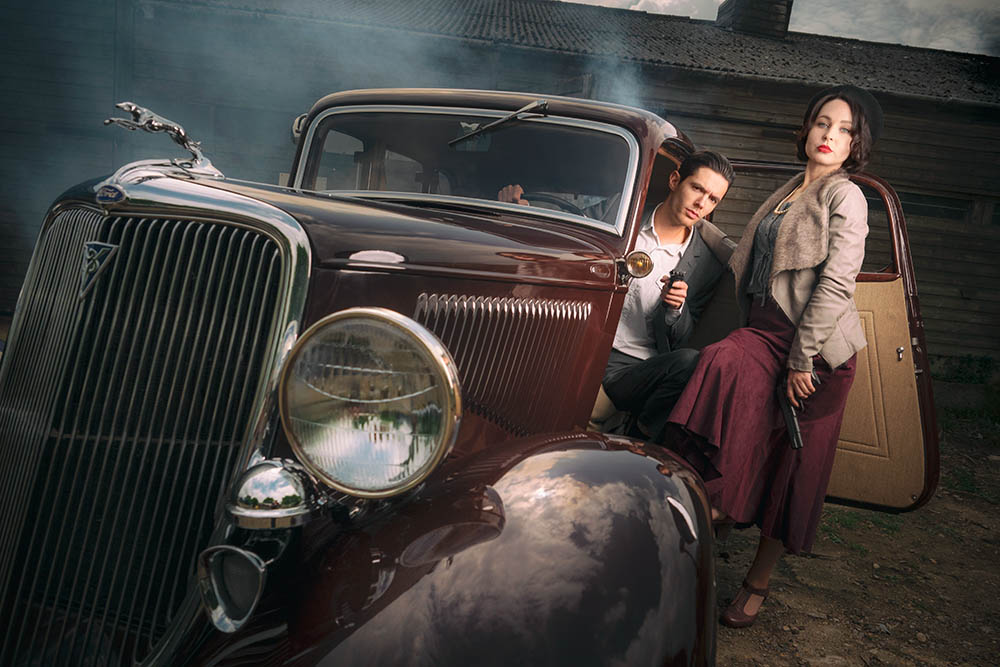
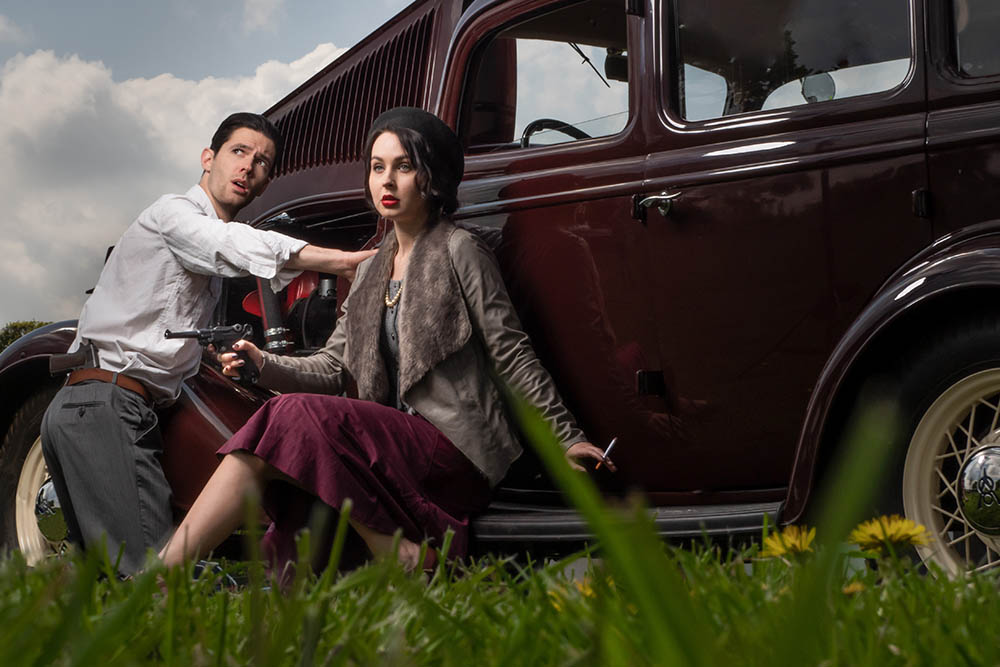
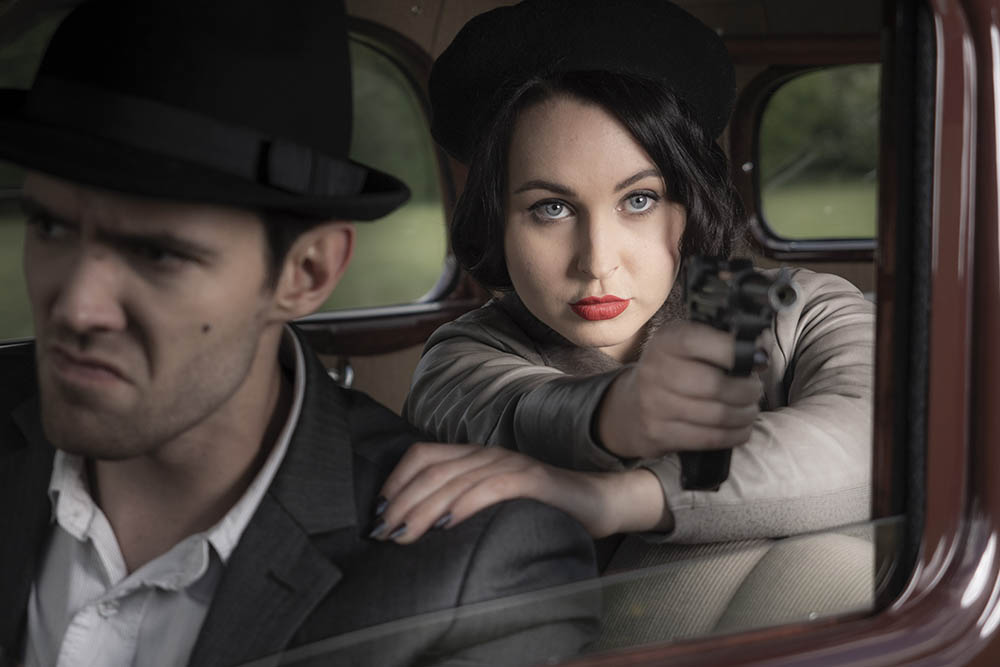
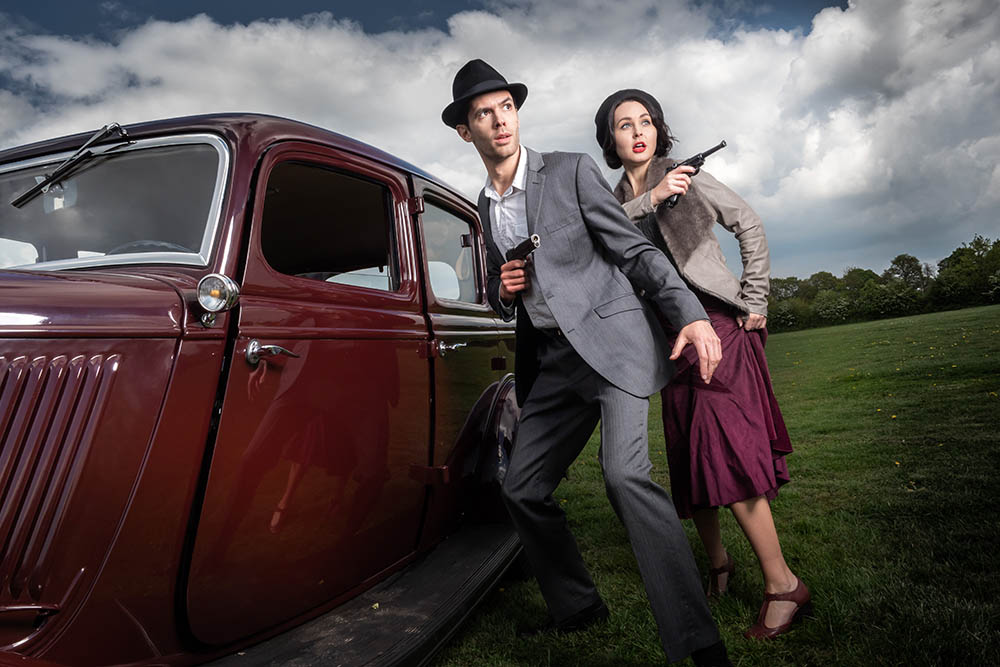
Bonnie & Clyde Styled Secret Shoot

This has to be one of my favourite shoots to date!

I arranged this as a secret portrait shoot, so Gavin was only told the date in advance.

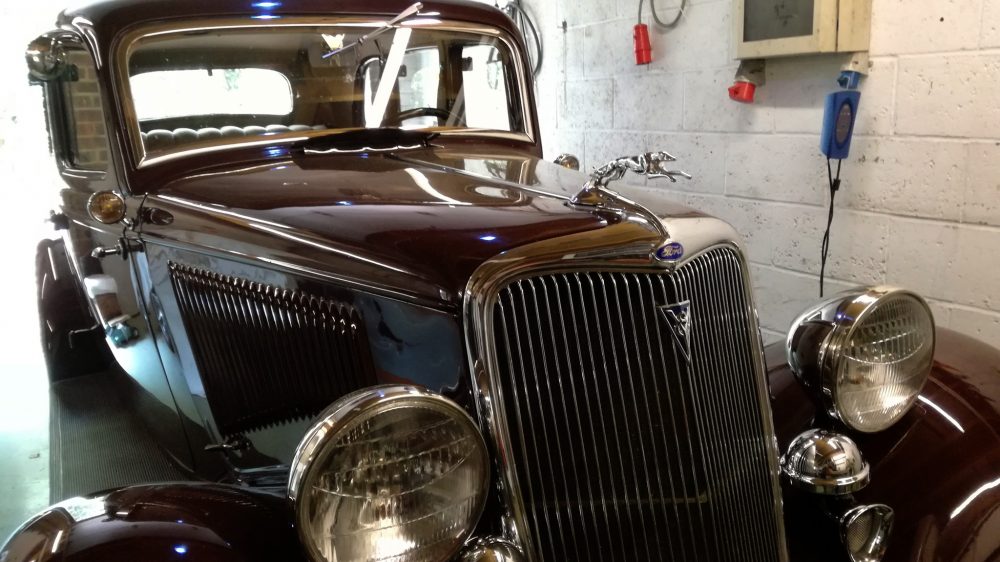
It started when Mike, the fantastic car owner, mentioned he had a Ford V8, the same model as Bonnie and Clyde stole and used frequently. 

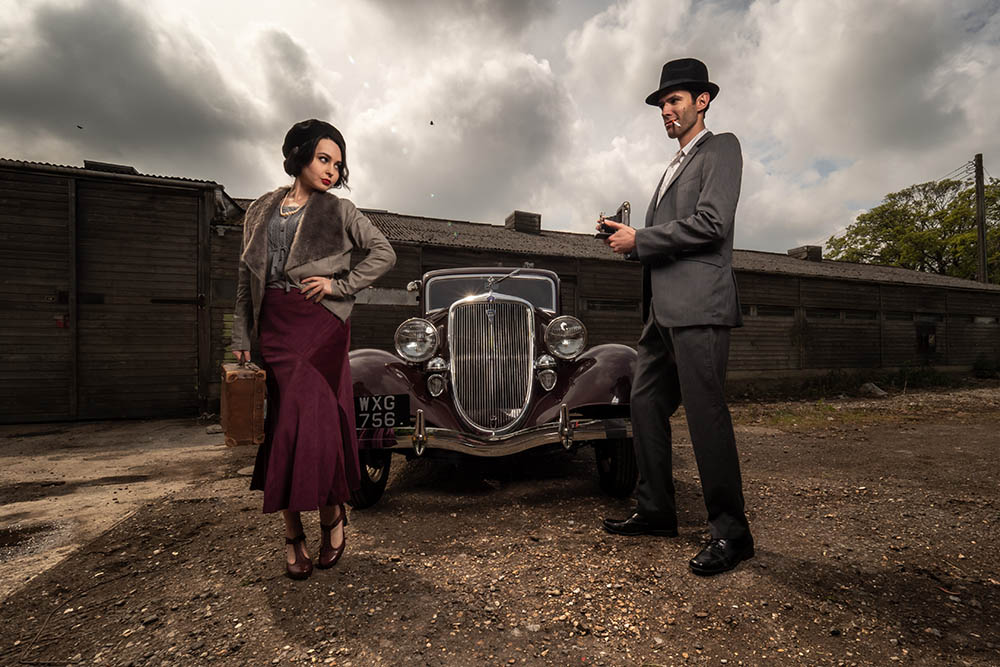
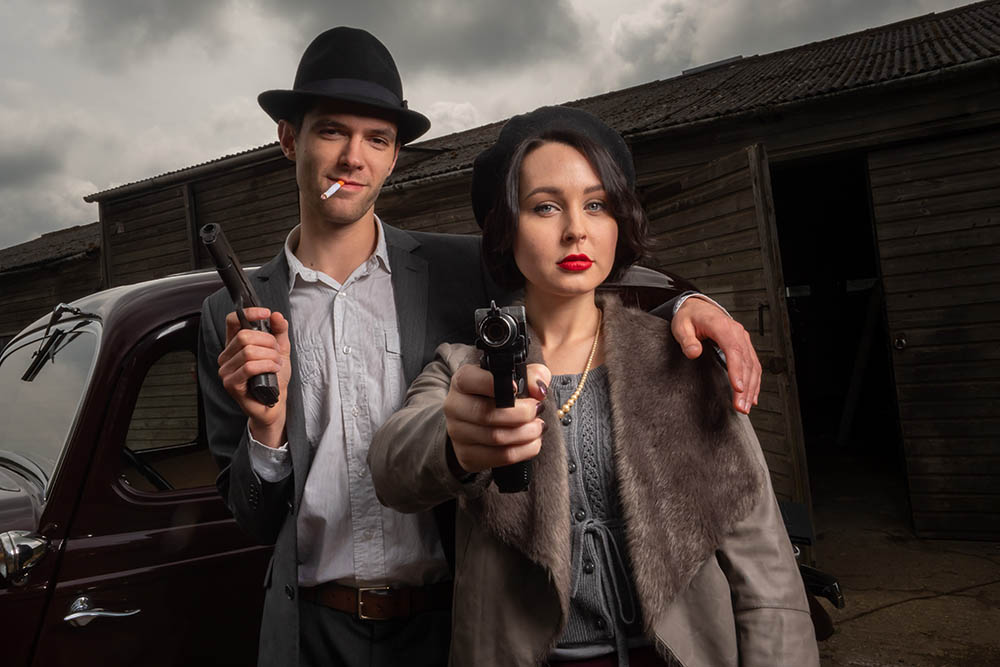
The models were my next priority. Brian is always amazing, he gets totally in character when we do themed shoots, so he had to be booked for this! I thought Sophie had the right look but wasn’t sure whether character modelling was her thing. Luckily she totally went for it as soon as I asked. The two know each other from previous workshops, so the chemistry was spot on and they both got totally absorbed in their characters!

[youtube]https://www.youtube.com/watch?v=Jny93xzVOIQ[/youtube]

Although I didn’t want to make guns a big part of this shoot, I felt they needed to be present to add the mood. We were very lucky to be able to use replica guns on loan by Ash, who collects all sorts of amazing military props and costumes. He stayed on hand to ensure we stayed safe at all times.

The location was a source of head scratching for me. I felt we needed a choice of backdrops and plenty of space. We’ve  used The Gatwick Aviation Museum for many shoots and workshops over the years, they were more than happy to accommodate us for this, tick location booked!

I styled this on a budget, boot sale bargains and charity shop buys for the most part. I splurged on a new hat for Brian and a vintage Kodak No. 2 folding Brownie camera (it’s beautiful).

Luckily the day stayed dry, despite the threatened rain in the forecast. In fact it got very sunny and warm. Gavin was thoroughly surprised and recovered enough to capture some awesome photo’s!

Watch out for some extra footage and BTS to come……

GEAR LIST

Olympus E-M1 Mark ii 
Olympus 12-40mm f/2.8 Pro 
Glow ParaPop 28″ Softbox
Flashpoint Xplor600 Flash 
CHAUVET Hurricane 1200 Fog Machine 

Tulip Field Portrait Shoot

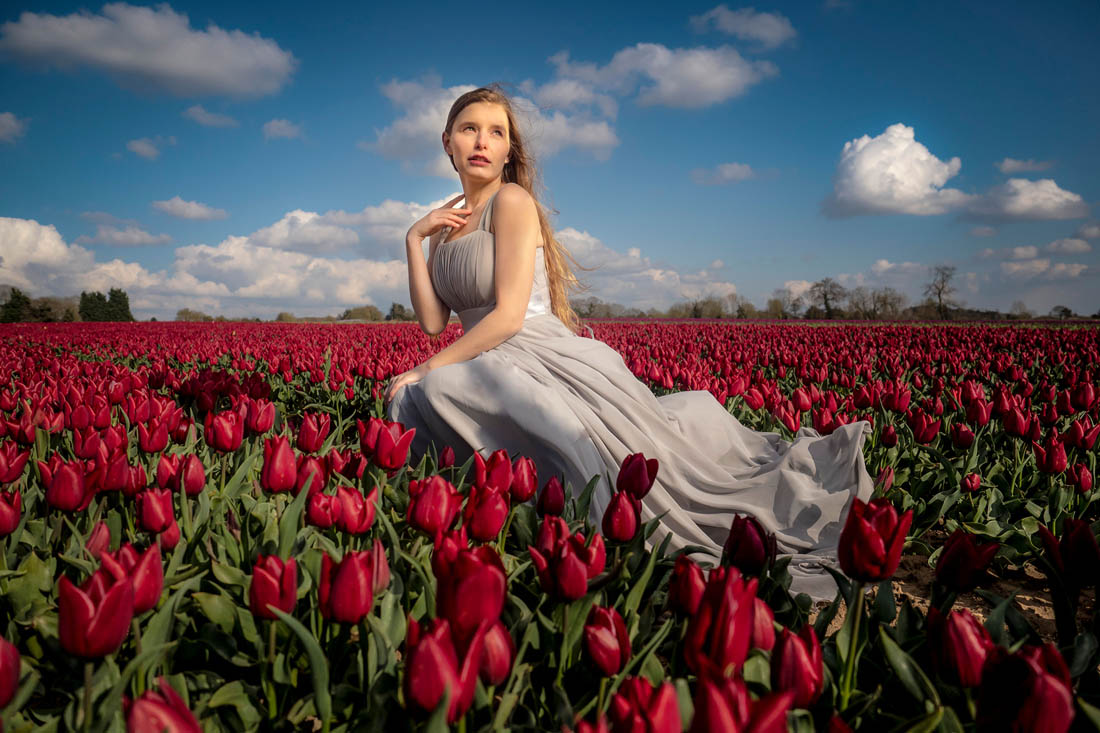
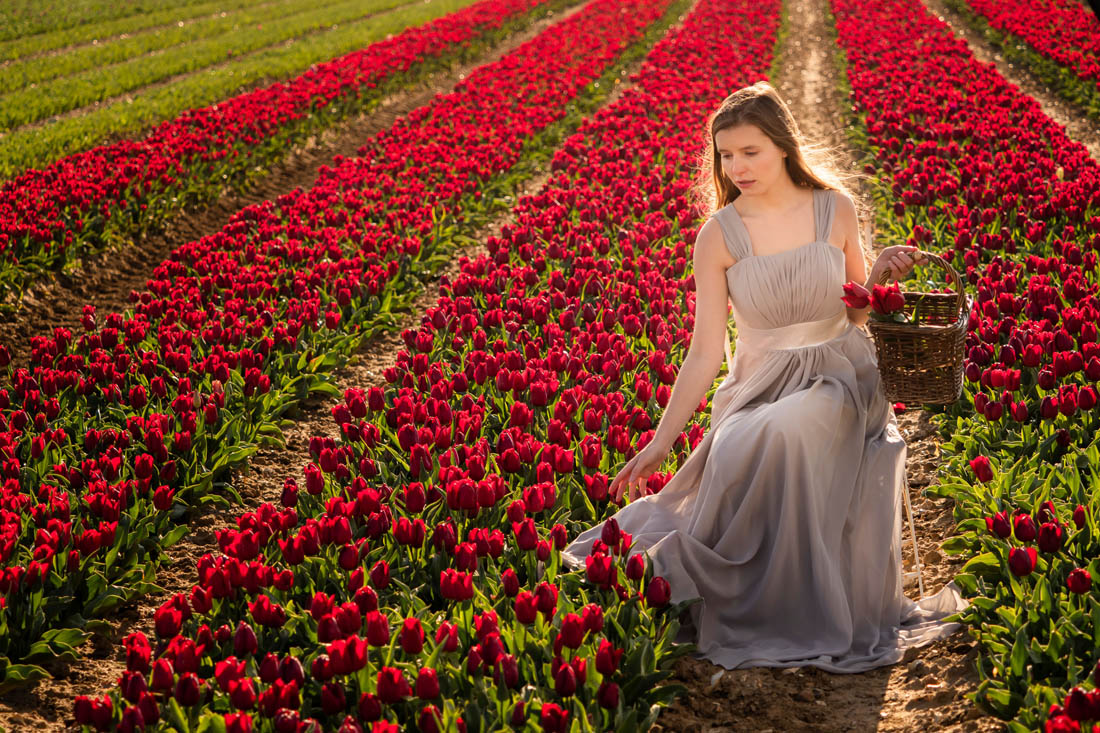
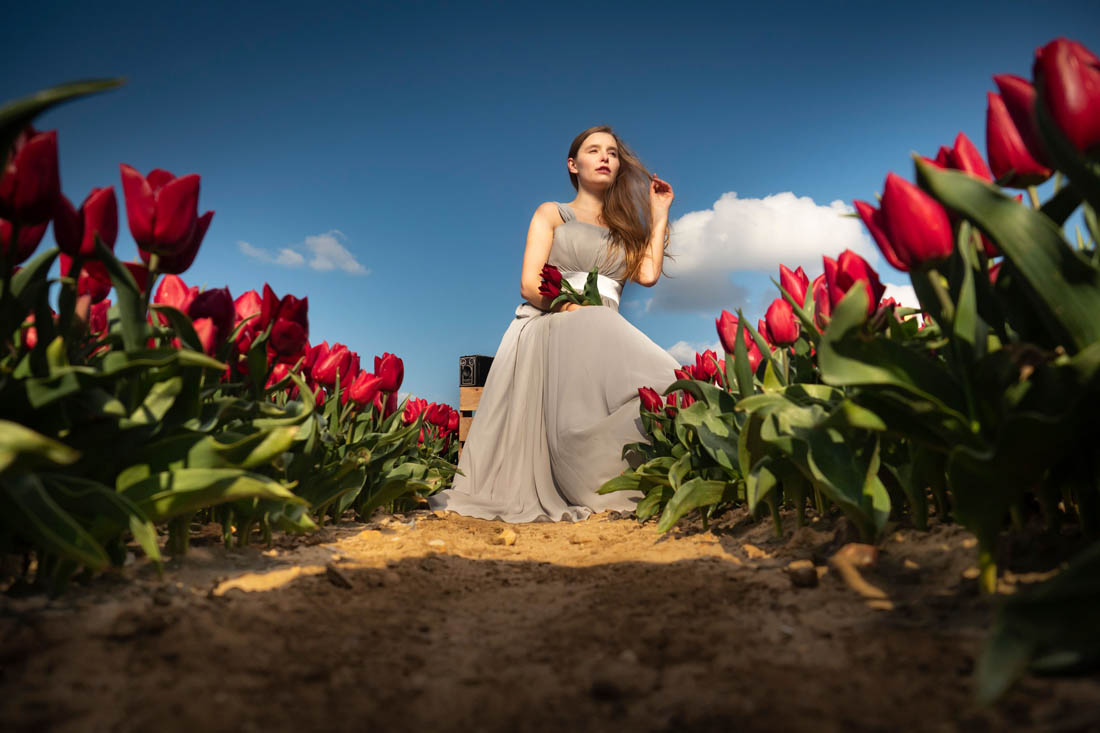
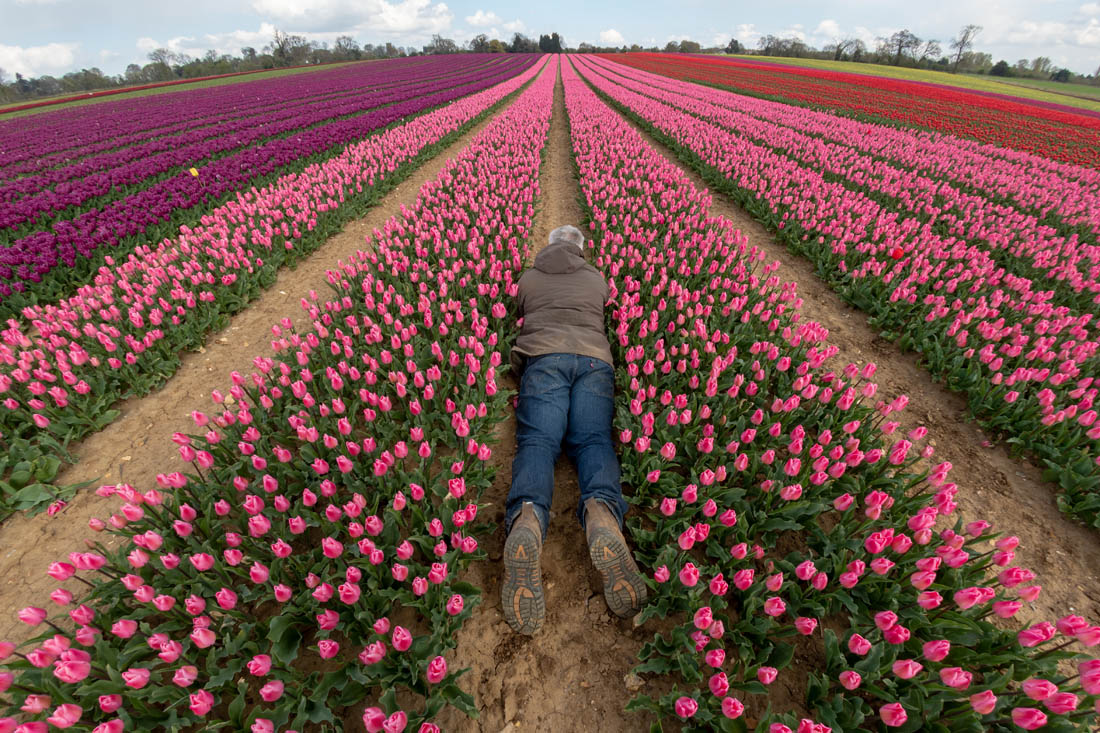
We were incredibly lucky to be allowed to do a portrait shoot in the amazing tulip fields of Mark & Susanne in Norfolk recently. Something usually prohibited as it compromises the crop and many other factors.
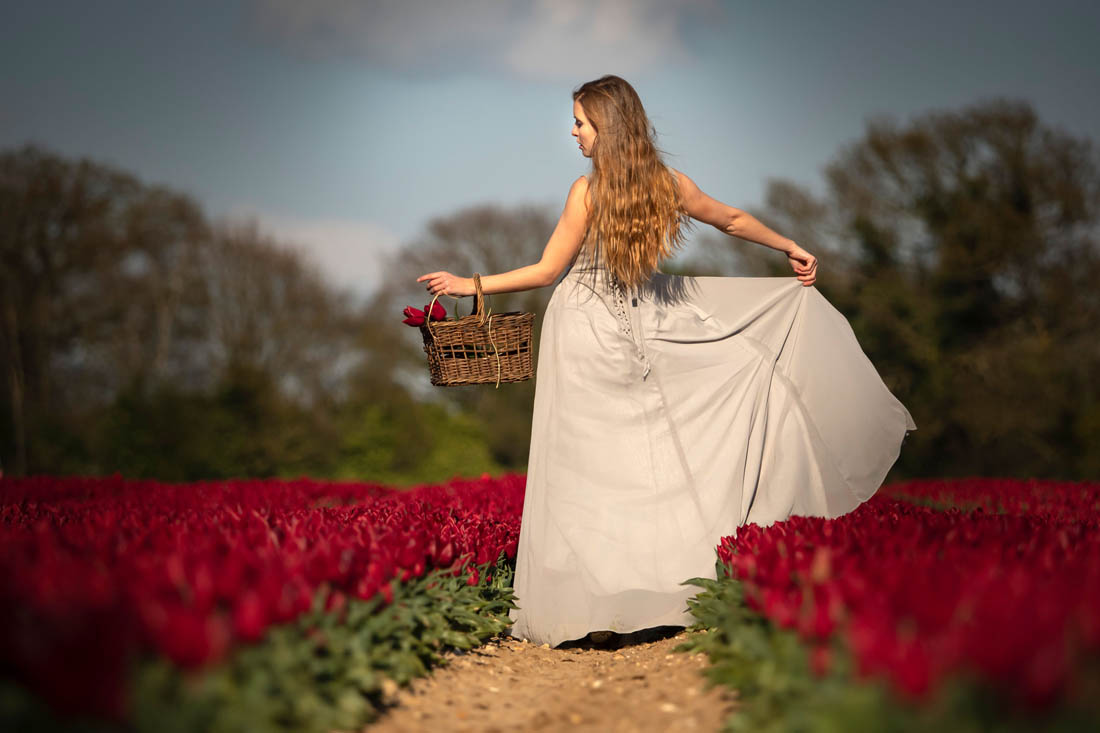
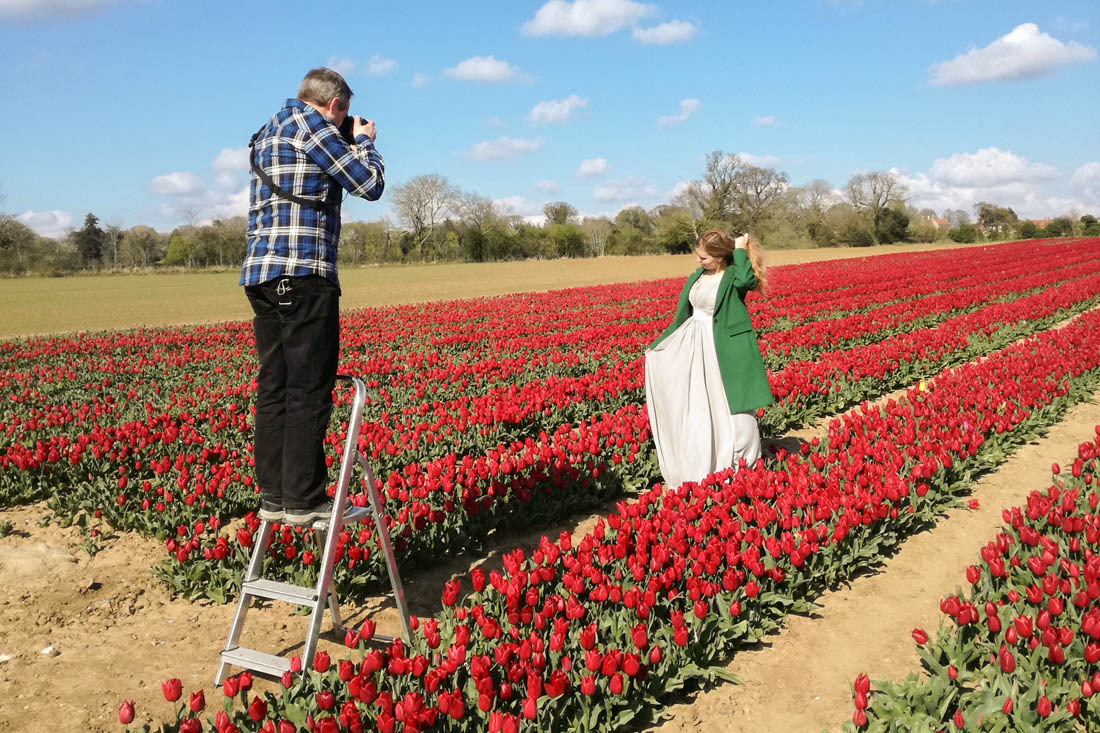
We had a couple of hours of shooting with Mark, the tulip farmer, with Gavin giving some tips before meeting with Jade Lyon to do a portrait tutorial. Mark also shot some drone footage for us which you can see in the final edit.

The weather was rather changeable (typical UK). We dodged a few showers and had to deal with very breezy conditions (to the detriment of a softbox as we forgot the sandbag!) with harsh sunlight too! Quite a challenging shoot all round, but very much worth it.

Check out the video here
[youtube]https://www.youtube.com/watch?v=1mgfQ2dhFCE[/youtube]

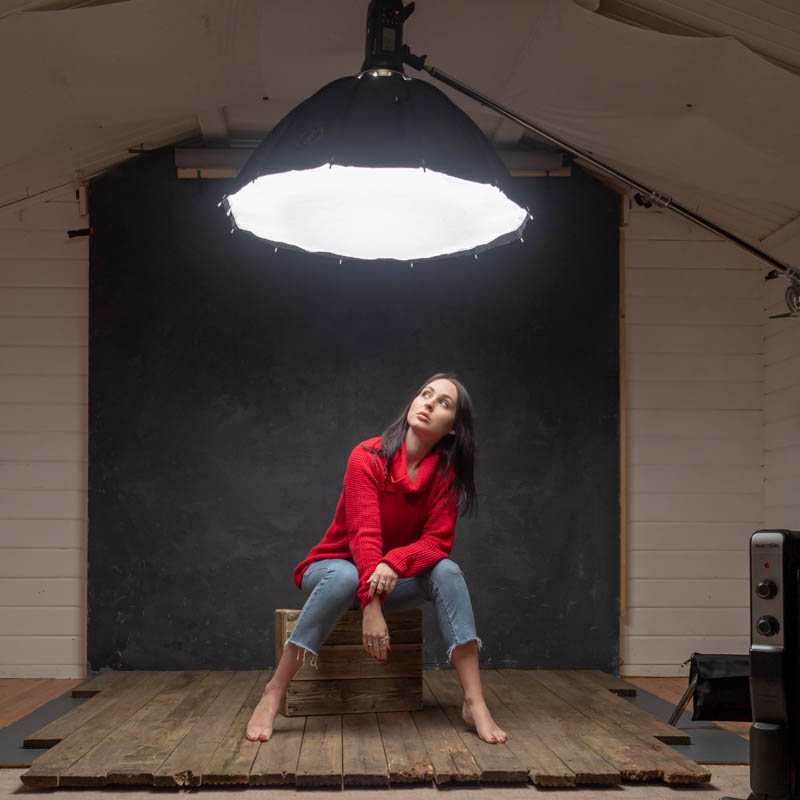
One Overhead Lighting Set Up

It’s always a challenge to keep things fresh and new in Gavin’s small home studio and sometimes that means taking it back to basics. The difference between just a small movement in the light can be really marked.

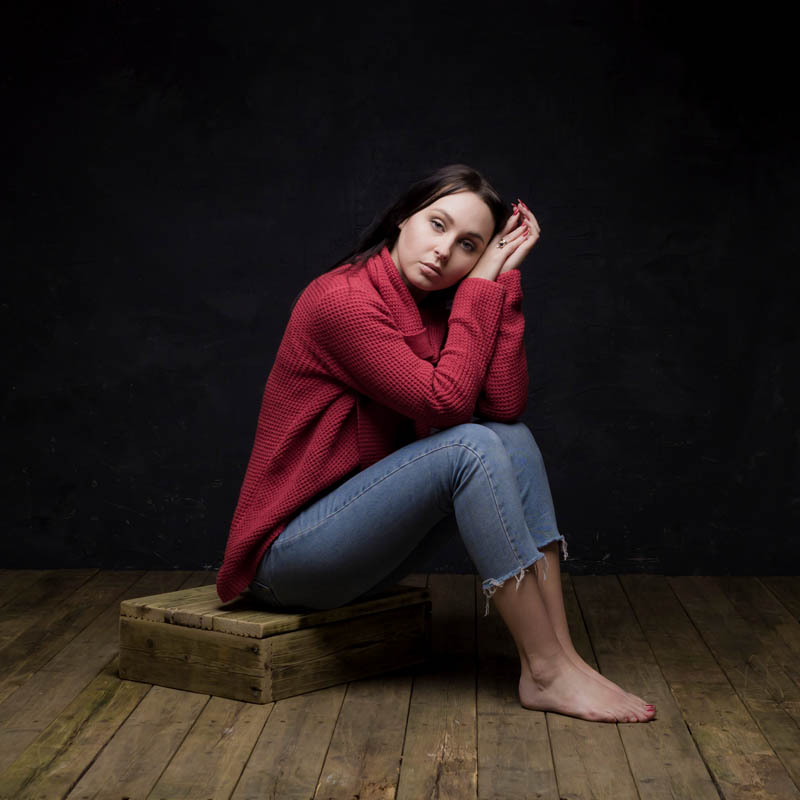
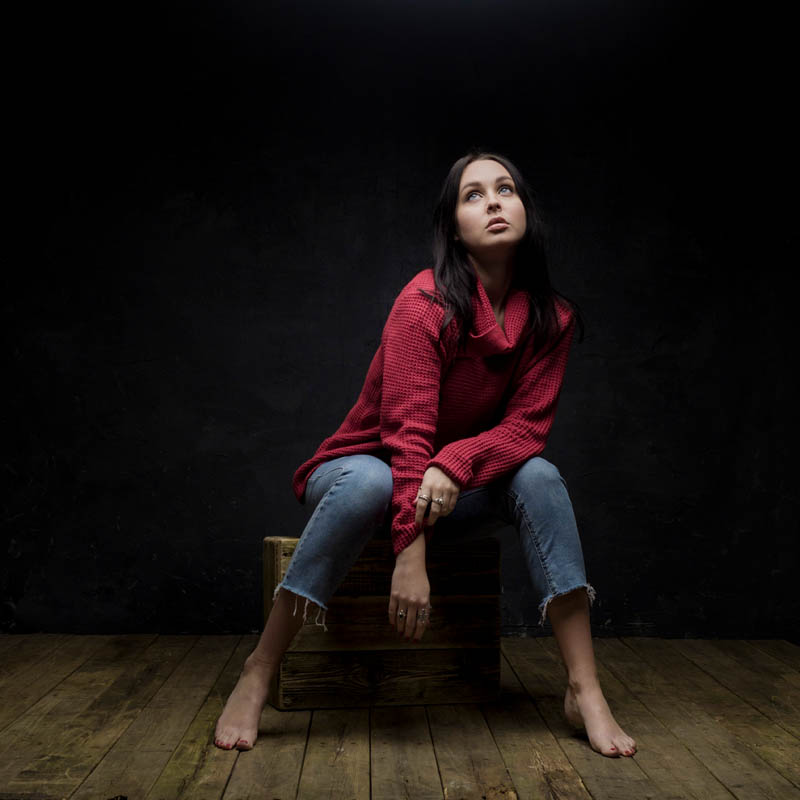
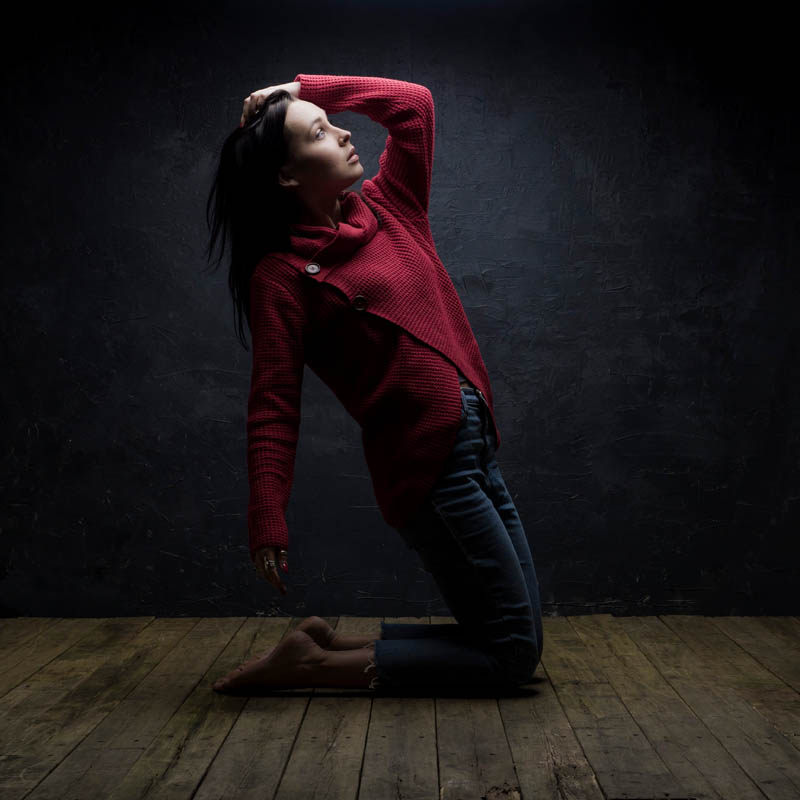
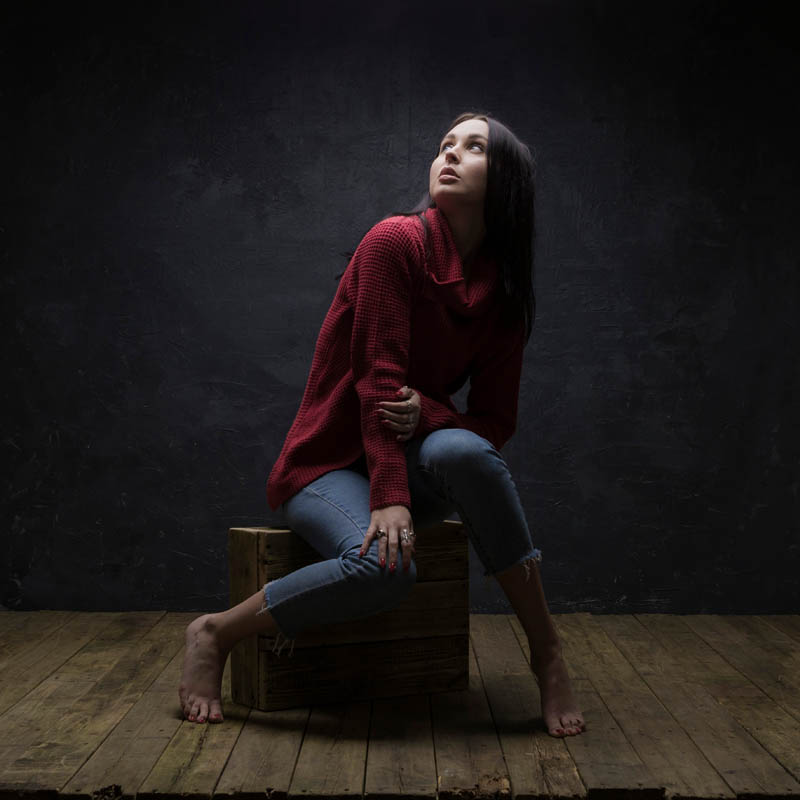
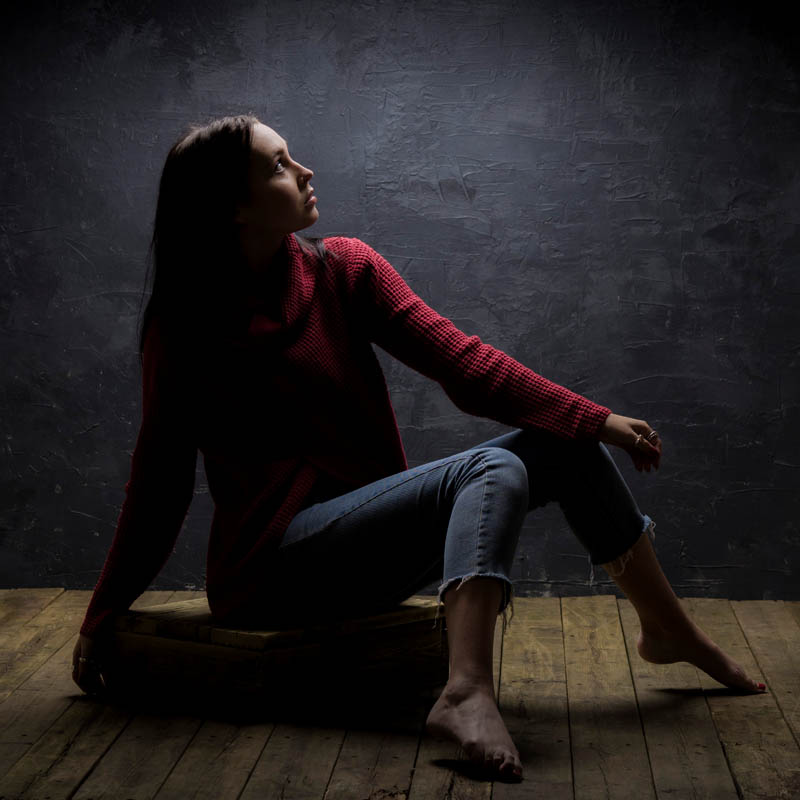
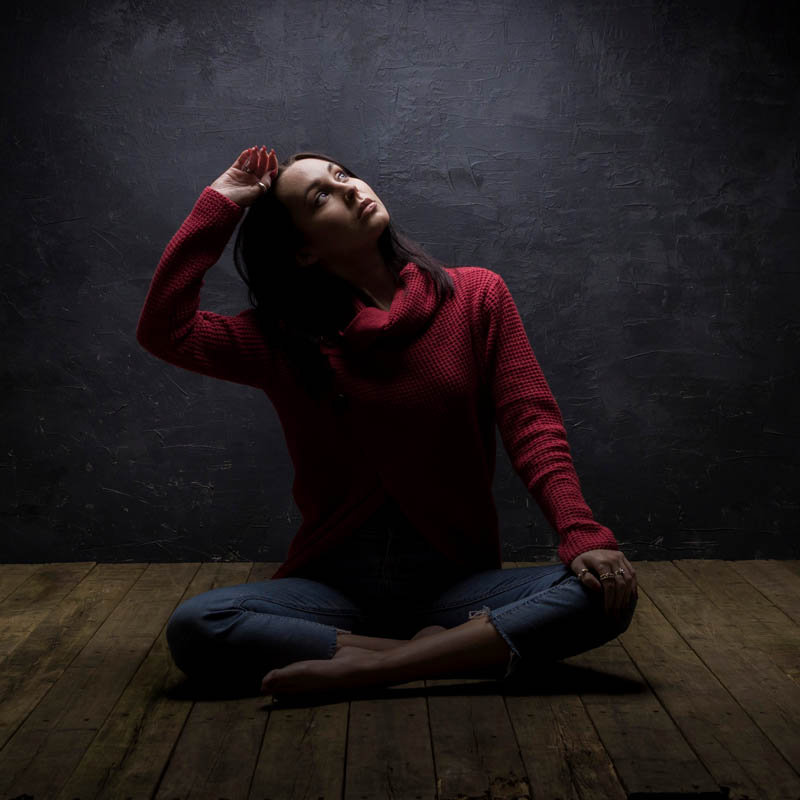
The flooring is our old recently replaced decking (up-cycling at it’s best) I think it really adds to the mood for this shoot with the awesome Sophie Daly, model and make up artist extraordinaire.

In this video Gavin changes the softbox and shows the dramatic differences. What’s the best shot? Well, that’s totally up to you.

[youtube]https://www.youtube.com/watch?v=hyRWOk1_BVY[/youtube]

3 Window looks for Portraits

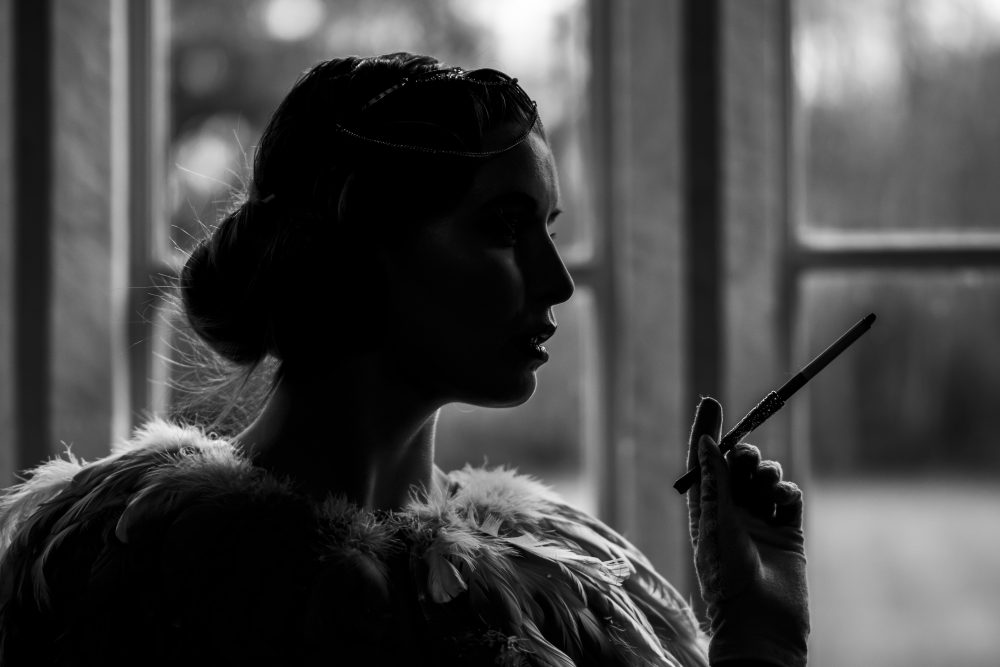
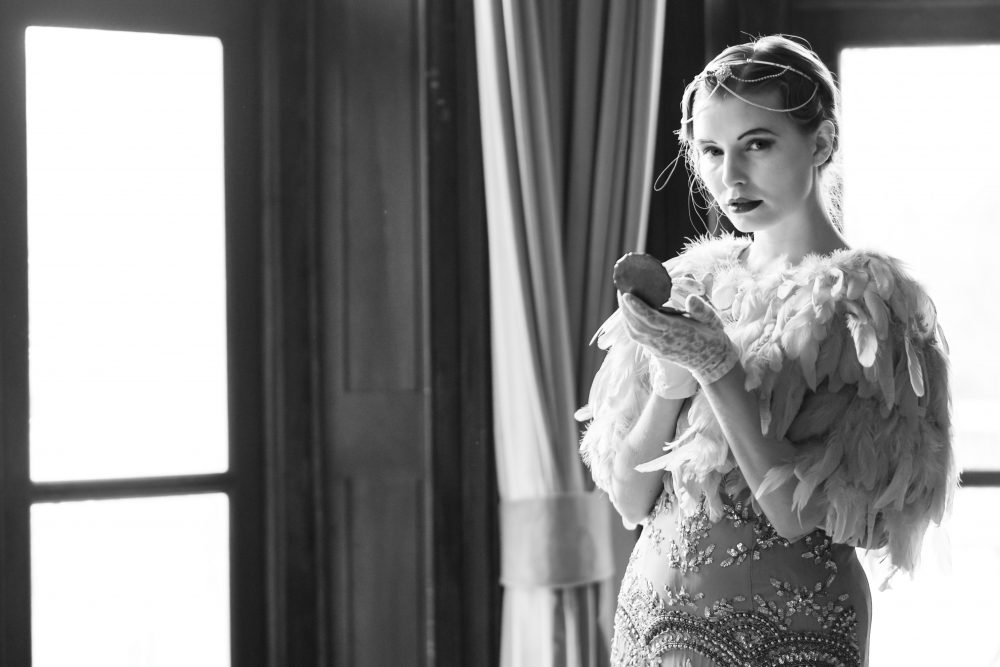
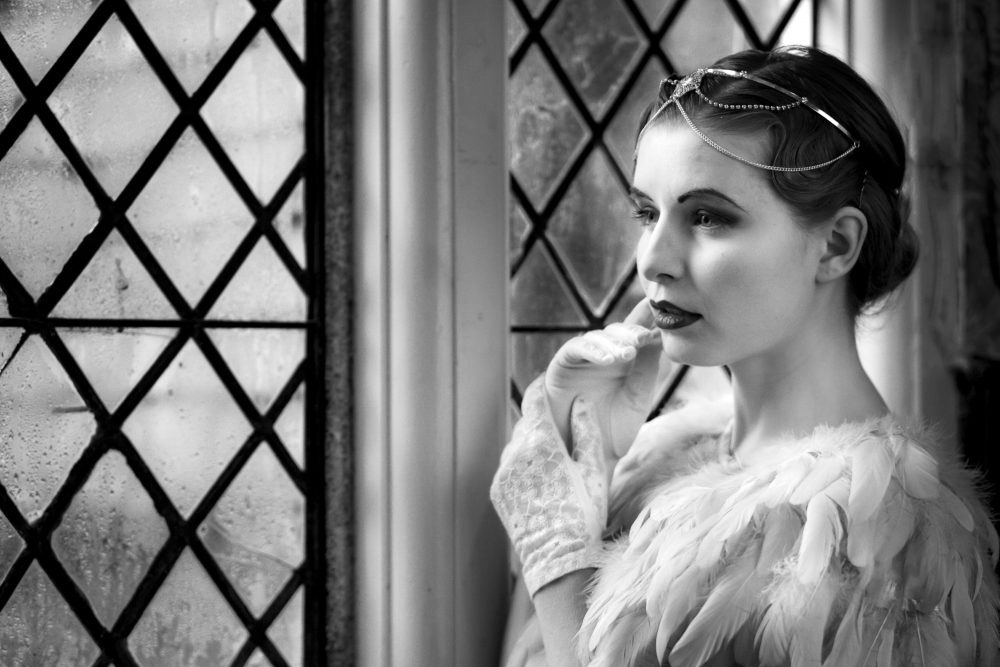
Incorporating windows into your photo’s can look amazing if you know how. In this video Gavin shows three ways to create very different images.

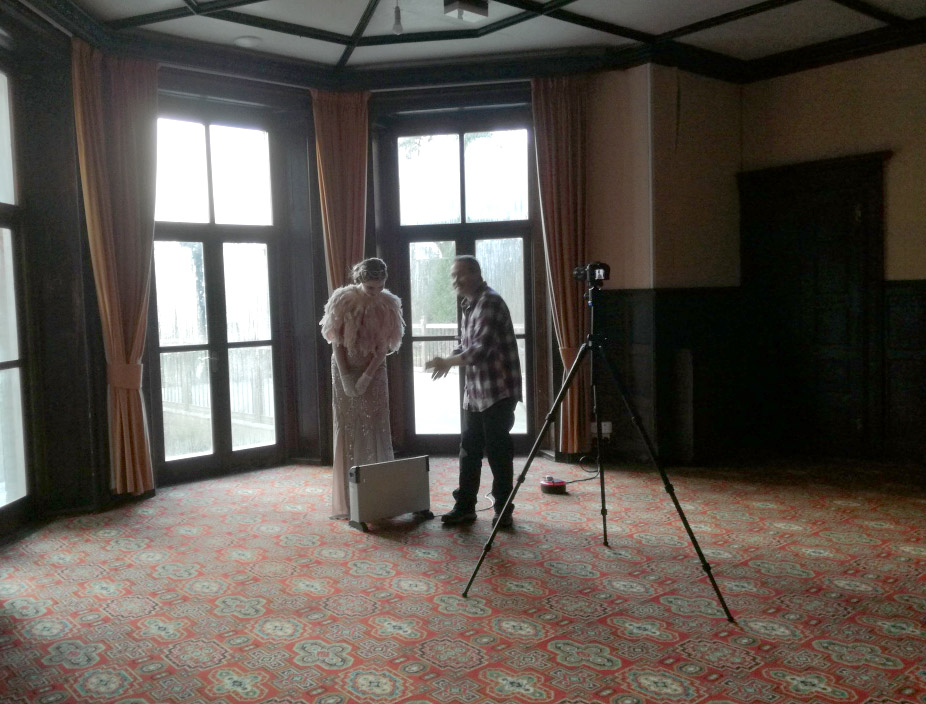
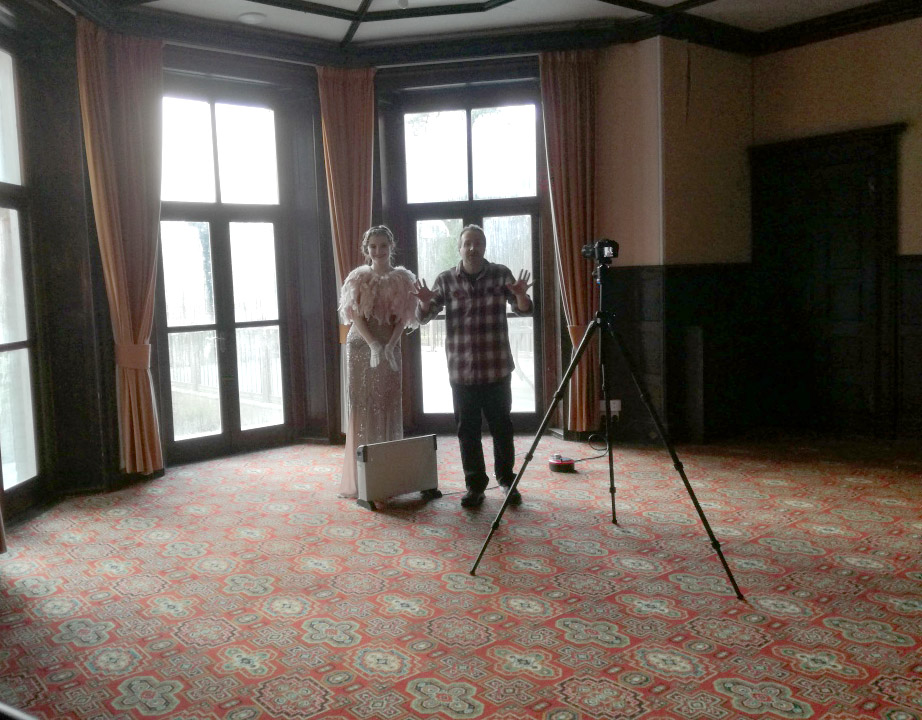
We shot at a beautiful manor house in Rowfant, West Sussex. The location is stunning but on the day we were there (a January winter day) it was icy cold.

Jade Lyon, our wonderful 1920’s style model, was a total star and never complained about the cold. She also styled herself, including her accessories. While Sophie Daly, our fabulous make up artist, and myself were bundled up with coats and scarves, poor Jade and Gavin shared a heater and a hot water bottle between takes!

Check out the video here.

[youtube]https://www.youtube.com/watch?v=gHFRFK2CIqE[/youtube]