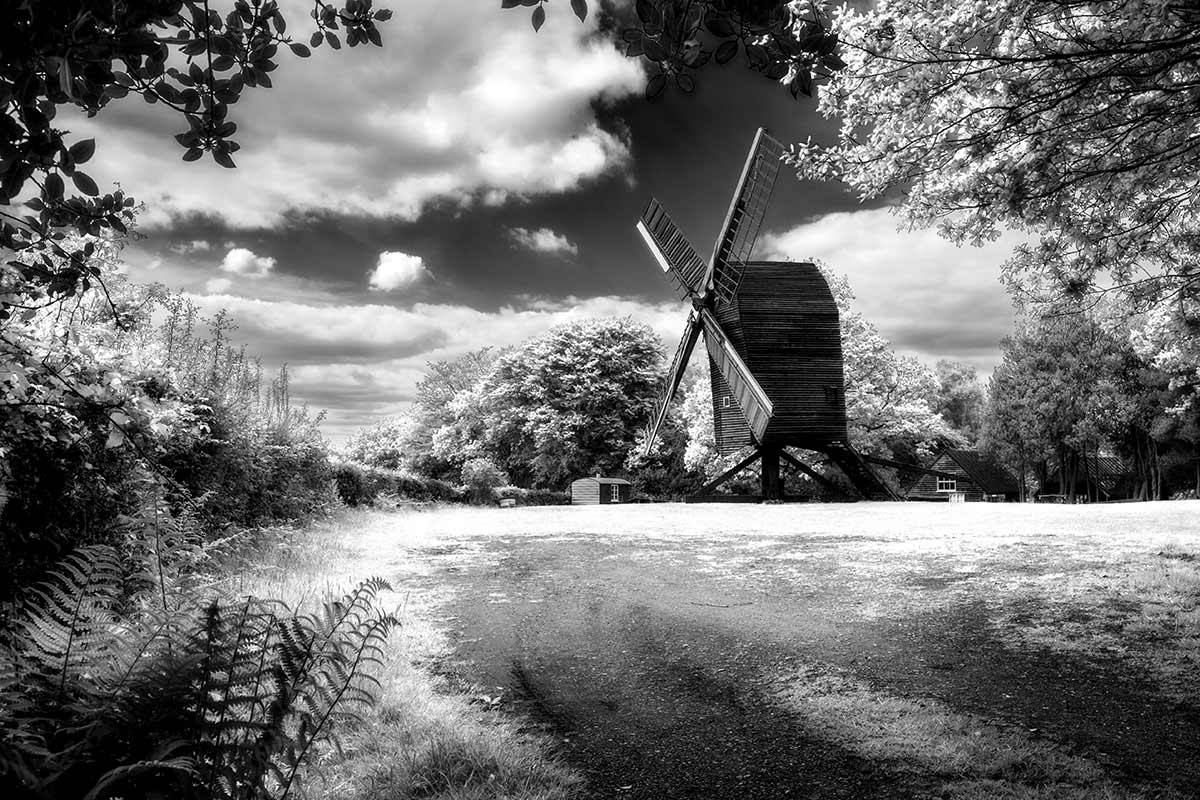
 Way back when I started learning photography the only real option for serious photographers was to make black and white prints and we were darn good at it too. Skip forward 25 years and now everyone takes colour photos but thanks to post processing everyone can also make black and white images too.
There’s an art to making top quality colour photos but making quality mono photos is an extra challenge. One of the reasons many photographers find shooting for black and white a challenge is because we don’t see the world monchrome, we see colour. However there a few tips you can apply at both the camera and Photoshop stages which will quickly step your black and white photography up a gear.
In this video for Adorama TV I visit Nutley Windmill on the Ashdown Forest with the plan of shooting for black and white. Then it’s into Photoshop to make the magic happen.
[youtube]http://www.youtube.com/watch?v=GZhk-S9Y-vs[/youtube]
Equipment used in the video:
Adobe Photoshop CS6
http://www.adorama.com/ABPSCS6W.html?KBID=67338
Canon 5D Mark II
http://www.adorama.com/ICA5DM2.html?KBID=67338
Canon 24-105L f/4 IS
http://www.adorama.com/CA24105AFU.html?KBID=67338
Vanguard ABEO Plus 283CT Tripod
http://www.adorama.com/VGABEO283CT.html?KBID=67338
Vanguard GH-200 head
http://www.adorama.com/VGGH200.html?KBID=67338
Thank you Gavin, Another great, fun tutorial. I will certainly give it a go. Macgeth
Many thanks for this tutorial Gavin, thought I would share an example created with your excellent help. As you say a polarizing filter would have improved the sky greatly, though I’m pleased with the results
http://www.flickr.com/photos/gaseousclay1/9134349274/in/photostream
Hi Gavin,
Thank you very much for this video. I enjoy watching your and Marks tutorials. One step looks pretty much as “magic” for me. Why does the Gaussian Blur combined with the Soft Light blending mode boost the contrast?
How did you make that Subscribe button to be sticky to the background?
Greetings
Matthias