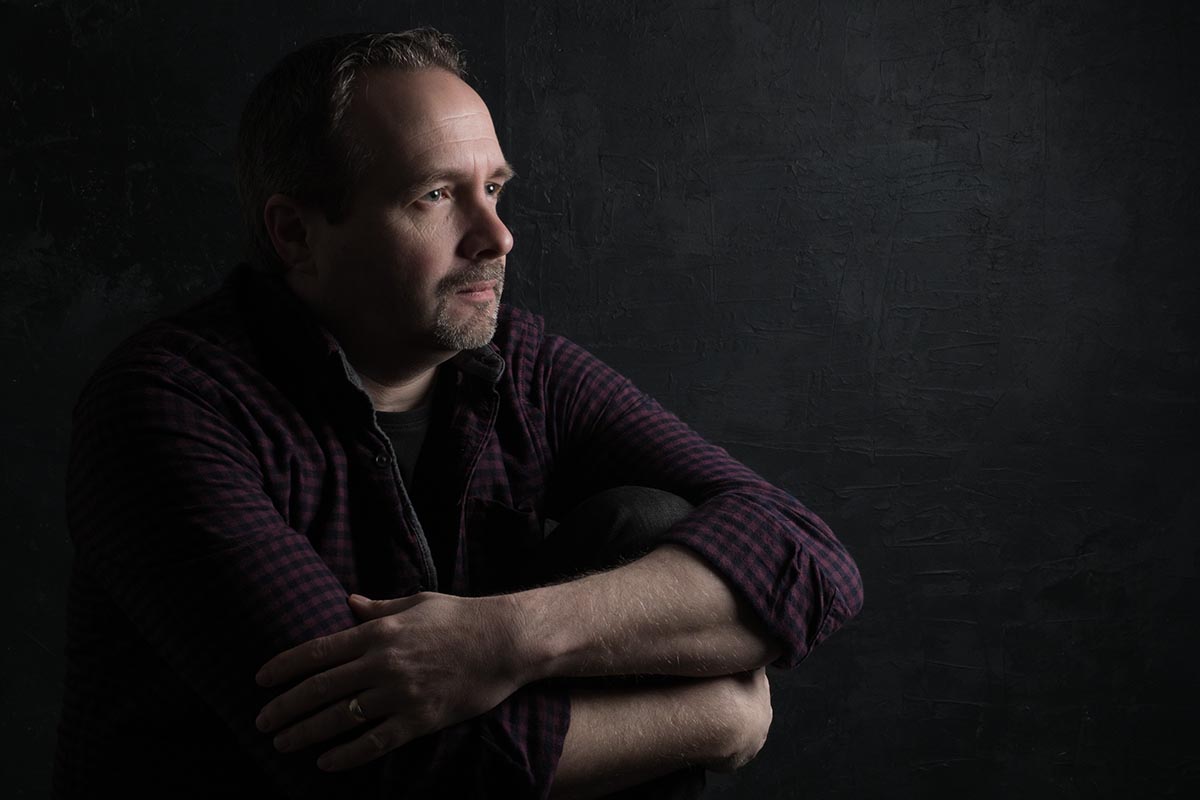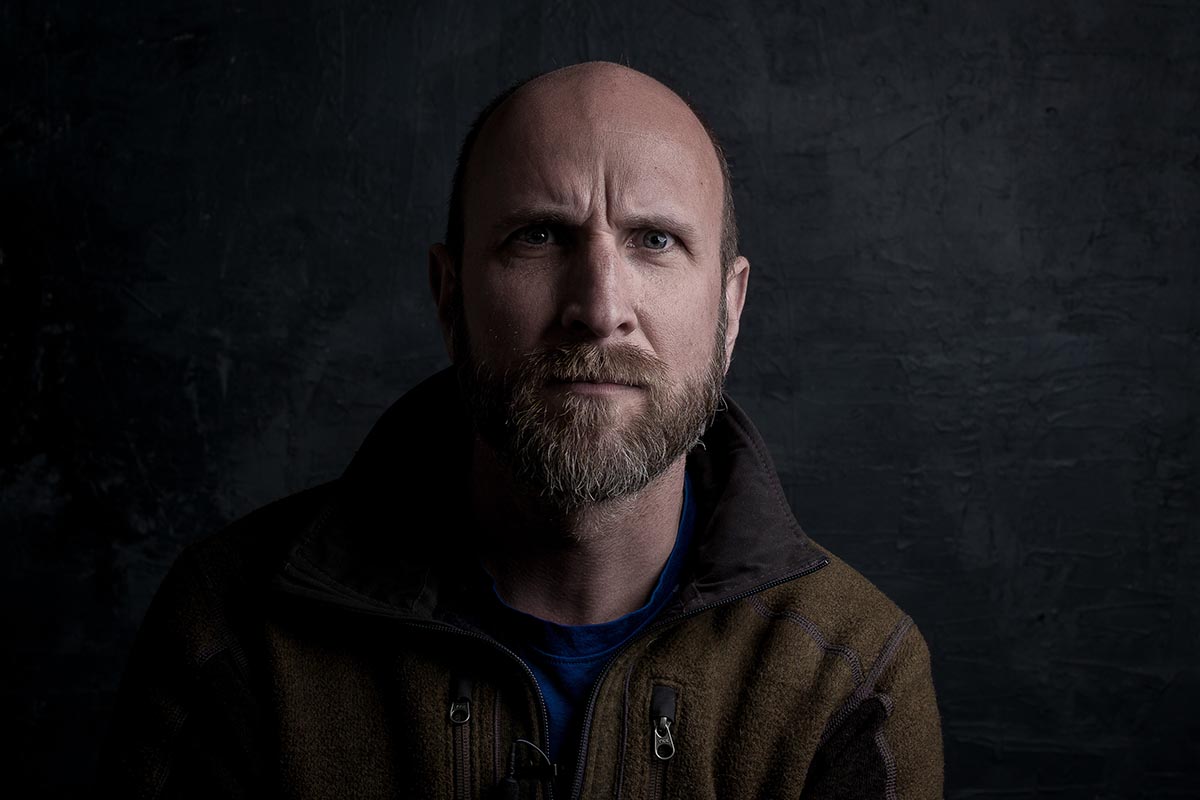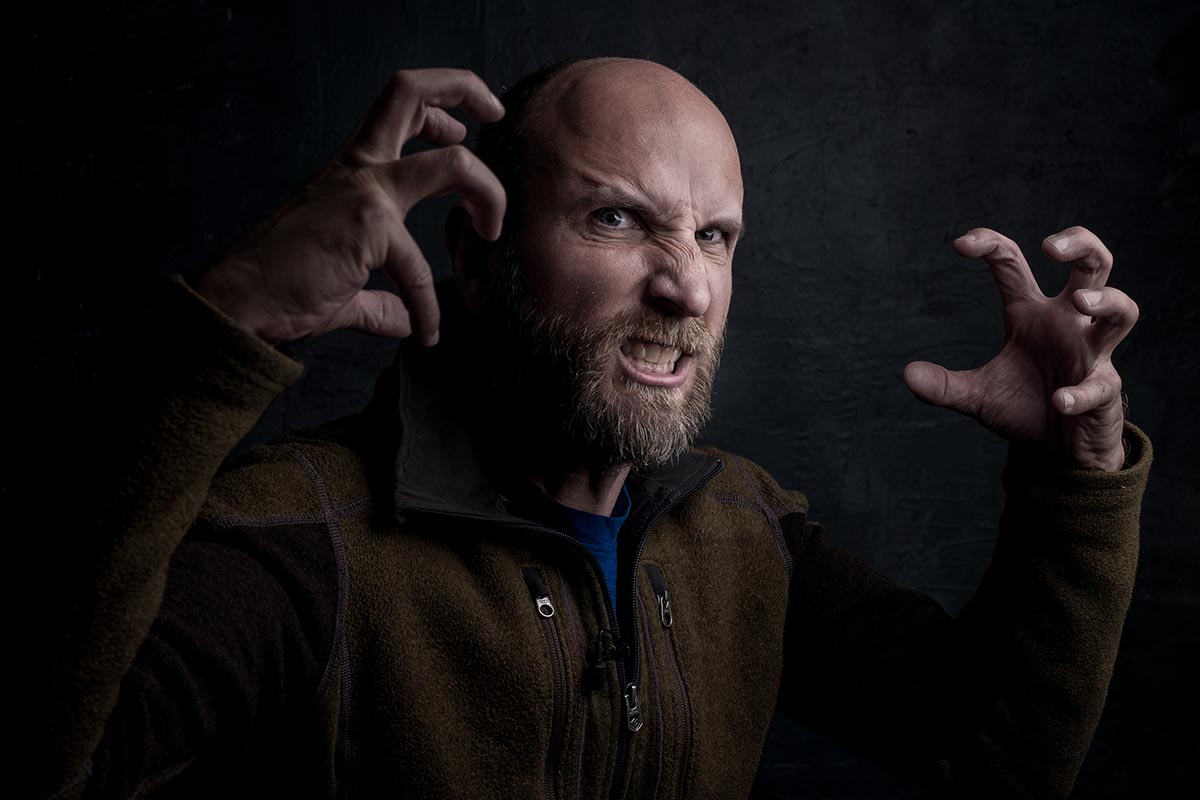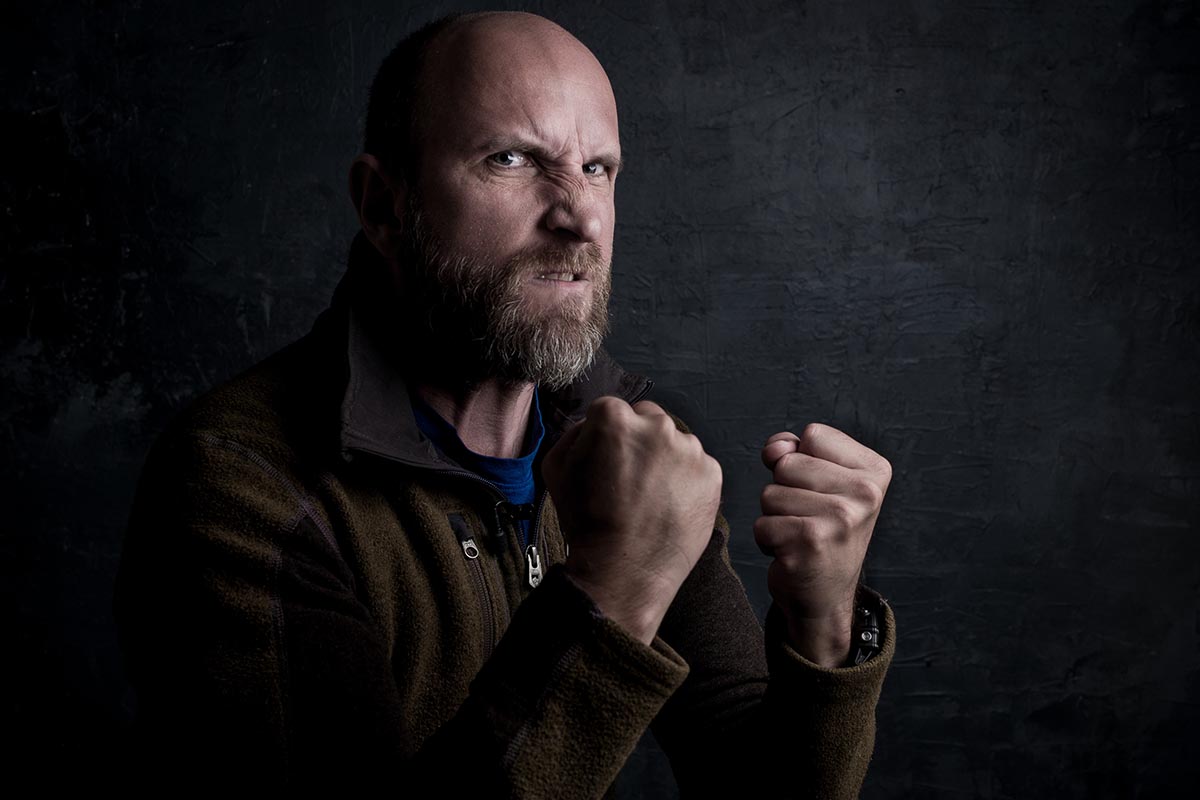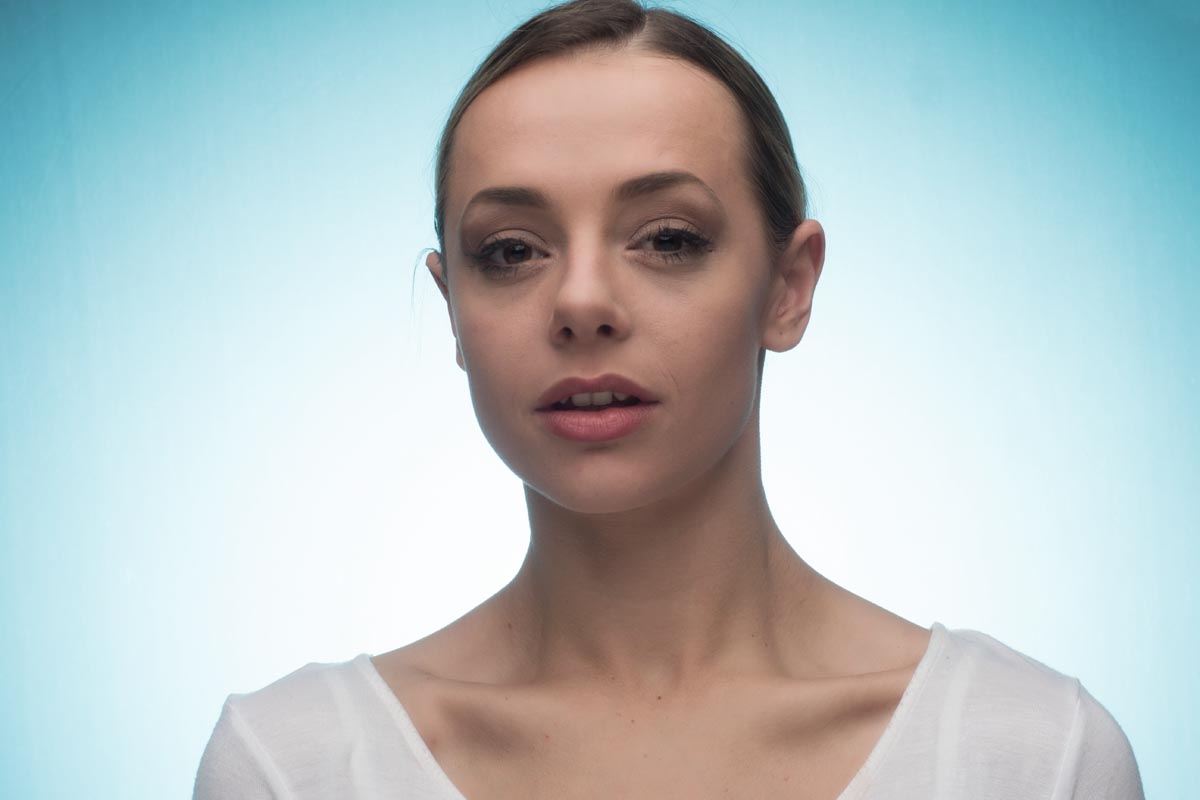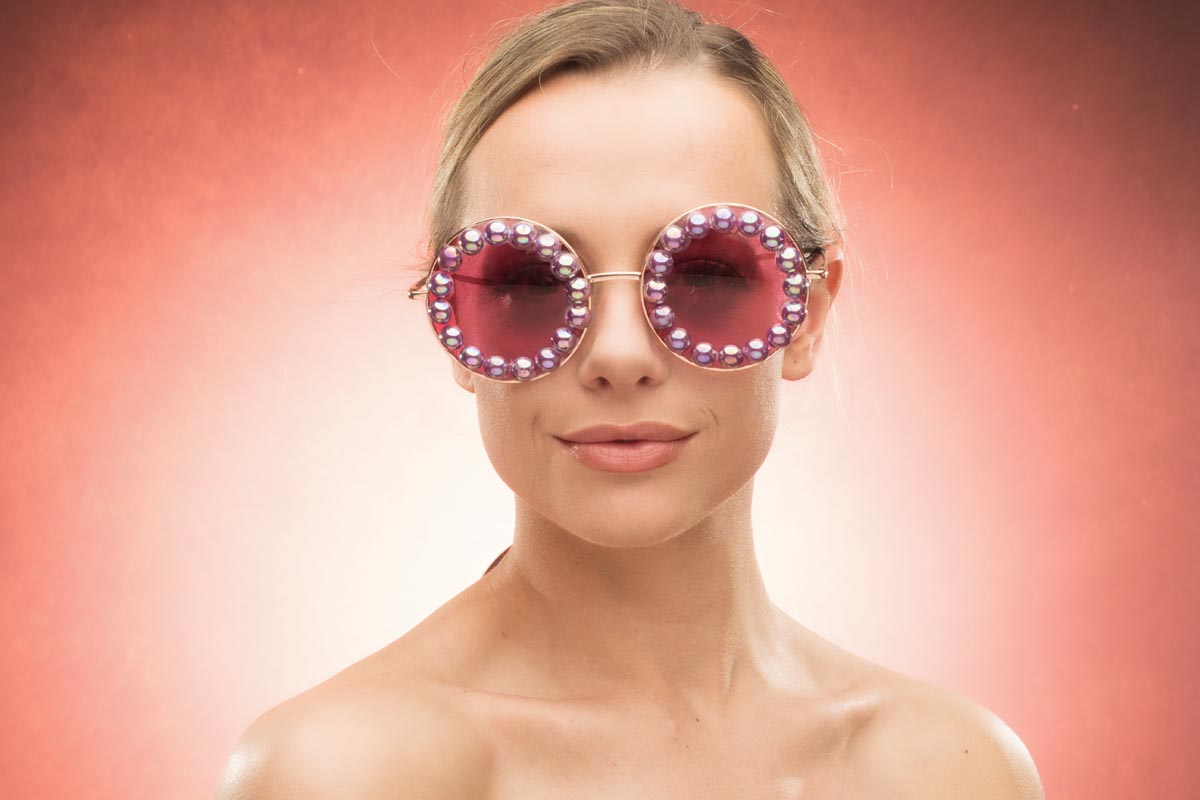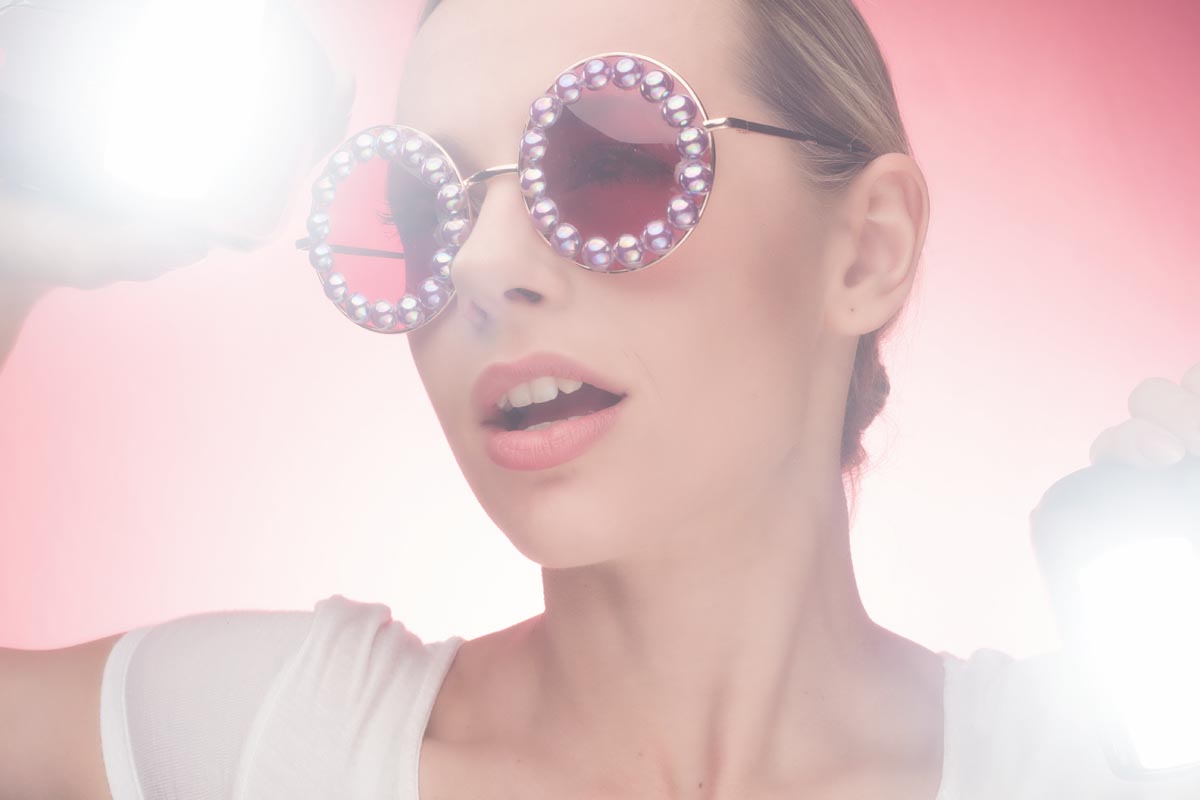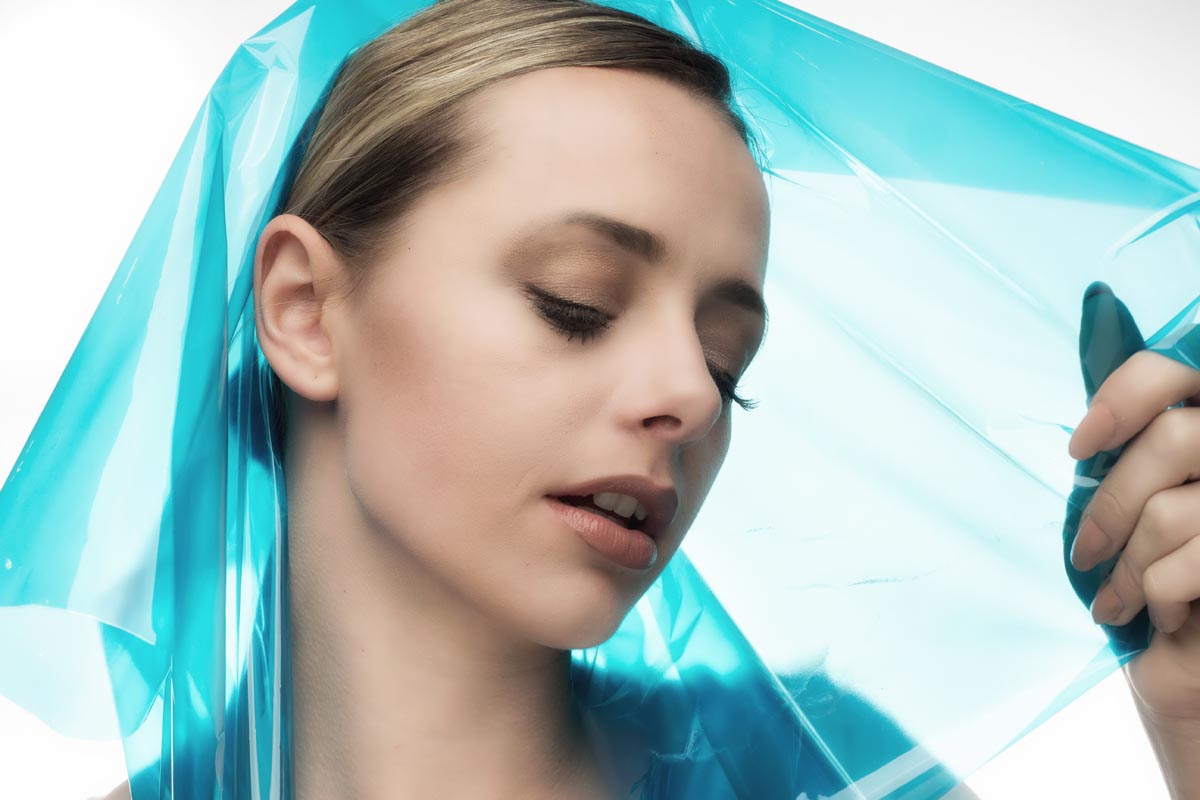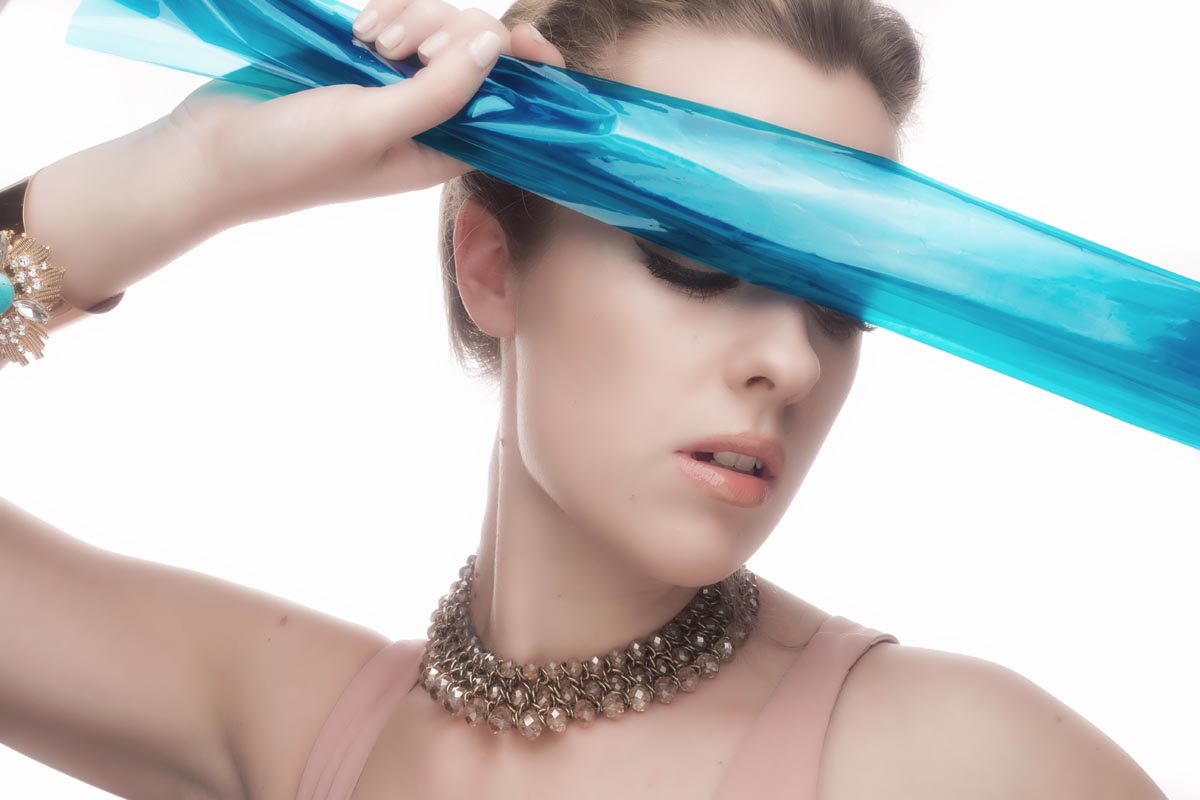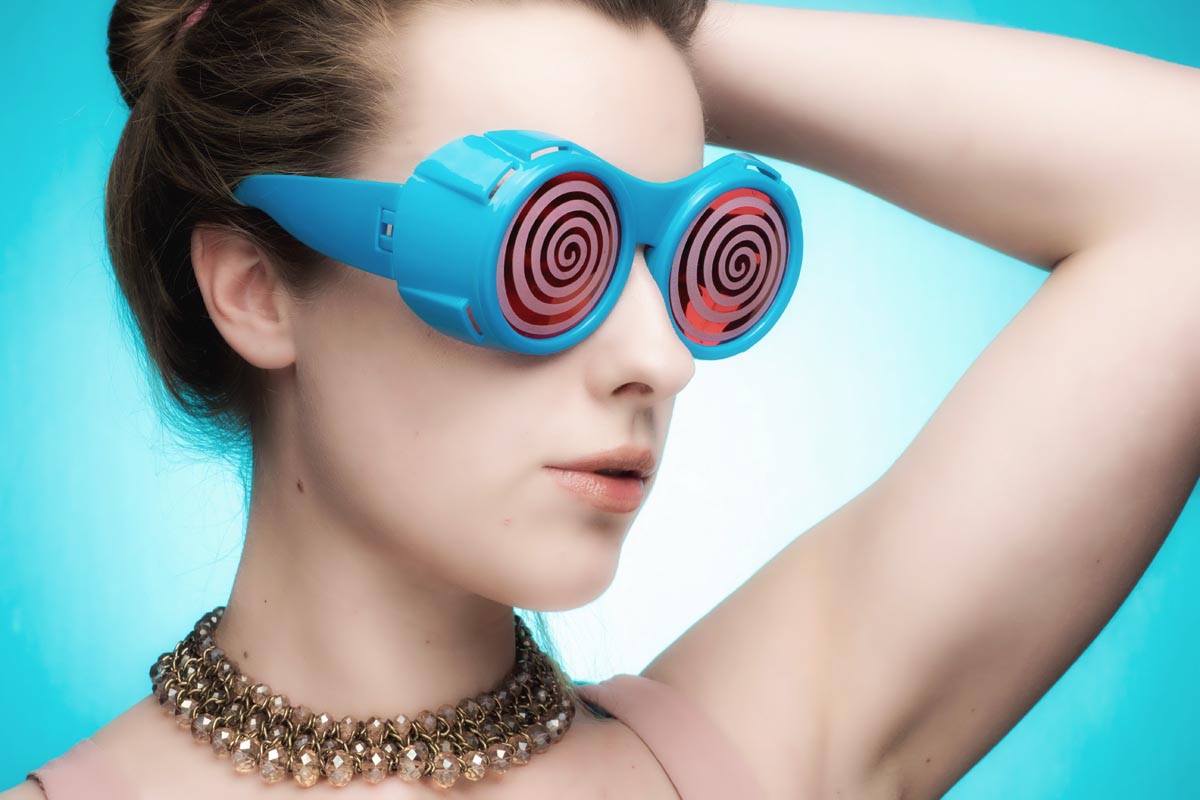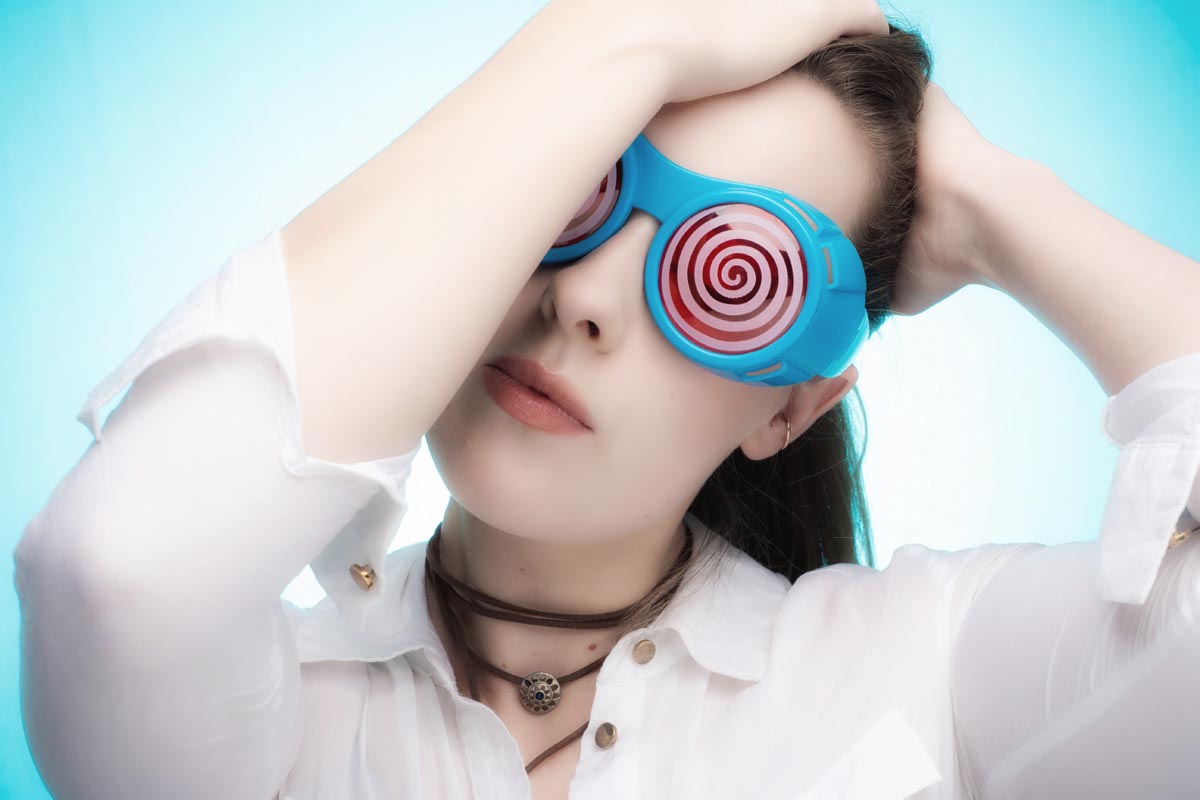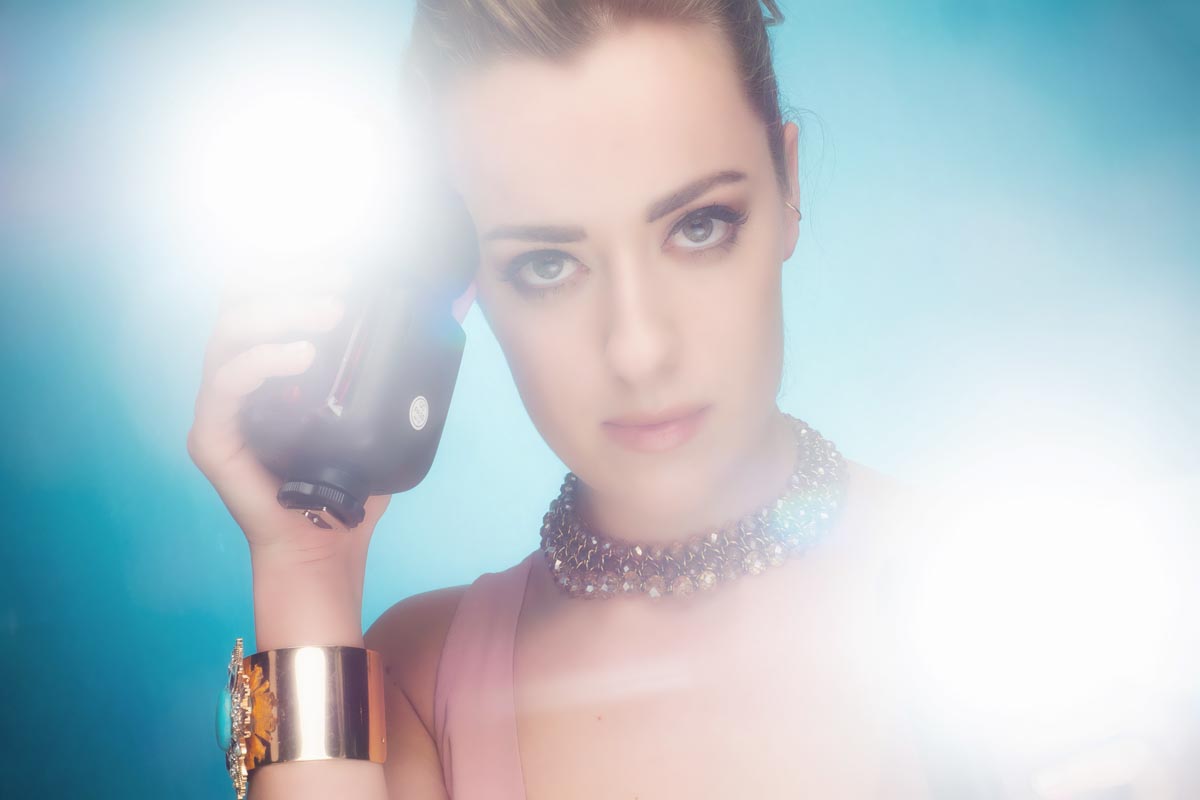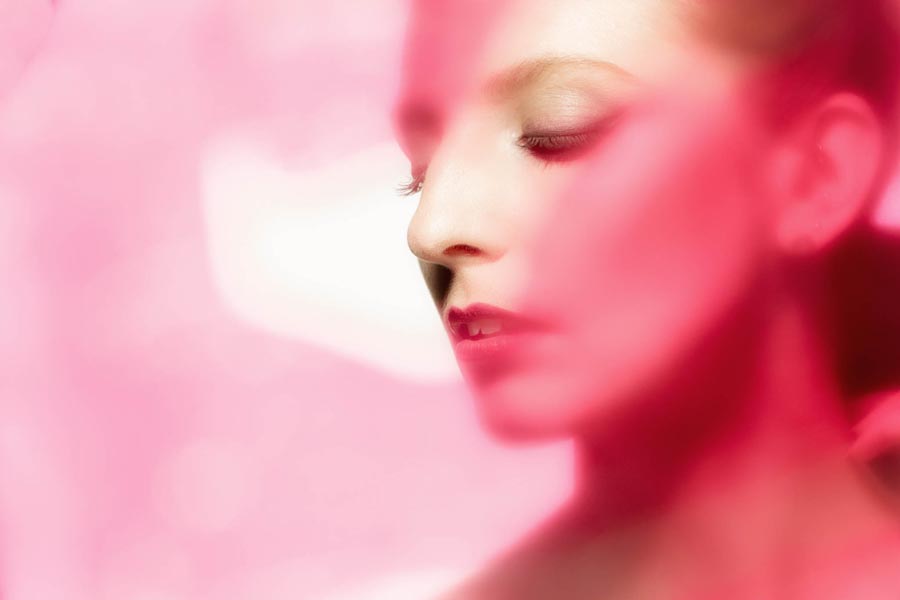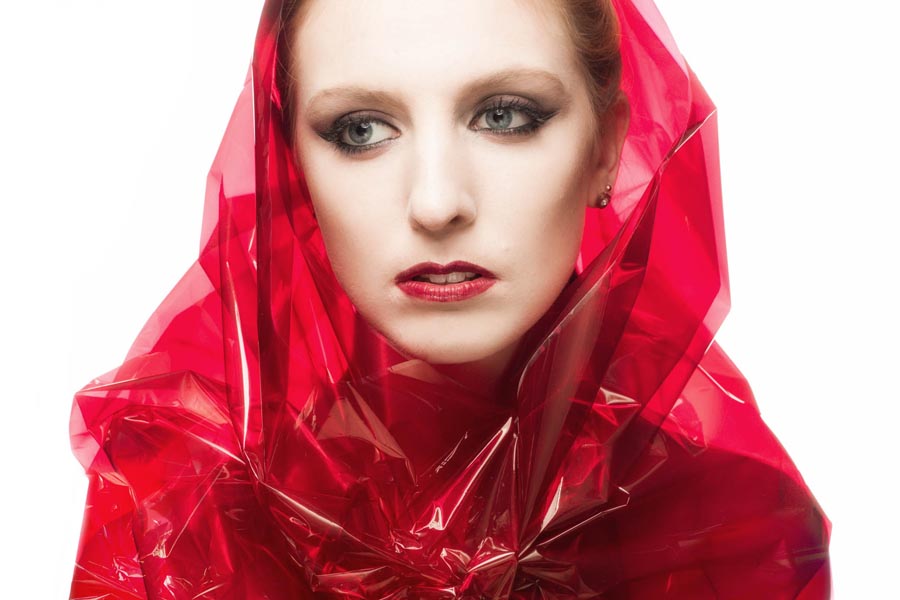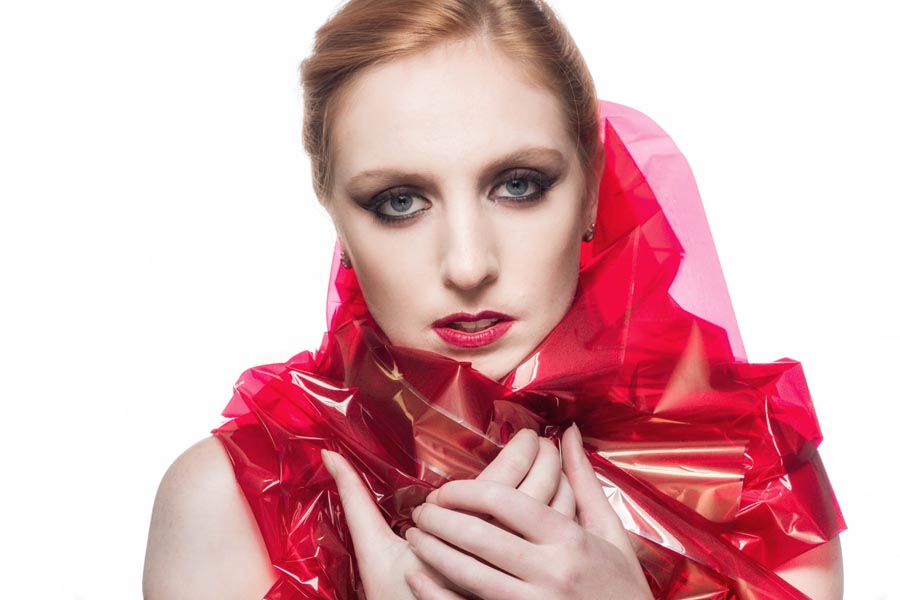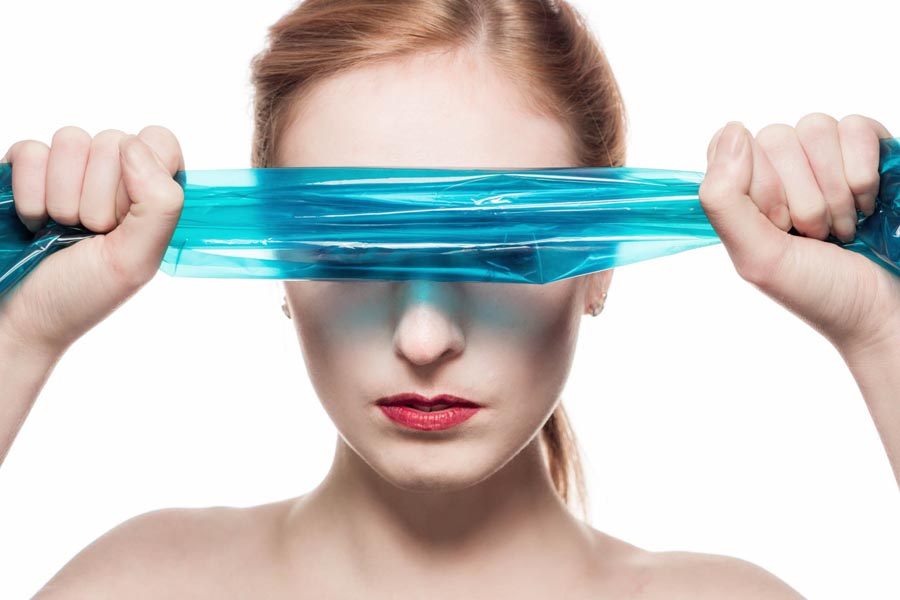
Dramatic lighting with just two speedlights

So you only have two bare speedlights and you want to shoot some creative portraits. That’s the challenge I faced recently after discussing how a fellow photographer could get started in portrait photography without spending too much on new equipment.

Don’t get me wrong, bare speedlights will obviously limit how you can light your subject and won’t beat better strobes and a choice of light modifiers but I figured that if I can generate the initial excitement for shooting portraits with basic kit, the rest will grow in time.
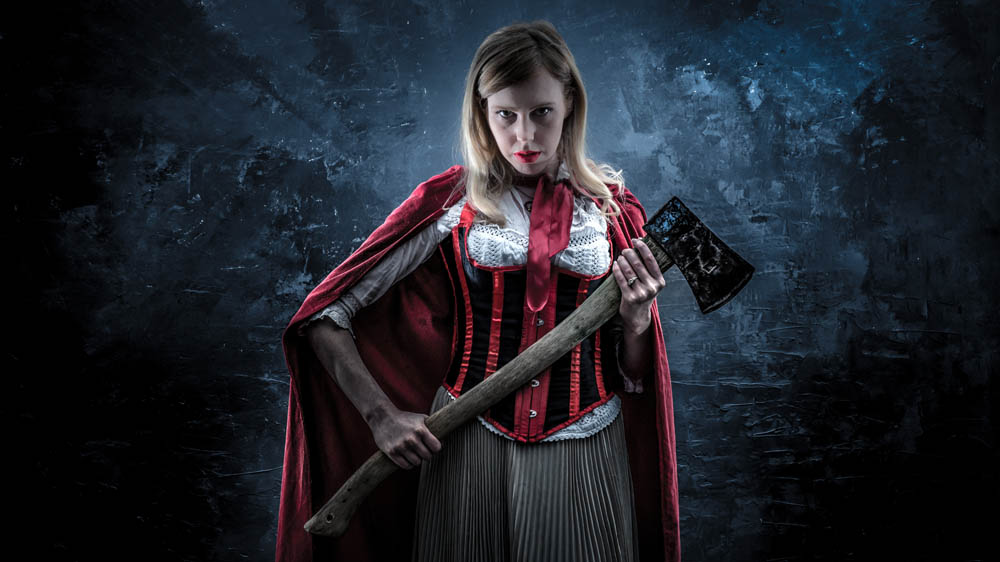
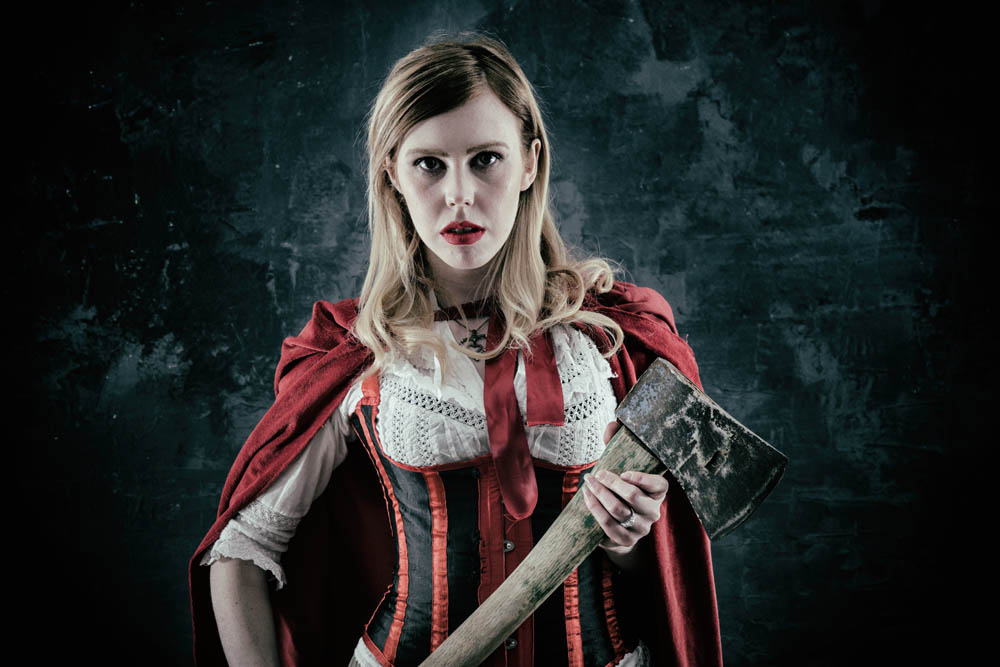
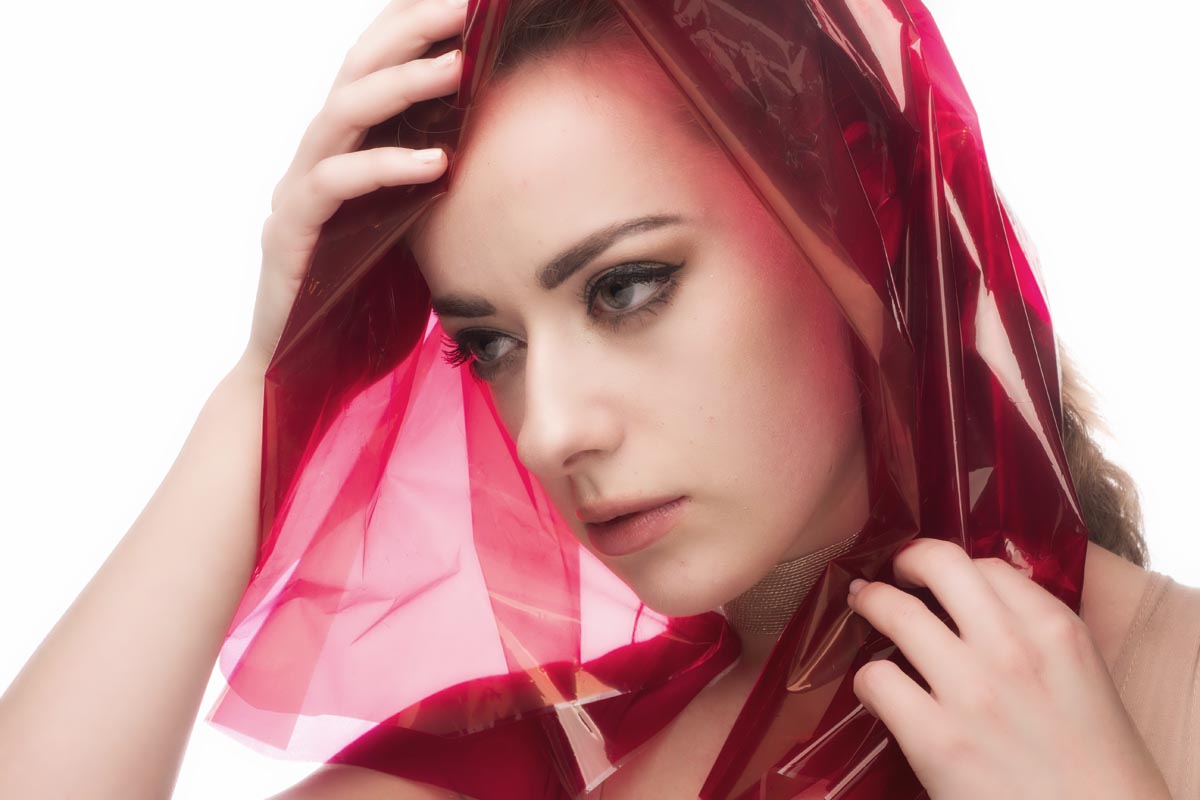
So with a bit of help from model Fern we dusted down the Red Riding Hood cape and set to work.
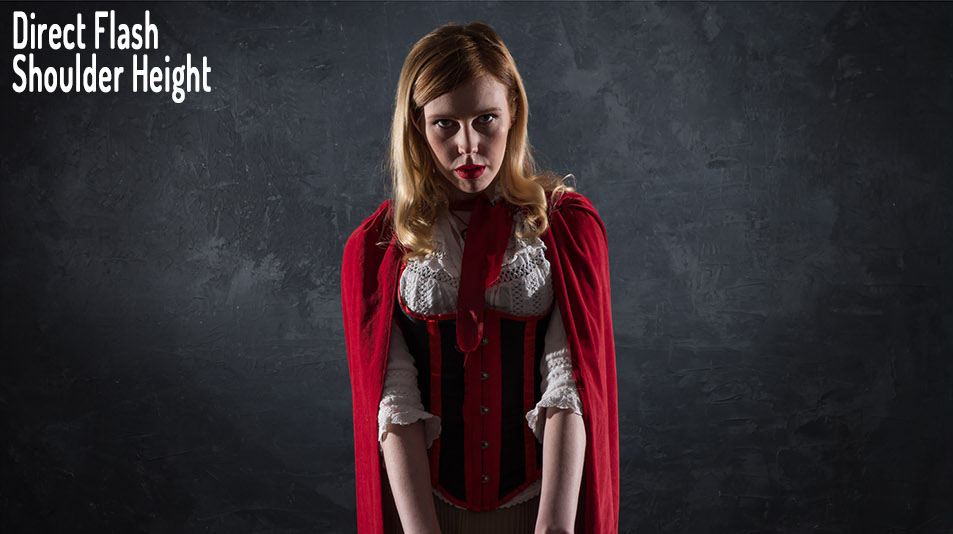
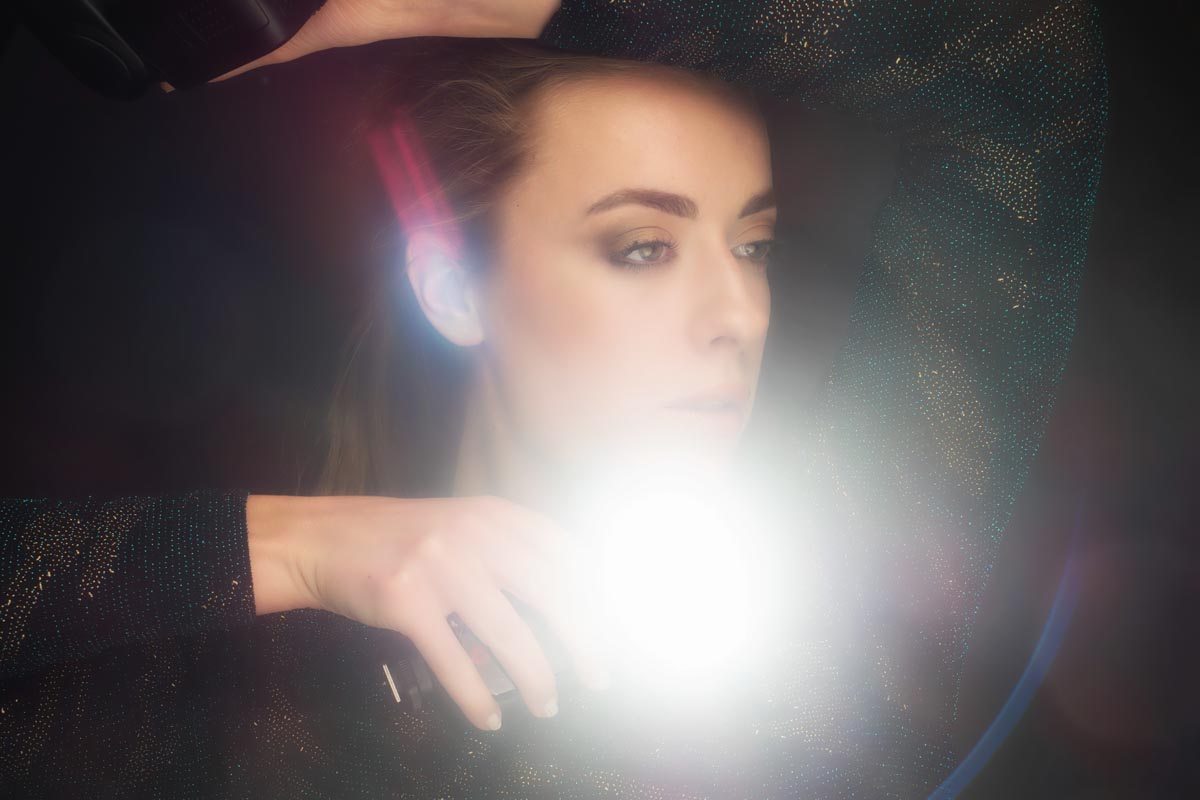
I started by putting the two lights either side of Fern, at 90 degrees to the camera and in line with her shoulders. I carefully made sure they were evenly spaced and that Fern was evenly lit. The end result was a bit too much contrast but very dramatic.
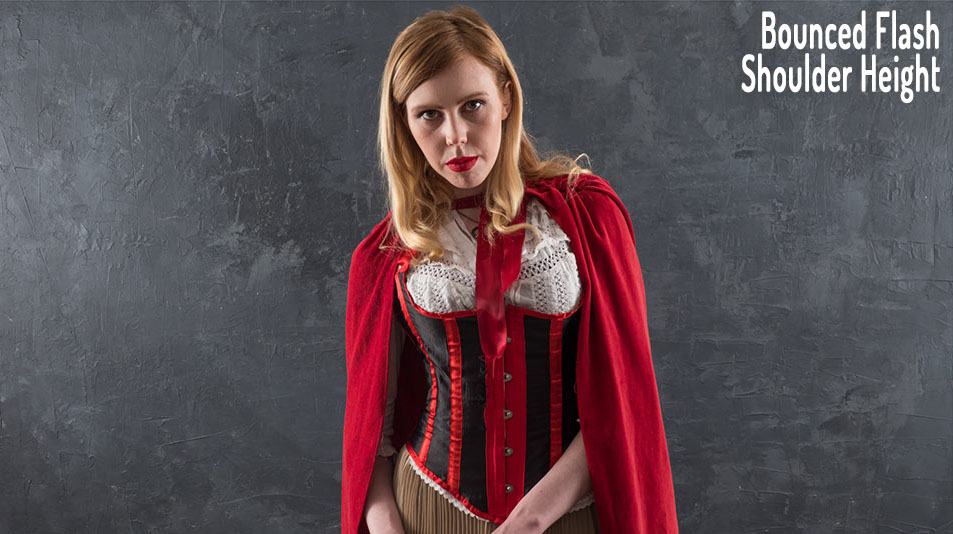
 

Next I spun the lights around and pointed them at the white walls of my studio. The light was bouncing off the walls which simulated the look of light coming from a source much bigger then a small speedlight. Bigger means softer when it comes to light but it also means more spread and sure enough the photo looked much flatter.
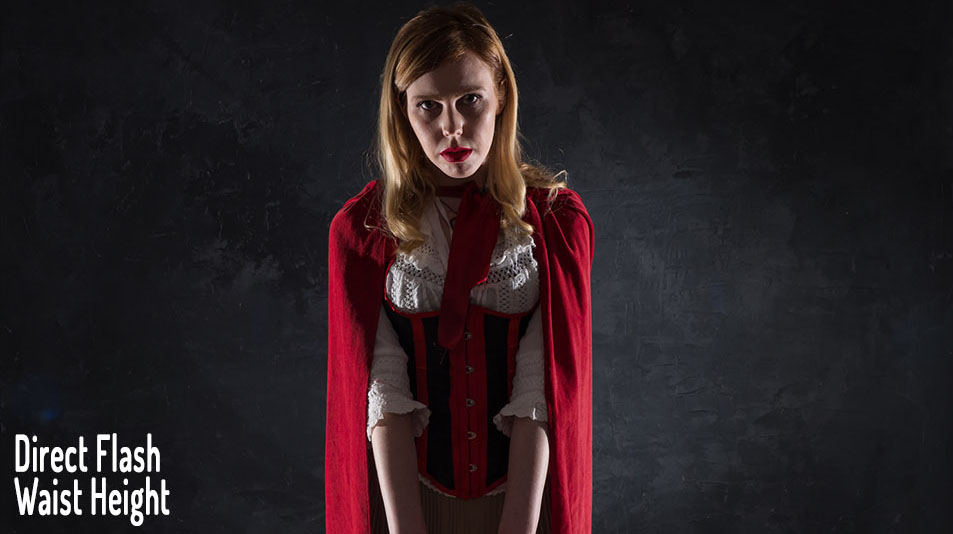
 

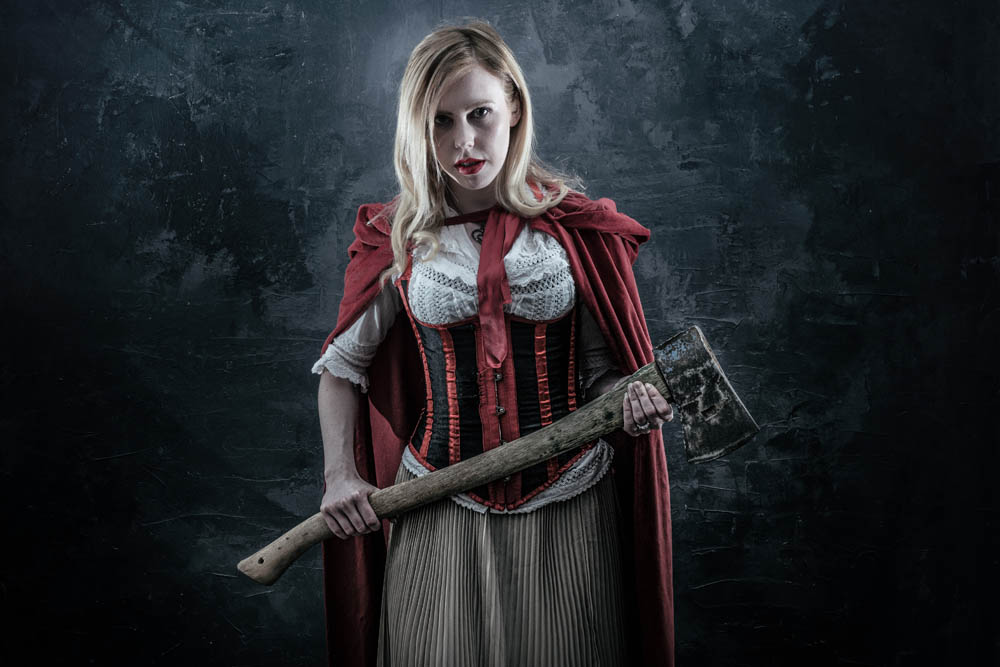
I turned the light back around. If you want a sinister look, put the lights low. It’s not a lighting position I regularly use but in this case it felt right. However the direct light from the bare flashes still looked a bit too harsh for my taste.
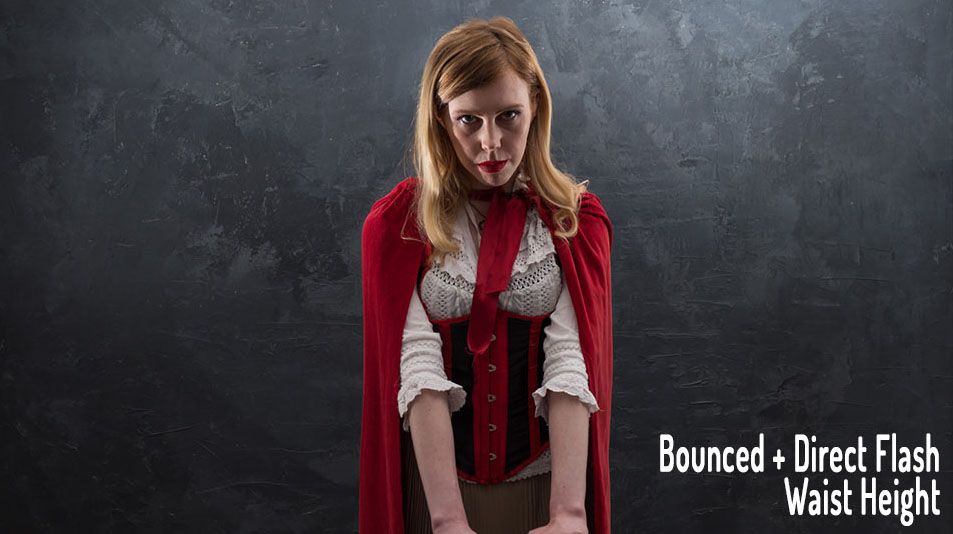
 

To soften the light a little on Ferns face I kept the lights low but angled them up to the ceiling. The result was a mixture of hard light and soft light that worked perfectly for the look we were going for.

For more information on the shoot and the post processing, check out the video below
[youtube]www.youtube.com/watch?v=LKNSqE8sdrc[/youtube]
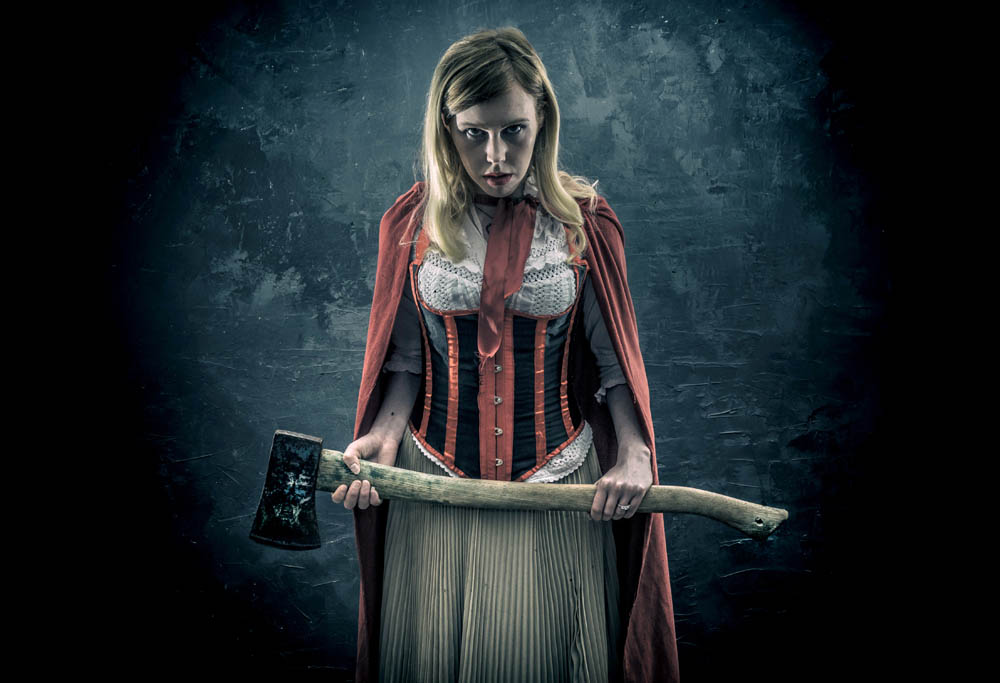
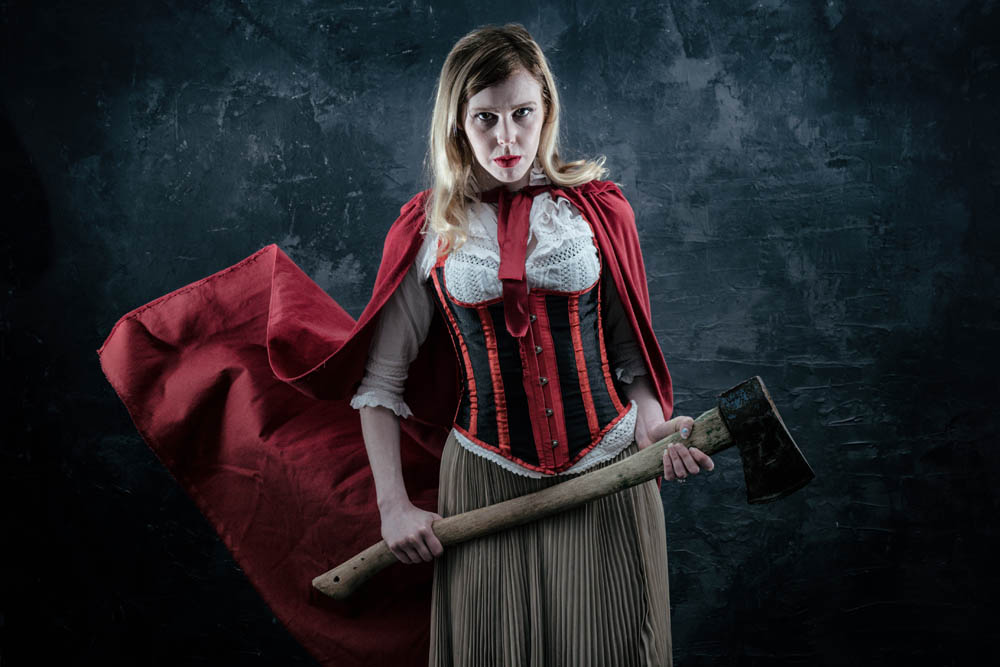
Music and Magic Workshop – Wrap Up

Music and magic may not sound like two photo subjects which fit seamlessly together but a few weeks back they joined harmoniously on my Music and Magic workshop.

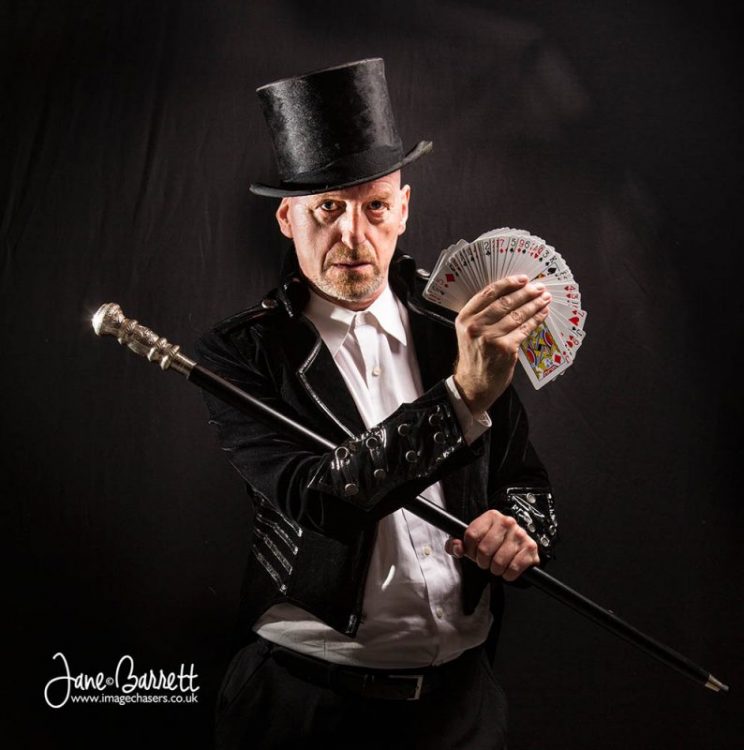
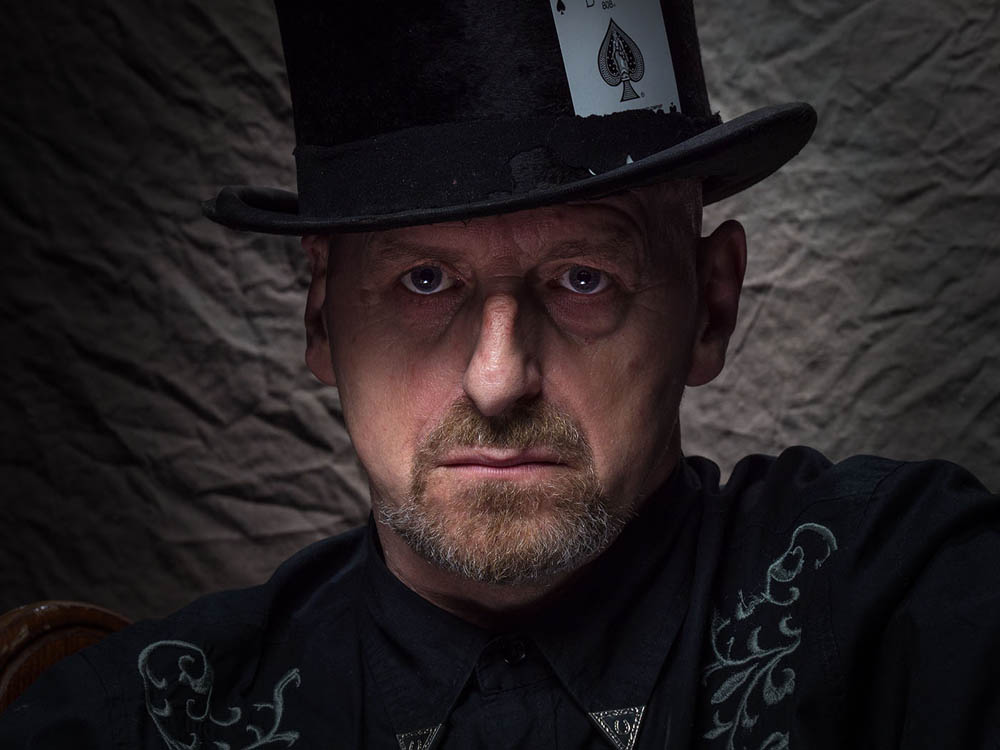
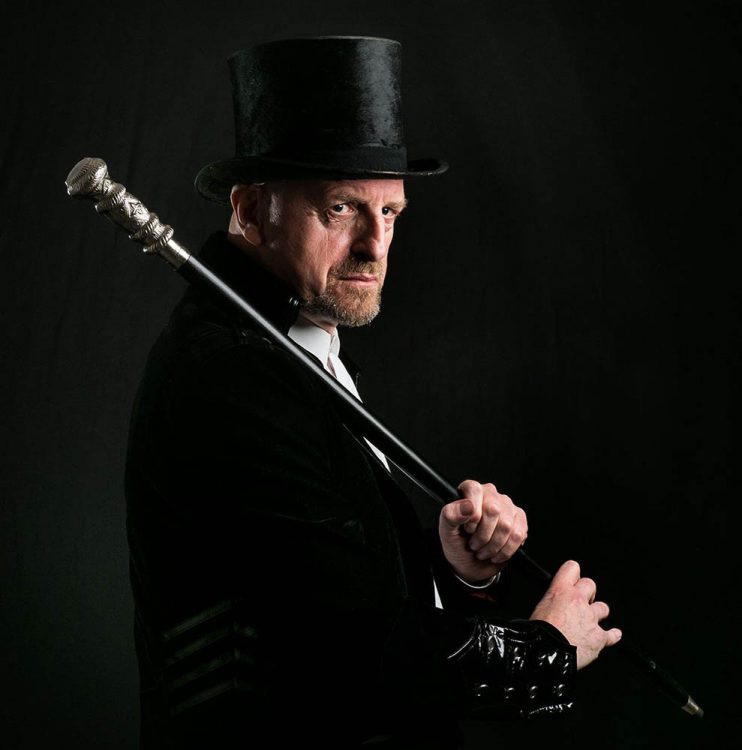
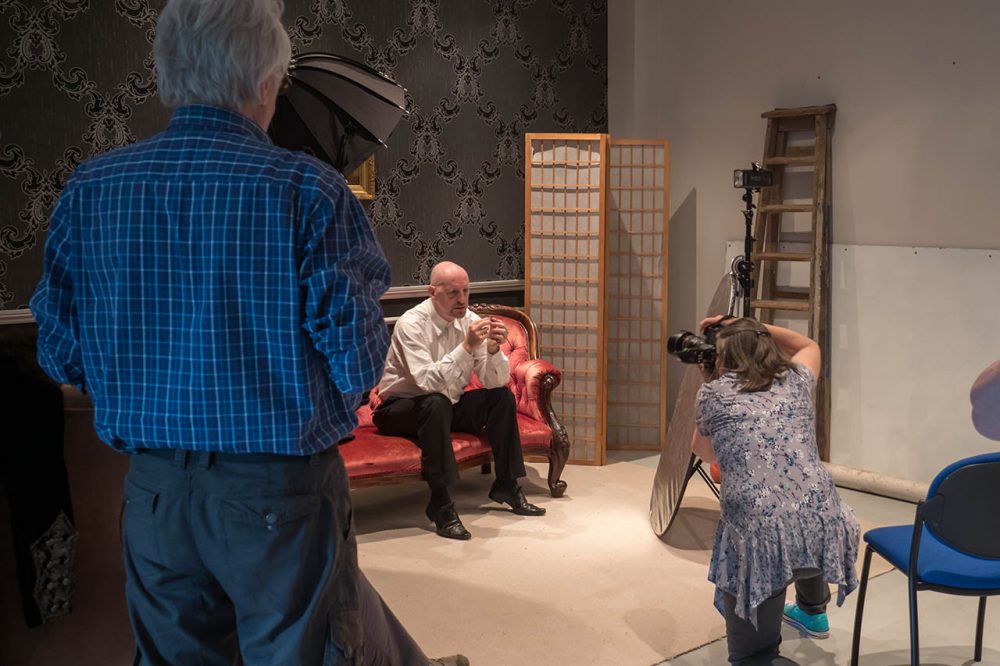
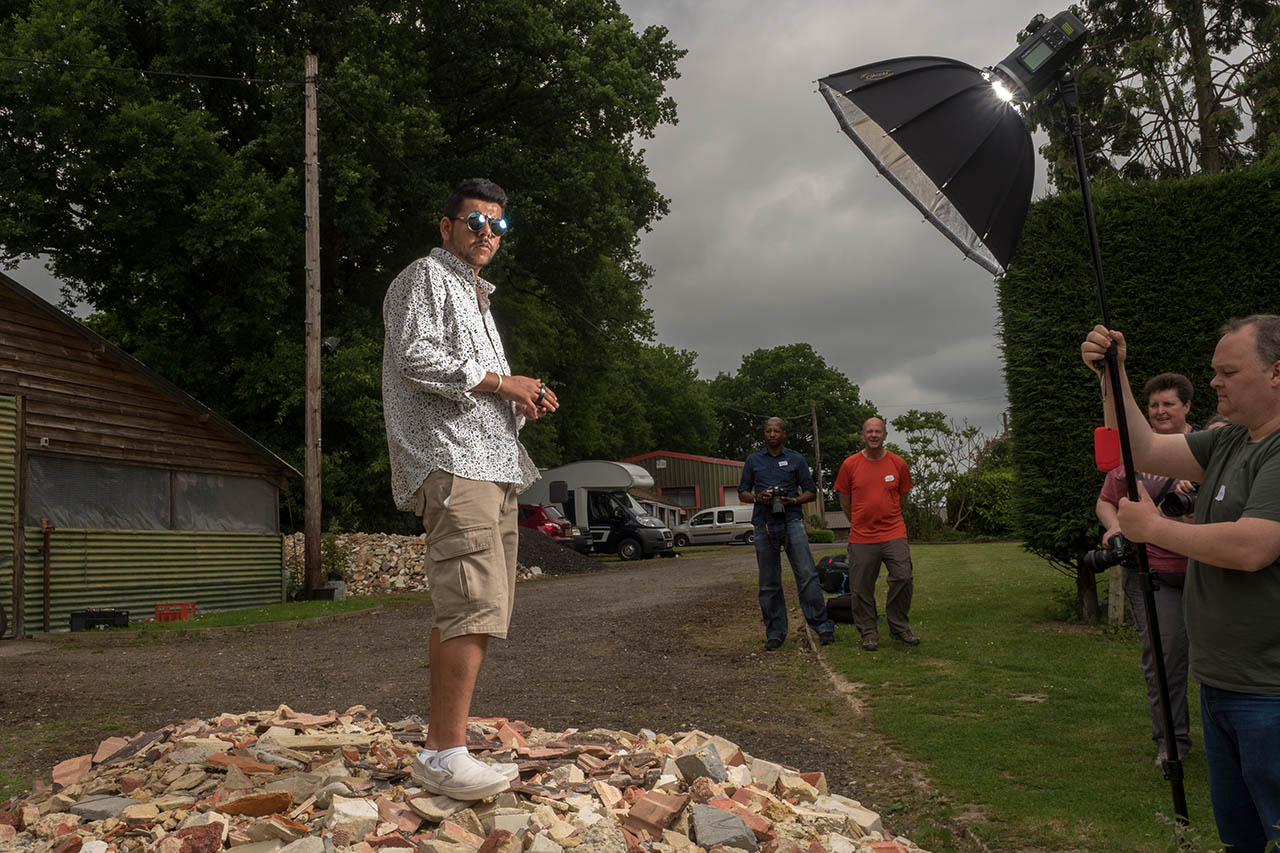
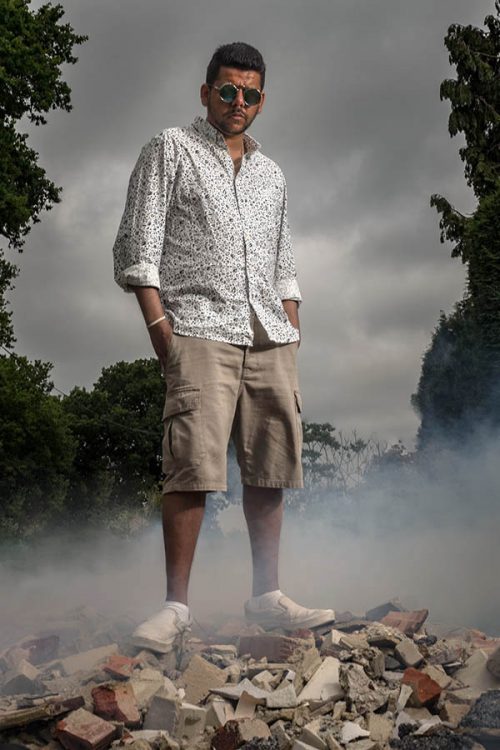
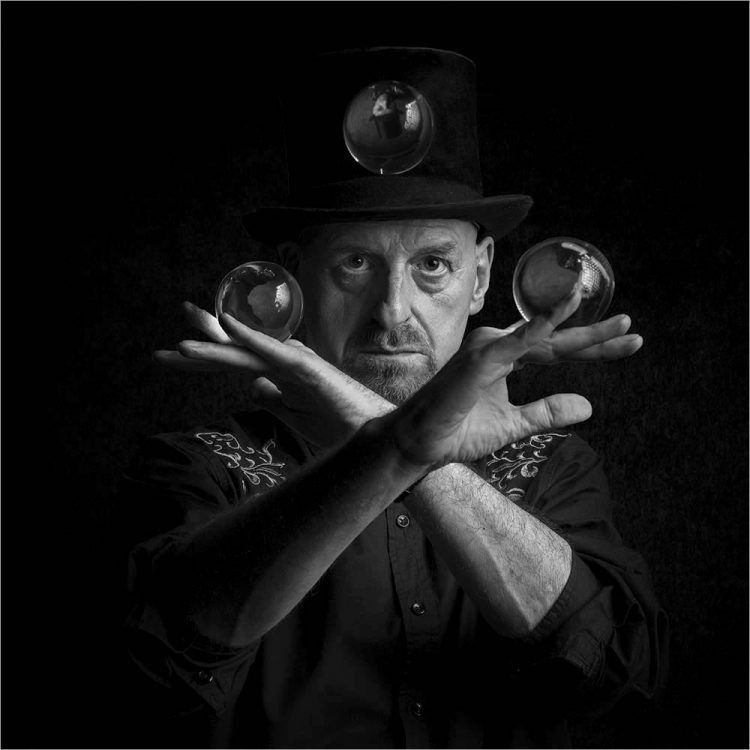
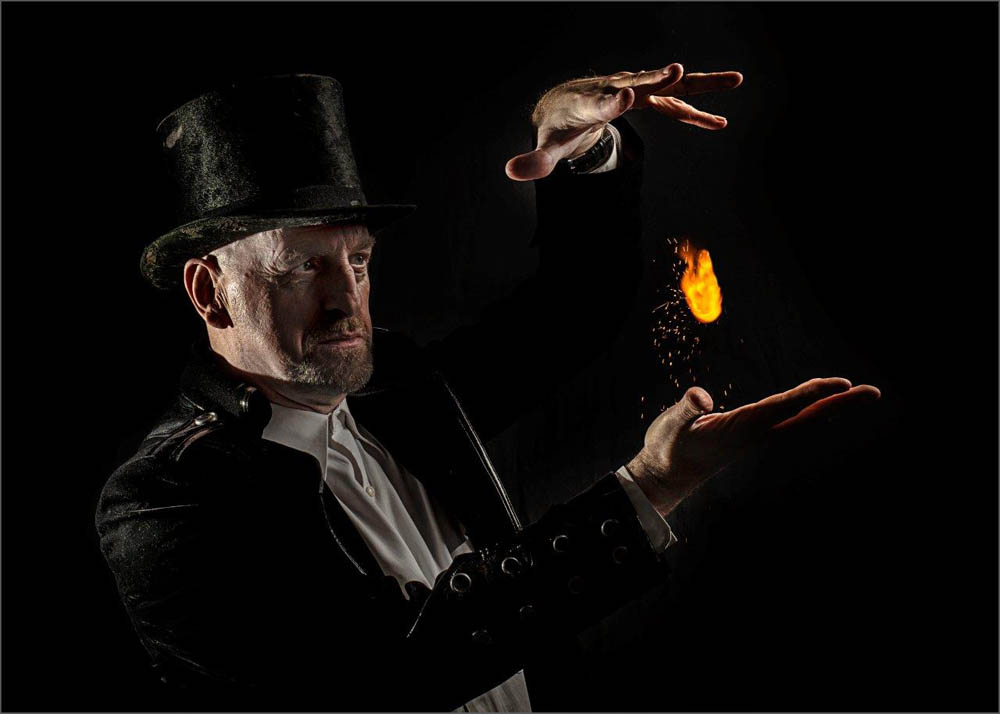
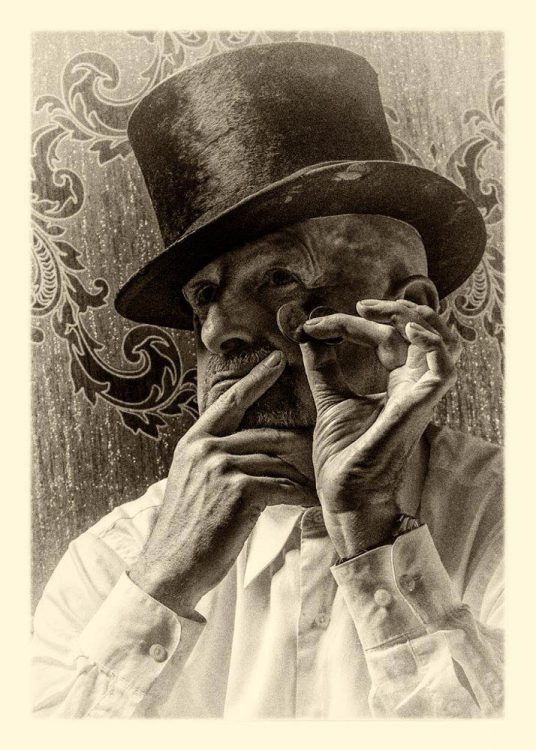
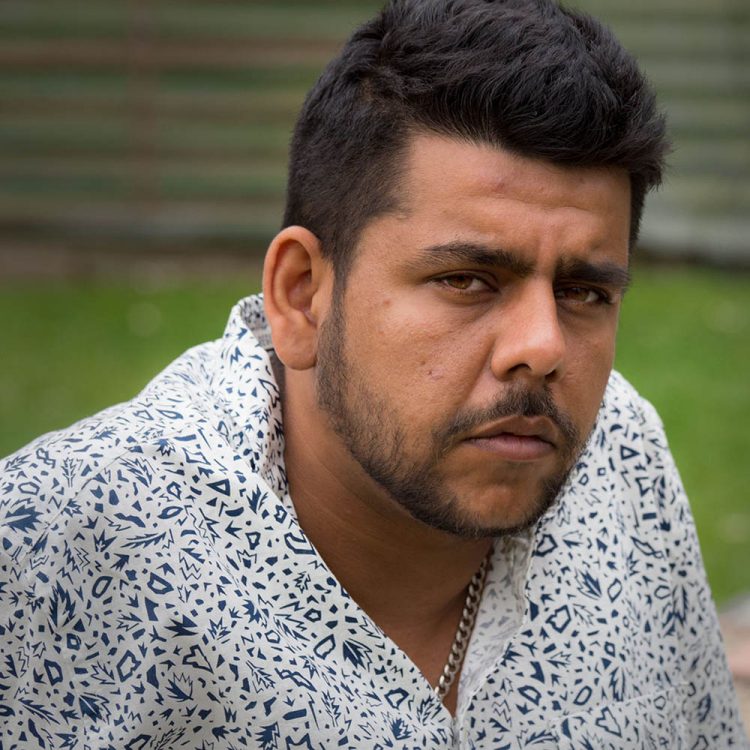
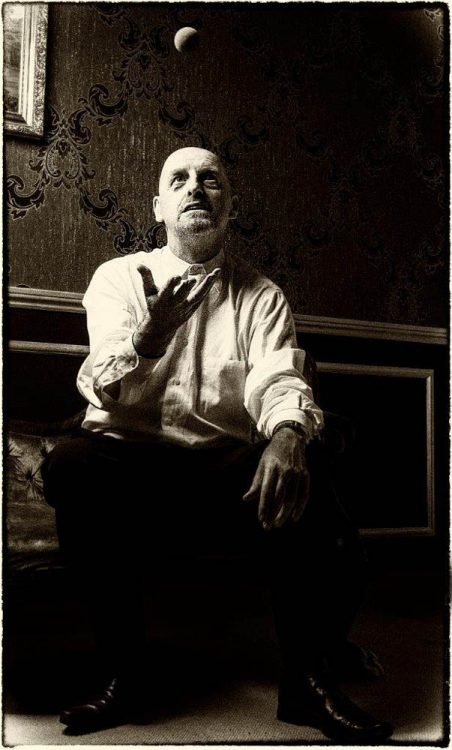
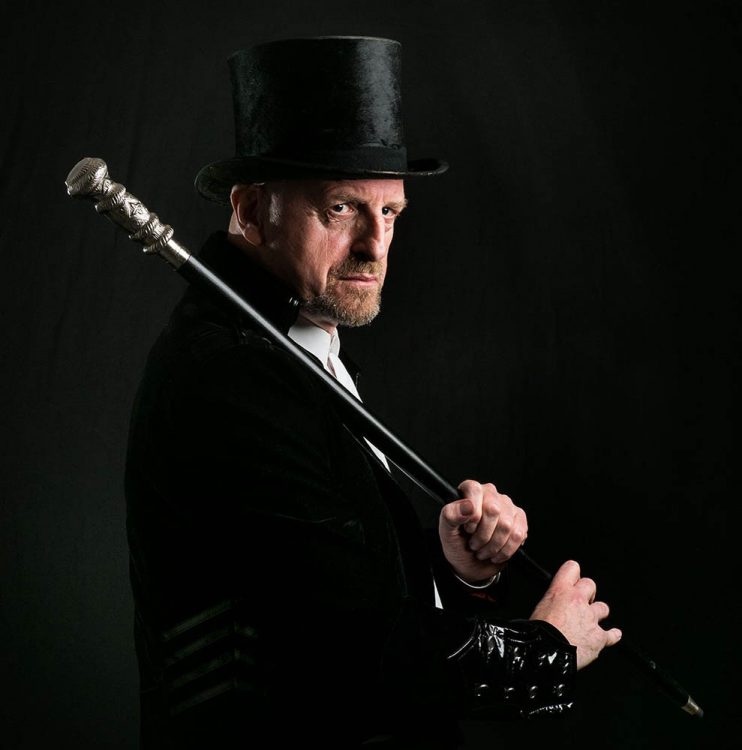
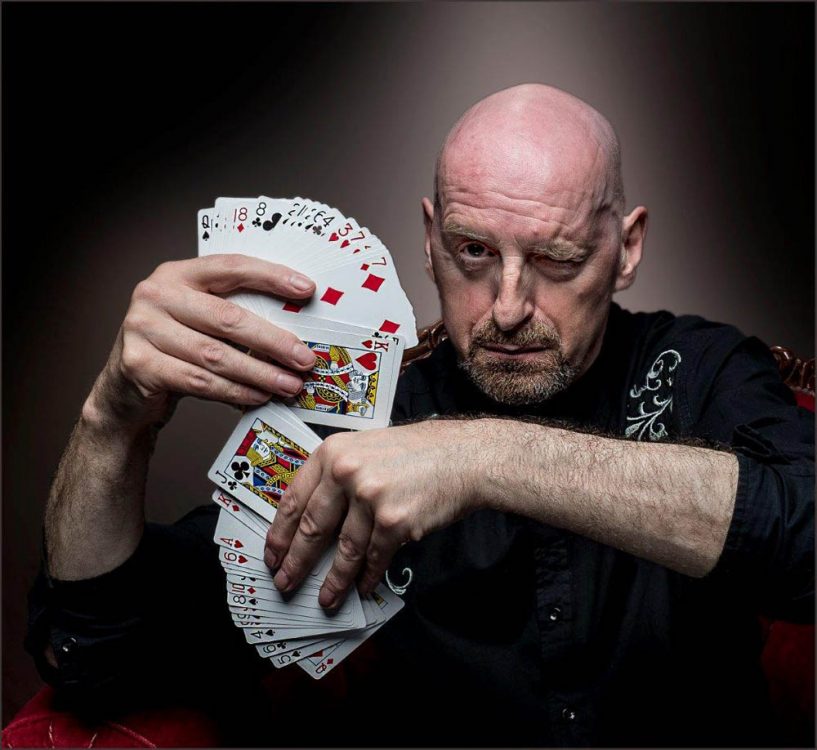
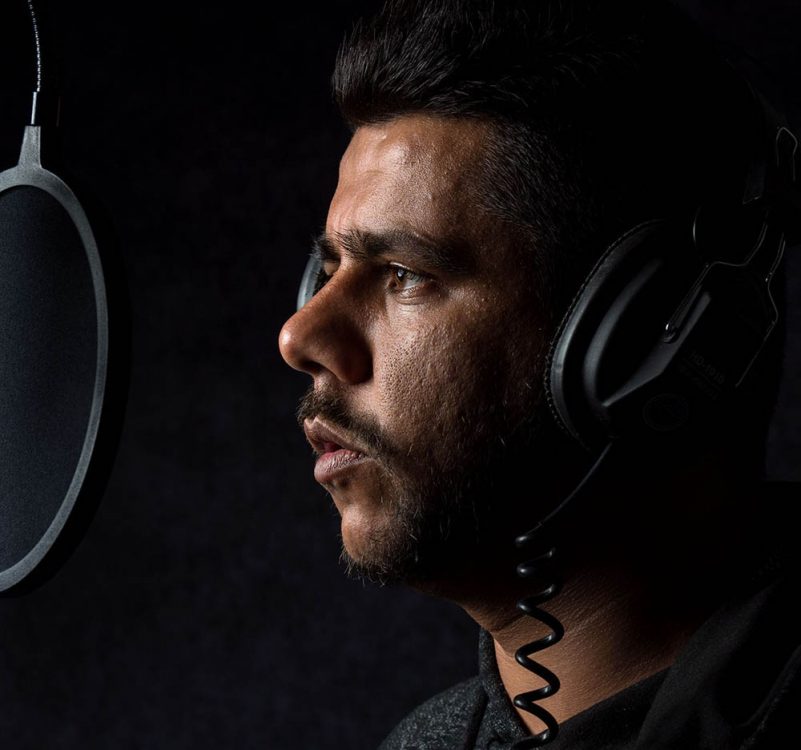
Based at the excellent Square 1 Studios, our subjects for the day were magician Anton Binder and grime artist IF-E, both of whom I’ve worked with before, so was sure the 10 photographers on the workshop were in for a great day.

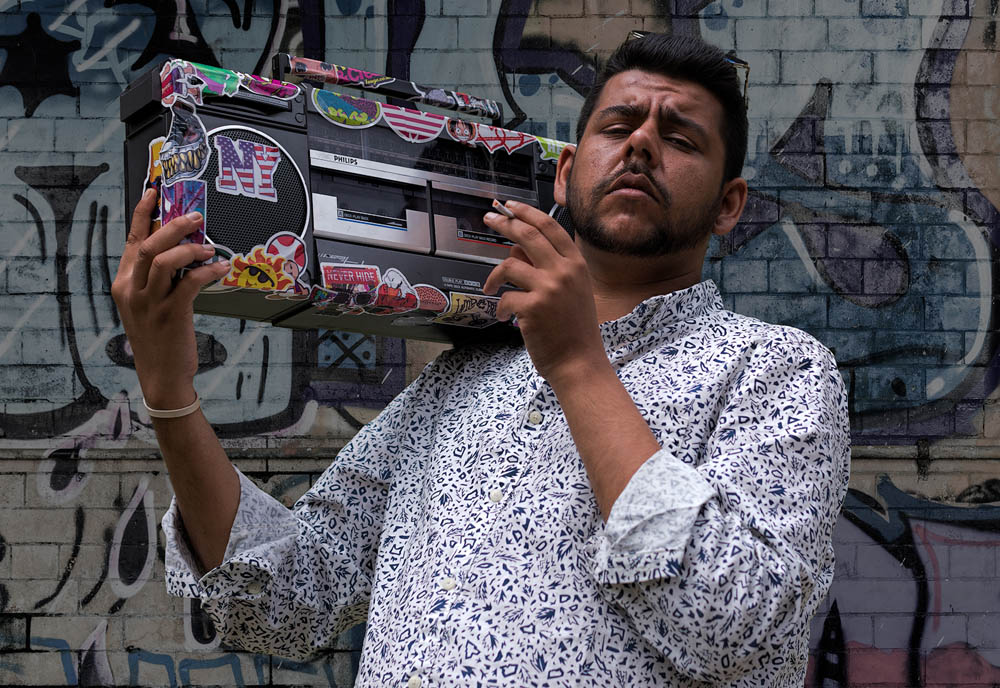
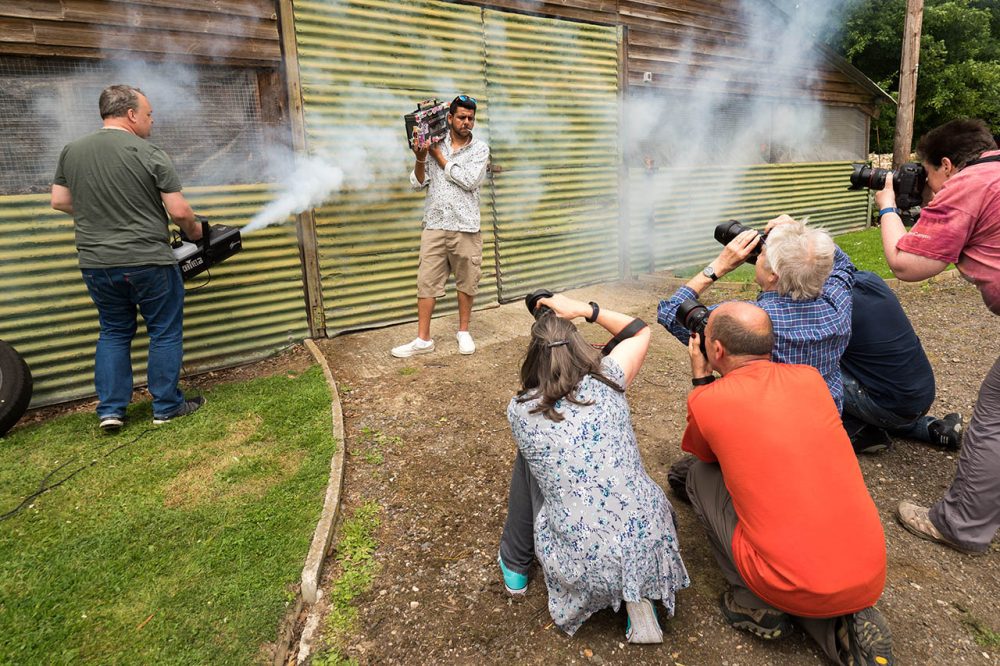
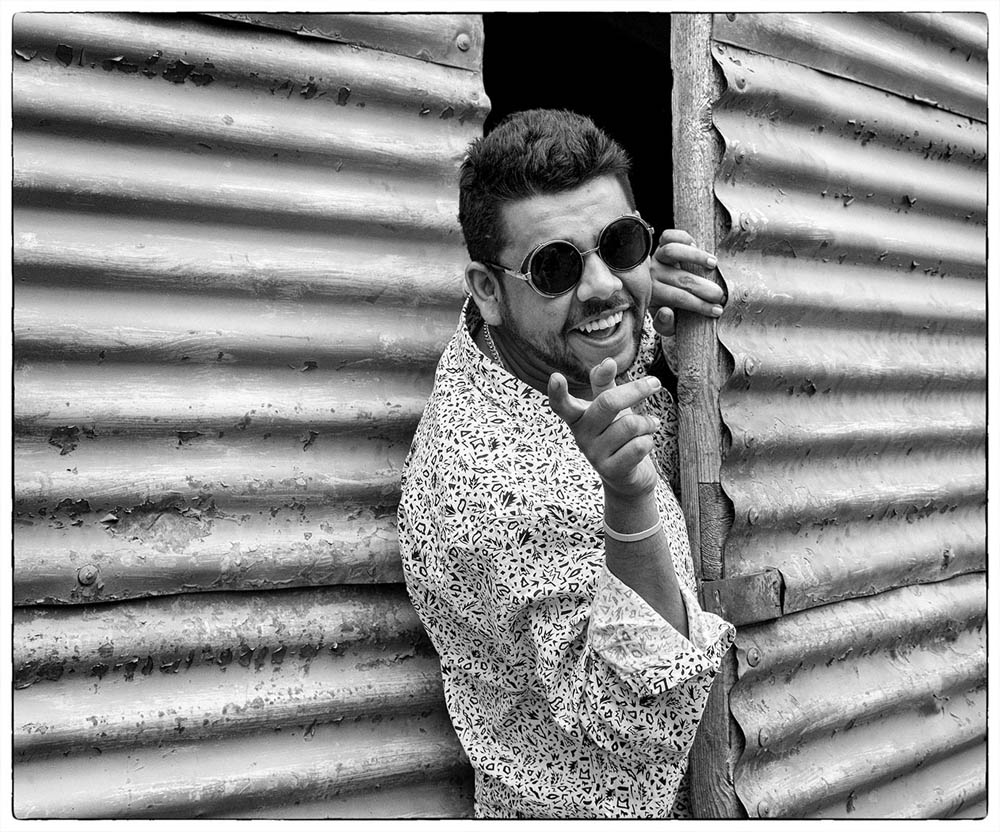
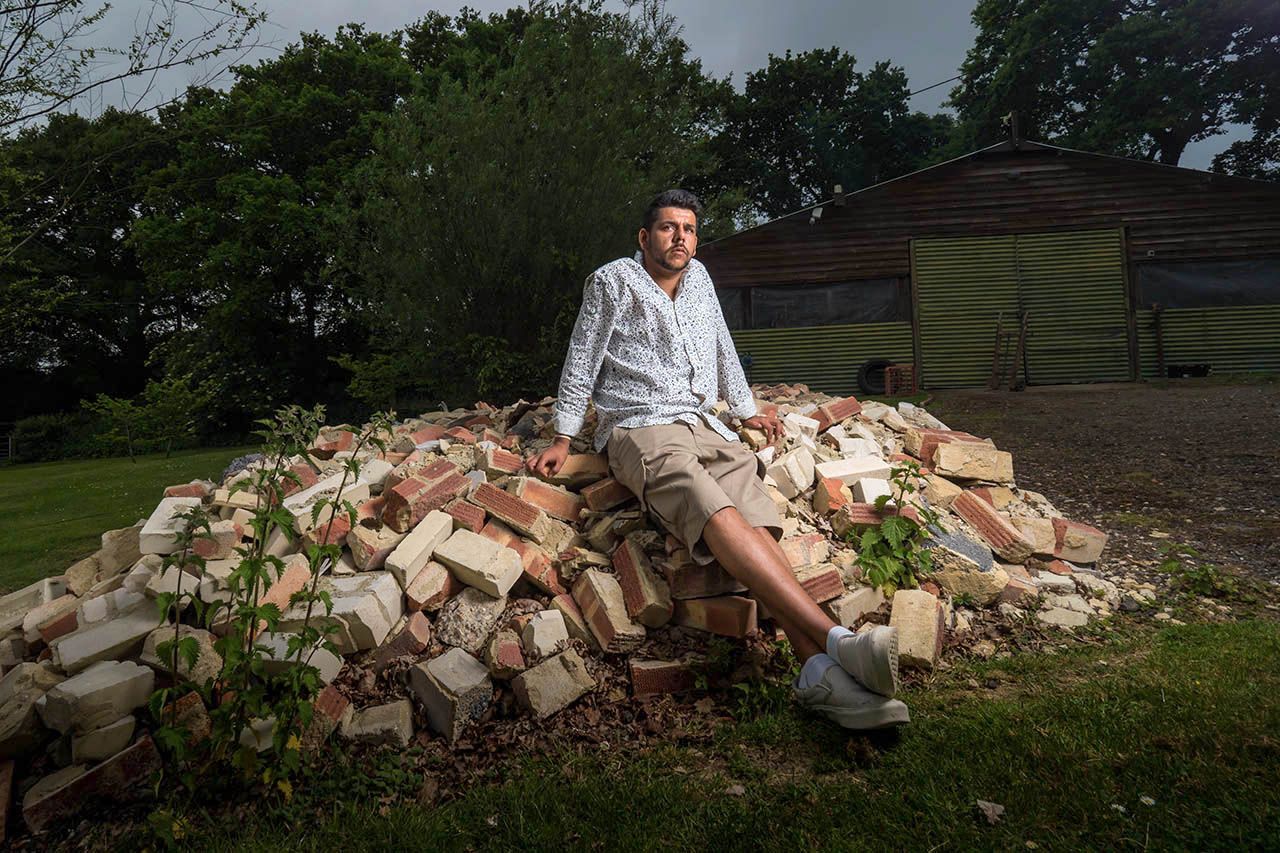
Split into two groups of five, the day started with Anton in the studio shooting theatrical style images and IF-E outside shooting lifestyle images for a fictional album cover.

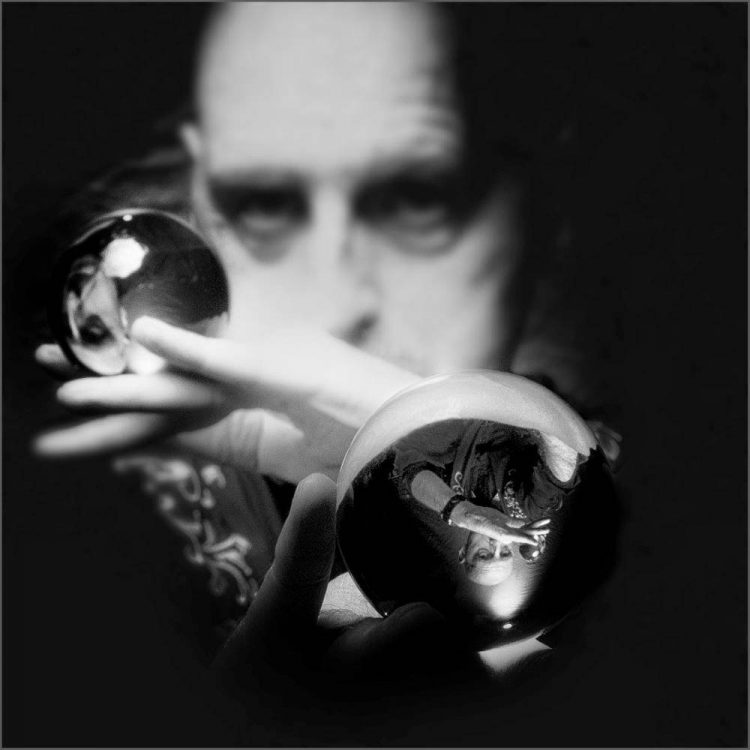
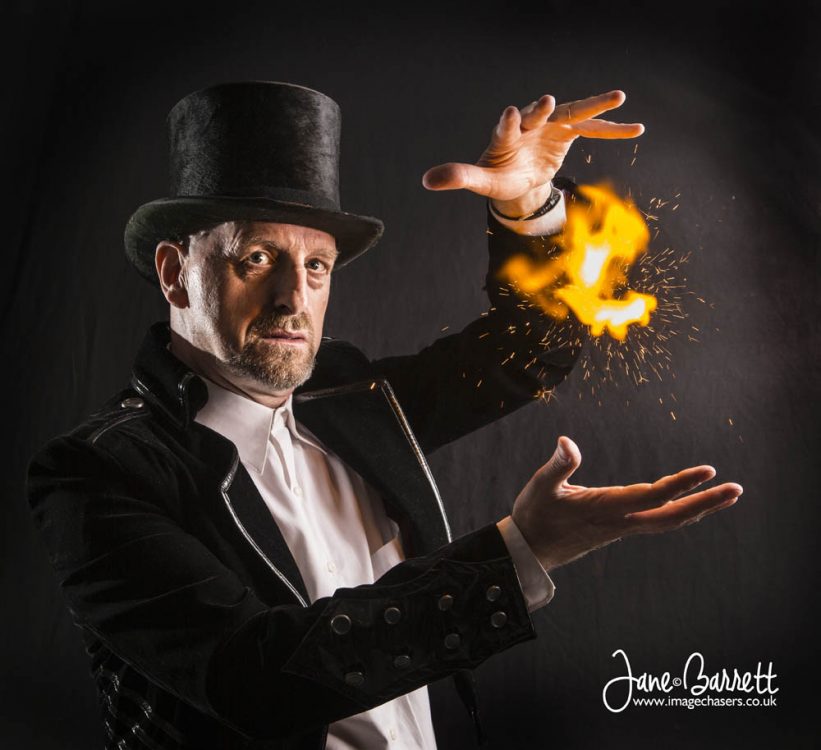
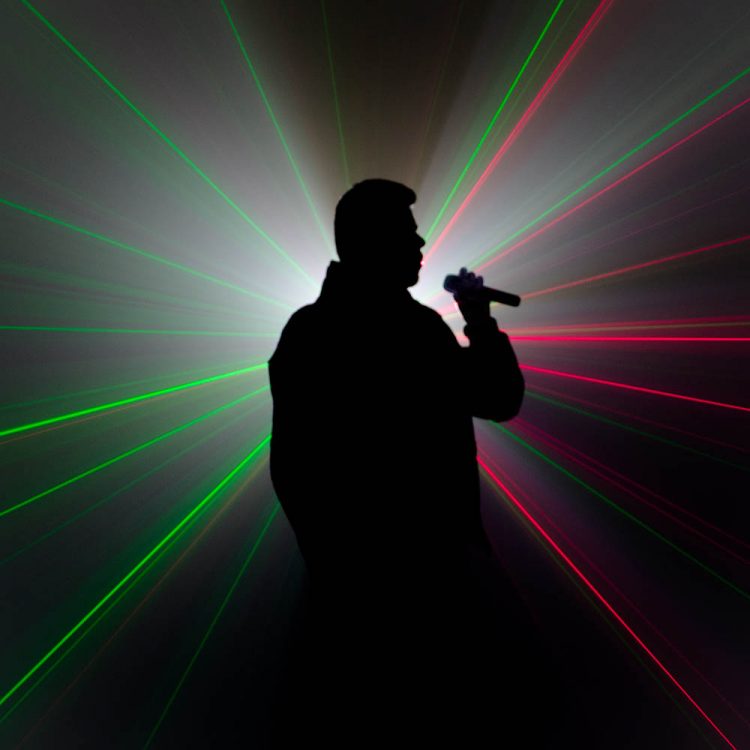
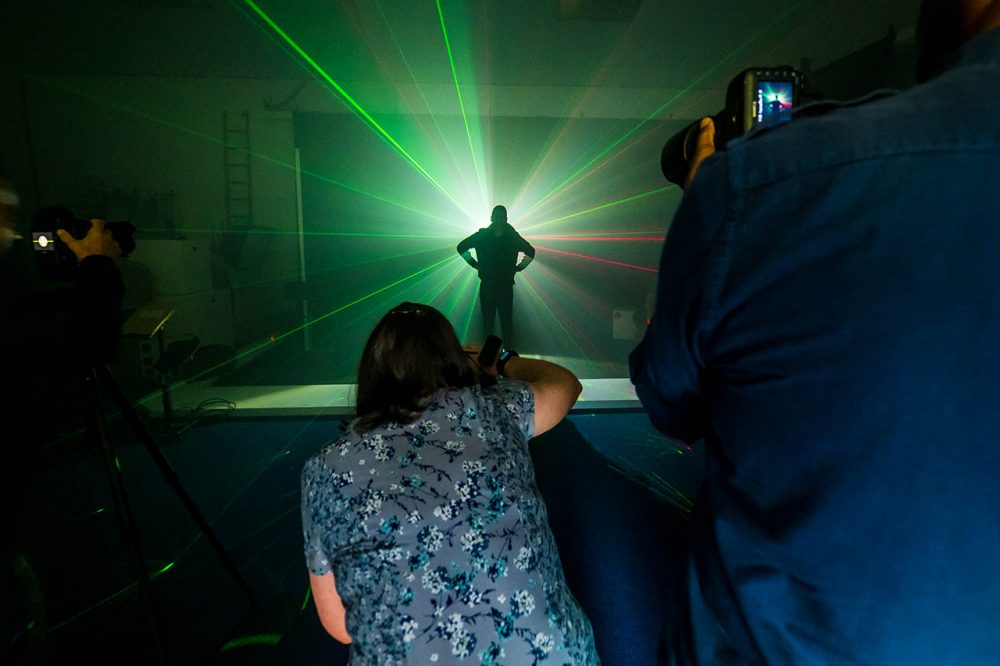
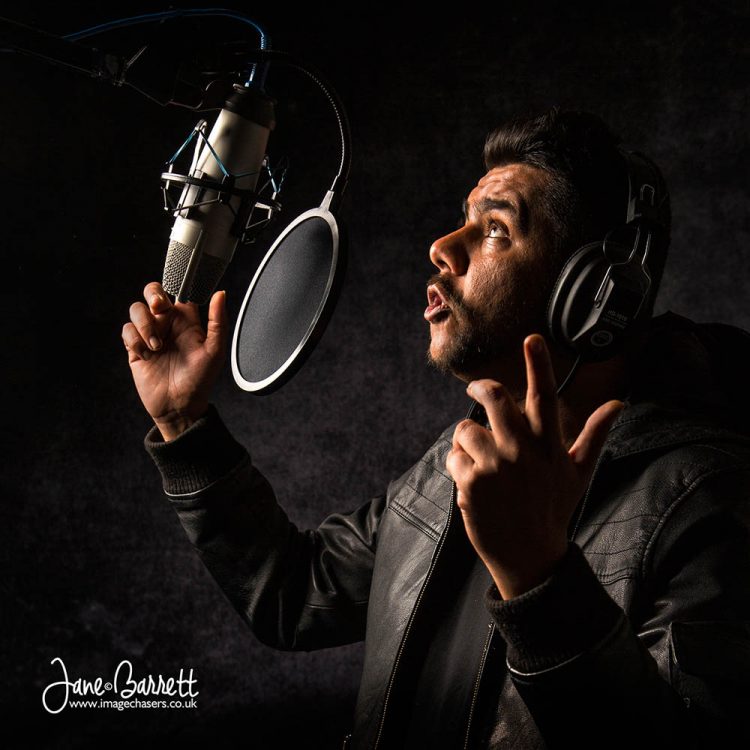
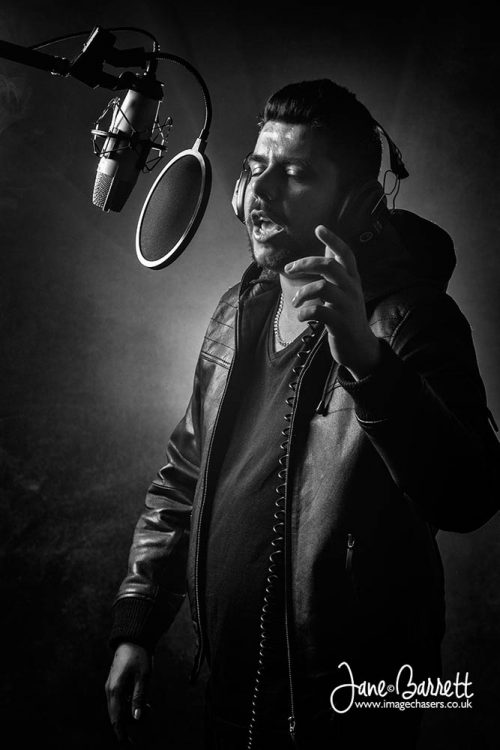
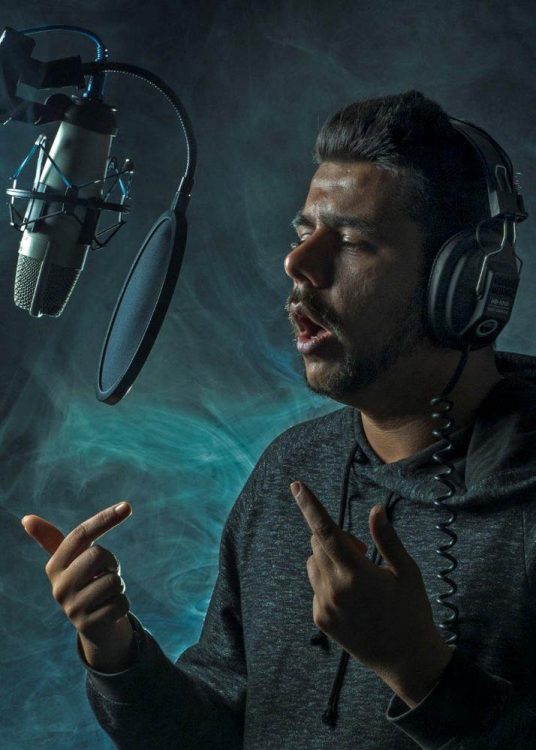
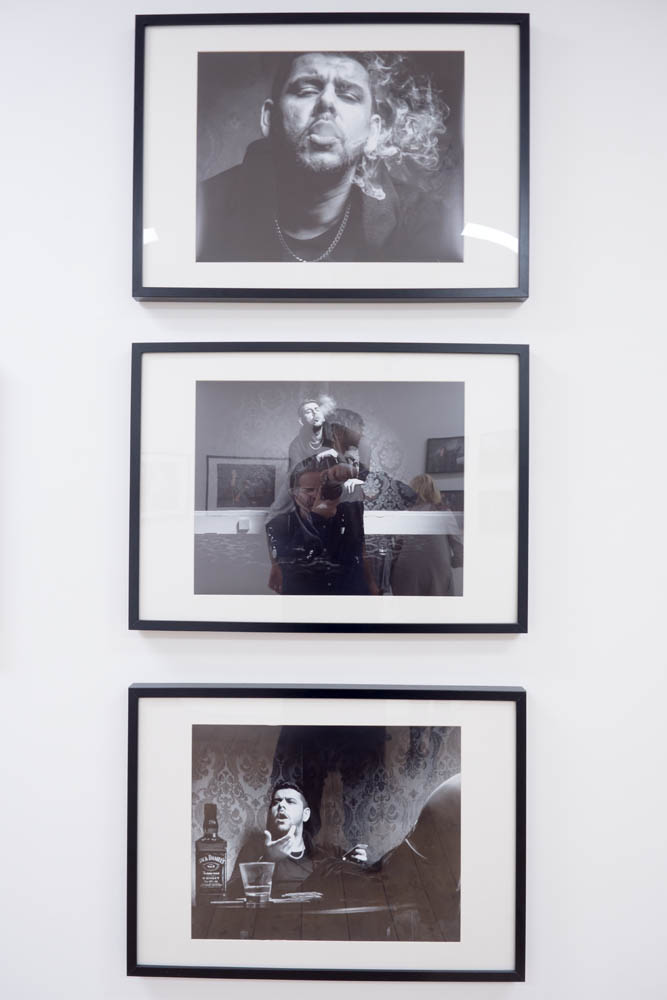
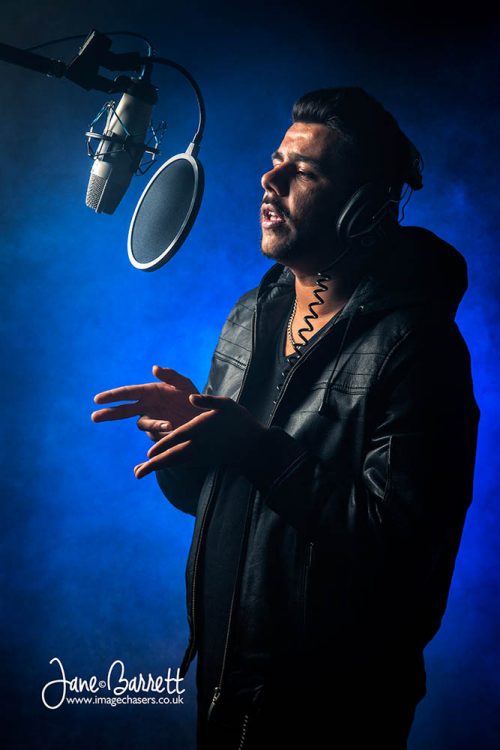
The afternoon was a little different. Anton got to magic up some fire and sparks thanks to something called Flash Paper, he did some close-up magic in the studio’s home set. IF-E on the other hand was laying down some lyrics in our fantasy recording studio and he finished the session posing for silhouette shots with smoke and lasers as the background and lights.

We had a great day and I’d like to thank the models, my assistants and the photographers who made the whole thing possible.

Details of my next workshop (Faded Circus) can be found here www.gavtrain.com/?page_id=5286

Film Noir in a small studio

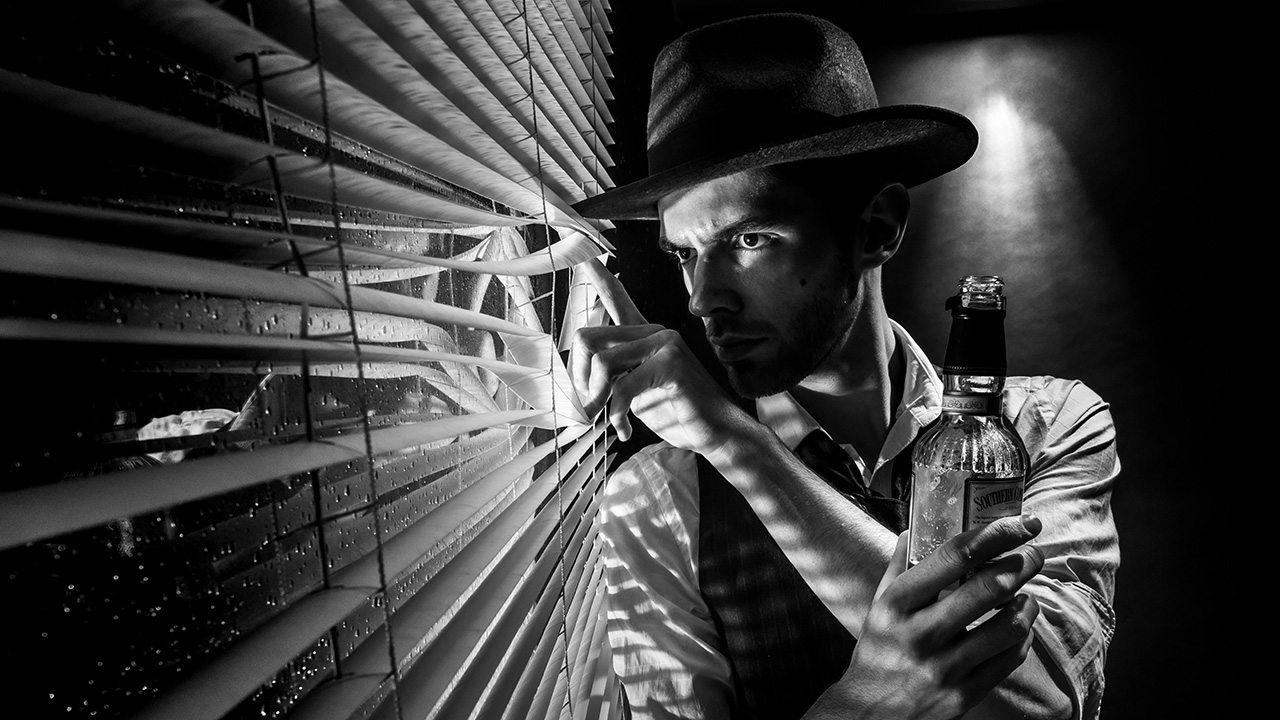
How do you sum up the film noir style? For me words like dark, moody and sinister would be fitting but there’s a lot more to it then that. There’s the style both in lighting and subject matter to consider too.

I always think of Film Noir as being high contrast, black and white scenes lit with hard light resulting in strong shadows. Rightly or not I also think 50’s style crime drama and that’s what I set out to produce in my small home studio.
[youtube]www.youtube.com/watch?v=-9o1Pc6uDRU[/youtube]
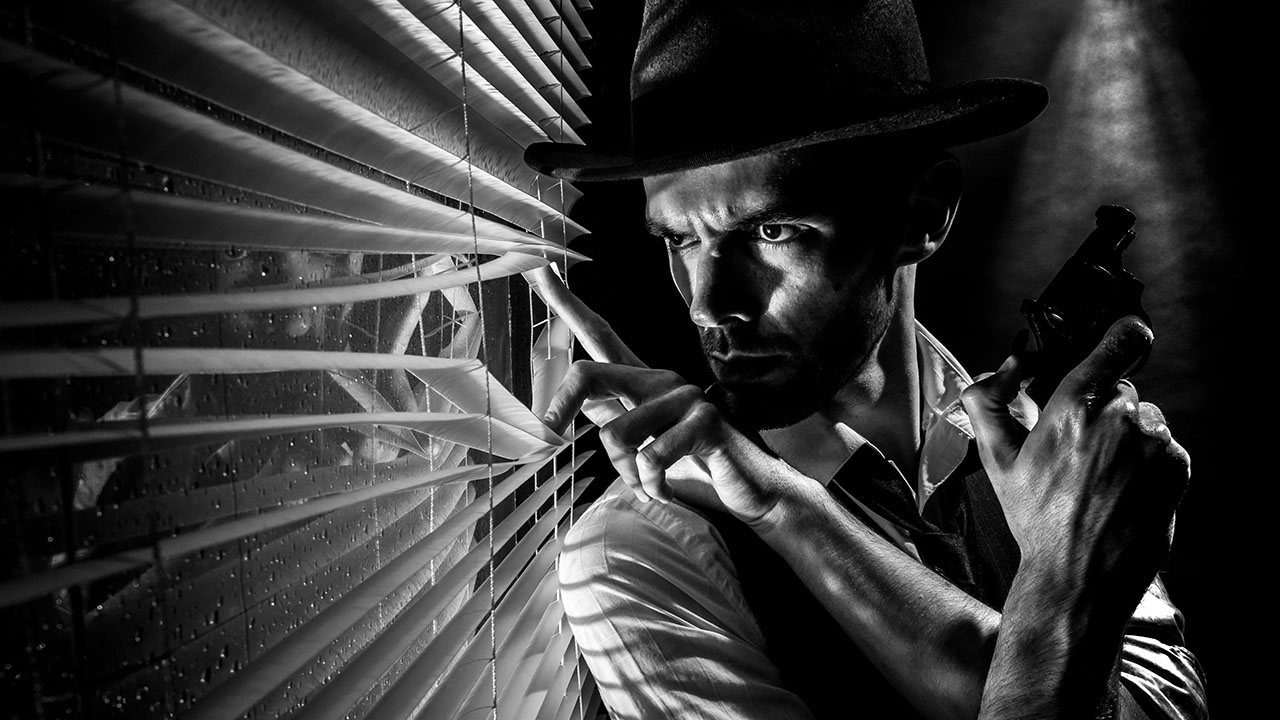
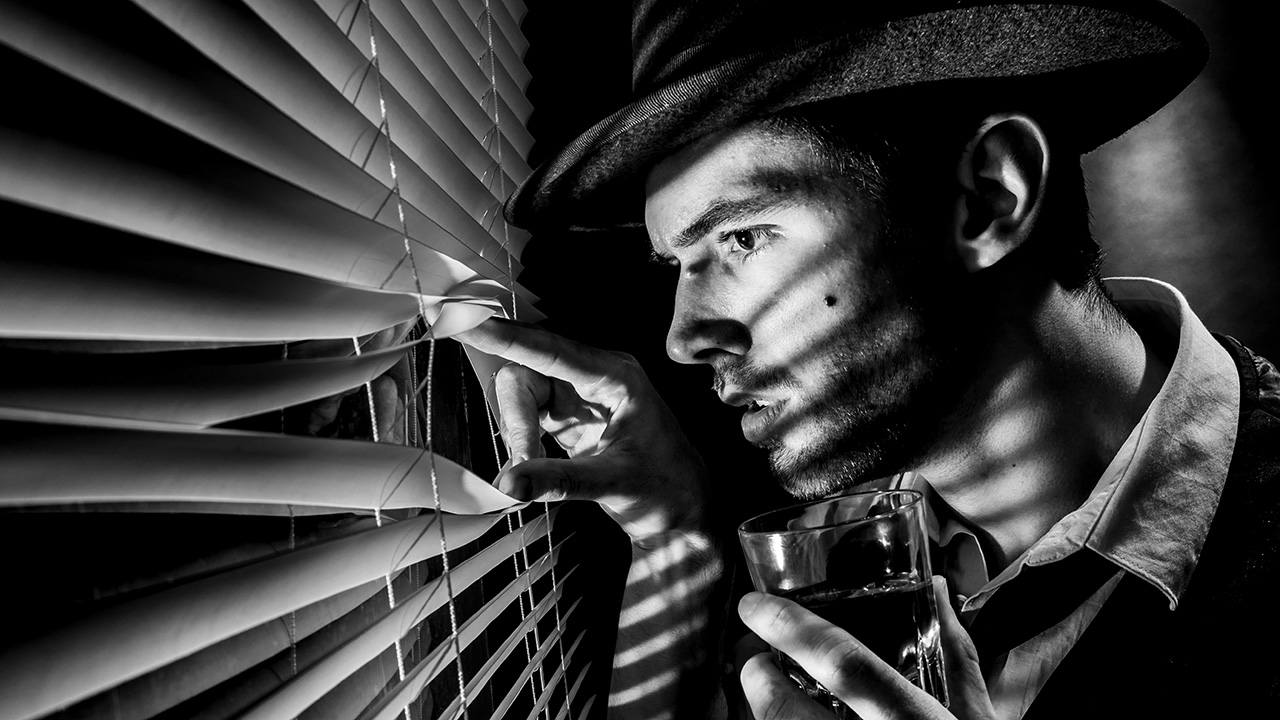
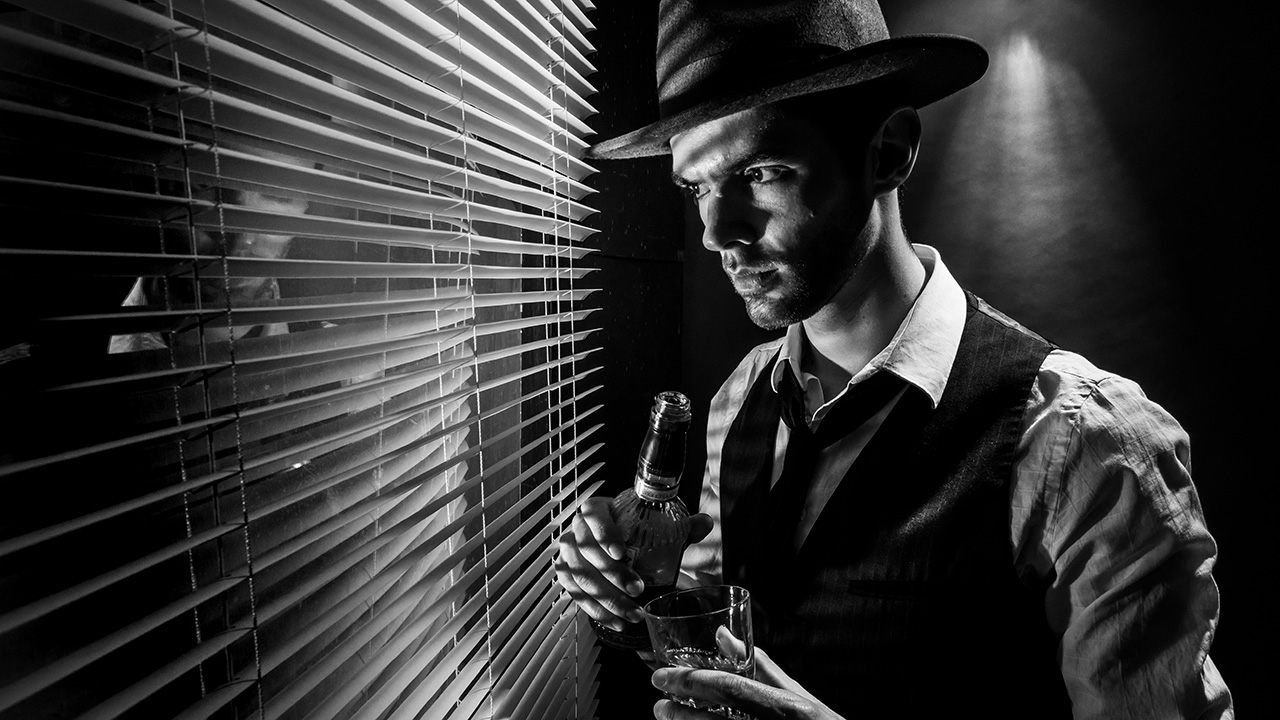
The trick here was to set my main light low and hard (No softboxes or umbrellas) That gave great shadows from the Venetian blinds and the up light gave a sense of menace, as well as the subtle feeling our hero was on a higher floor looking down.

The rest was down to Styling. So asking Brian (the model) to have a bit of stubble, giving him a bottle of whiskey (or cold tea in this case) and of course, having him hold a vintage kids cap gun all helped set the scene and tell the story.

Pointless Photo Challenge, Episode 1

Photography can be a serious business sometimes, doubly so for me as it’s both my job and my hobby. But take things too seriously and run the risk of losing the fun factor and that’s often where the more creative side photography comes to the surface.

So when my good friend and fellow Adorama TV presenter Mark Wallace recently stopped by my house for a few days, we came up with a whole bunch of fun photo challenges to test our photography skills in a slightly pointless but hugely enjoyable way.

In this episode both Mark and I take part in a model shoot and background folding challenge. Sounds easy? Well there’s a twist.

[youtube]www.youtube.com/watch?v=ePI2jYcm1L4[/youtube]
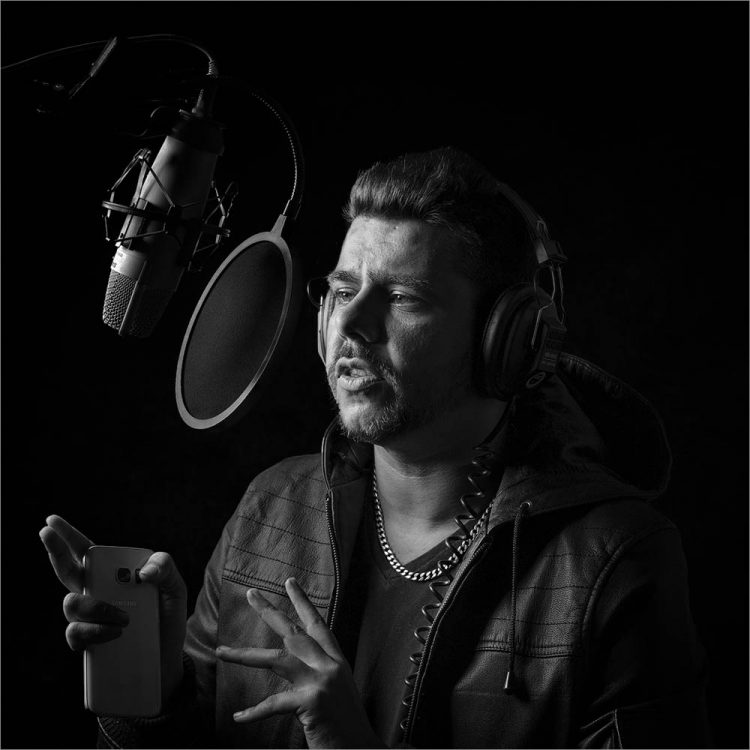
For the model shoot we both worked with Kerry Allingham but with the following instructions…
Reverse model shoot.
Swap places with Kerry and instruct her on how to take the best portrait of you. You can not touch any equipment including your camera or lights and you can’t see the photos until after the shoot. You have 20 minutes starting now

The next challenge was much more straight forward…
Folding challenge
Fold these three reflectors whilst blind folded. Fastest wins.

While there’s no arguing I won the folding challenge, who won the reverse model shoot is open to debate. Let me know who you think won and why in the comments below.

The Photography Show 2017 Lighting Demos

The Photography Show (TPS) is the UK’s biggest and busiest photo event and last week I was lucky enough to be there for all four days. But I wasn’t there to shop, network and learn. I was there to teach.

In all I did 17 talks, demos and live streams in four days, so TPS 2017 was a super busy event for me. Along the way I met with some wonderful photographers, so if you stopped and said hello then thank you.

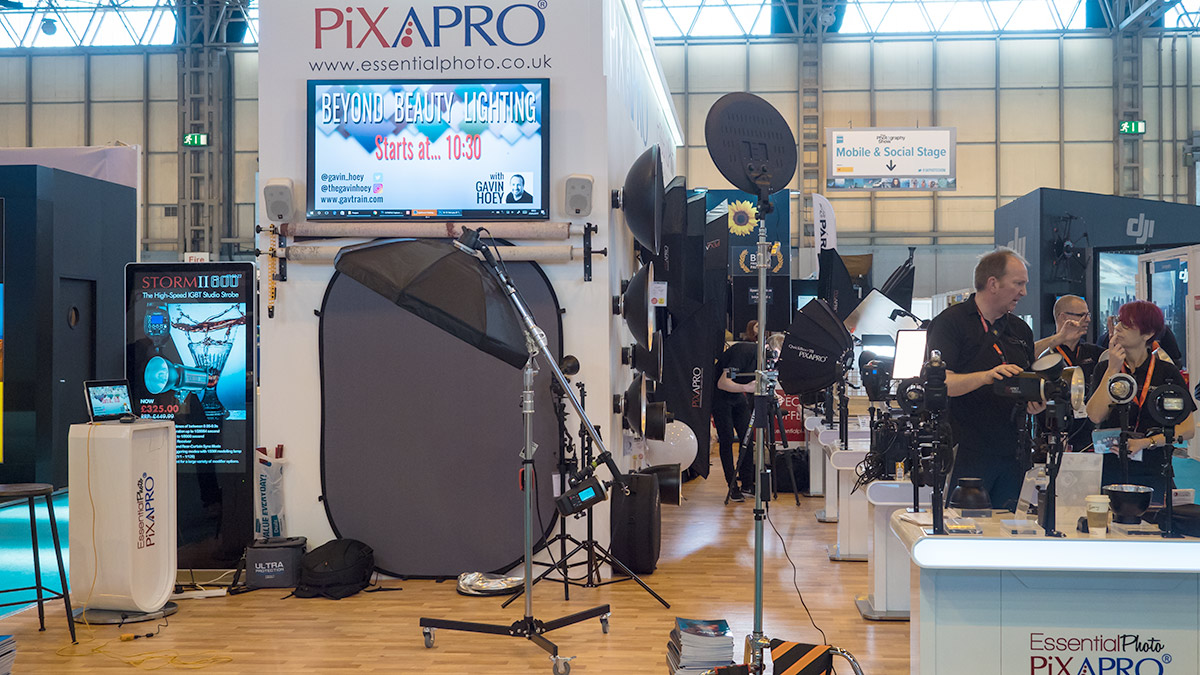
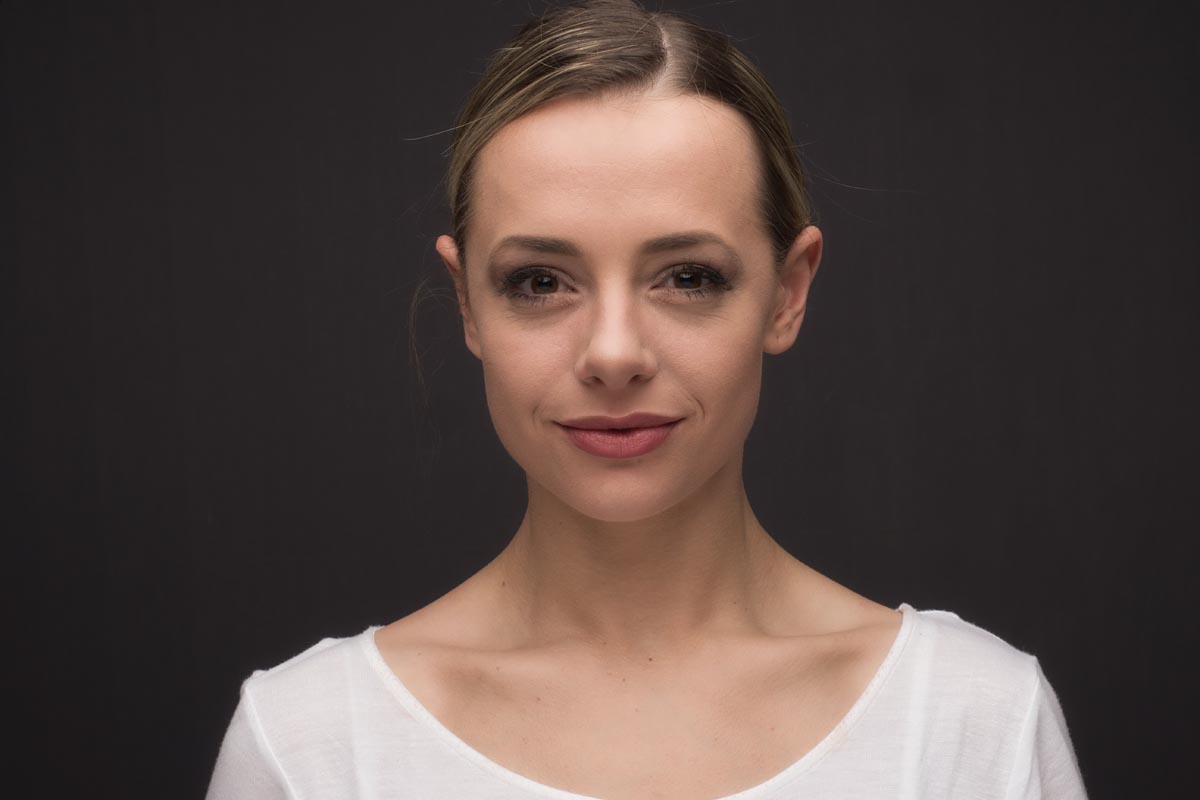
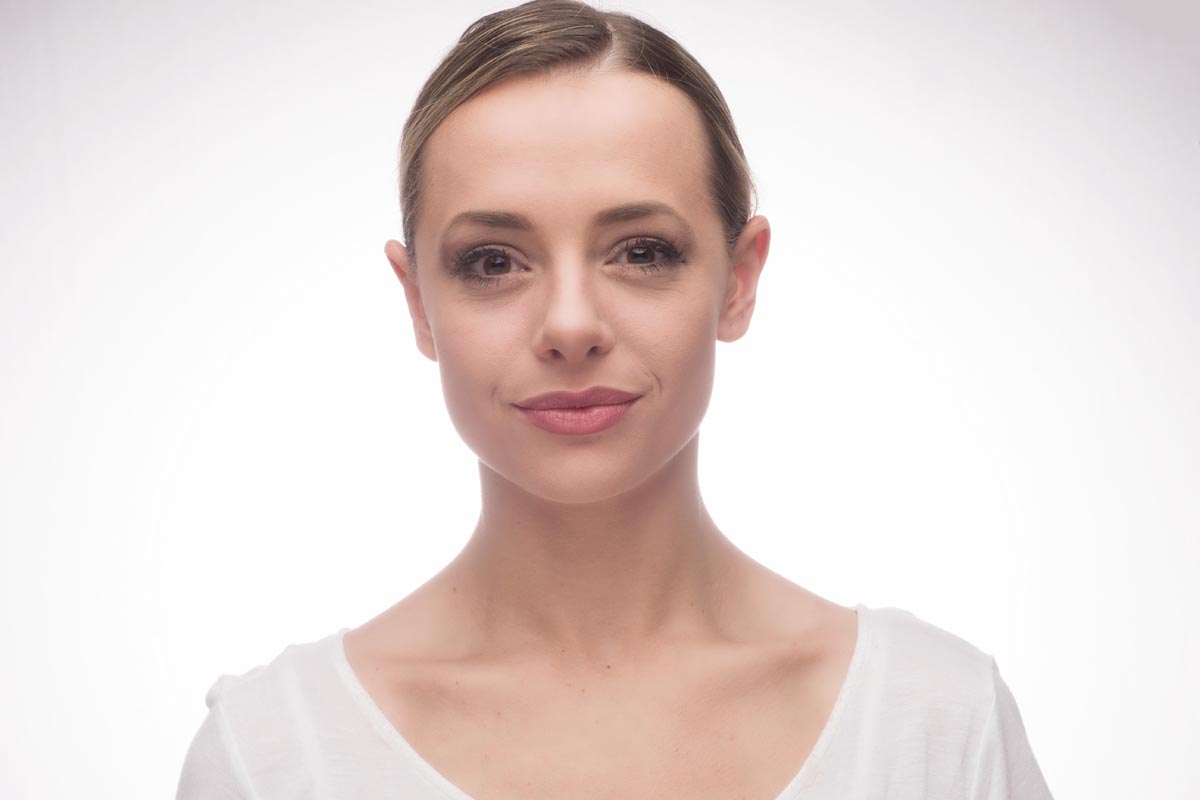
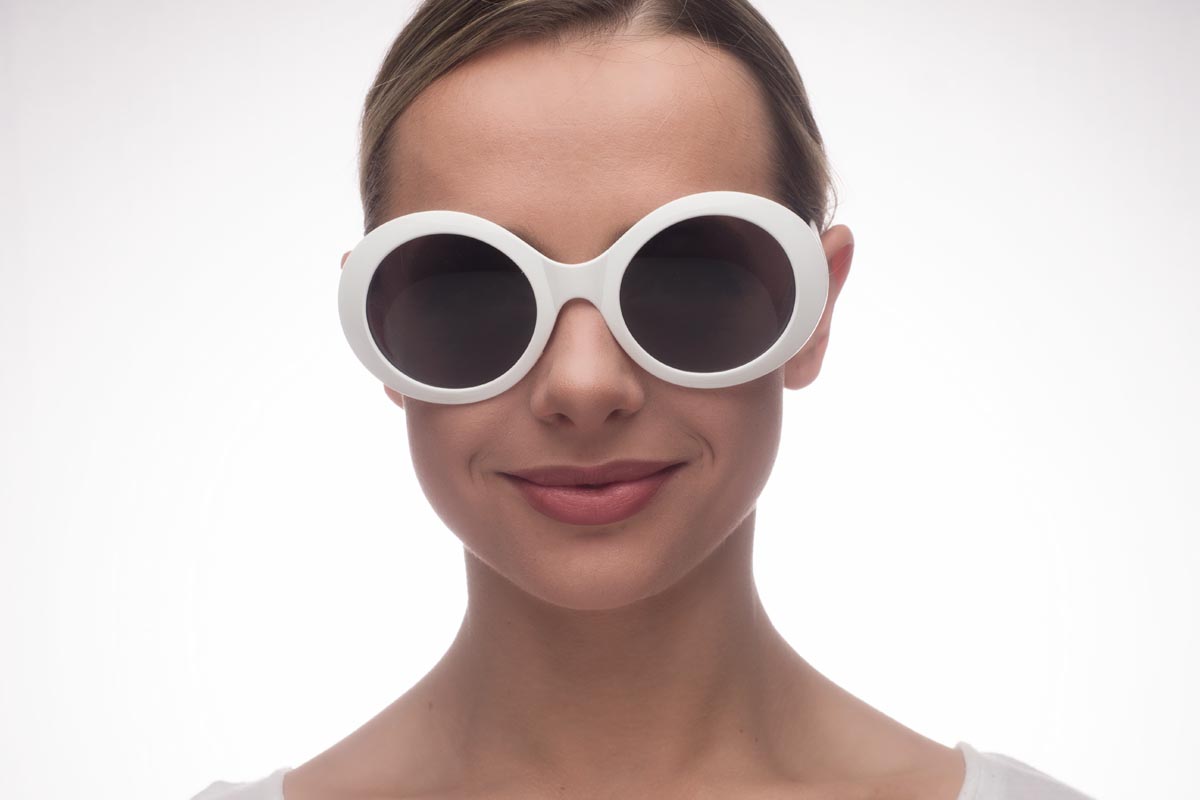
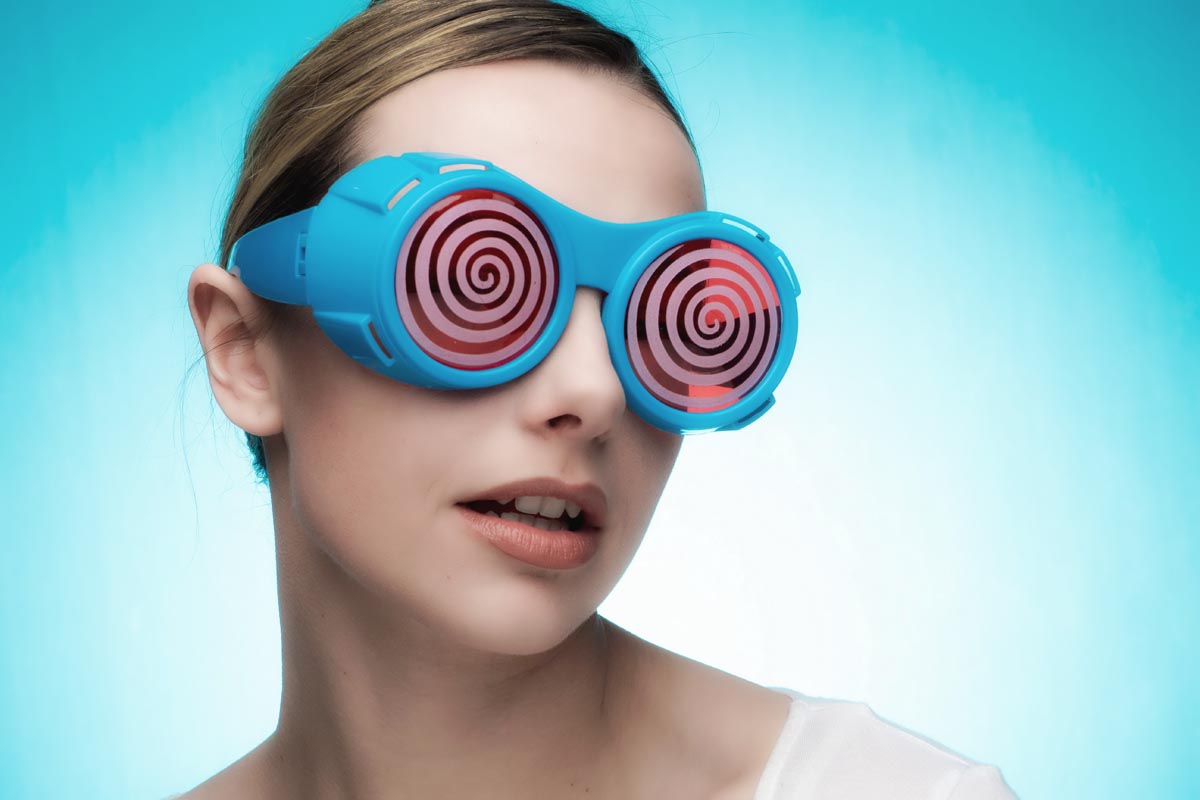
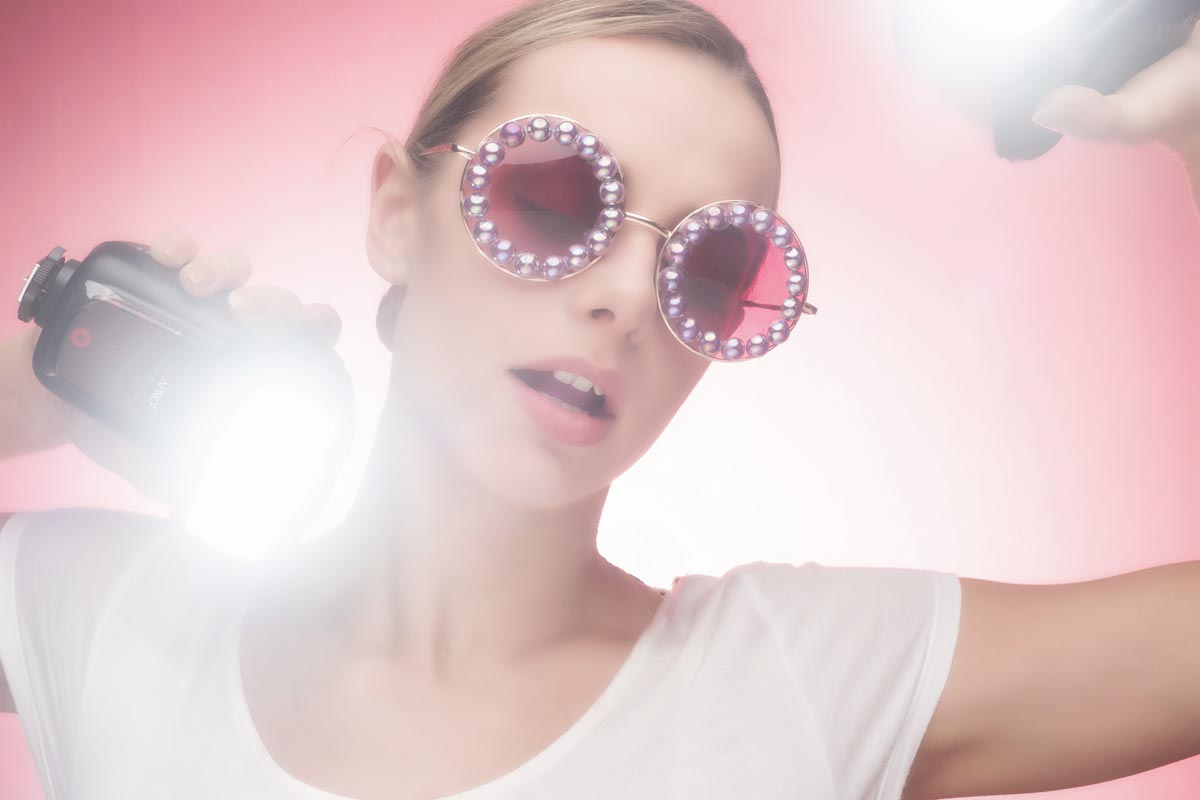
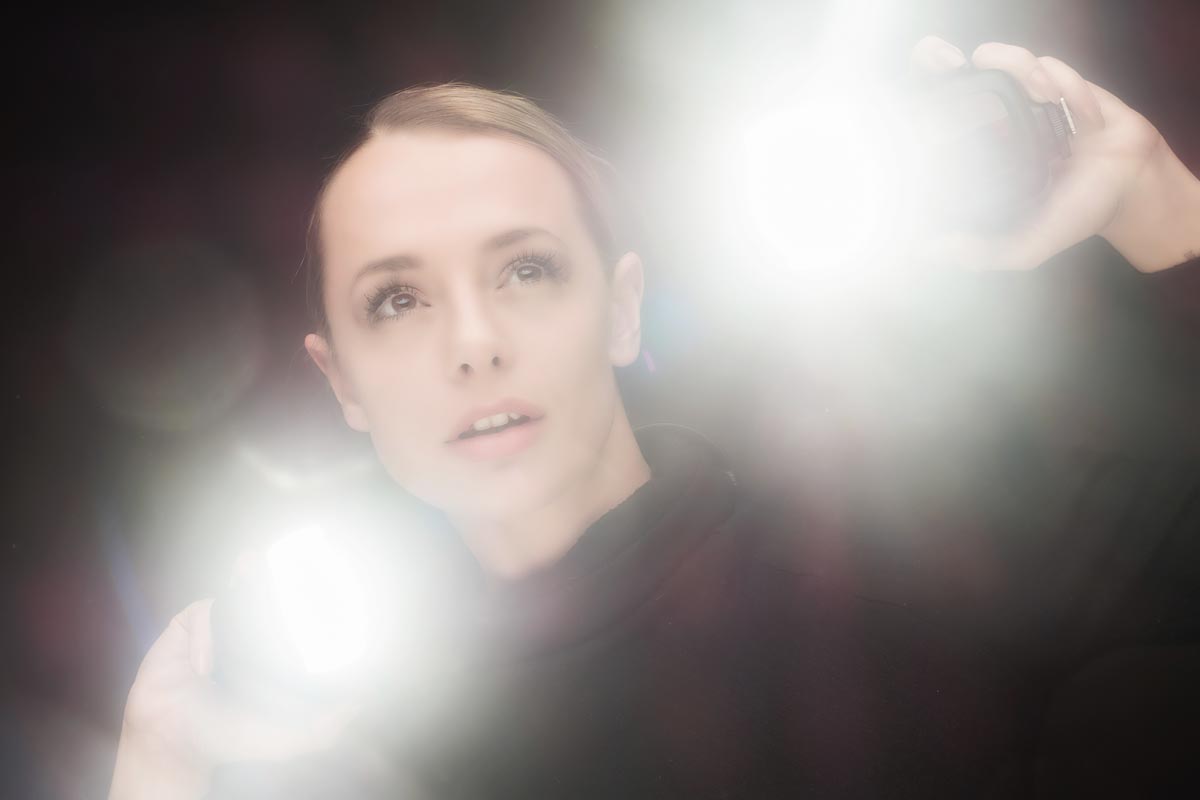
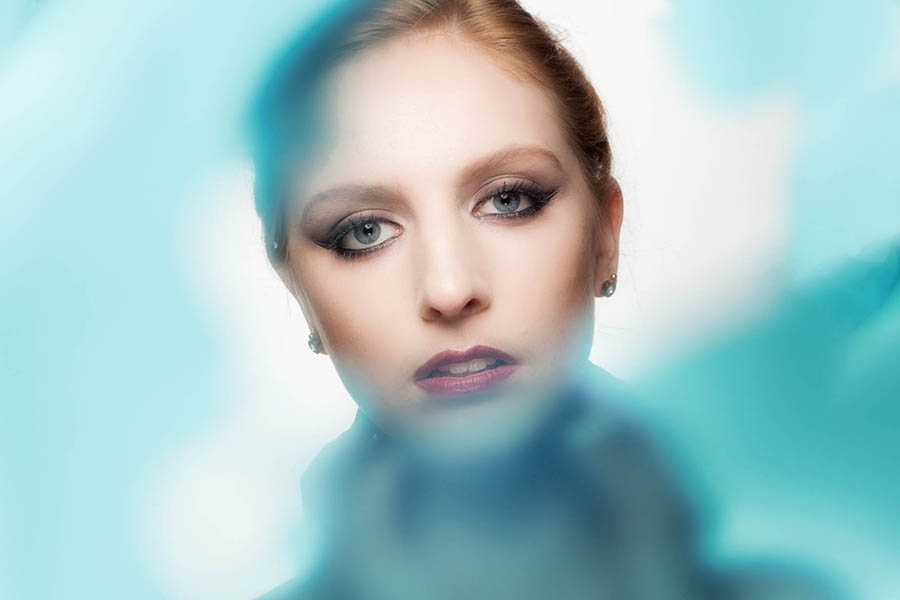
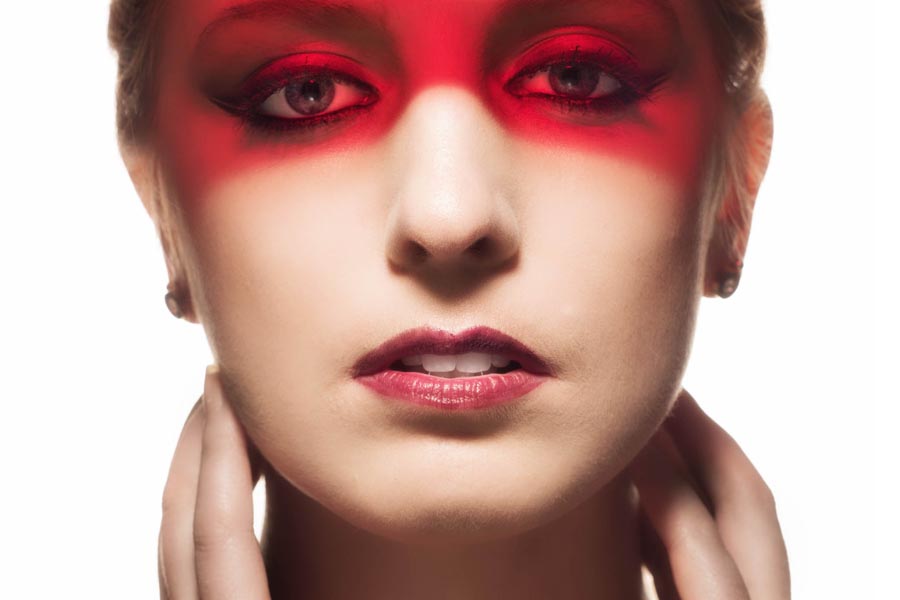
Most of my demos were with PiXAPRO lighting and below are some of the photos from my “Beyond Beauty Lighting” demo. The photos below are straight out of camera and give you a fair idea of what I was showing.

My idea was to set up the “classic” clamshell or beauty lighting with a softbox above and a white reflector below. Once done I then added a background light to take the mid grey background up to a light grey and then pure white. Once there I added a prop or two to style it out.

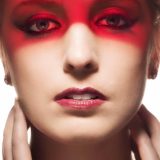
Next I added various coloured gels to the background, added two speedlights behind to “thin the face” finally broke the golden rule of photography by asking the model to hold the speedlights and point them at the camera. The result was unpredictable, random and fantastic fun! OK here’s a few more of both models with just a light touch of editing.

I worked with two models supplied by PiXAPRO over the four days. Ayla and Rosa both worked incredibly hard to make not only demos work but also the other PiXAPRO photographers who also worked the stand.

If you were one of the lucky few photographers who saw my demo AND got a chance to test out the lights with Ayla or Rosa I’d love to see what you shot… leave a link in the comments below.

My 2017 UK Photography Show Schedule

There’s just one week to go until The Photography Show opens its doors at the N.E.C. in Birmingham and this year my free demos are back and better then ever. Running from the 18th – 21st March, it’s the UK’s biggest and busiest photography show around 30,000 amateur and professional photographers attending. It’s packed with a great mix of stands from the major photographic suppliers to the small independent retailers.

TPS2016

But this isn’t just another trade show, there’s also loads of things to see and do. There’s a constant stream of free demos and talks on various live stages and that’s on top of all the smaller demos on many of the booths dotted around the show.

I’ll be there for the whole four days giving various talks and demos on Photoshop, portrait lighting and photography. I’ll be dashing from demo to demo (see below) but if you’re coming along it would be great to meet you.

Saturday

10.30 am PiXAPRO E91 Creative portrait lighting (Demo)
12.30 pm Adobe Theatre Photoshop CC For Photographers (Demo)
1.30 pm Olympus D91 Action Stations (Talk)
2.30pm PiXAPRO E91 Creative portrait lighting (Demo)

Sunday

10.30 am PiXAPRO E91 Creative portrait lighting (Demo)
12.30 pm Adobe Theatre Photoshop CC For Photographers (Demo)
1.30 pm PiXAPRO E91 Creative portrait lighting (Demo)
3.00 pm Olympus D91 Action Stations (Talk)
4.00 pm TPS Live Stage Lighten Up (Demo)

 Monday

10.30 am PiXAPRO E91 Creative portrait lighting (Demo)
12.30 pm Adobe Theatre Photoshop CC For Photographers (Demo)
2.30 pm PiXAPRO E91 Creative portrait lighting (Demo)

 Tuesday

10.30 am PiXAPRO E91 Creative portrait lighting (Demo)
12.30 pm Adobe Theatre Photoshop CC For Photographers (Demo)
2.00 pm PiXAPRO E91 Creative portrait lighting (Demo)

All my demos are free and available on a first come first served basis. There’s no need to book but as the Adobe theatre in particular has limited seating I’d recommend getting there early!

Show tickets are free for professional photographers and the trade (if booked in advance) and £13.95 for enthusiasts (£18.00 on the door)

Rainy Portraits in the Studio

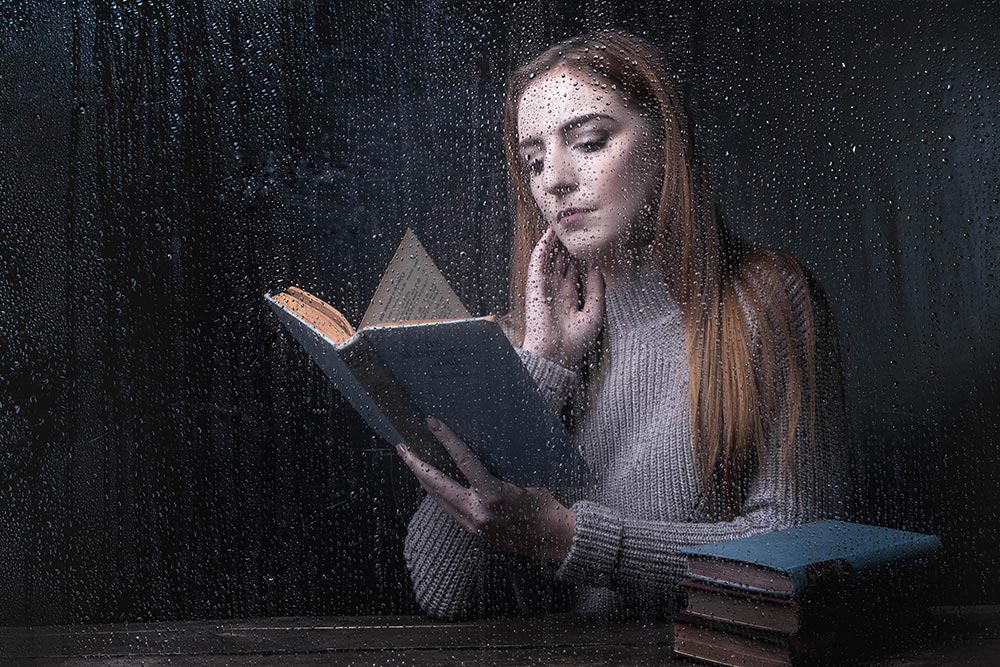
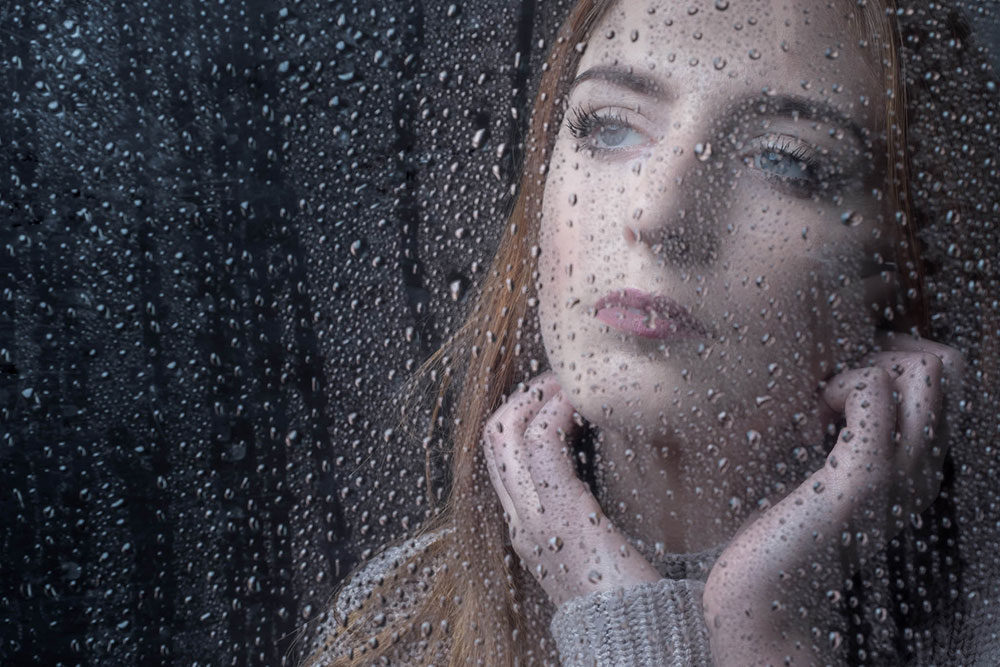
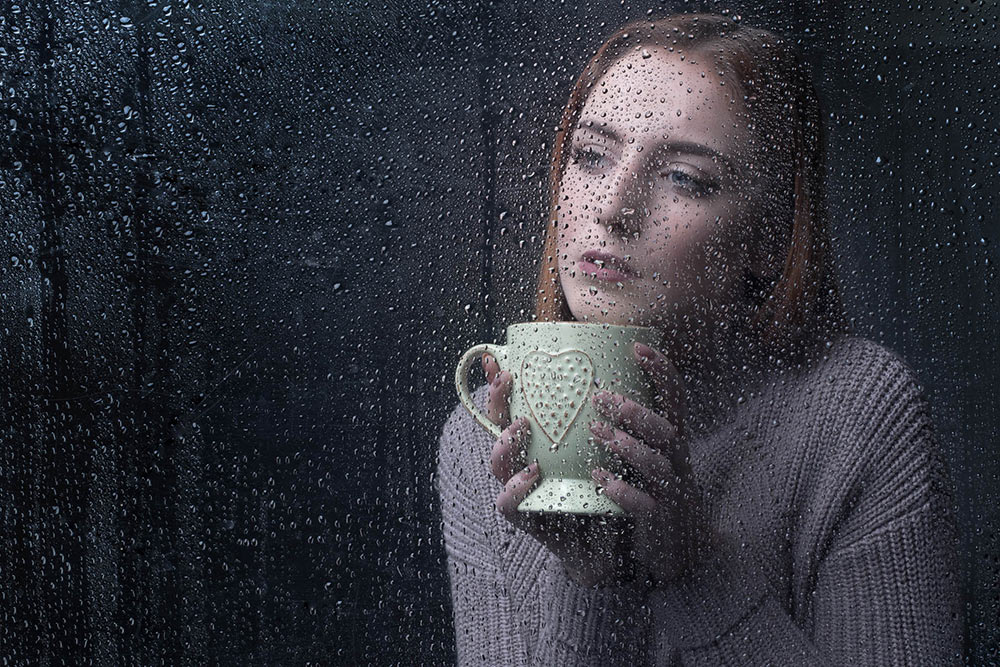
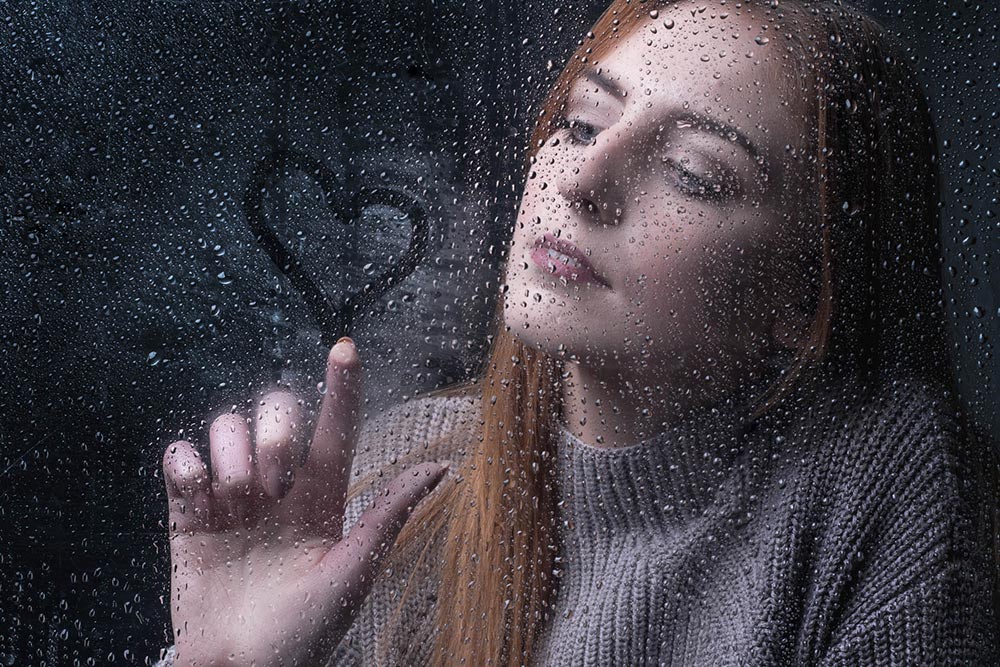
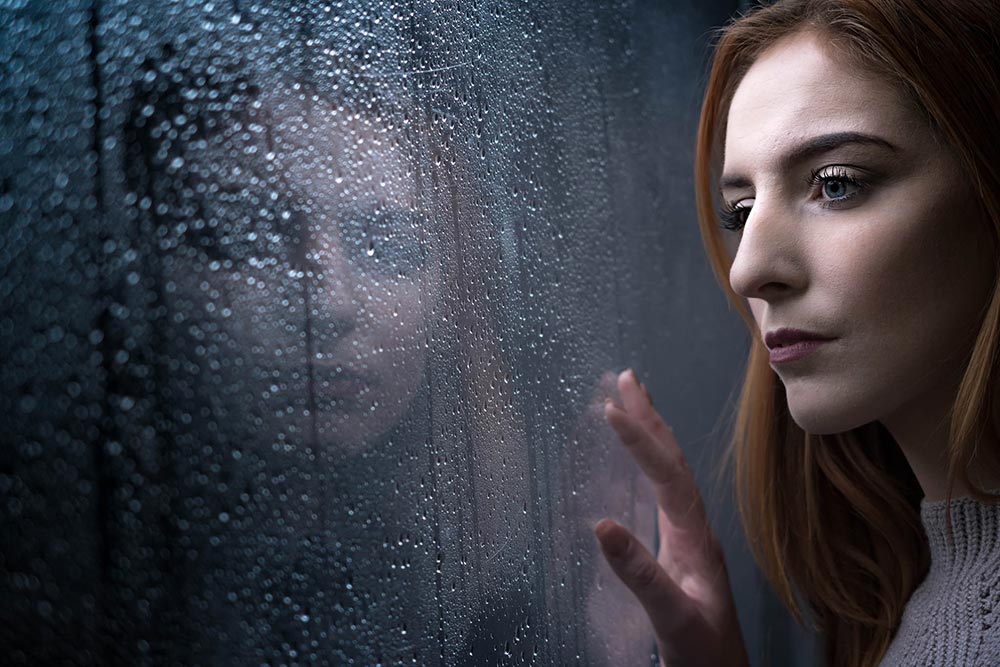
Rainy days aren’t always the easiest days to get great photos for a whole bunch of reasons but with a bit of effort and a lot of luck, you can get amazing photos.

However if getting wet isn’t your thing, it’s surprisingly simple to bring the rainy weather inside and under your control.

In the video below I’ll show you how you can create a rainy day window portrait using a couple of flashes and some simple props.

[youtube]https://www.youtube.com/watch?v=L4USUxcL49A[/youtube]
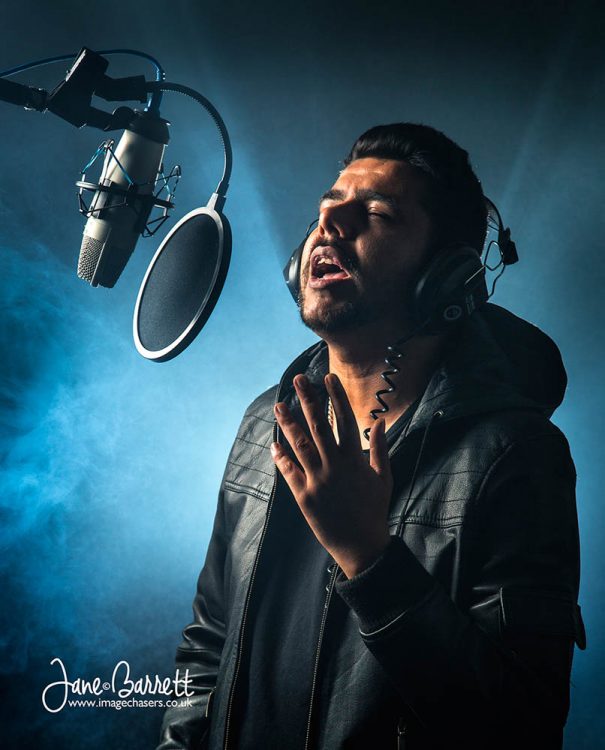
The main thing you’ll need is a “window” and although you could use a real one I opted for a sheet of clear Perspex (also called Plexiglas or clear Acrylic). I’ve had my sheet for many years and it’s very scratched but still serviceable. www.wickes.co.uk/Wickes-Durable-Acrylic-Sheet-90cmx1-8m/p/210002

The video has two ways of using the “window”, shooting looking from the outside in and shooting from the inside, out. Both have their own unique feel and if you’re set for one, doing the other is quick and easy.

If you tried the technique yourself, do leave me a comment below and share your photo if it’s online somewhere.

It’s always a pleasure to have Beth Smith model for me. Check out her portfolio at https://purpleport.com/portfolio/bethsmithmodel/

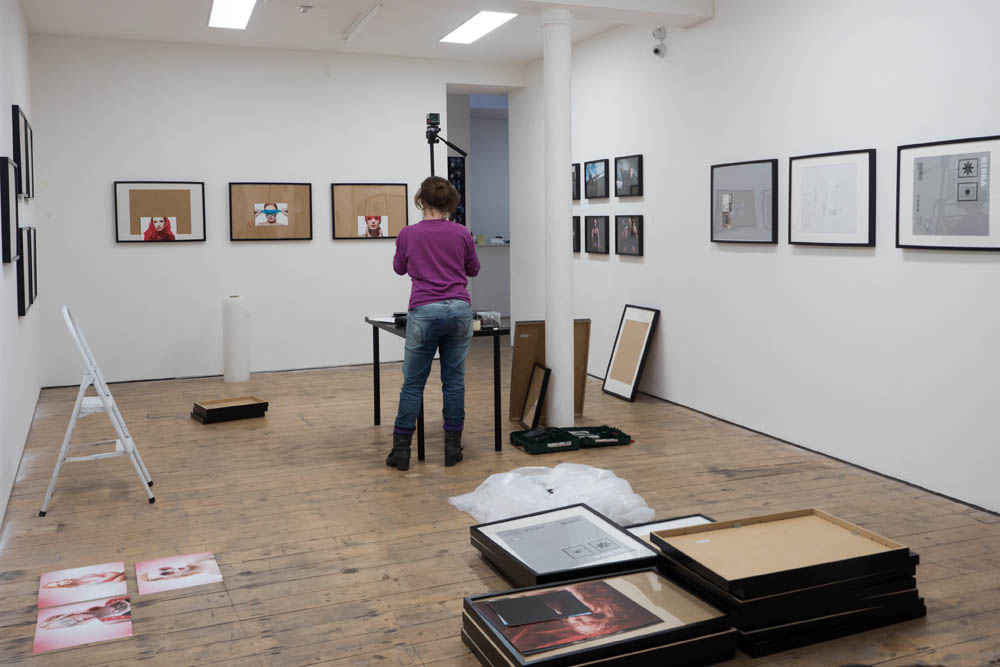
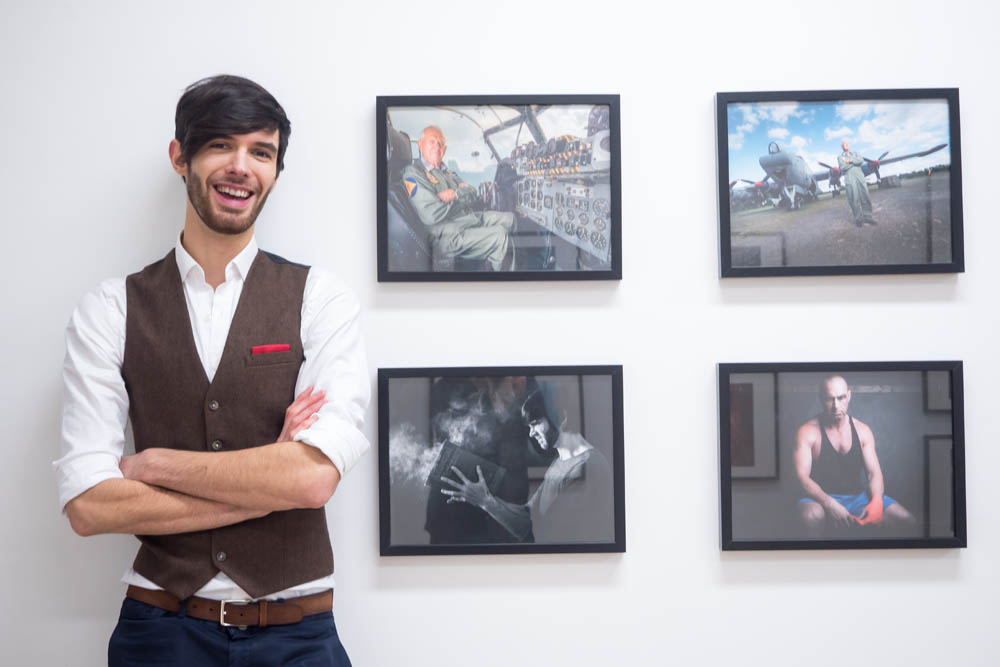
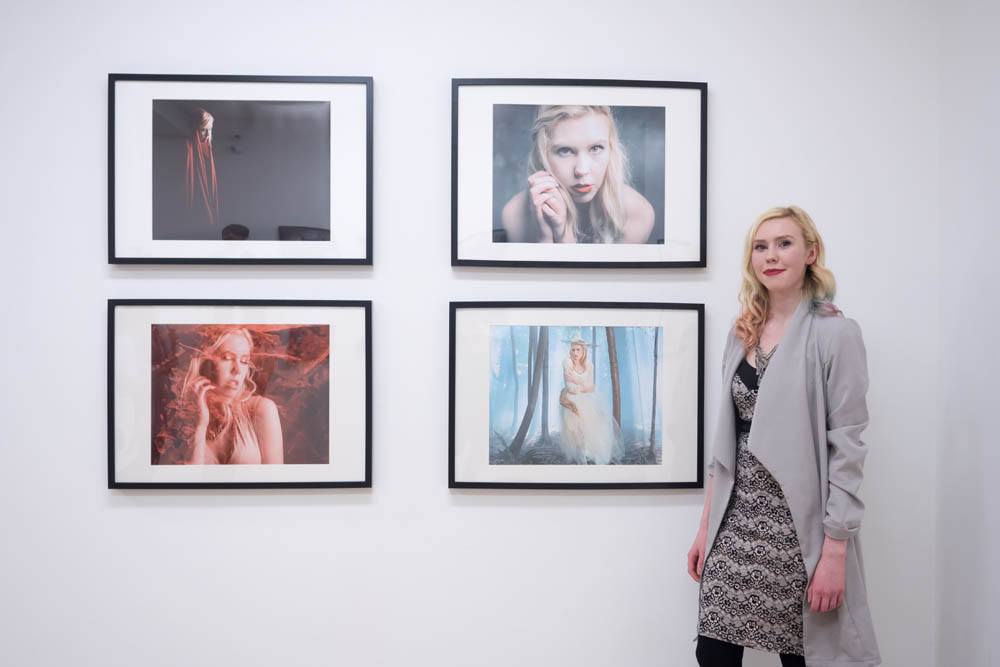
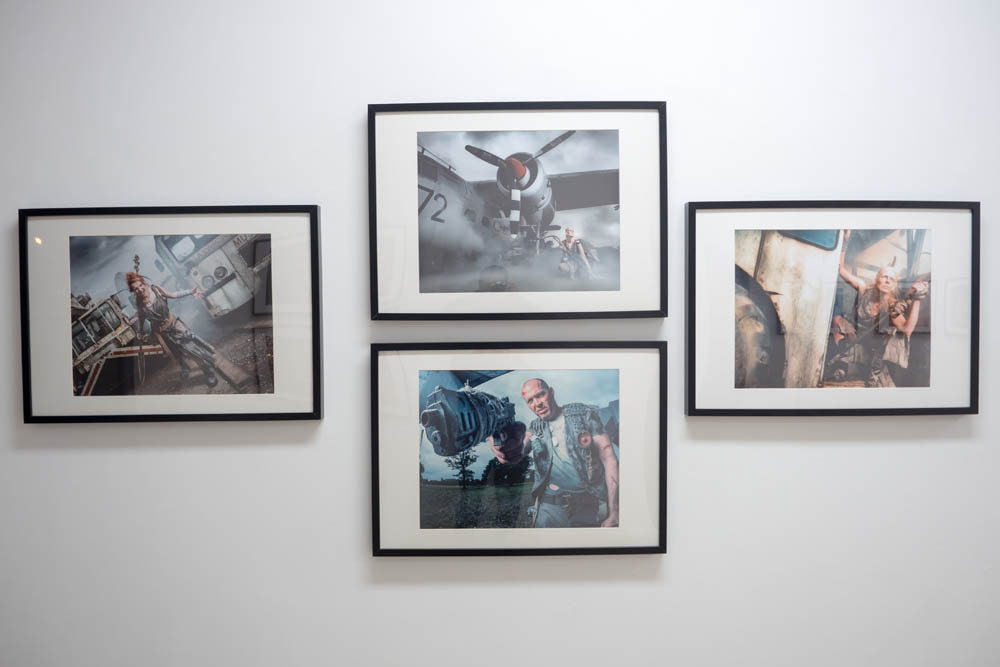
Making An Exhibition Of Myself

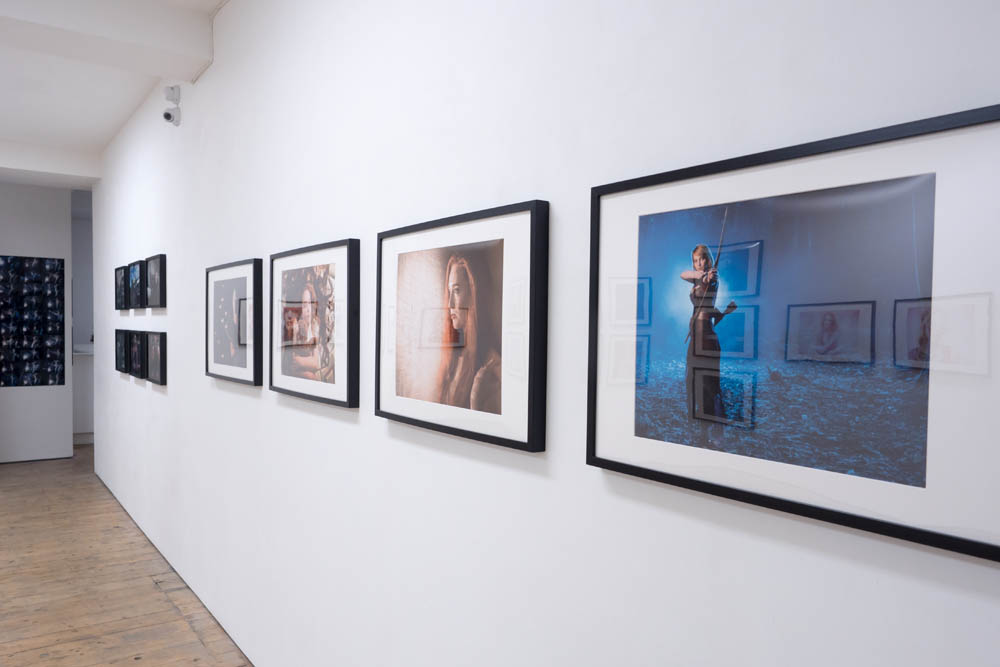
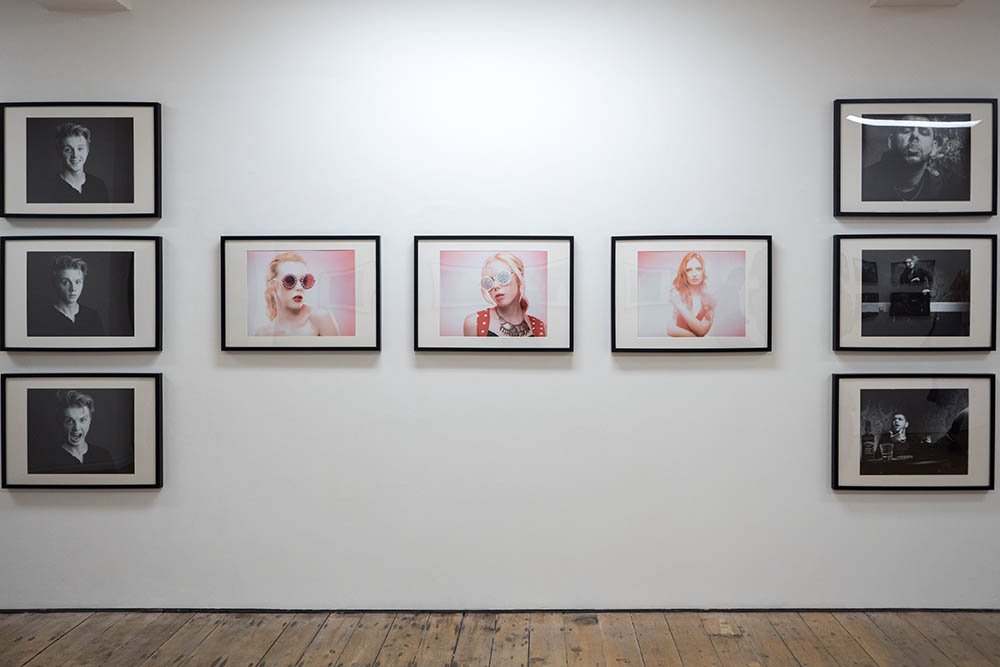
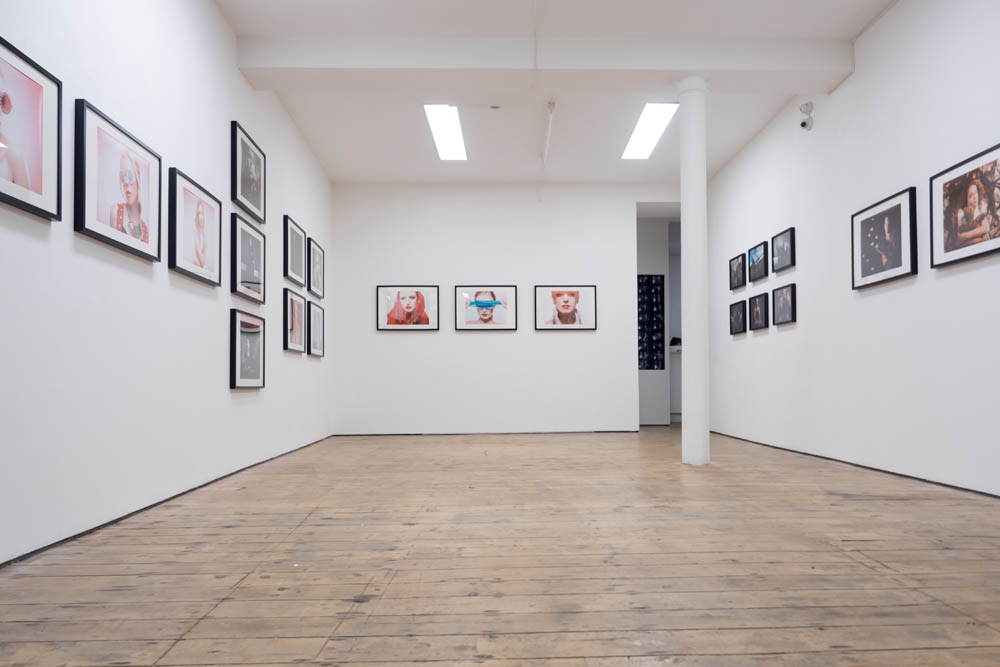
Earlier this year I got an email from Olympus asking if I’d like to hold an exhibition in their London “Project Space” gallery and to be honest my first thought was… thanks but no thanks. Now I know that will surprise a lot of people but I’ve always felt like my photos look OK but they’re not exactly “art” packed with deep hidden meaning. So I didn’t really commit either way to the offer and it sort of got lost over time.

Jump forward a few months and I get another email from Olympus saying that if I want to do the exhibition they needed my final photos in just three days. The exhibition starts in just 7 days time!

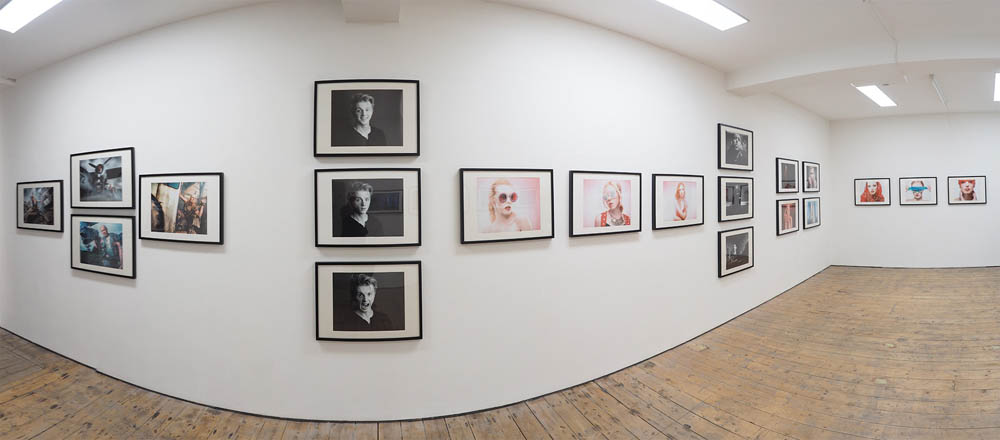
As my wife pointed out, this is probably a once in a lifetime chance that I couldn’t refuse, so I spent a day sorting through my photos, coming up with a theme and selecting the best 30-40 images for printing. Luckily Olympus were happy to handle the printing side of things and the gallery had the frames, so by the next morning my first and probably last exhibition was ready.

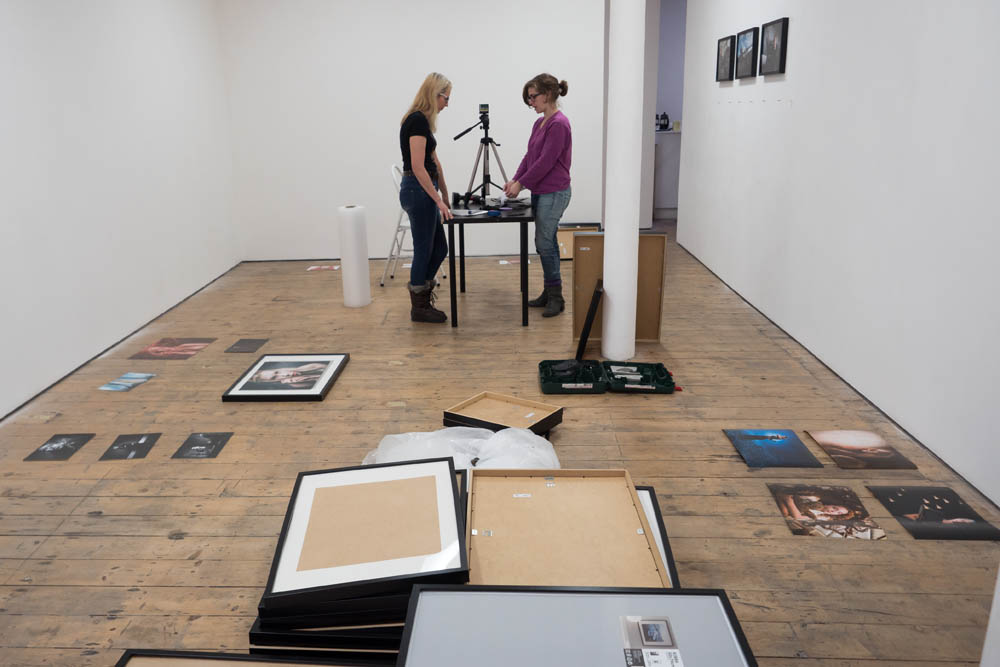
I’ve never hung an exhibition before but Serenella, the Art Bermondey Project Space  gallery manager, was amazingly helpful. We spent a few hours at the gallery looking at blank walls trying to figure out what to hang where but by the end of day the layout was done, all we needed were the big prints.

Letting someone else organise the printing was a major worry and sure enough things didn’t quite go to plan with the first set. But a massive thank you has to go to Claire Voyle from Olympus who personally took charge of the printing of the final photos and made sure they reached the gallery on time.

The theme for my exhibition was that all the photos were taken as part of training or education events and that none of the photos had ever been printed before (I know, I know) so to walk into the gallery and see nearly 40 large prints of my work all in one place was really overwhelming for me.

I’d like to thank the many people who came along to the exhibition and the VIP preview night. I hope you enjoyed the work as much as I did.

The whole exhibition was planned, printed and put together in a little over a week, which as anyone who’s done an exhibition will tell you, is an incredibly short time frame.

Would I do one again? Yes if I got the chance I would.

Would I do things differently? Without question. Putting the exhibition together was filled with huge highs and some lows but I learned so many things from it.

Would I recommend other photographers to hold an exhibition? I’ve learned exhibitions are not just for painters, sculptors and photographers who need to explain what you’re looking at before you can appreciate what you’re looking at. If you have a body of work that you love then why not share it.

Getting Creative With Colored Gels

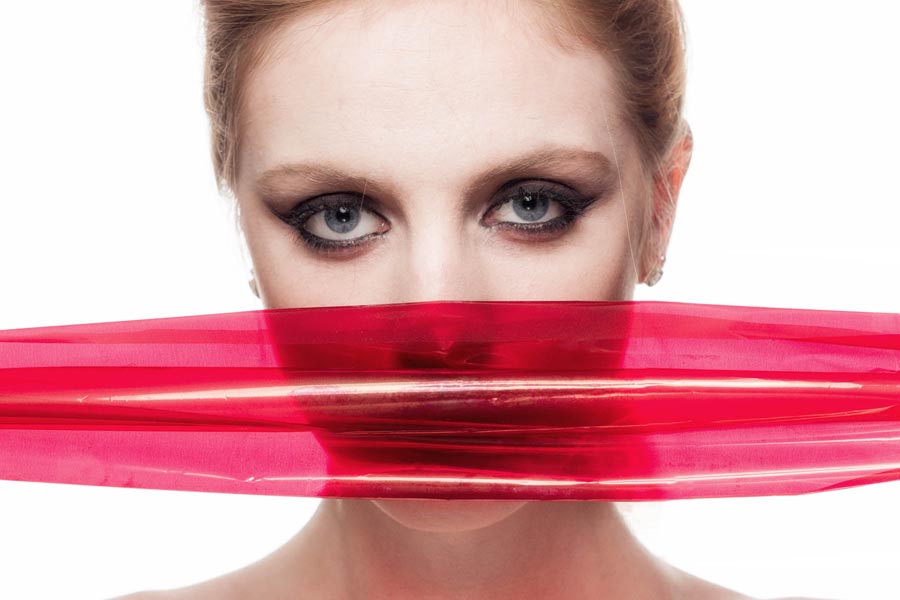
Coloured gels are one of the “must have” light modifiers in my studio. They don’t adjust the shape of the light but they modify it’s colour and with a bit of know how you can get some amazingly colourful effects.

The gels I usually attach to my lights are always the heat resistant type, flashes produce loads of heat at higher powers. However if the gel is away from the light then I also have 70cm rolls of coloured cellophane which I get from my local florist and craft store.

Fun as gels are, why limit their use to altering the colour of light? In the video below I’ve got some creative alternatives uses for gels.

[youtube]https://www.youtube.com/watch?v=tkG62J2tSBc&[/youtube]
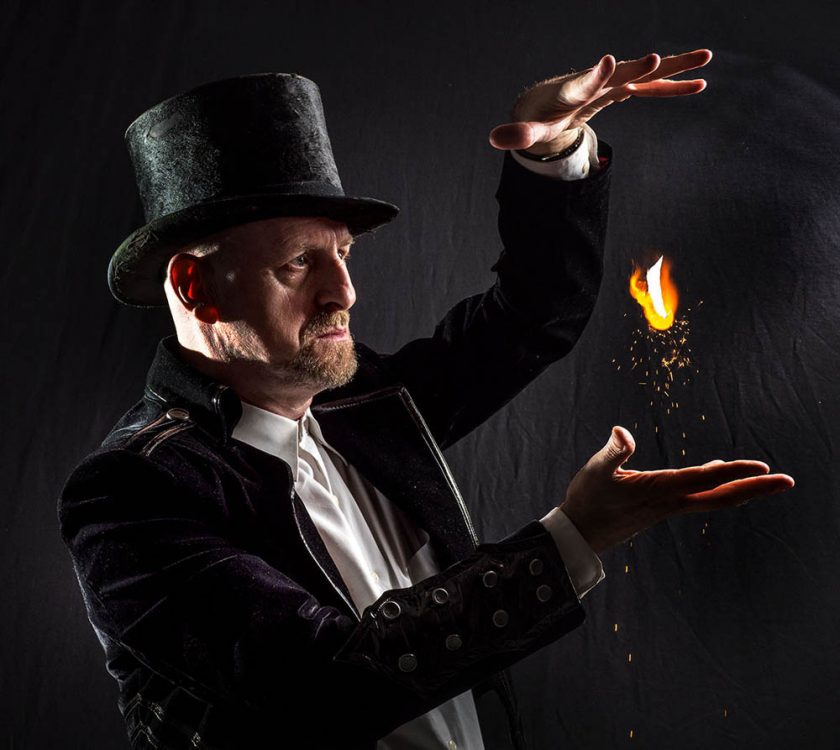
As always working with a great model makes the world of difference and Beth did a great job here https://purpleport.com/portfolio/bethsmithmodel/ Similarly close head shots need great make-up and I have to thank Kate for this https://purpleport.com/portfolio/katechalkleymakeup/

Shooting Winter and Snow Studio Portraits

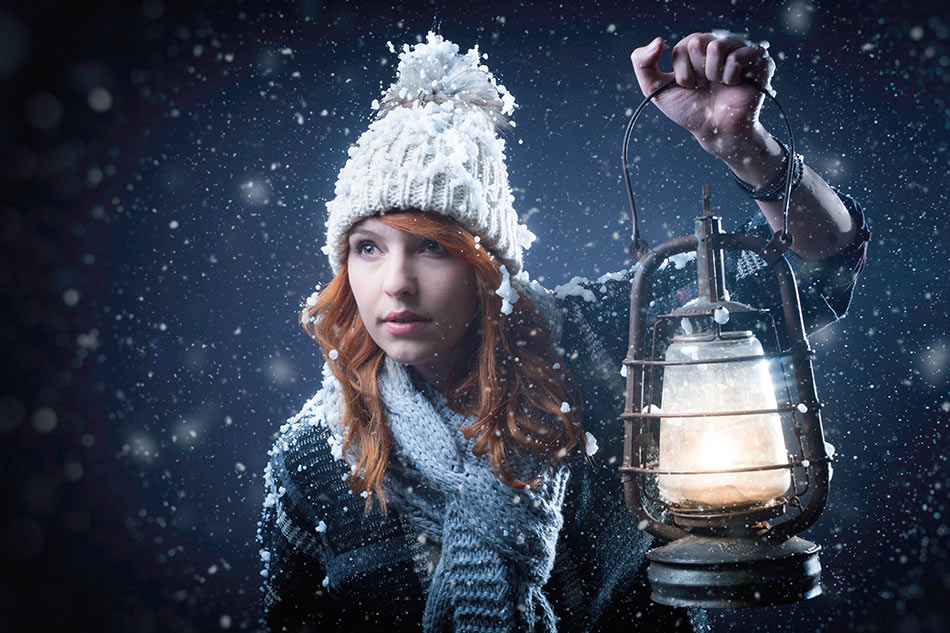
I love shooting portraits outside on location but winter can pose problems. Changeable weather and short days don’t help but cold, wet weather are my nemesis. So perhaps it’s not surprising that I find myself spending more time in the studio at this time of year.

Being stuck in my studio doesn’t mean that I can’t also embrace winter and bring the outside inside. A great way to do that is to make it snow.

In the video below I walk you through both the lighting and Photoshop post processing.

[youtube]https://www.youtube.com/watch?v=g5QU9Jvc7v8[/youtube]
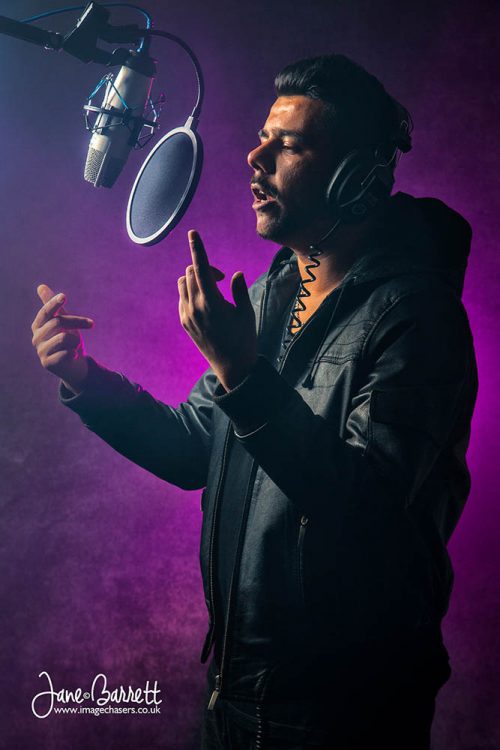
If you’d like to try my Photoshop Snow Action you can download it from https://www.gavtrain.com/?p=2490

If you’re after the falling snow in a can that I used for this shoot then check out the Snow Business store http://www.snowsupermarket.co.uk/falling-snow-c4/falling-snow-spray-in-a-can-p9