Manhattan 15 Minute Photo Challenge

So here it is, the last video from a my short visit to New York. Actually this was the first video I made whilst out there but for reasons that are a bit of a mystery to me, this has only just been uploaded to Adorama TV.

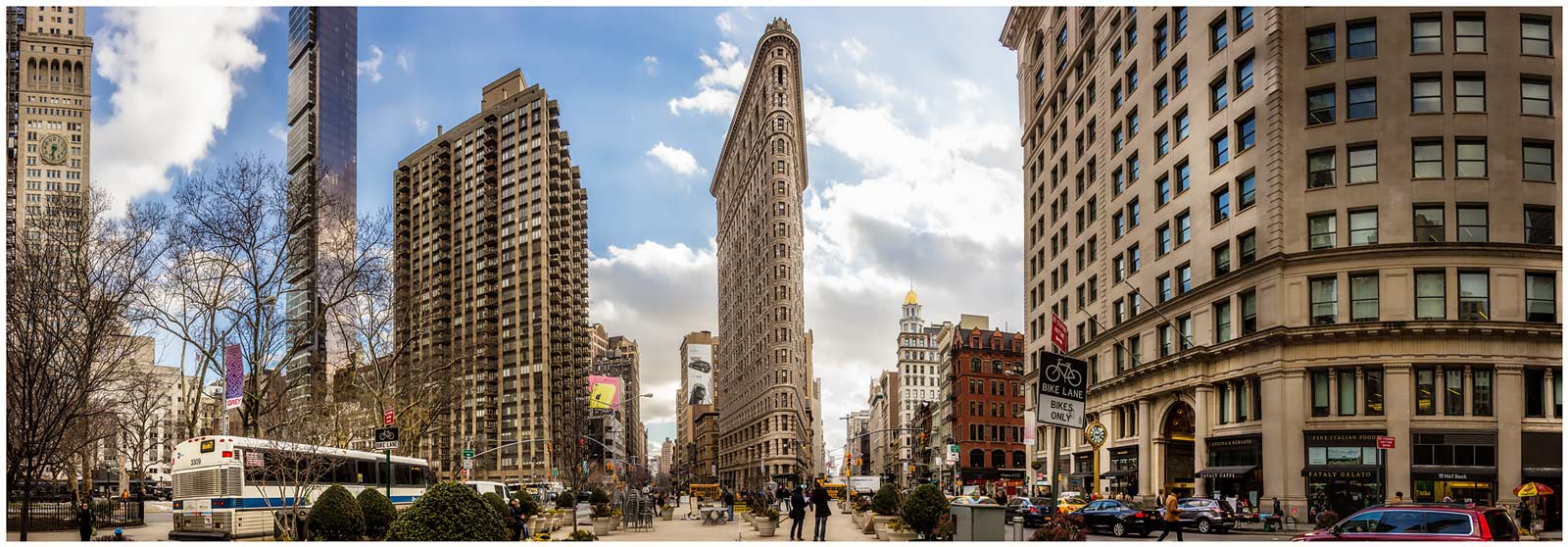
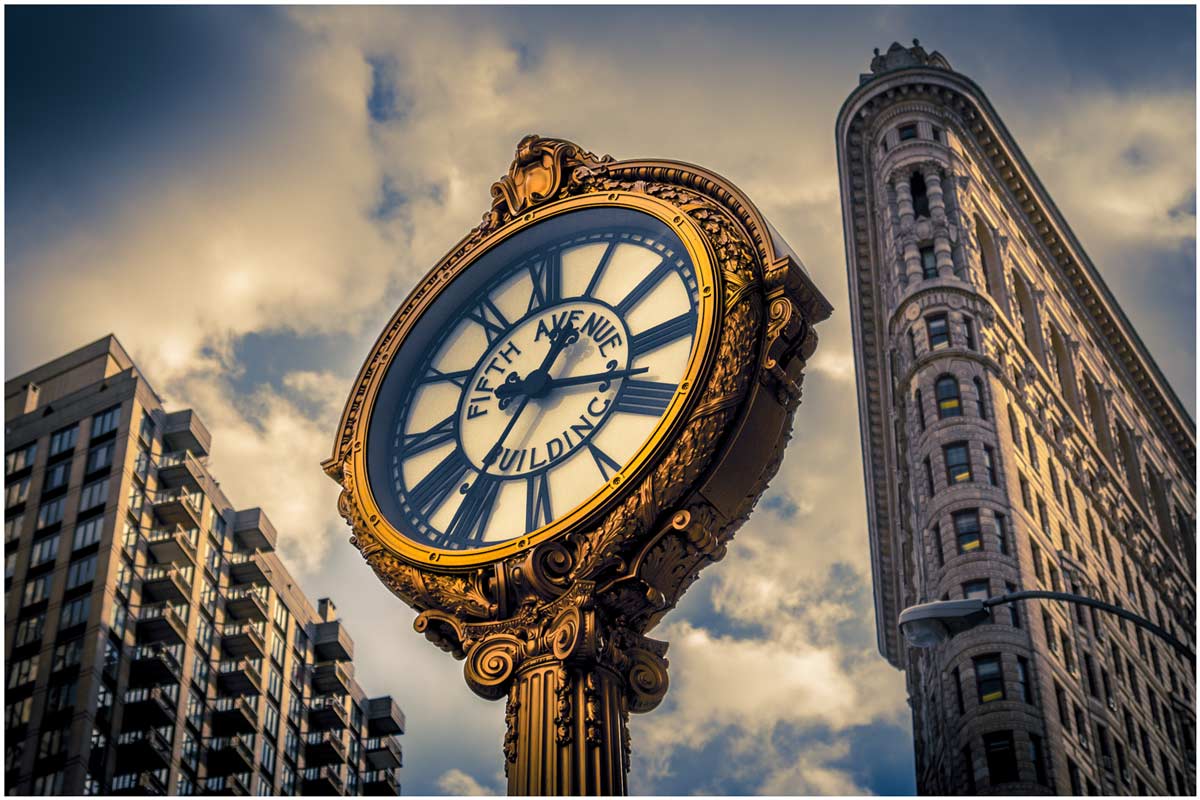
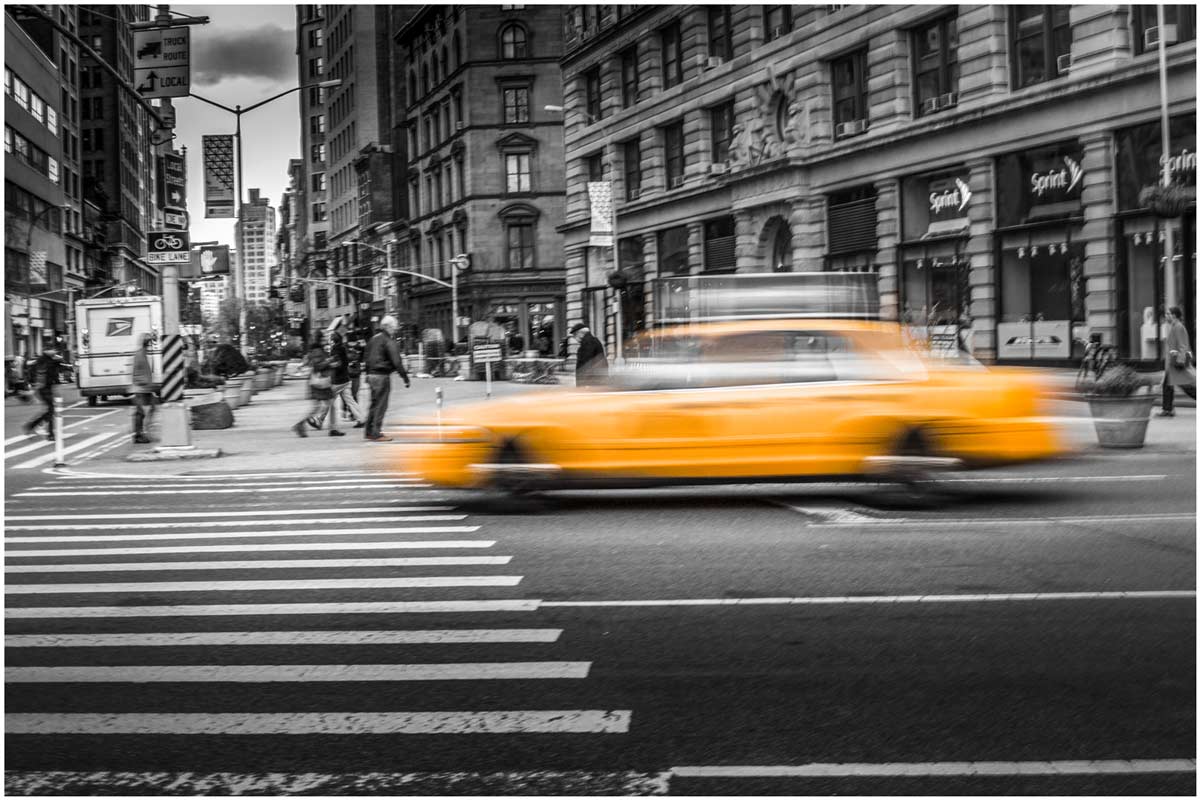
NYC-4The location for this 15 minute photo challenge was Madison Square Park (23rd and 5th) which has the iconic Flatiron building at one end. It’s just a few blocks away from the Adorama store, so when myself and Claude (Adorama’s brilliant video guy) found ourselves surplus to requirements during the set up for my Adorama TV Live workshop, we took the opportunity to shoot a 15 minute challenge video.

[youtube]http://www.youtube.com/watch?v=xEuDnBH7jQI&list=UU8Pksdbj37CdE00kmE7Z1dw[/youtube]
Can’t see the video? Click here http://youtu.be/xEuDnBH7jQI

Equipment used in this video (Links to Adorama)

Canon 60D 

Canon 24-105L

Black Rapid Curve (RS-7) Strap

NYC-3NYC-2NYC-1

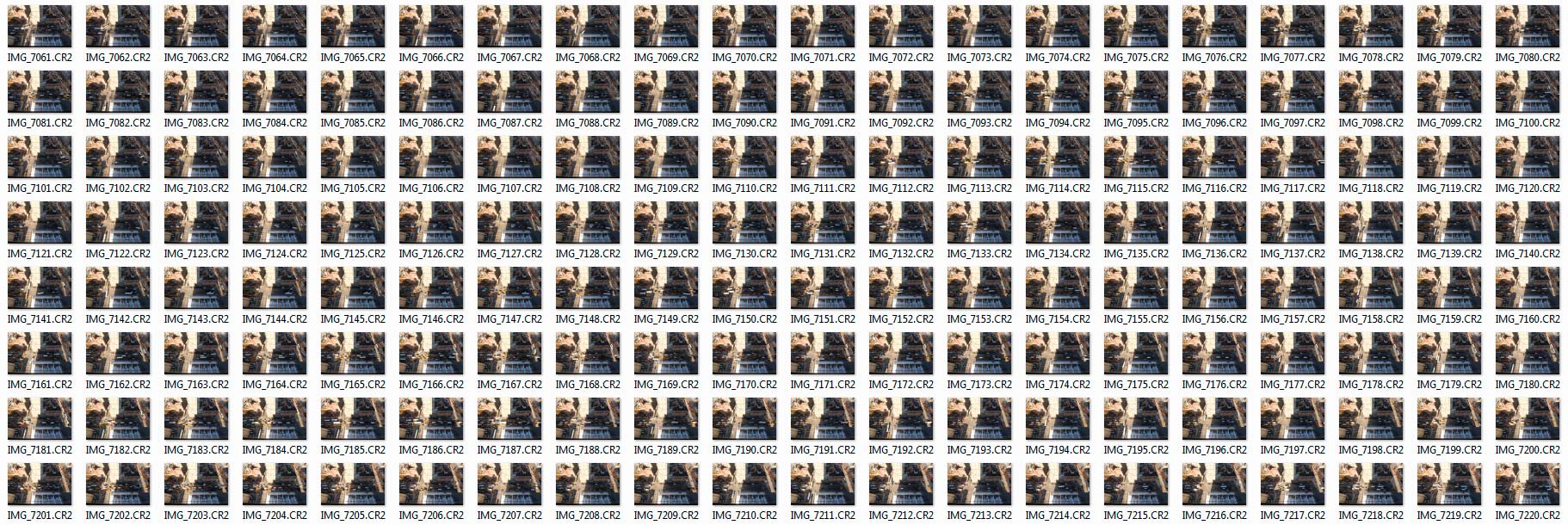
How to make a DSLR time-laspe

A few years ago I made a video about shooting a time-lapse sequence with a DSLR and then making a video from the images. Most of the information is still as valid today as it was in 2011 but it’s amazing haw fast technology changes the way we shoot and edit. Back then very few cameras had a built in intervalometer and you needed a custom made slideshow preset for Lightroom if you wanted to create the time-lapse video in your photo editing software.

Timelapse-NYC-THUMBS

Skip forward 3 years and although my Canon DSLR’s still don’t have timelaspse out of the box I can use my smart phone to control my camera and take the photos. Plus Photoshop CS6 and CC can both create video from stills in just a few clicks of the mouse.

[youtube]https://www.youtube.com/watch?v=J5Bwpm8_5XM[/youtube]
Can’t see the video? Click here http://youtu.be/J5Bwpm8_5XM

Equipment used in this video (Links to Adorama)

Canon 60D 

Sigma 10mm-20mm

ioShutter release cable 

Vanguard 284 CB100 Tripod  

Walking Brooklyn Bridge

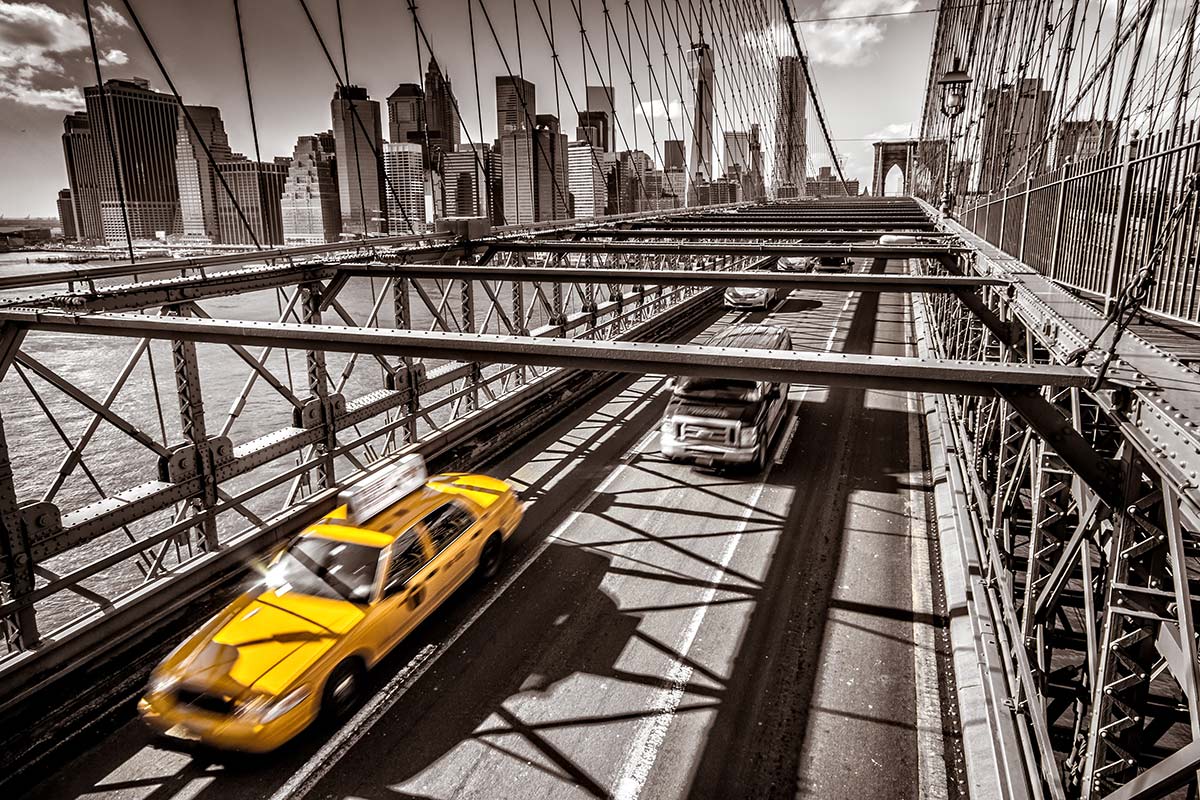
It’s been just over two months since I made a flying visit to New York and the third of my four videos from the visit has recently been released by Adorama. This time I take a walk around and part way across the iconic Brooklyn Bridge to see what photographs I can find.

Brooklyn-Bridge

To say the weather was cold is an understatement, in fact just a few hours earlier it had been snowing. Fortunately the weather cleared, the sun came out and the opportunity to visit the bridge was one I couldn’t resist.

[youtube]https://www.youtube.com/watch?v=PLsKdJIsHT8&list=UU8Pksdbj37CdE00kmE7Z1dw[/youtube]
Can’t see the video? Click here http://youtu.be/PLsKdJIsHT8

I have to say a huge thank you to Claude, Adorama’s video guy. It was thanks to his local knowledge and ability to work in sub zero temperatures that made this video possible.

Equipment used in this video (Links to Adorama)

Canon 60D http://www.adorama.com/ICA60D.html?KBID=67338

Sigma 10mm-20mm http://www.adorama.com/SG1020EOS.html?KBID=67338

How to shoot through windows without reflections

Earlier this year I made my first ever visit to New York and one of the things I put on my “to do” list was capture some great shots of the New York skyline. Wih that in mind I spent a long time researching hotels that had great views. Now there’s no shortage of hotels in New York and some of them have unbelievable views which come at a sky high price but eventually I settled on the Yotel Times Square. I paid a few dollars extra for a room towards the top of the hotel and sure enough the view from the 22nd floor was stunning.

Reflection-daylight

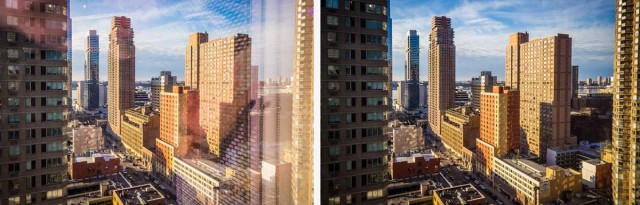
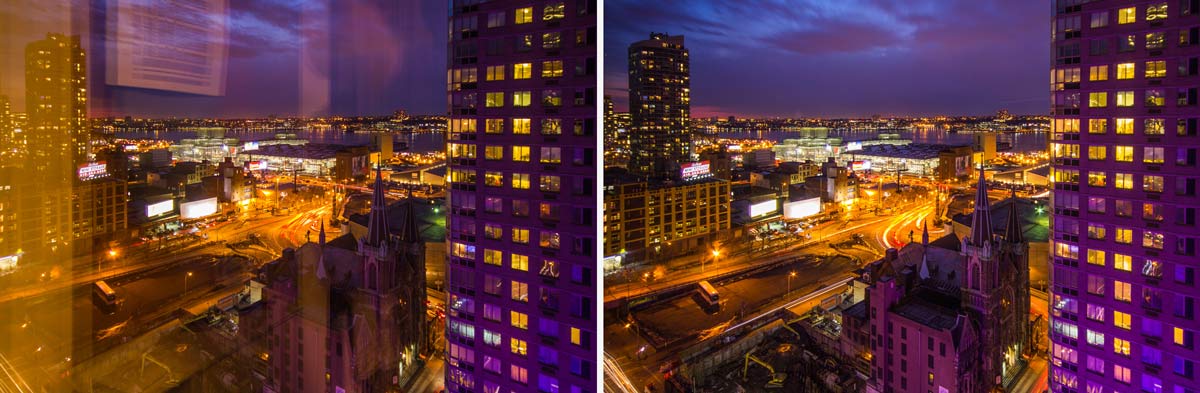
Like all modern hotels the Yotel came with lovely big windows which gave a great view but horrible reflections. Fortunately reducing the reflections and even getting rid of them completely isn’t too difficult, especially if you follow my simple steps in the video below.
[youtube]https://www.youtube.com/watch?v=b3q6aIBc_cc&list=PLwm6LvGc5xq3_BqxMpqpGyxYdJJMQE1mM[/youtube]
Can’t see the video? Click here http://youtu.be/b3q6aIBc_cc

The daytime view was always beautiful but just after the sunset it became amazing, especially with the huge purple neon “Yotel” sign which reflected off the surrounding buildings. The only regret I have is that the view from the rooms on the other side of the Yotel were potentially even better… and that sounds like a good reason to return to me.

Reflection-Night

Equipment used in this video (Links to Adorama)

Canon 60D http://www.adorama.com/ICA60D.html?KBID=67338

Sigma 10mm-20mm http://www.adorama.com/SG1020EOS.html?KBID=67338

Vanguard 284CB100 Tripod http://www.adorama.com/VGALTA284CB.html?KBID=67338

Adorama TV LIVE!

It’s been a busy few weeks for me with trade shows and travel filling my diary. Top of the list was a flying visit to the Adorama store in New York, a city like no other!

I’ve never been to New York before but of course I’ve seen it many times before. I’ve seen it in Hollywood movies, I’ve seen it in music videos and I’ve seen photos taken by other photographers but nothing compares to actually being there… I absolutely loved it!

The main reason for the visit was both to meet the amazing people who work at Adorama and to talk to the brave group of photographers who endured the freezing New York weather to spend a few hours with me. If you were there I’d like to thank you for making me feel so welcome.

The Adorama team wanted to share the event with those that couldn’t attend in person and so they organised a live stream.

[youtube]http://www.youtube.com/watch?v=0HVBEk2fI5E&feature=share&t=7m11s[/youtube]
The video above is about 90 minutes long and is a recording of my lighting demo on how to get the best from just one light. You can skip the first 7 minutes as they are blank!

Not having done live streaming before there were a few technical glitches, particularly with the audio but that aside the video contains 90 minutes of amazing tips.
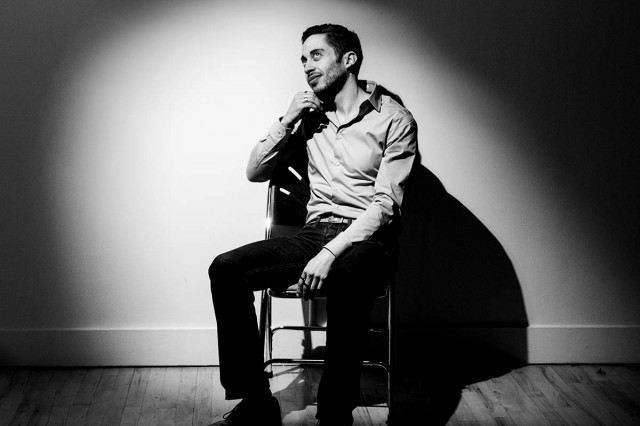
Adorama-TV-LIVE-1

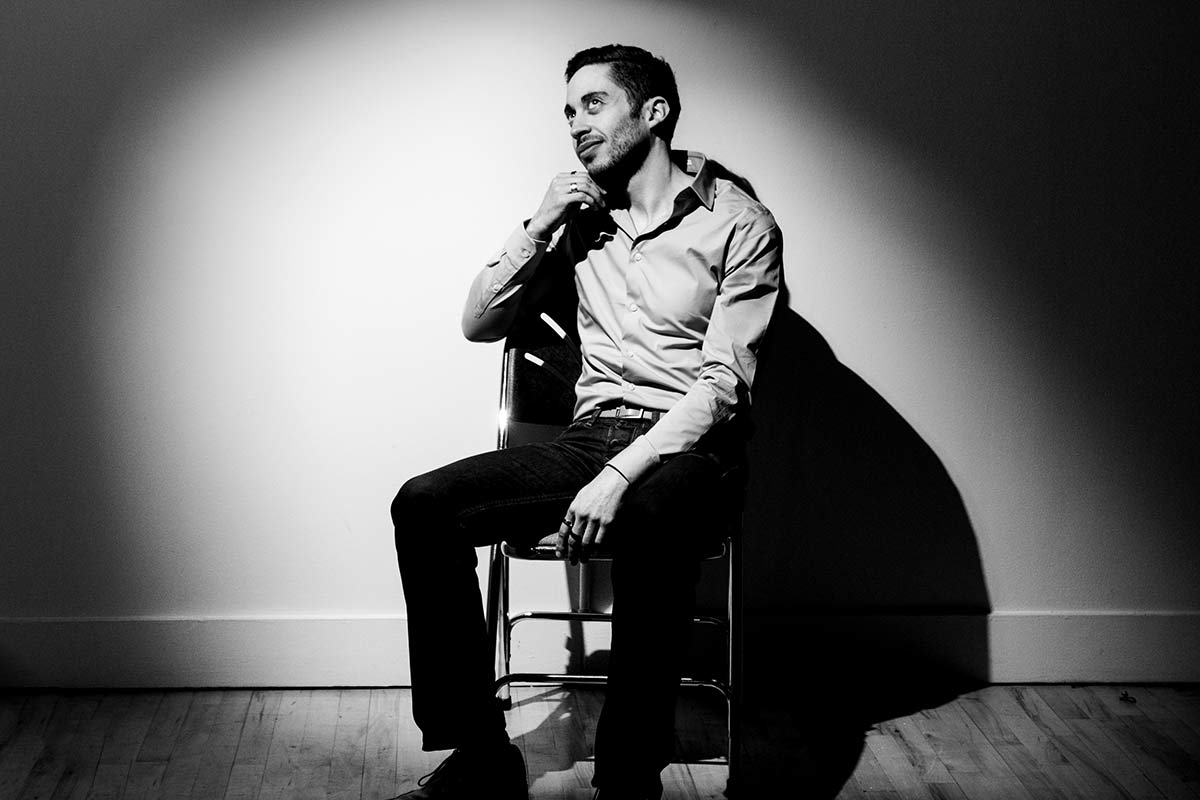
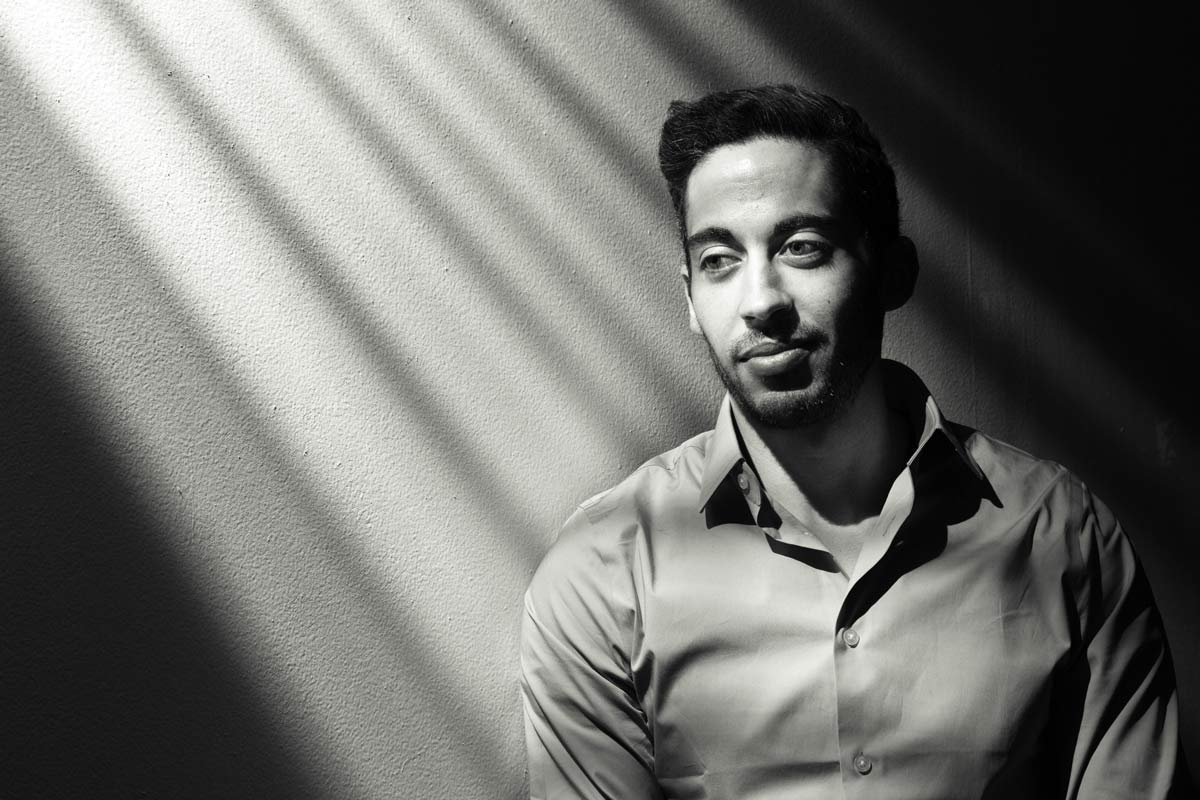
My model is an Adorama employee called Damian who excelled himself by being amazingly patient and a total pleasure to work with. All the photos you can see in the post are the actual shots taken during the Live Stream.
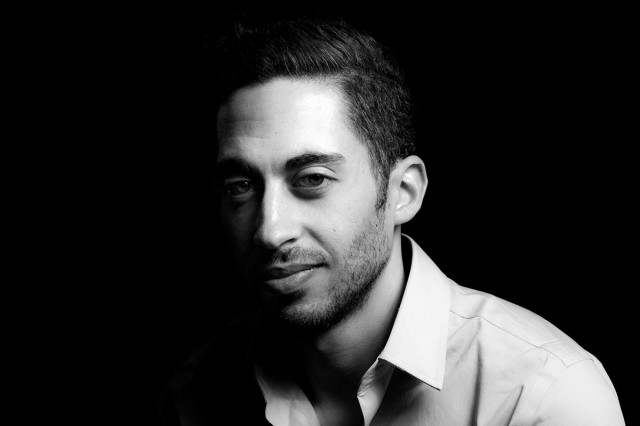
Adorama-TV-LIVE-2

I’d like to say a huge thank you to Adorama for making the event happen, particularly to the team who worked tirelessly before, during and after the live event. I won’t embarrass them by naming them directly but they know who they are and I’m hugely grateful for all that they did.
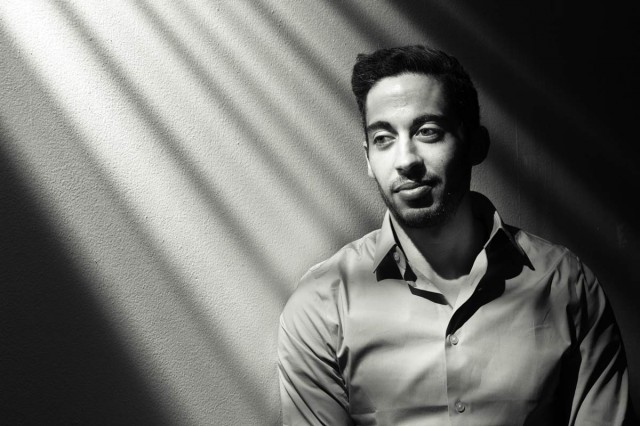
Adorama-TV-LIVE-3

A Splash of Lemon

Winter round these parts usually means short days, long nights and inclement weather which makes for a tough time for us photographers. So here’s a photo project that you can take at any time and whatever the weather.

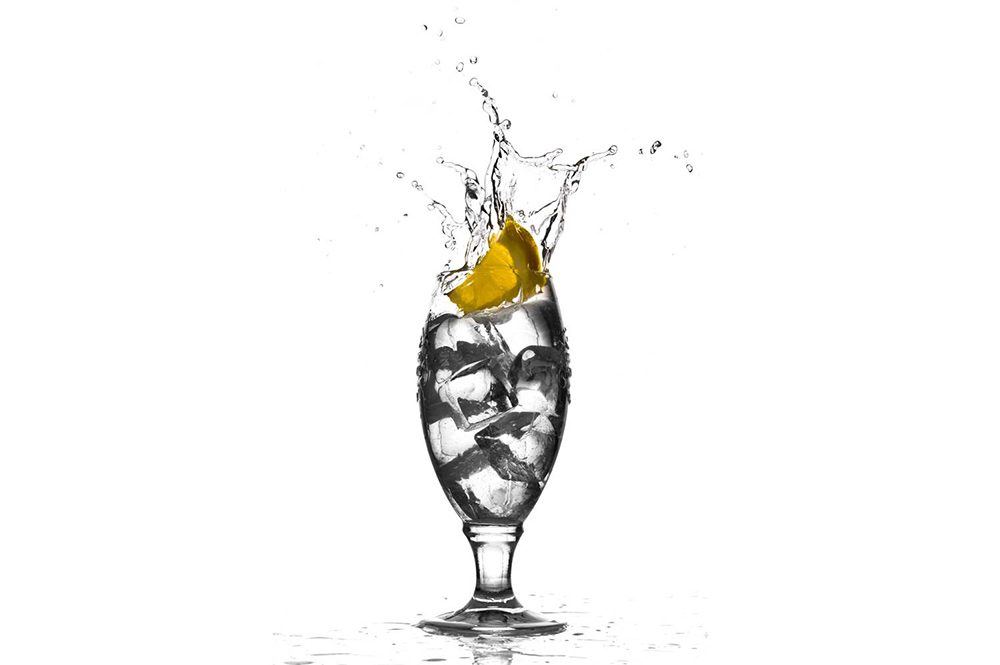
Lemon-Splash

The technique makes use of a single flash to freeze the moment a slice of lemon splashes into a glass of water. No flash? Well you might be able to do this with a super bright light but to hit the really fast shutter speeds needed to freeze the action you’ll need to bump up your ISO and open up the aperture. Flash really is the way to go as you’ll get sharper shots with a bigger depth of field and be able to use a nice low ISO.

I’m using glass “ice cubes” real ones are fine but they will float. So either pack them in tight or use a bigger, heavier piece of lemon (other fruit slices can be used too). Alternatively lose the ice and use fizzy water, the idea is simply to put some texture in the glass and how you do that is up to you.
[youtube]http://youtu.be/9GxRwBxc8-8[/youtube]

Equipment used in this video (Links to Adorama)

Adobe Photoshop Lightroom V5 Software, Windows and Mac OS

Canon EOS 60D Digital SLR Camera

Canon EF 24-105mm f/4L IS USM AutoFocus Wide Angle Telephoto Zoom Lens

Enlight photo Frio Universal Locking Cold Shoe V2

Canon RS-60 E3 Remote Switch (2′) for Canon Sub-Mini (E3)

Flashpoint Universal Swivel Holder -Umbrella holder

Vanguard Alta Pro 284 Carbon Tripod with SBH-100 Ball Head

Flashpoint 6.5′ Black Lightstand, 5/8″ Top Stud

Flashpoint 40×60″ Collapsible Disc Background

Reigate Fort 15 Minute Photo Challenge

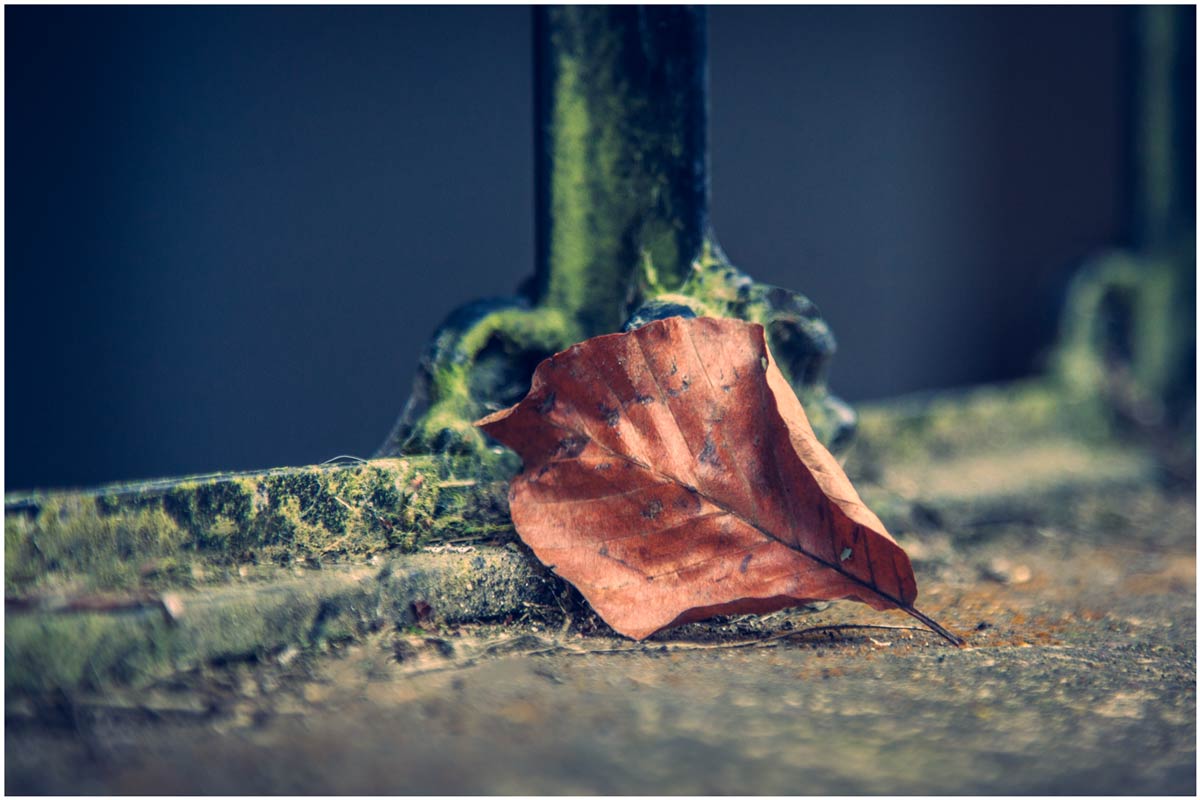
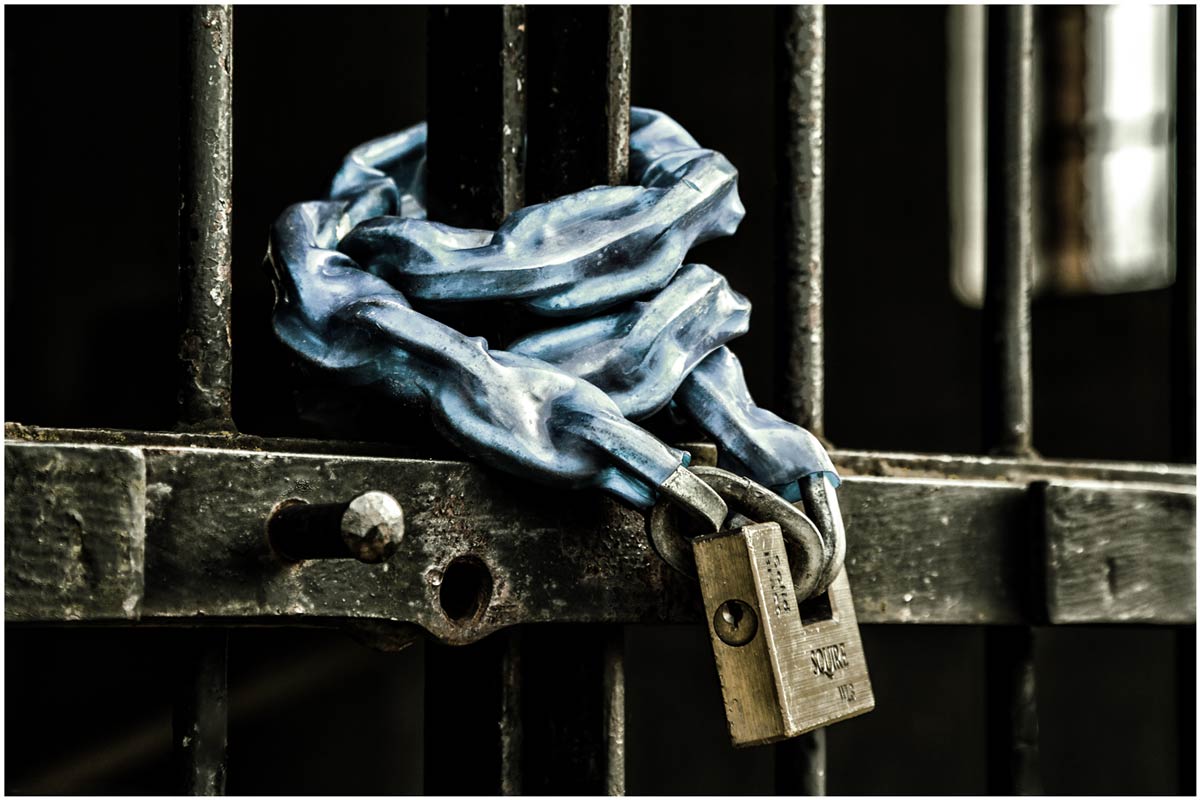
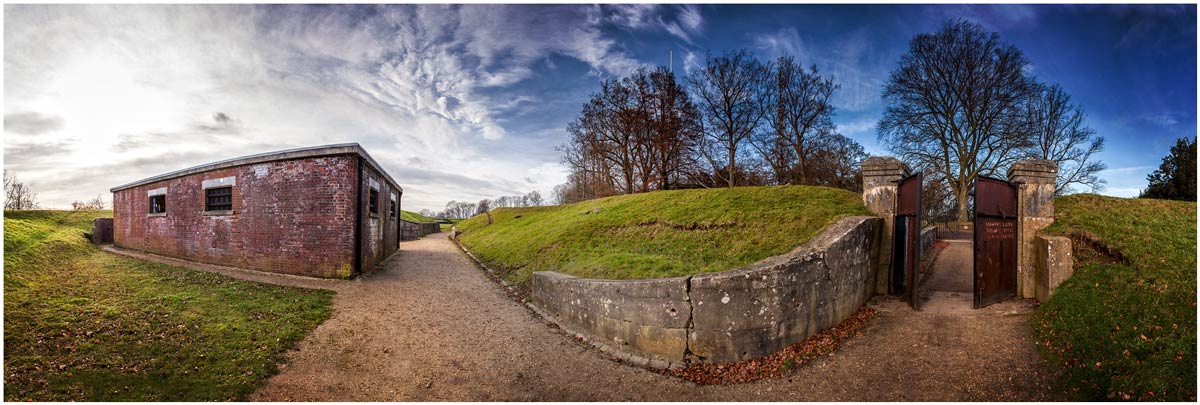
Reigate-1It’s time for another 15 minute photo challenge and this time I visit a fort in Surrey. Unfortunately for me this particular fort is mostly buried below ground and isn’t accessible to casual visitors such as myself.

But I wasn’t going to let a little thing like that stop me taking photos, nor did the particularly poor weather slow me down.

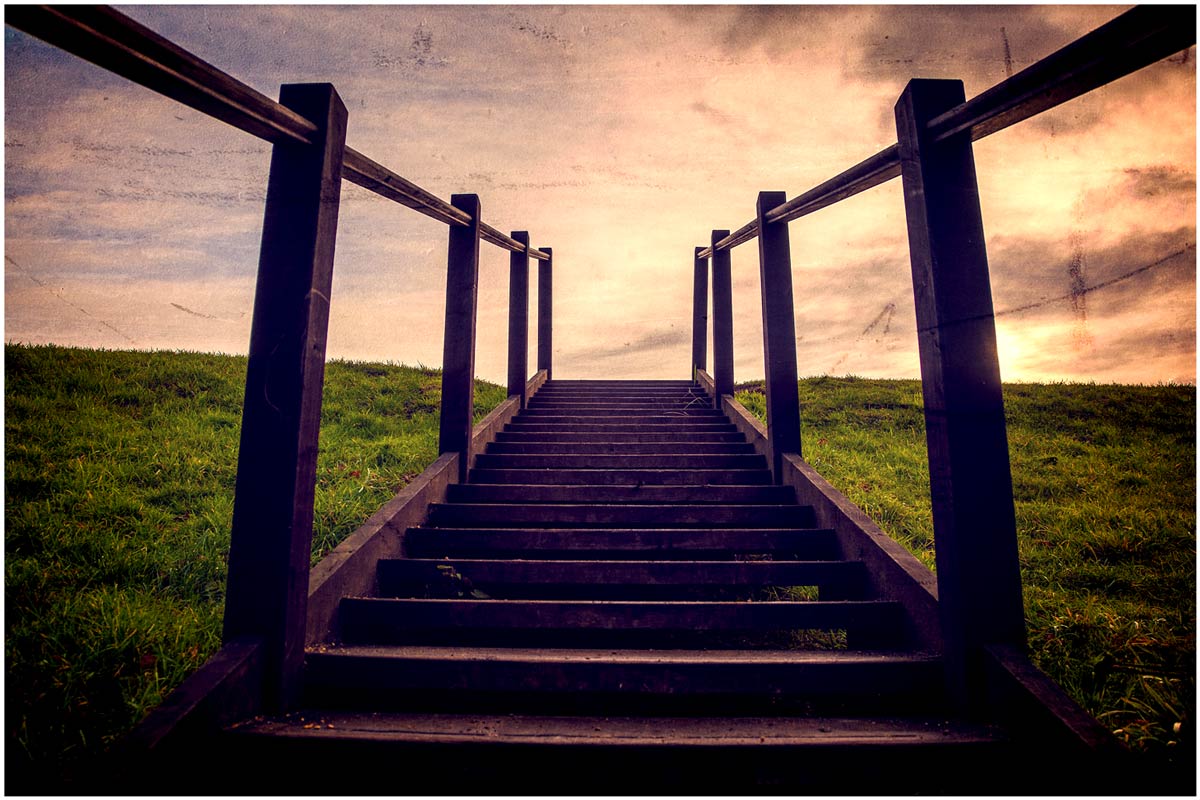
As always at the end of the challenge I’ll take you through the Photoshop edit of one photo. You can see the end result here. Keep scrolling down to see a few more final photos in higher resoloution

So let the 15 Minute Photo Challenge begin!
[youtube]http://youtu.be/niciZgOWBfA[/youtube]

If you enjoy the 15 minute photo challenge and you’re coming to my FREE New York workshop day then you’ll get to see an exclusive 15 minute challenge that’s never been seen online before!

Reigate-3

Reigate-2
Reigate-Pano

NYC here I come!

Next month, for three days only, I’ll be in New York City and thanks to Adorama I’ll be sharing part of the experience with as many photographers as possible.

If you’re in New York on Tuesday 25th February I’d love to meet you. I have a whole day of photography talks and demo’s lined up and the best bit is… it’s all FREE!

Full details are over on the Adorama website. It’s a ticket only event and very much first come first served so bag yours now!

If you can’t join me in person then you can still join me online. The plan is to live stream a small part of the day, so no matter where you are in the world you can join me live! More details to follow.

How To Photograph Through Fences

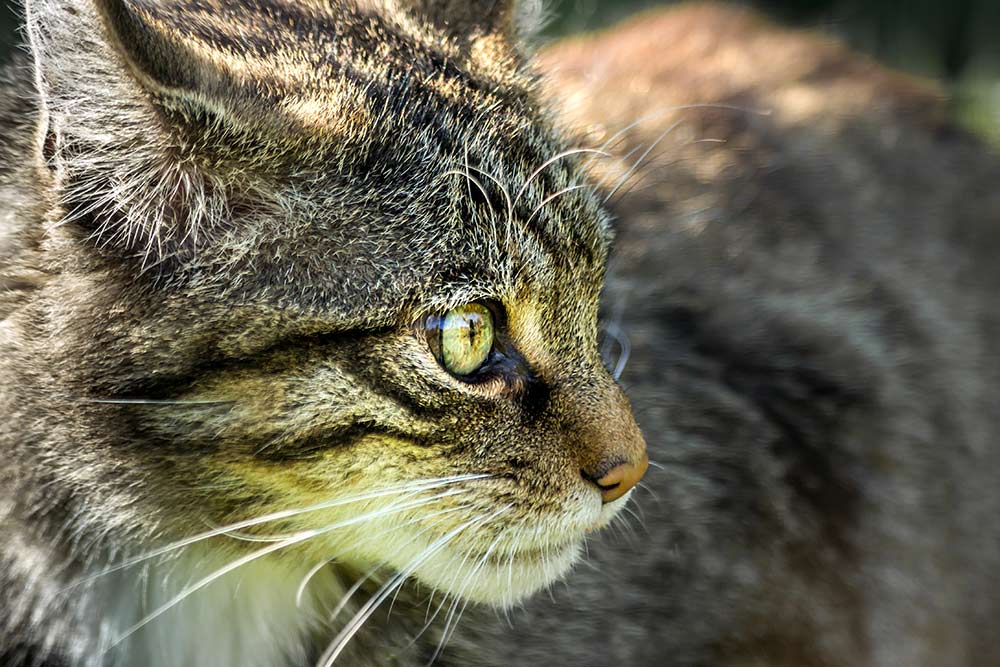
british-wildlife-centre-2Shooting through fences and bars is never the ideal way to take photos but there’s plenty of times when it’s the only choice if you want to keep taking photos. It’s a problem that’s going to be familiar to anyone who’s been to a motor sport shoot or ever tried taking photos at a zoo.

The good news is, with a little bit of camera knowhow, it’s perfectly possible to shoot through fences as if they were never there. You don’t need any fancy equipment, all you need to do is follow the step by step plan I set out in the video.

Once again I’d like to thank the British Wildlife Centre in Surrey for allowing me to film in their amazing venue. I enjoyed it so much I’ve taken out an annual membership so I can explore what it has to offer at my leisure.

[youtube]http://youtu.be/-rlPEl2Yy84[/youtube]

Products used in this video (linked to Adorama)

HOYA 58mm HMC NXT UV Filter

Pro Optic 58mm Rubber Lens Hood

Canon EOS 60D Digital SLR Camera

Canon EF 70-300mm f/4-5.6 IS USM Autofocus Telephoto Zoom Lens

Adobe Photoshop CS6

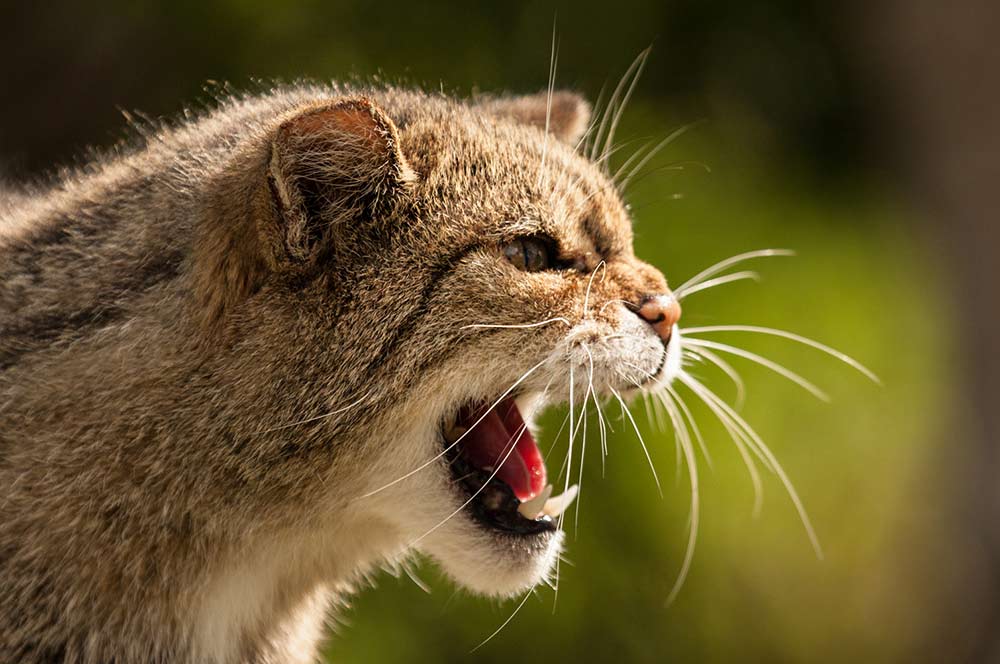
To give you an idea of just how much looks can be deceiving, here’s a photo of one of the Scottish Wildcats taken at an earlier visit.

british-wildlife-centre-1

7 Questions About Soft Light

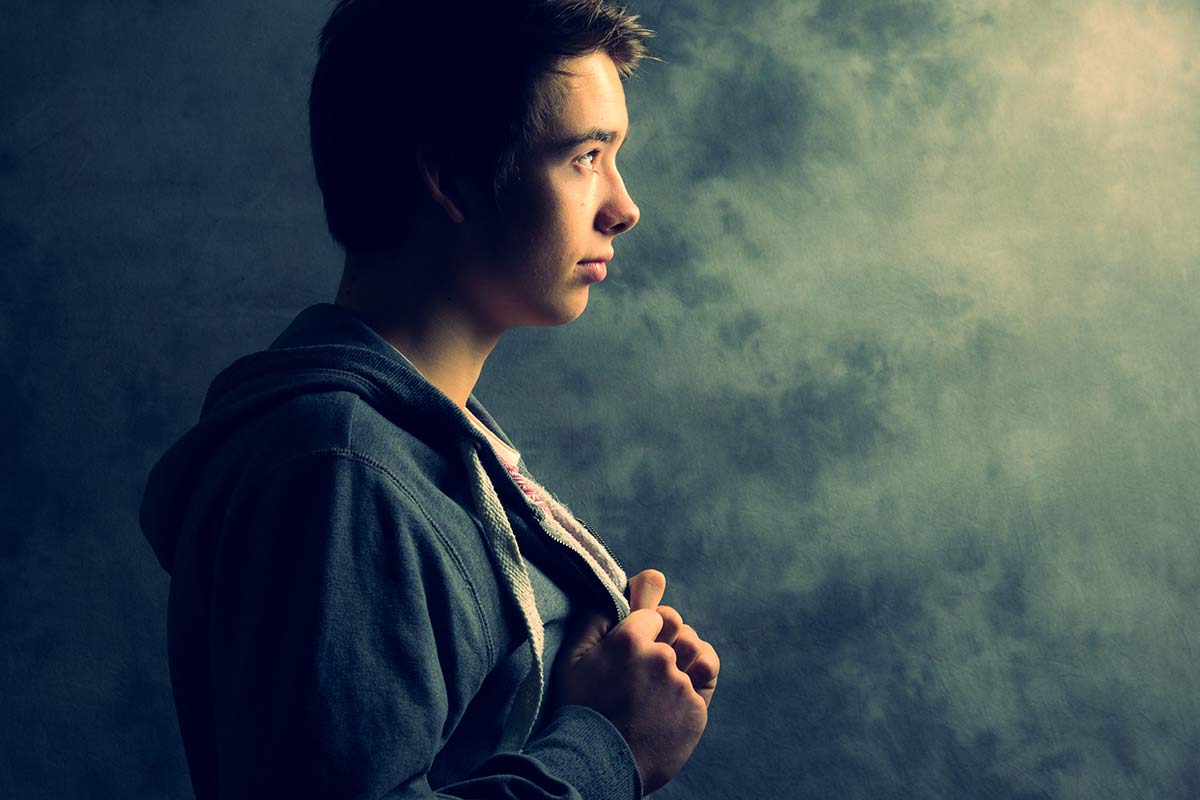
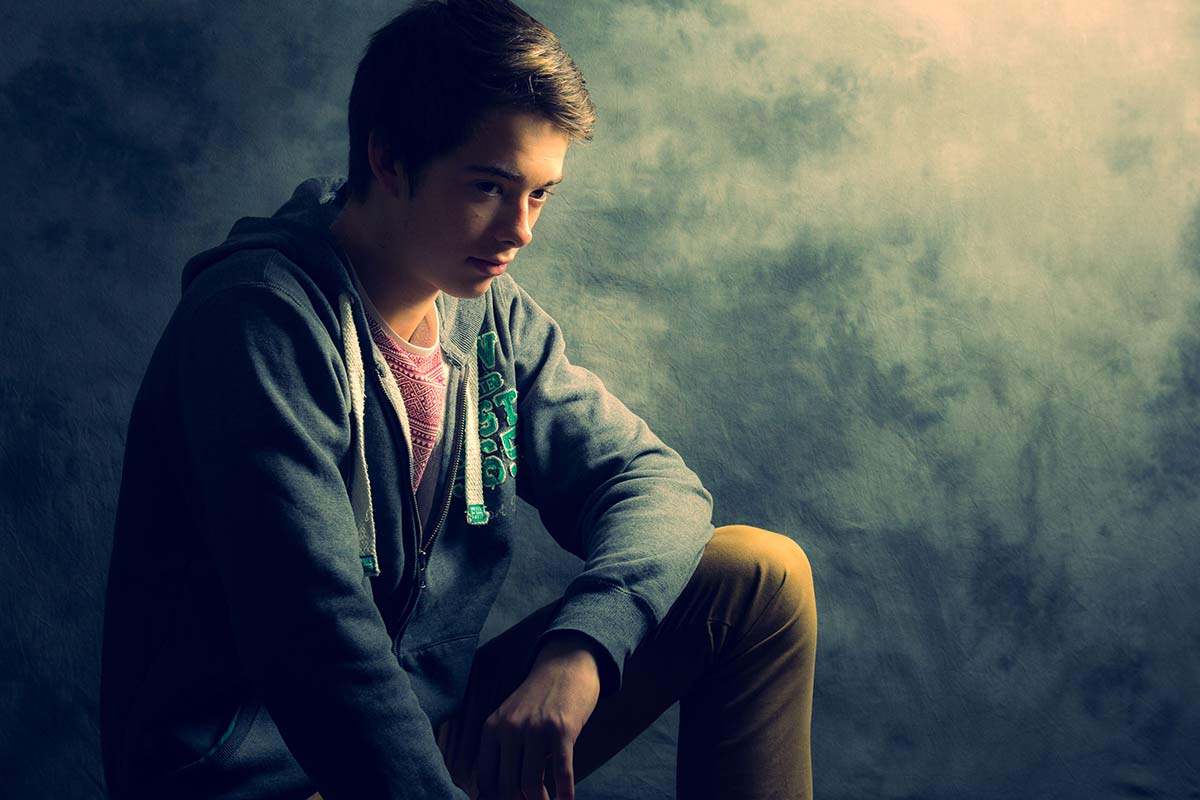
softlight-portrait-2In the studio there’s two types of light that photographers use to define their subject, hard light and soft light. Both have their place but usually in the studio I use soft light when shooting portraits. Getting the light from your studio flash or speedlite can be done in several ways. You can use one light or multiple lights, a softbox or umbrella and in this video I look at them all.

In total I cover seven questions you should know about soft light and how it’s different to hard light.

The final images you see here have had a little bit of Photoshop applied. How much Photoshop? Surprisingly little and I show you exactly how it’s done towards the end of the video too.

[youtube]http://www.youtube.com/watch?v=MfBmNfMb7WA&feature=c4-overview&list=UU8Pksdbj37CdE00kmE7Z1dw[/youtube]
Can’t see the video? Click here http://youtu.be/MfBmNfMb7WA

Gear used in the video (links to the Adorama store)
Canon EOS 60D Digital SLR Camera
Canon EF 24-105mm f/4L IS USM
Lastolite Collapsible Background (Washington/Dakota) 
Lastolite Hot Shoe Ezy-box Softbox 24×24″ 
Flashpoint Triple Shoe Mount Bracket 
Adorama 33″ Translucent Umbrella

softlight-portrait-1