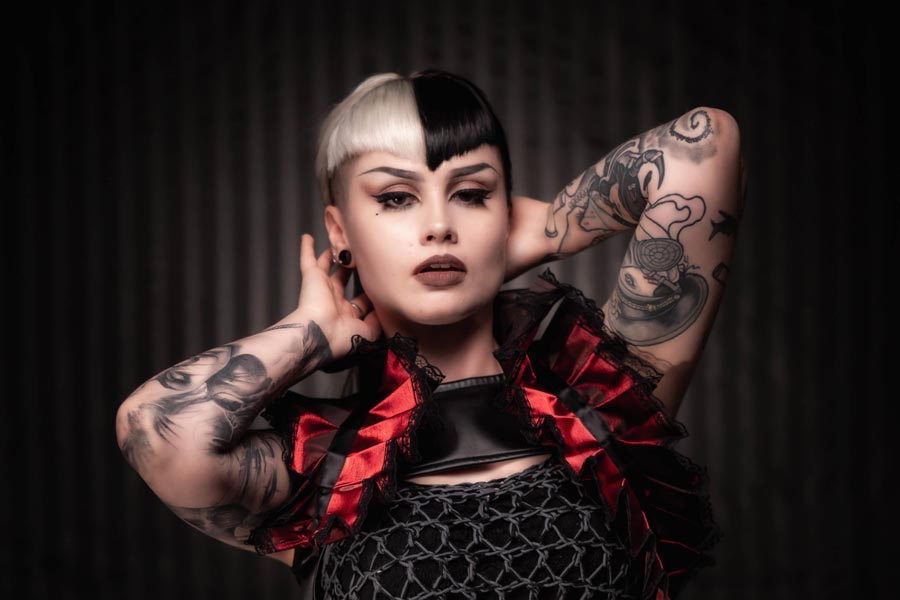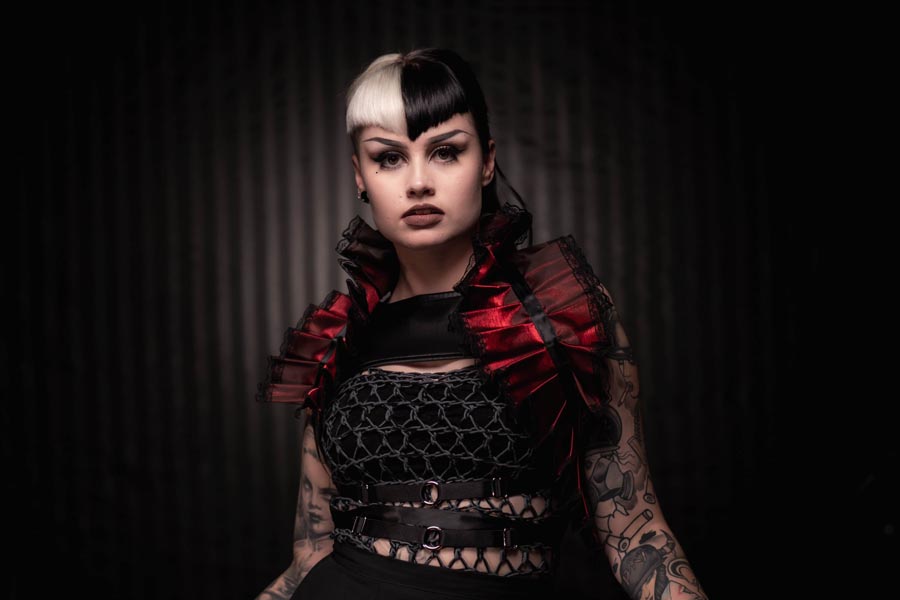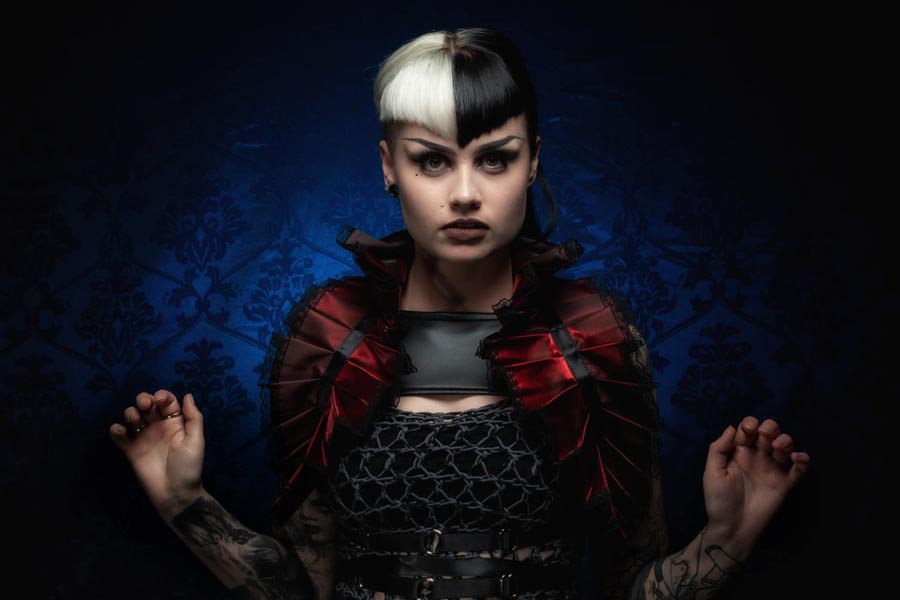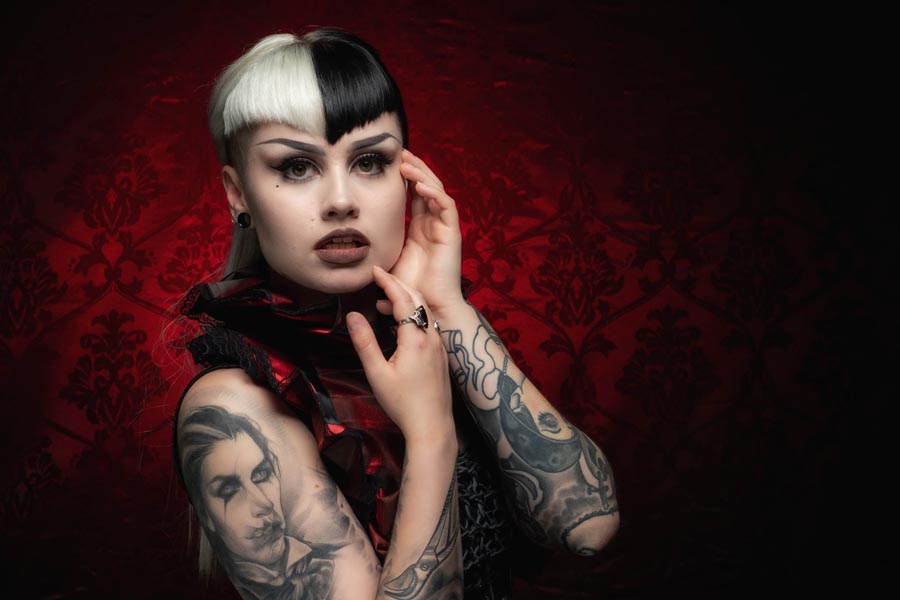
Festive Stars Template

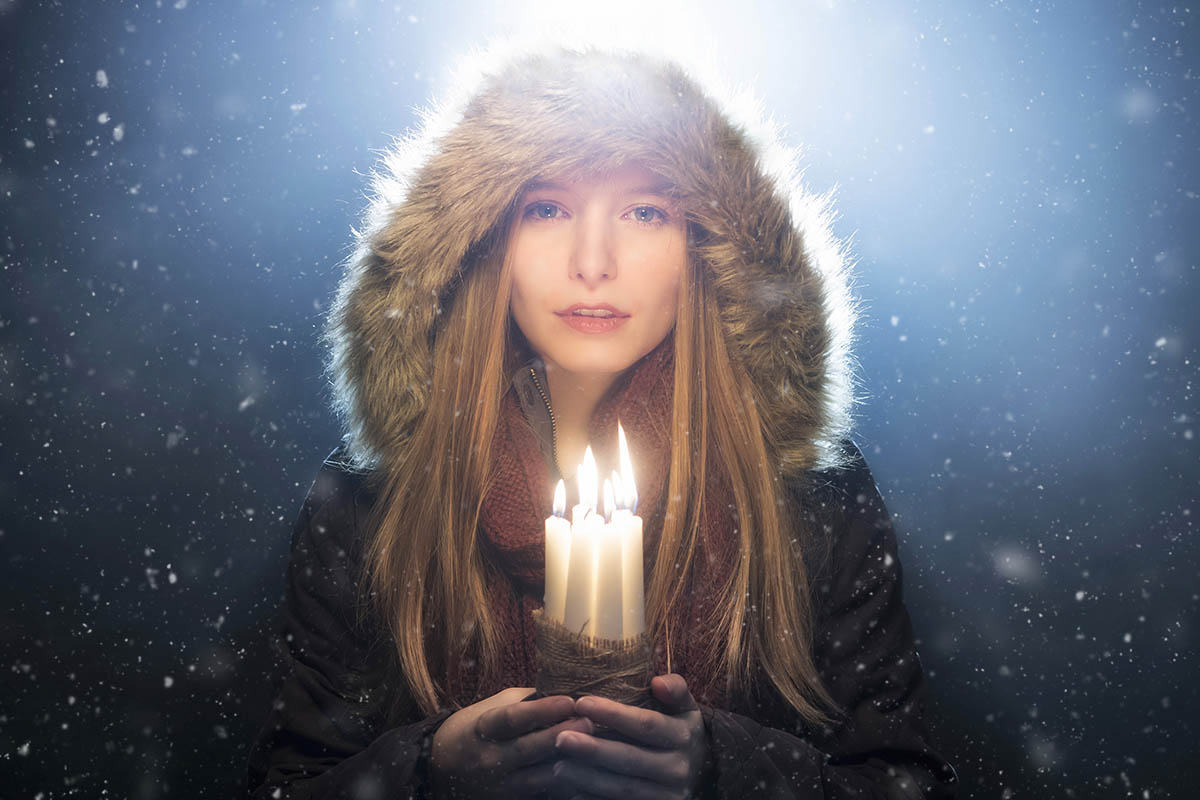
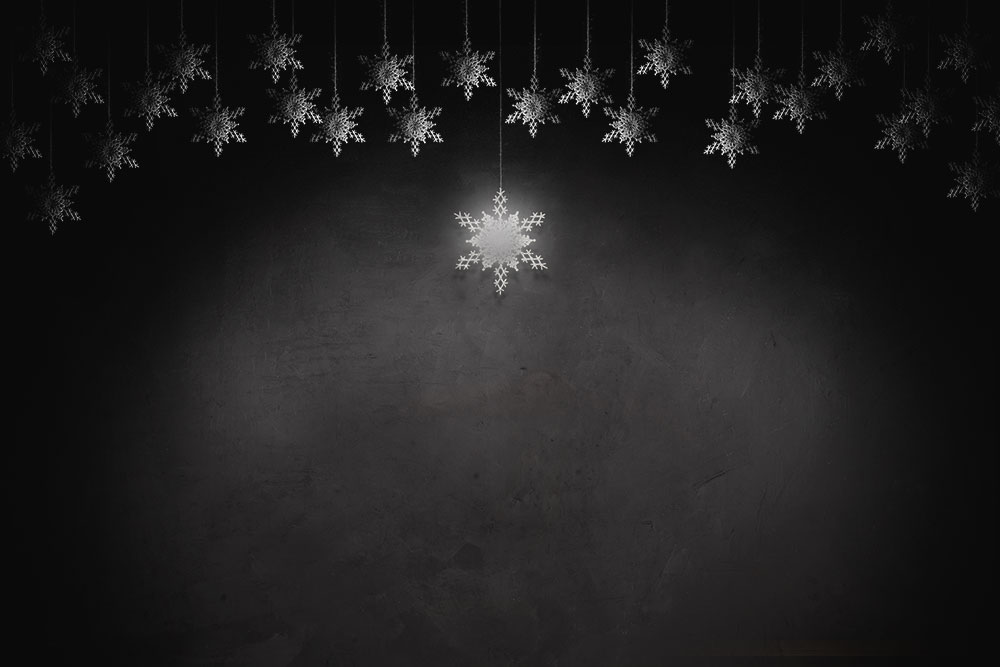
With the festive holidays fast approaching I thought I’d share my festive stars template. My planned use for this is that it will become a background for a fine art portrait but I’m pretty sure there’s plenty of other uses too.

To use this template, download it (see the link below) then open it in Photoshop. The template is made up of a bunch of layers, you need to paste your image into the one called “YOUR PHOTO HERE”. Make sure your photo stretches to the edges of the template and use a layer mask to hide or reveal whatever is under the stars.

You can see how I use it in this video https://www.youtube.com/watch?v=VNVOAJI7Q4w

You can download my festive stars template here
https://adobe.ly/2AY2nvZ

If you create a photo using the Friday Freebie then let me (and everyone else) know by leaving the link in the comments below.

Usage rules
The festive stars template is copyright Gavin Hoey 2018. Use is strictly limited to any personal but non-commercial purposes.
Please share the Friday Freebie by linking back to this page. Do not redistribute the original action without my permission.

Download instructions
     1. Click on the correct download link below (no sign up is needed)
https://adobe.ly/2AY2nvZ

  1. You may see a message saying “There was a problem with the network” Just ignore it
  2. Click the Download icon download_icon The download should start automatically
  3. Open the .PSD file in Photoshop
  4. Paste your photo into the layer “YOUR PHOTO HERE”
  5. No support is provided with the Friday Freebies. If you need help Google or YouTube the question and you’ll almost certainly find the answer
Instant Snow V2

Way back in 2013 I made a simple Photoshop action that made snow. As it turns out it makes REALLY good looking snow and even today it’s regularly in the top three most visited pages of my blog.

The secret to it’s success is down to it’s one click simplicity which runs the action, makes three layers of snow and still keeps your original image intact. The snow it makes can then be tweaked, copied and saved for future use.

Five years on an I felt it was time for a refresh, so here it is. You can download Instant Snow V2 here:
https://drive.google.com/open?id=1s6EUBs5jFwPN-ZnszTTMB11W1ZT9_kuu

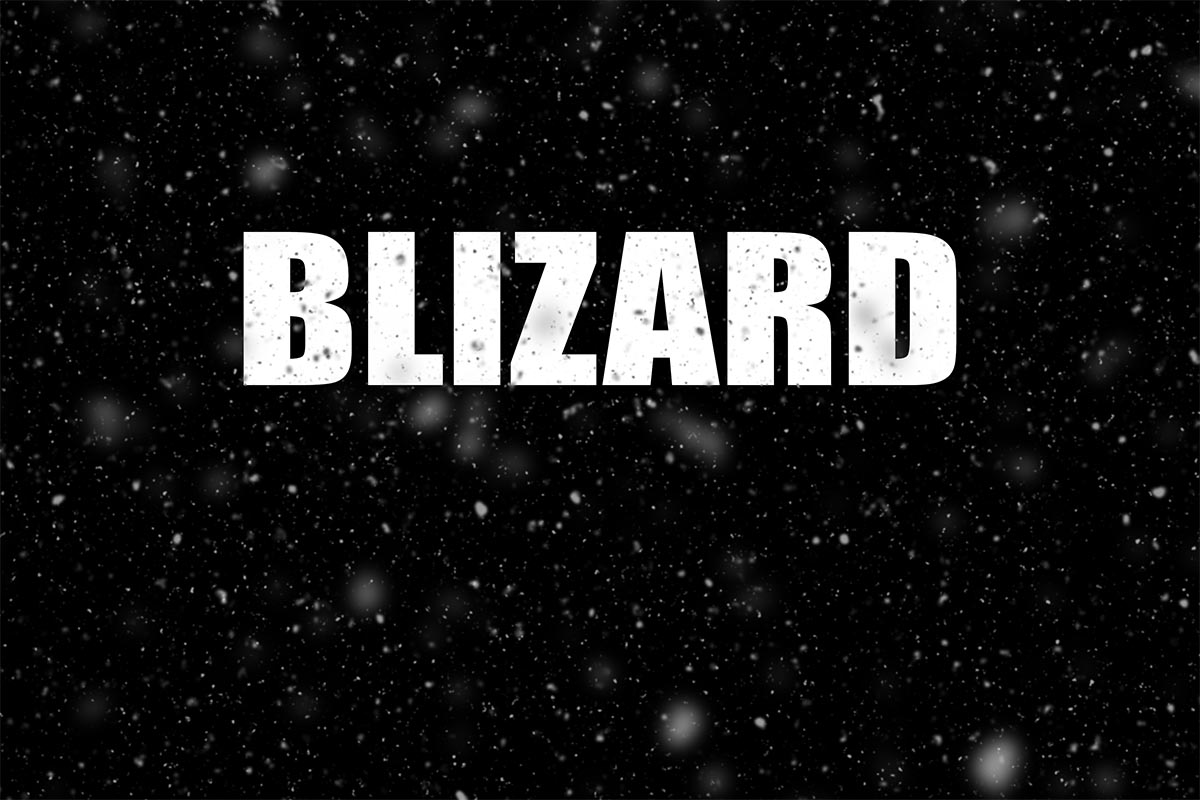
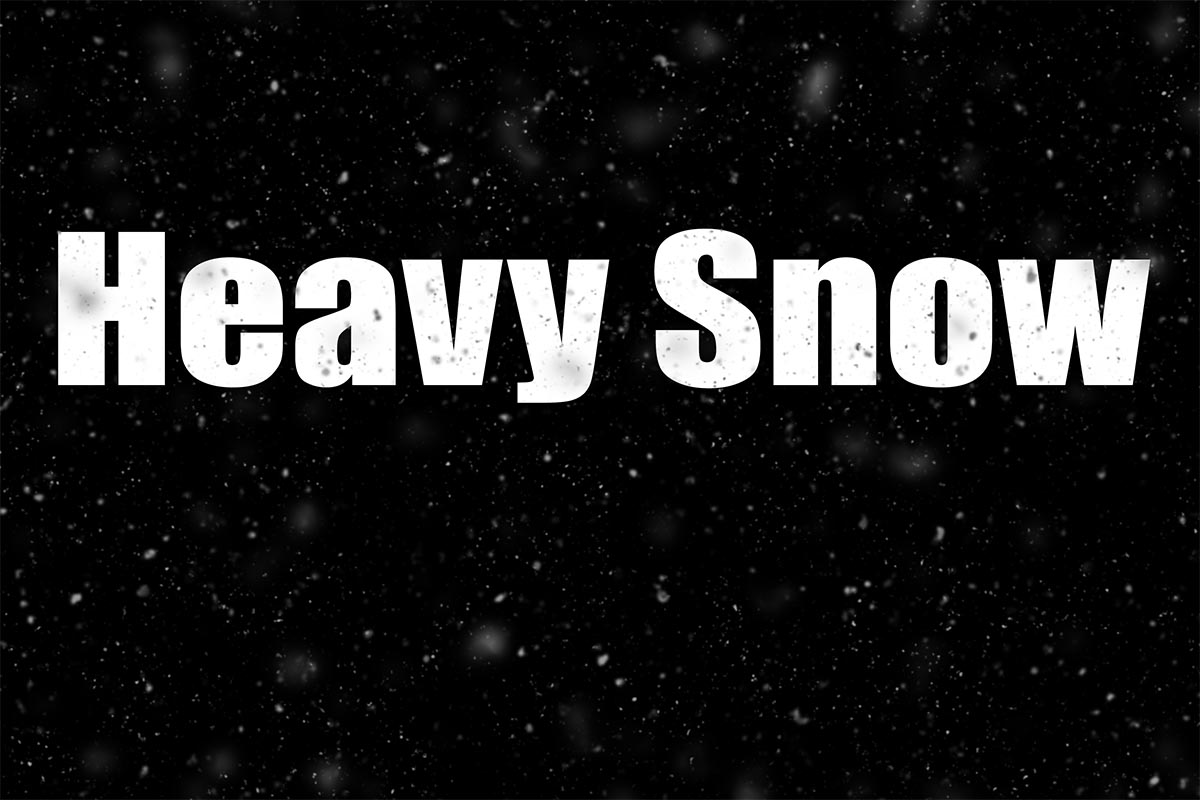
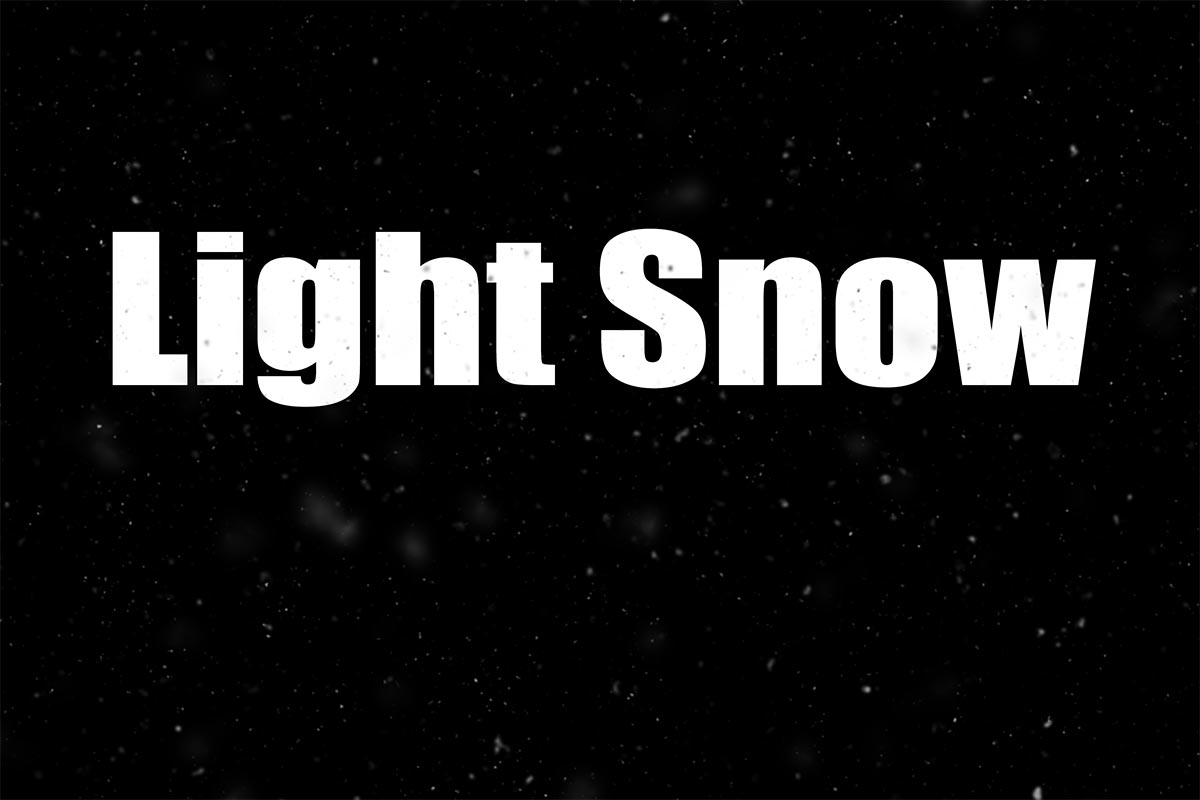
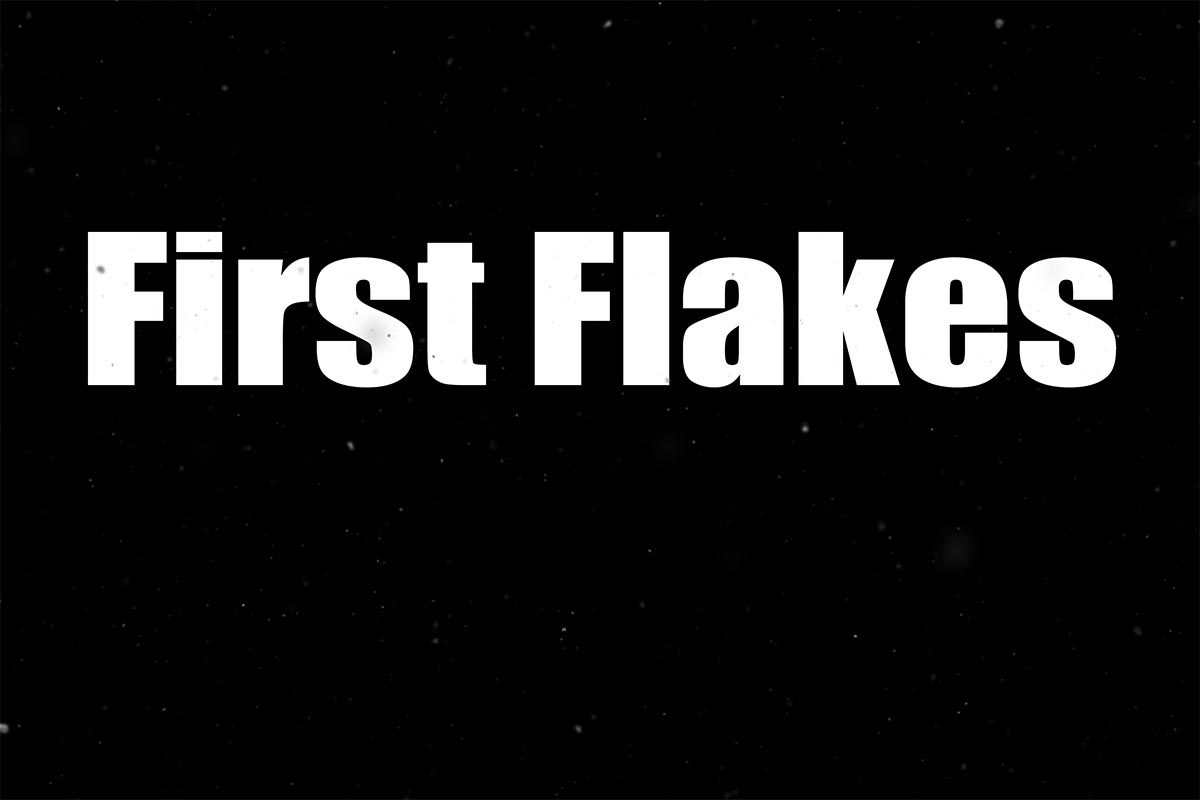
Instant Snow v2 now has four levels of snow effect. Blizzard, Heavy Snow, Light Snow and  First Flakes.

If you create a photo using the Friday Freebie then let me (and everyone else) know by leaving the link in the comments below.

Usage rules
The Photoshop Action is copyright Gavin Hoey 2018. Use is strictly limited to any personal but non-commercial purposes. A commercial license is available.
Please share the Friday Freebie by linking back to this page. Do not redistribute the original action without my permission.

Download instructions
     1. Click on the correct download link below (no sign up is needed)
https://drive.google.com/open?id=1s6EUBs5jFwPN-ZnszTTMB11W1ZT9_kuu

  1. You may see a message saying “There was a problem with the network” Just ignore it
  2. Click the Download icon download_icon
  3. The download should start automatically
  4. Unzip the download and install the Photoshop Action
  5. No support is provided with the Friday Freebies. If you need help Google or YouTube the question and you’ll almost certainly find the answer
Colour Management video teaser
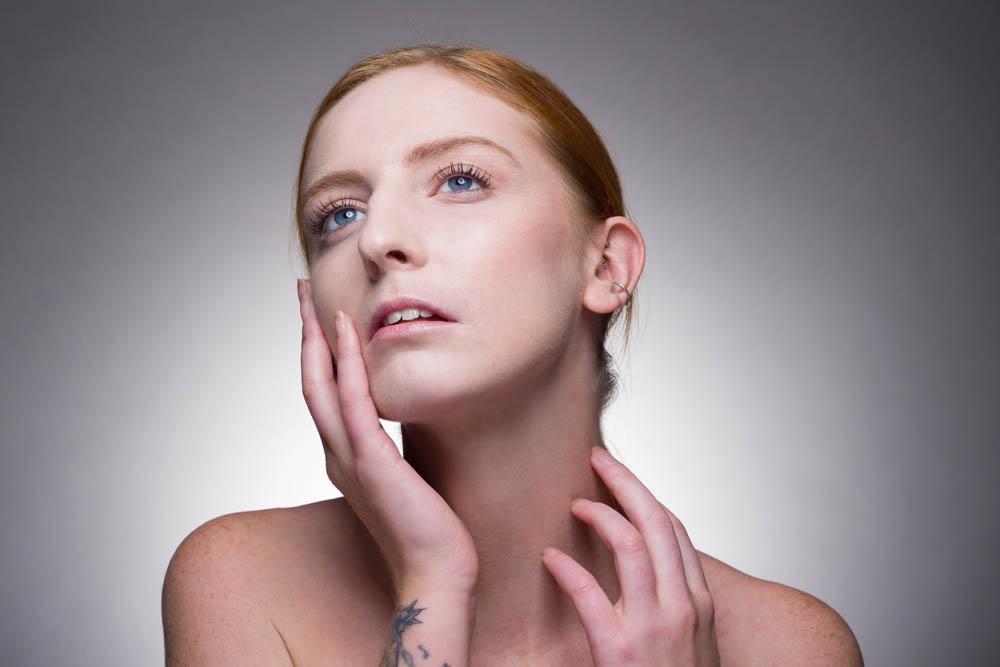
There are a few questions we get asked about regularly and colour management is one of those topics.
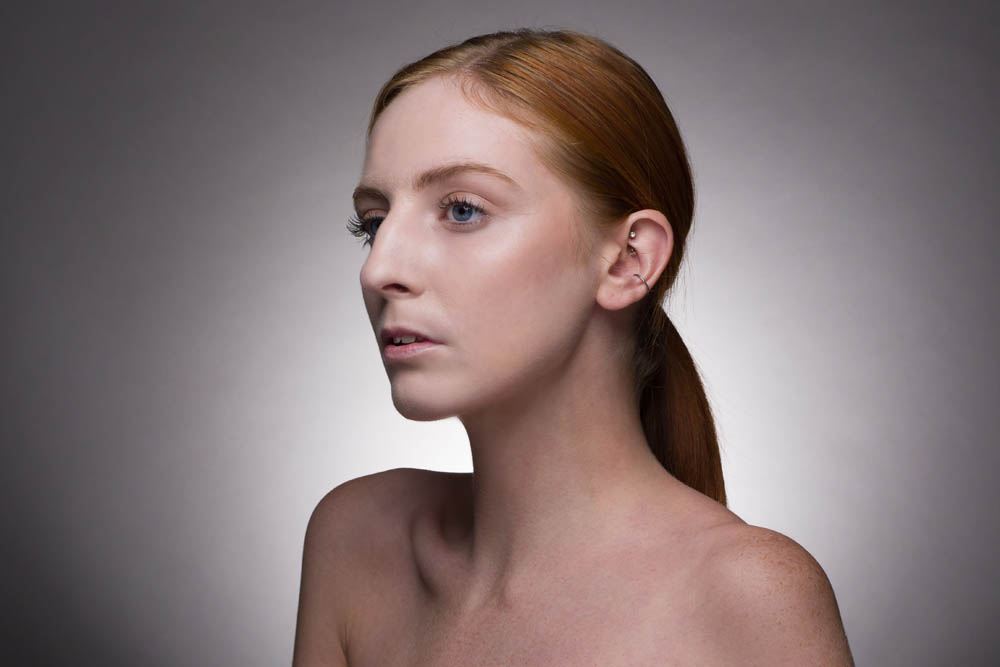
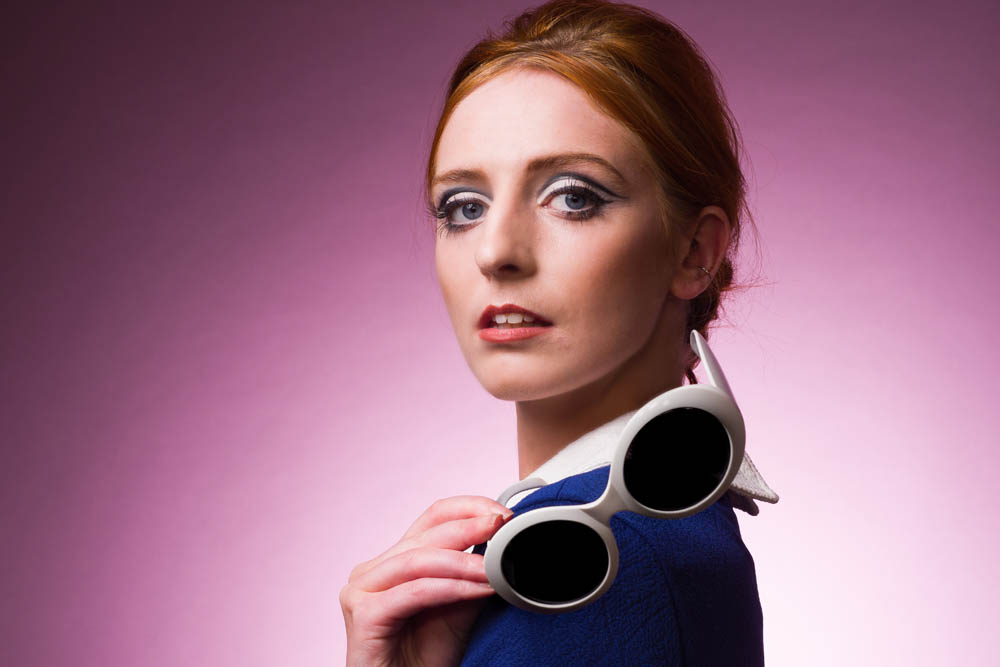
We had great fun in the studio making this video, we knew we wanted an awesome model to showcase some colours and killer moves, Beth Smith always delivers! Teamed with the fabulous make up and hair skills of Sophie Daly and some 60’s inspired bits of clobber it’s colourful and fun (and hopefully educational too).

Here’s a teaser to whet your appetite! The full video is due out on the 22nd of November.

[youtube]https://www.youtube.com/watch?v=TsjdtqTytDg[/youtube]

Secret Portrait Shoot

People often ask Gavin where he gets inspiration or how he stays motivated, a really good question. For my part, I try and come up with ideas and suggestions and this one was something that Gavin really liked the idea of.

I suggested that I could arrange a shoot that he knows nothing about, he will just turn up to shoot. No planning, no research, a real challenge as he is someone who is organised and likes to plan as much as possible beforehand.

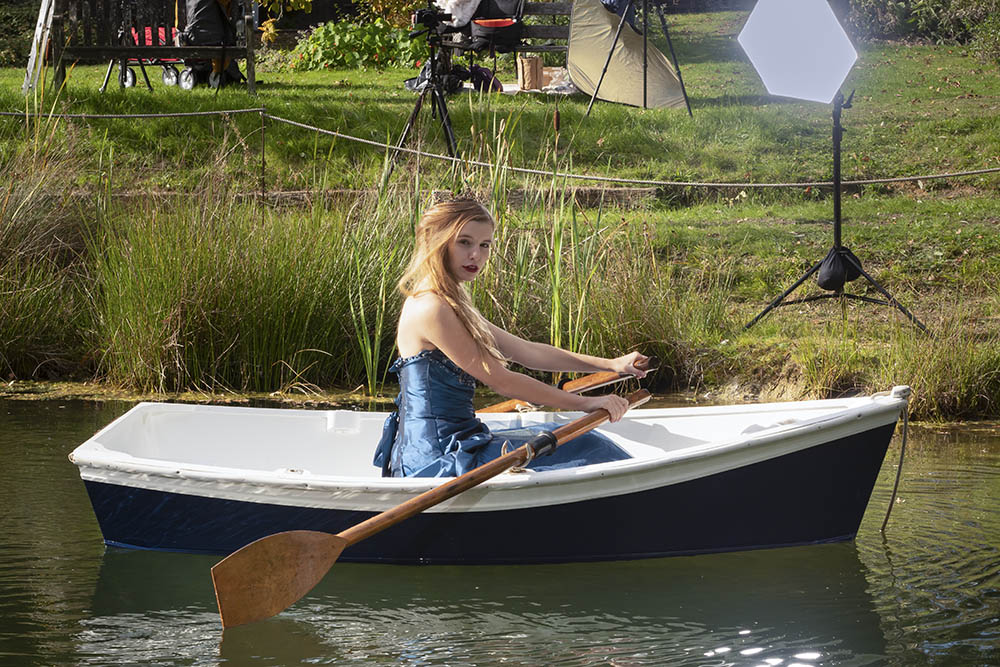
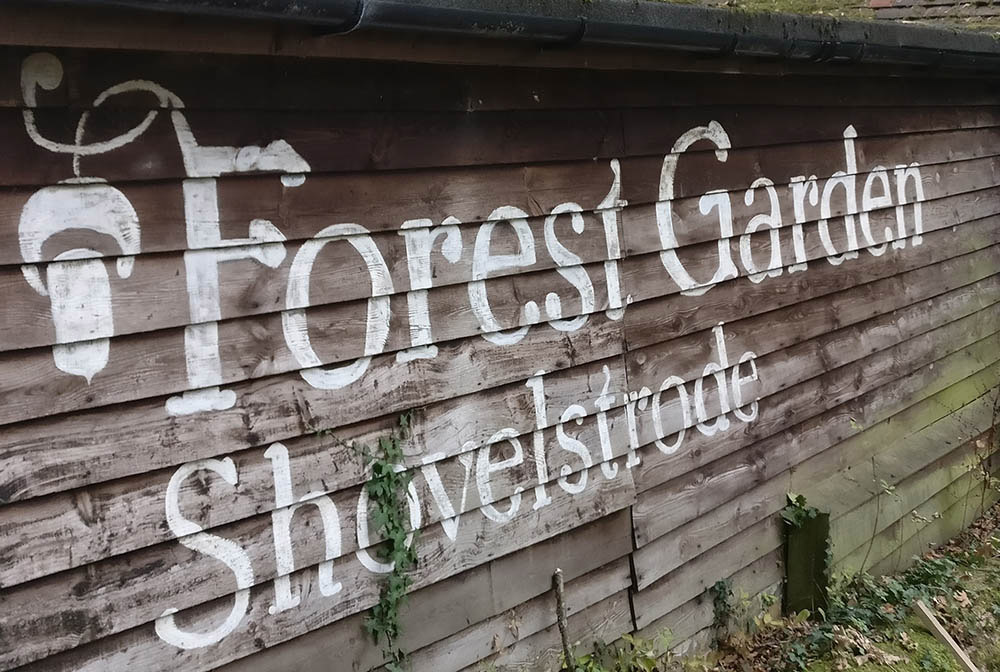
I have wanted to arrange a shoot at the beautiful Forest Garden at Shovelstrode. Beautiful woodland, a large pond, amazing yurts and cabins, there’s a lot to love here. Lisa and Charles, the owners, were so accommodating and helpful. We were very fortunate to have amazing weather on the day of the shoot, even though it was October!

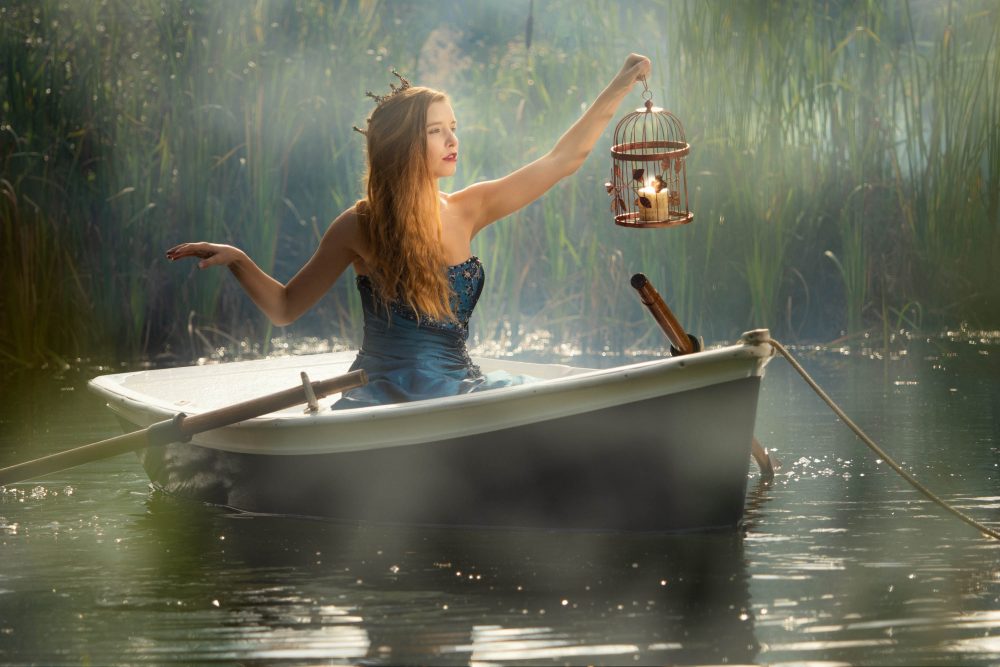
Here’s a few behind the scenes photo’s and one of my favourite images from the shoot.

Here’s a teaser, the full video will be out on AdoramaTV Thursday the 8th of November.

Hopefully this will be the first of a series of Secret Portrait Shoots.

[youtube]https://www.youtube.com/watch?v=3Wbi79meS5g[/youtube]

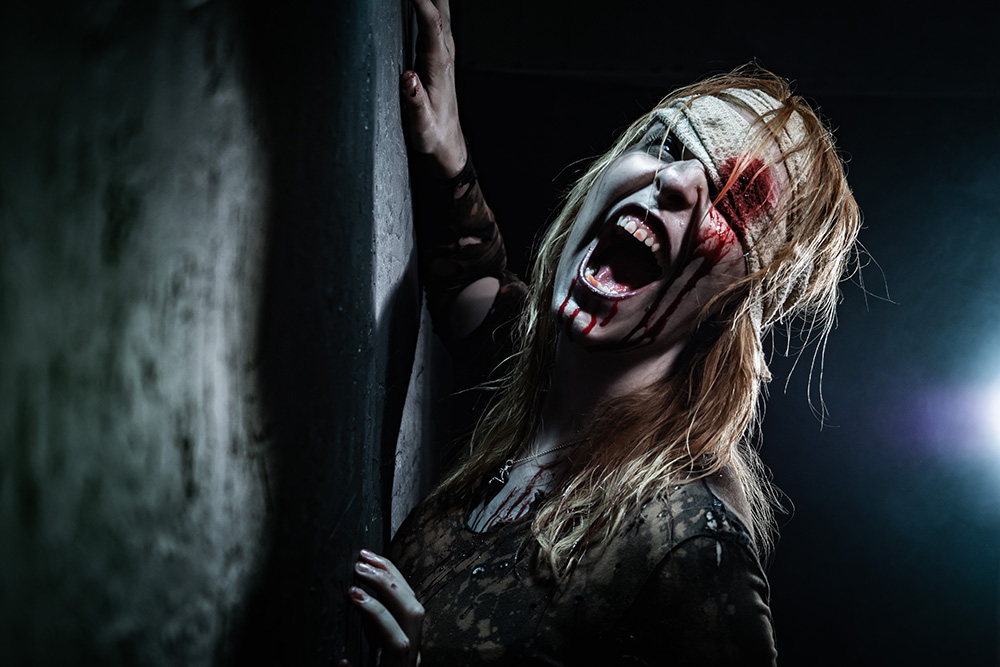
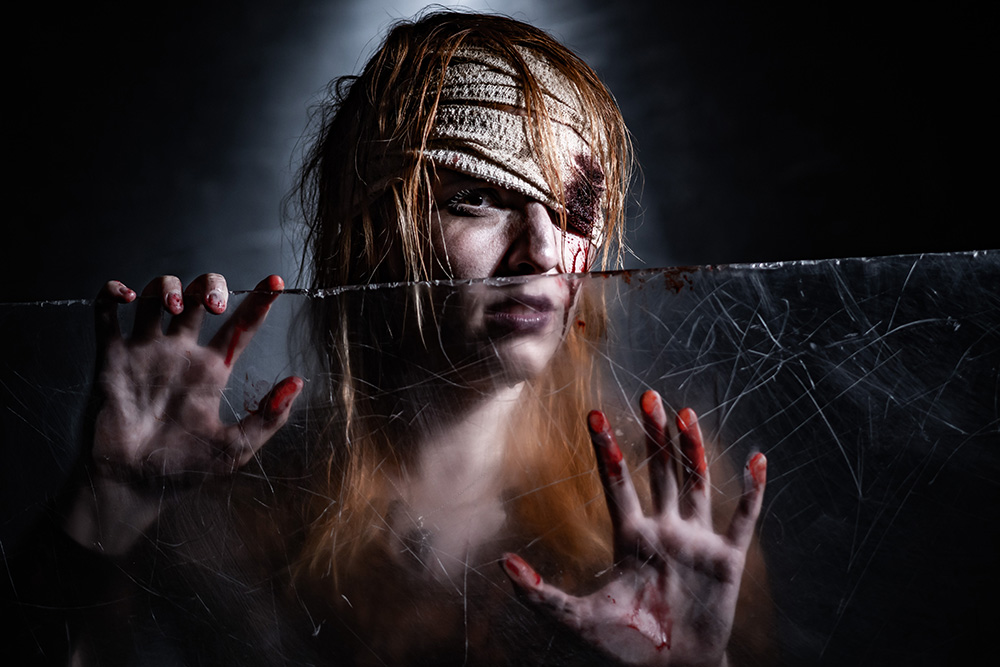
Scary Halloween Basement Shoot

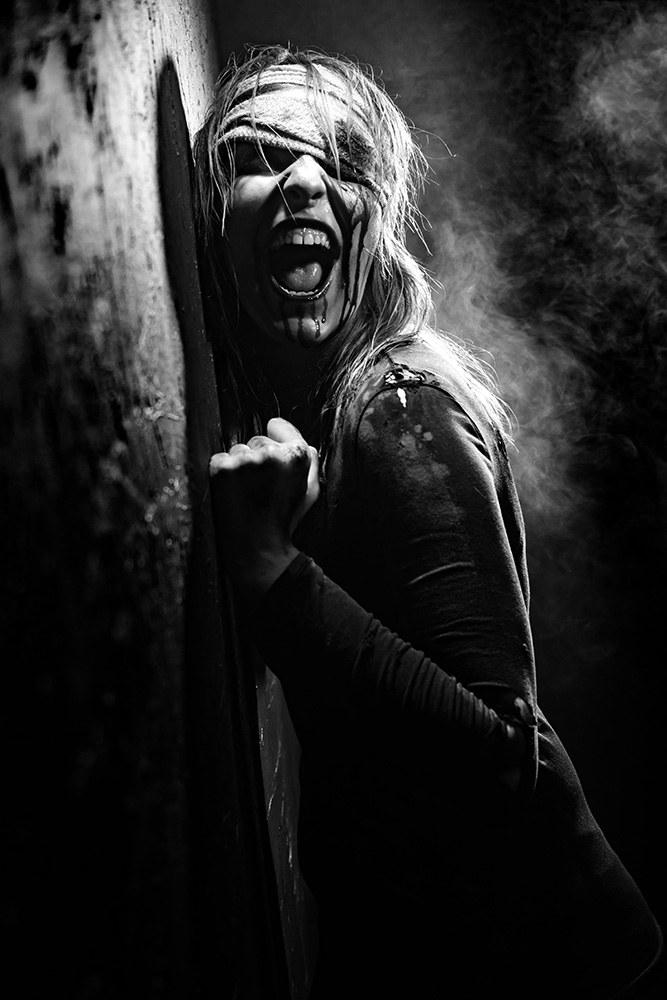
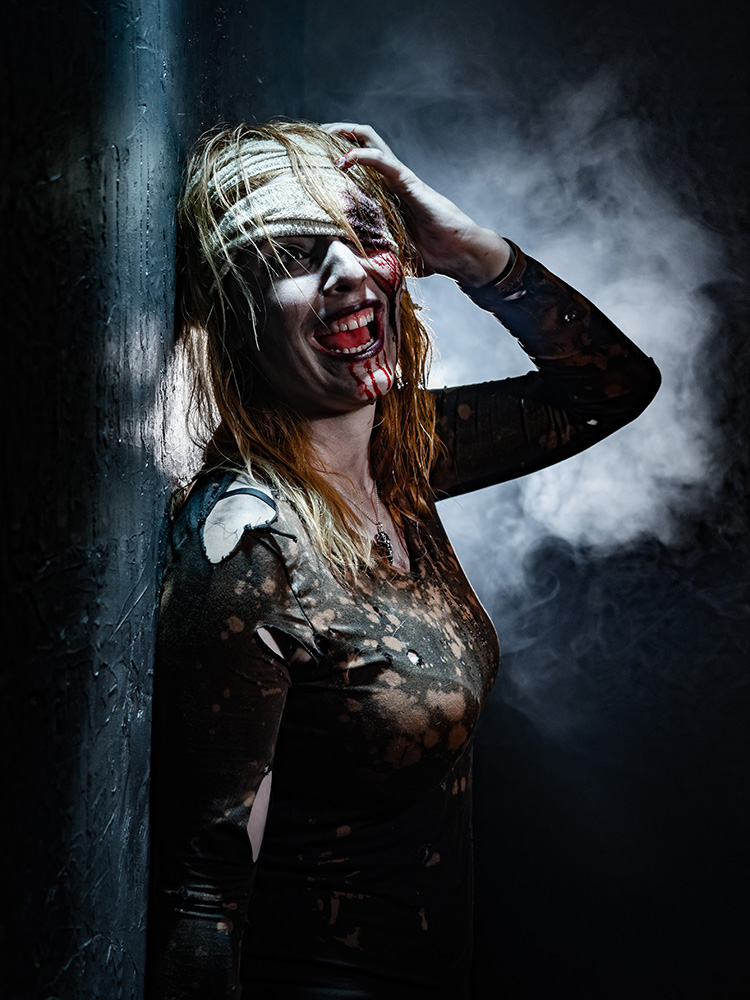
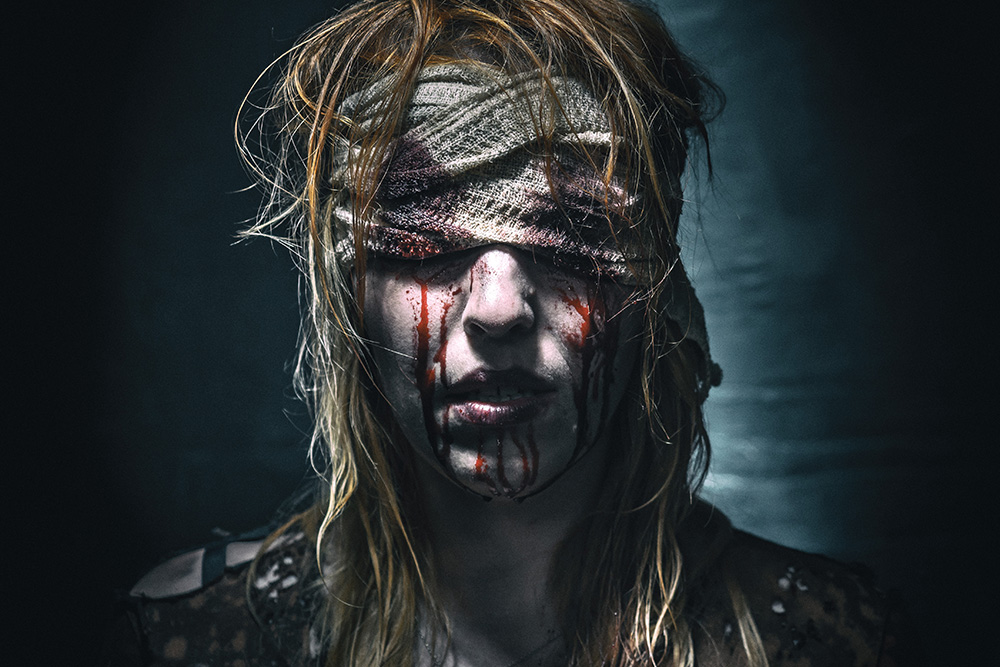
When Kerry said she was available for a shoot, even though it was only August, we knew it should be a Halloween shoot. Not sure why but most of the models, make up artists and quite a lot of photographers love this theme!

Despite the scary look, this was such a fun shoot. Also the first time I’ve had to clear up blood drops and splatters from the studio walls and floor, thank goodness all fake!!

[youtube]https://youtu.be/ScVEJfBzOJ4[/youtube]

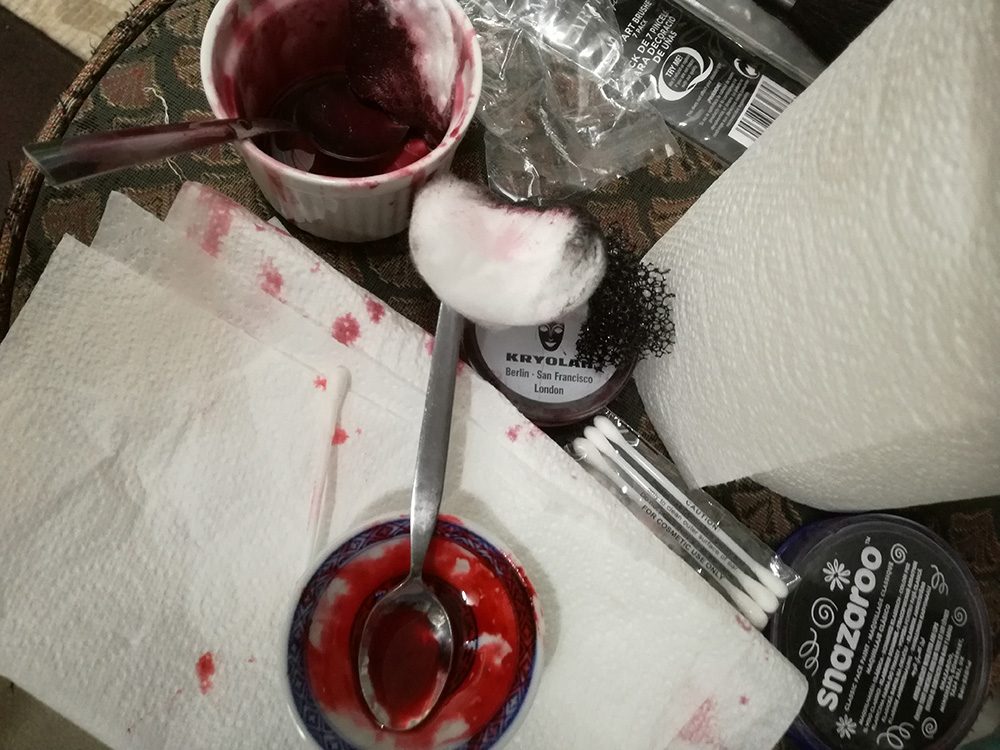
As you’ll see in the video, the blood used was tried out first. The one used for the closest skin contact, especially on the bandages close to Kerry’s eye, was homemade. I used a mix of runny honey, a little cornflour and some red food colour gel. As it was edible and Kerry likes honey!


Creating props and outfits for shoots

Creativity is an essential part of Gavin’s photography. From deciding on the best angles and make up styling to venues and props we take a pride in creating and sourcing things to individualise our shoots and workshops.

I am always thrilled when someone takes the time to email or tell us how they appreciated the preparation and styling from a workshop, as this is something that happens way before the day and can make the difference between a good shoot and an amazing one.

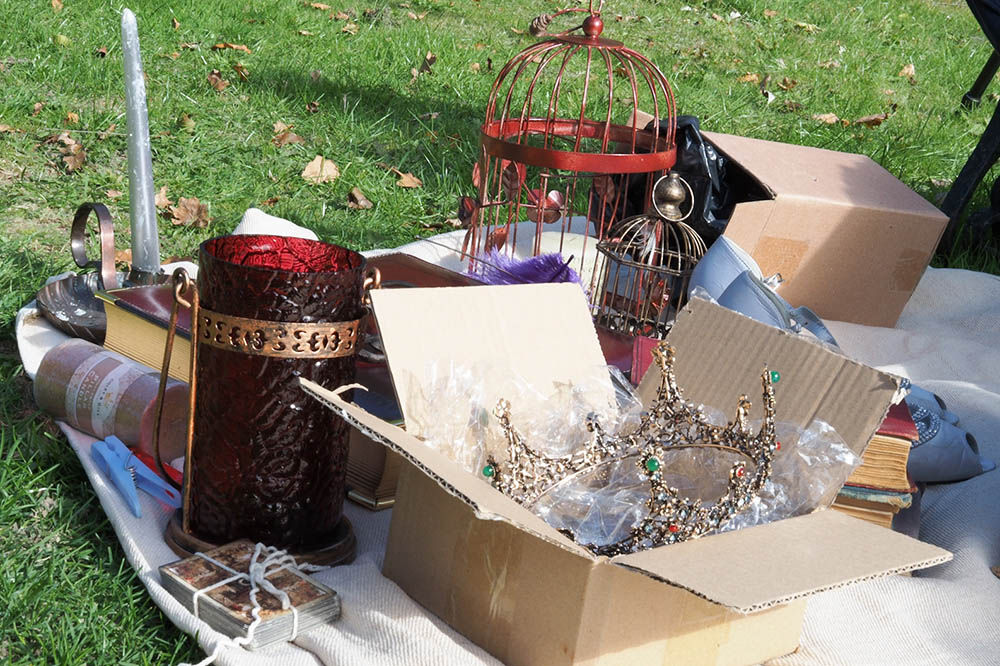
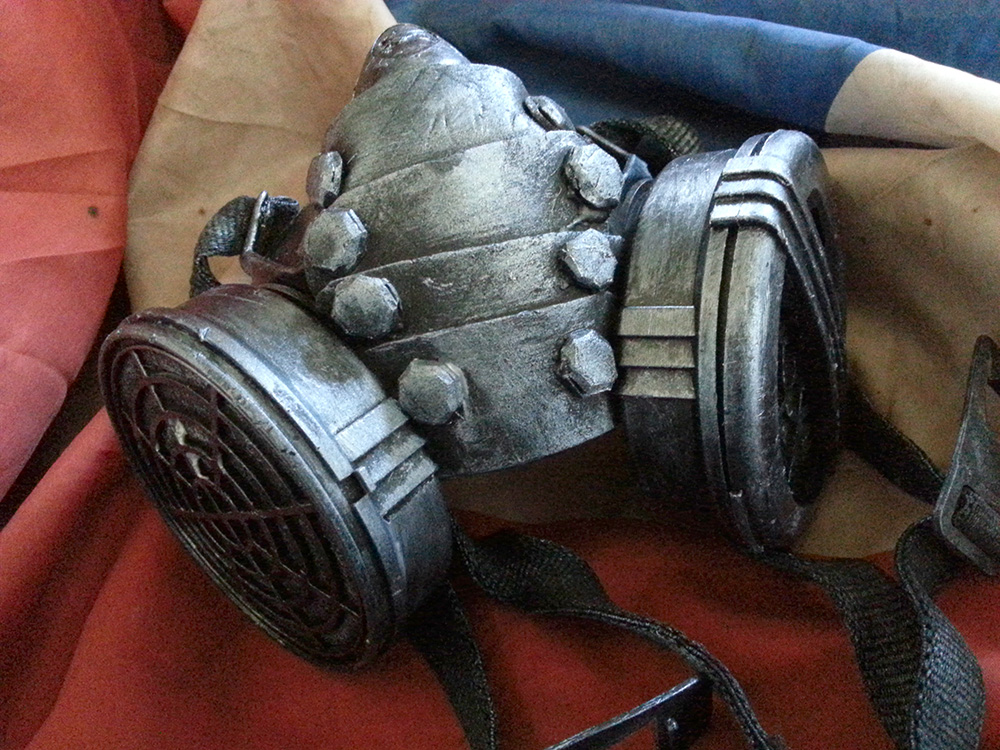
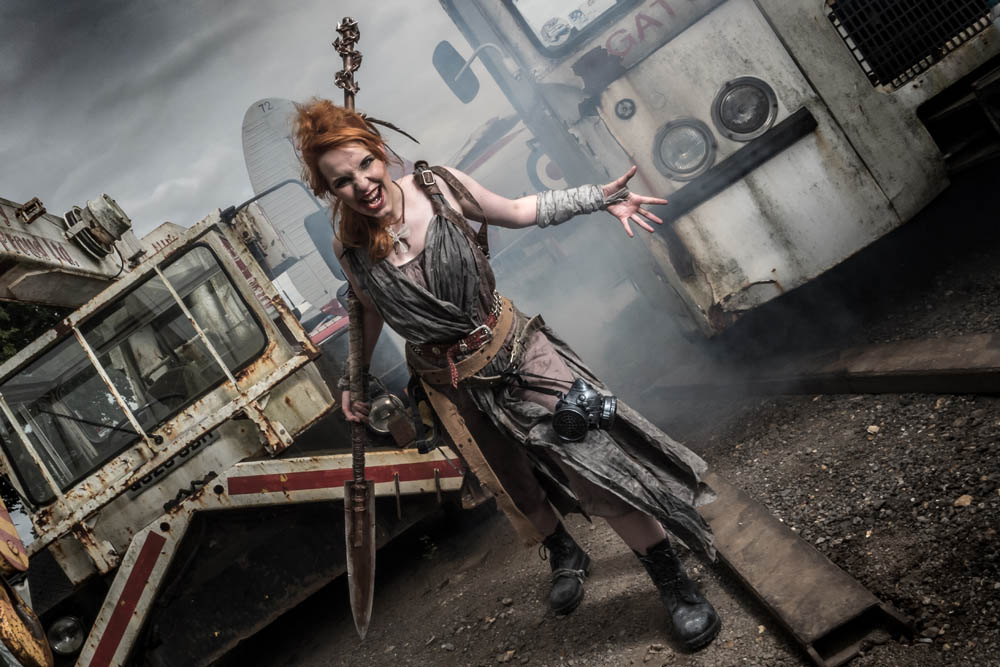
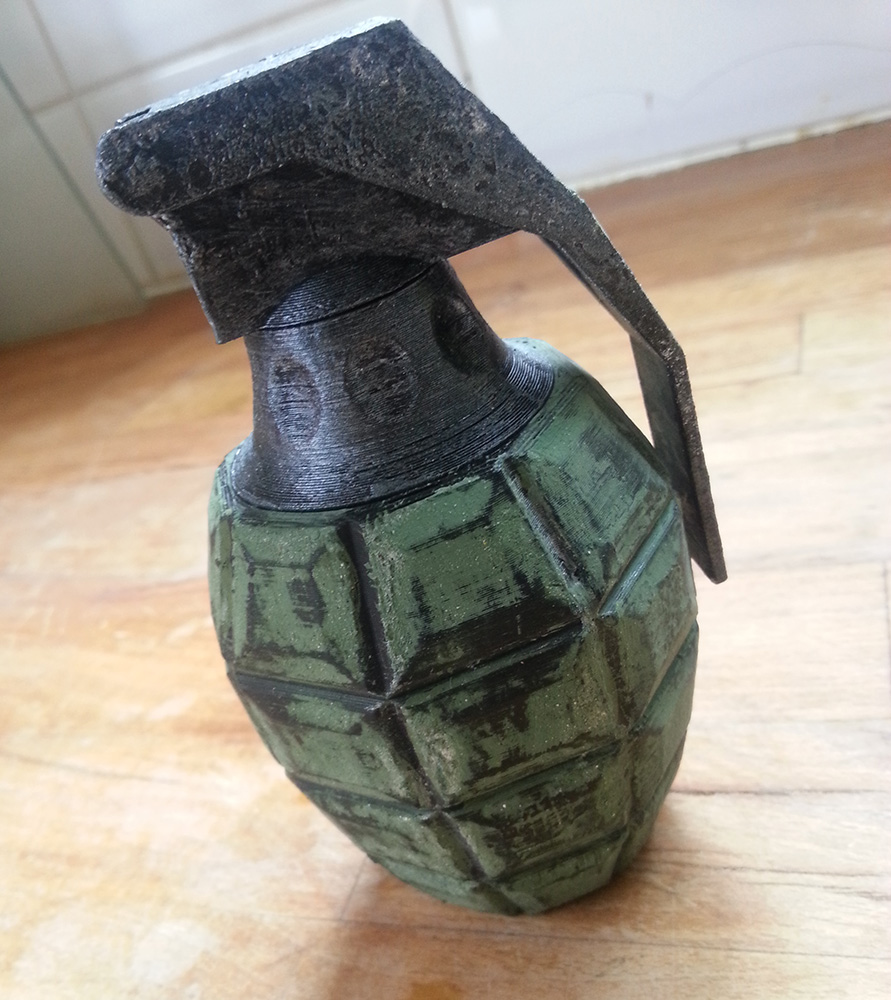
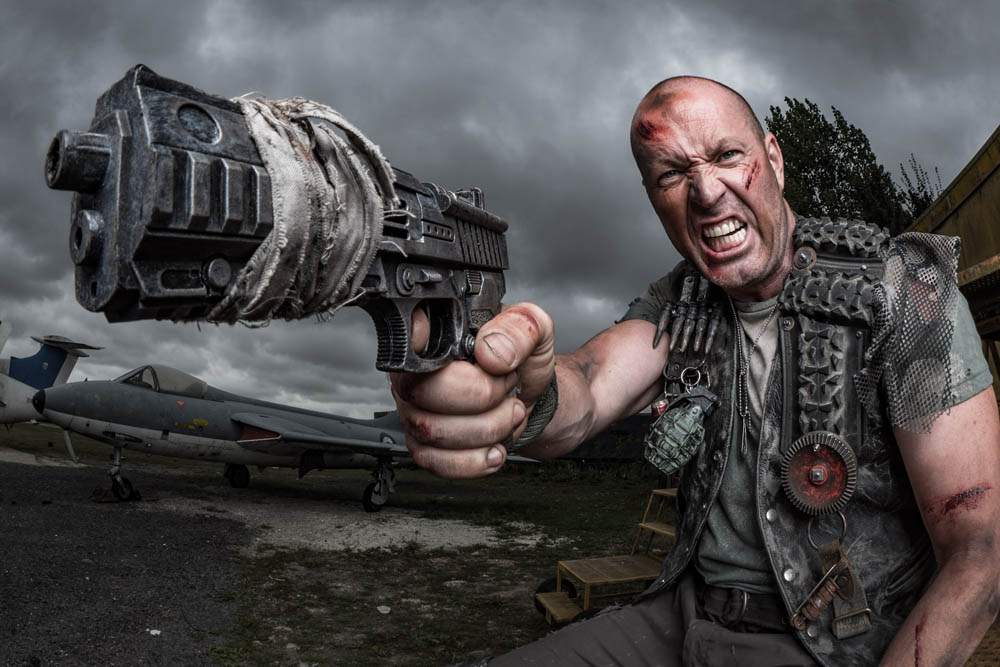
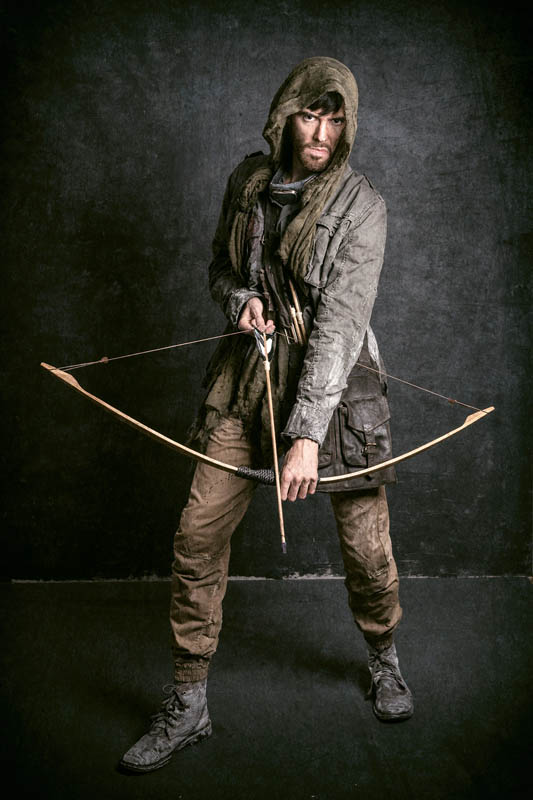
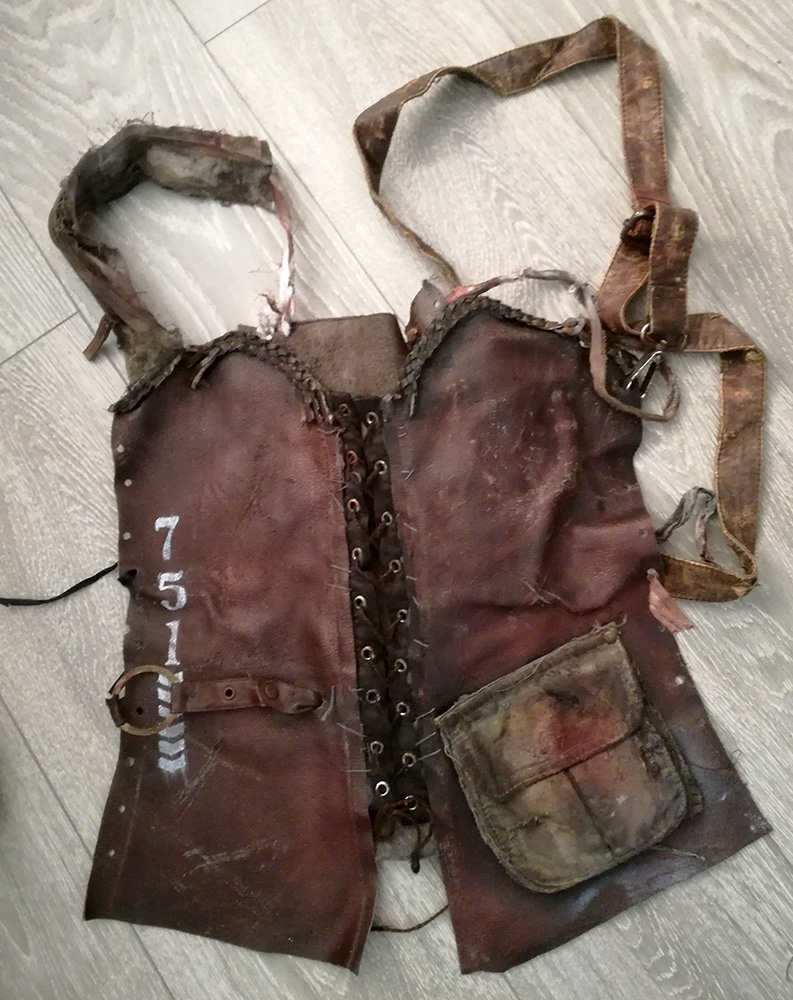
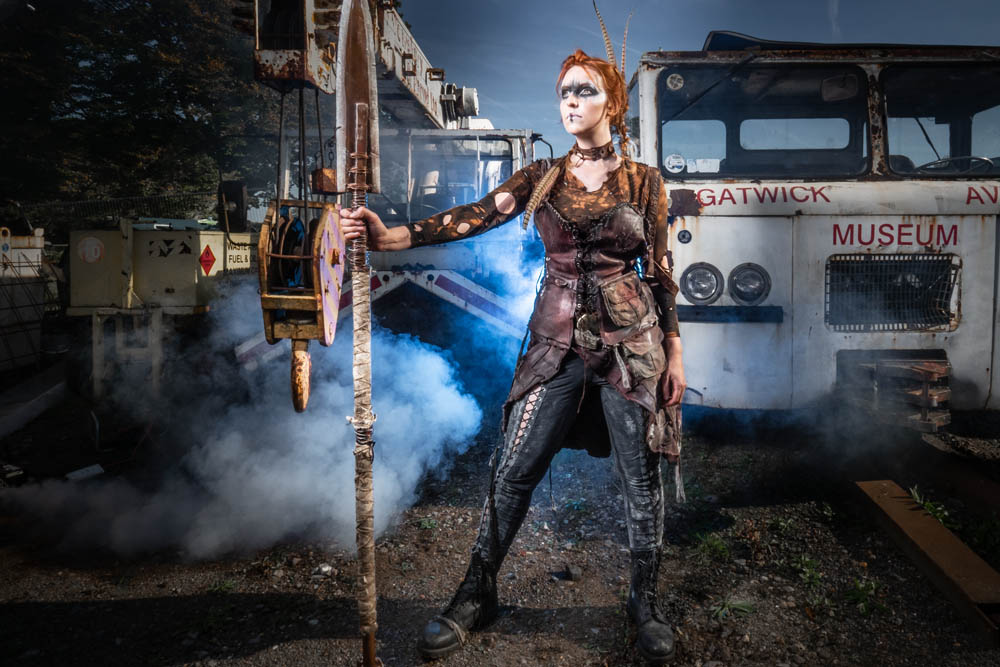
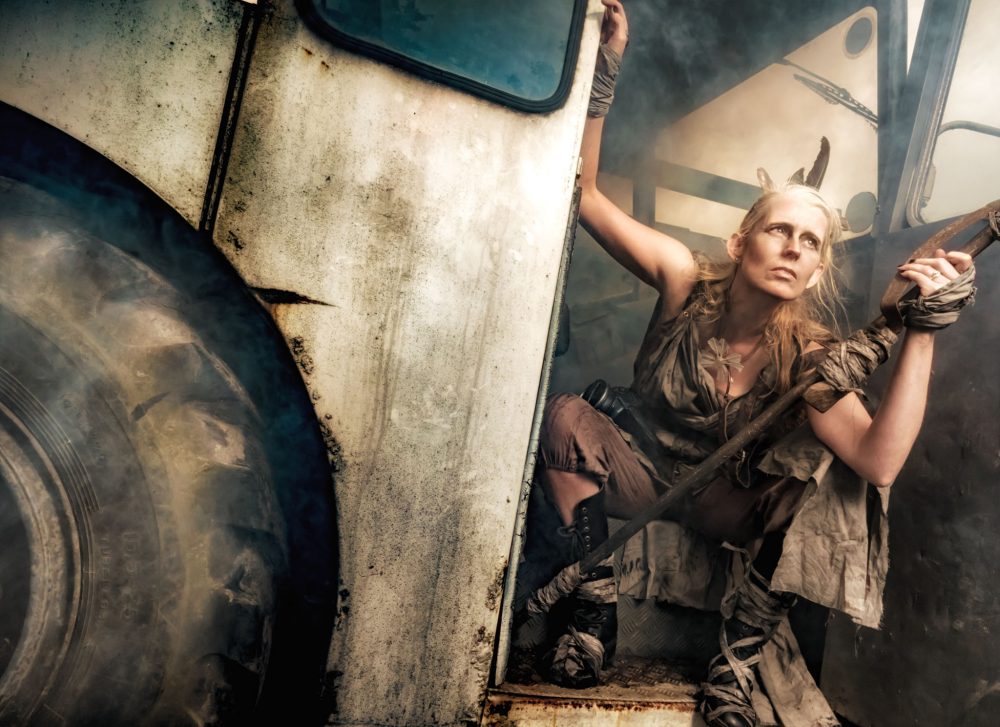
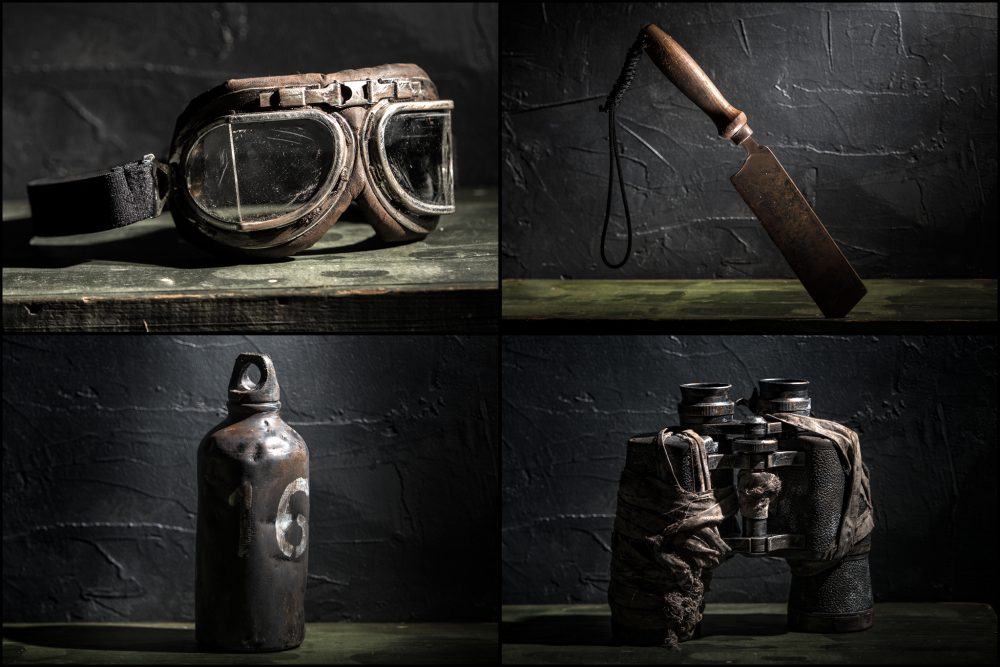
Here’s just a few items we made our own for the ever popular Aviation Apocalypse workshop!

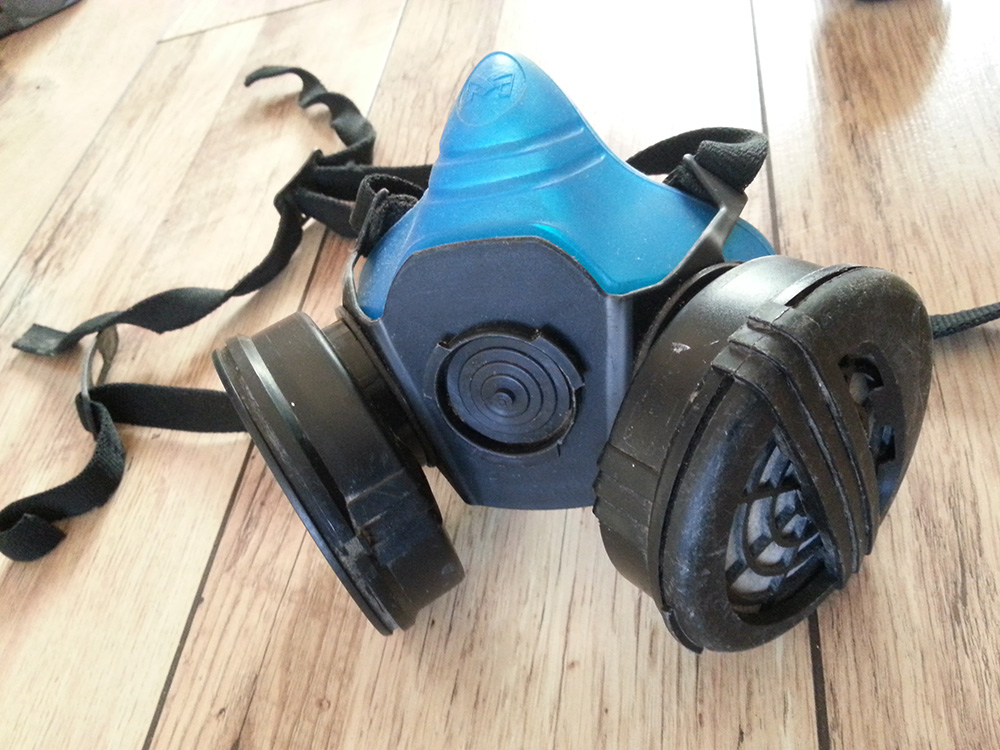
An old protective mask, before and after. Then in use attached to Kerry’s handmade post apocalypse costume.

Gavin printed this grenade on a 3D printer, it was a rather bright lime green so I gave it a paint treatment. It was added to Roger’s post apocalypse costume that we handmade.

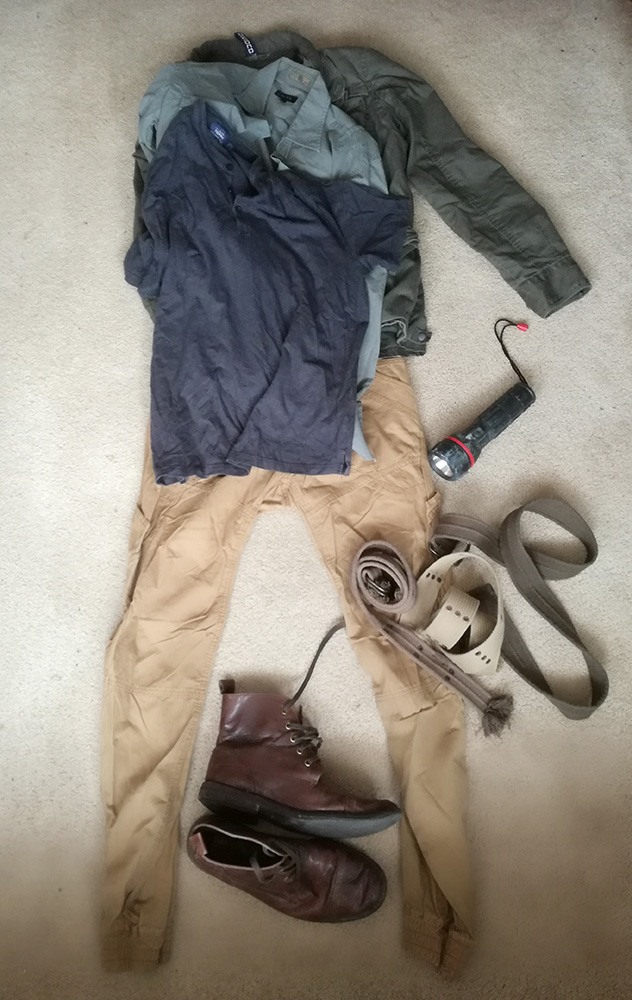
On a recent commissioned rerun of this workshop by Olympus, we made 2 new outfits on a quick turn around. Here’s the clothes for Brian the ‘Feral Hunter’ before and then a test shoot giving them a trial run before the big day after an apocalyptic treatment.

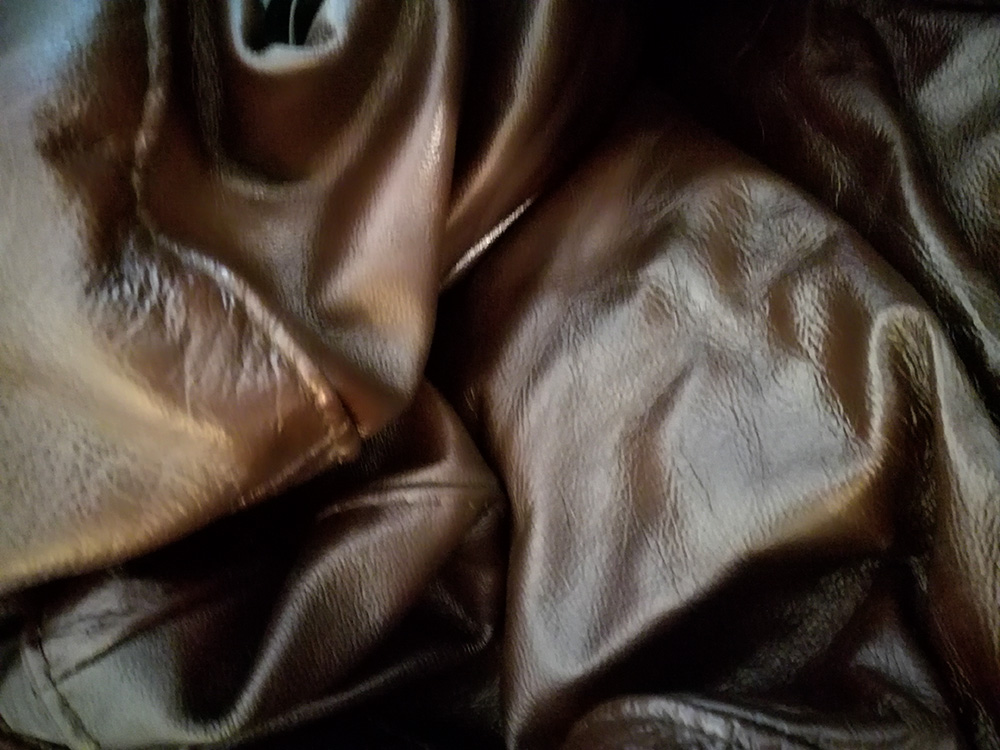
Here’s a new look for Kerry, hoping to make it warmer as we were shooting outdoors in October, but it was actually really hot weather that day. This was made from our old sofa!!

It’s not just the models that get to try the outfits on for size!

The devil’s in the detail.

Make Up, Quick vs Quality

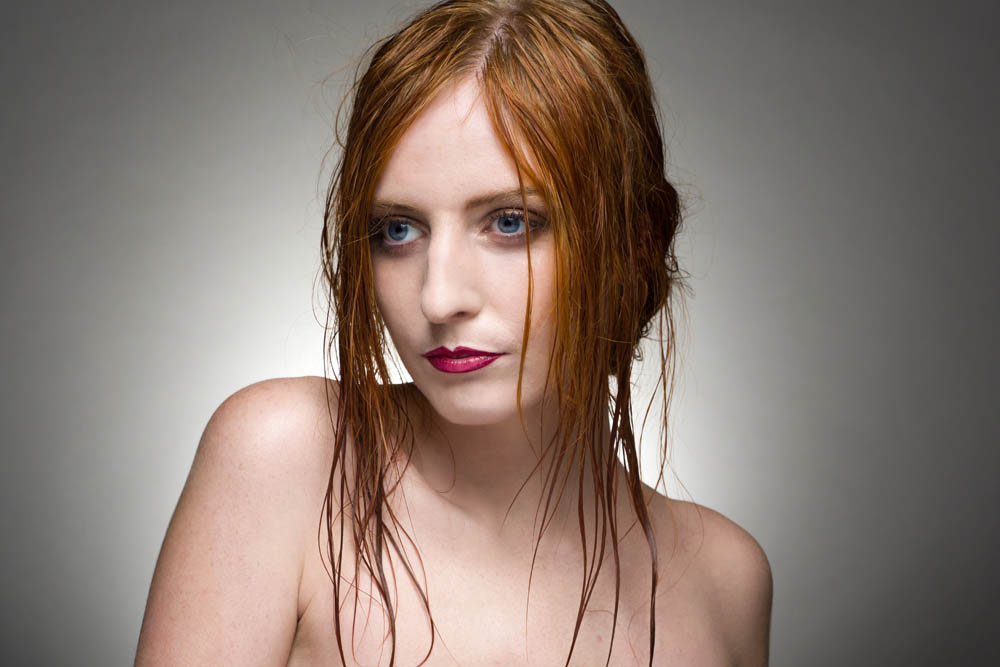
We started working with make up artists several years ago for our portrait shoots. It really opened our eyes to how much make up can change the look of your shots.

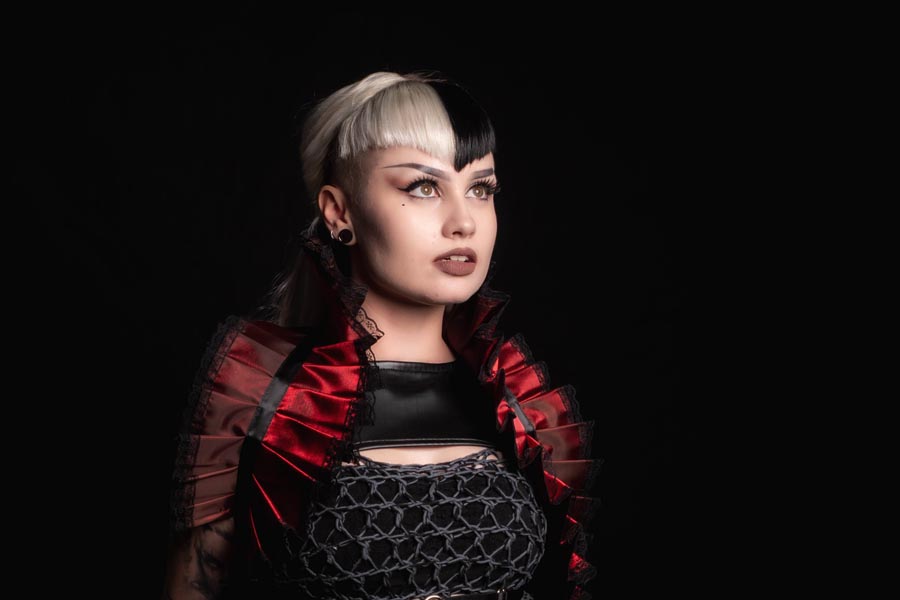
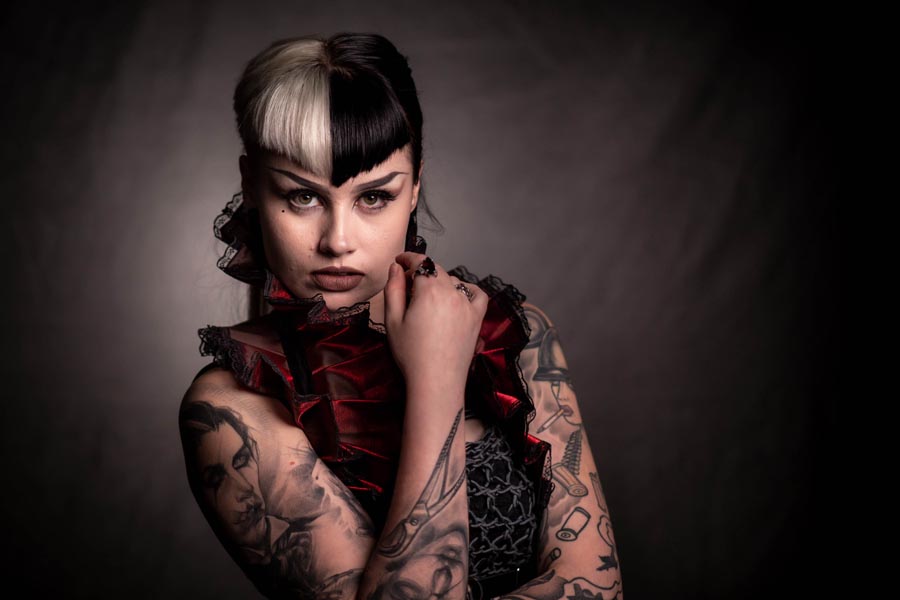
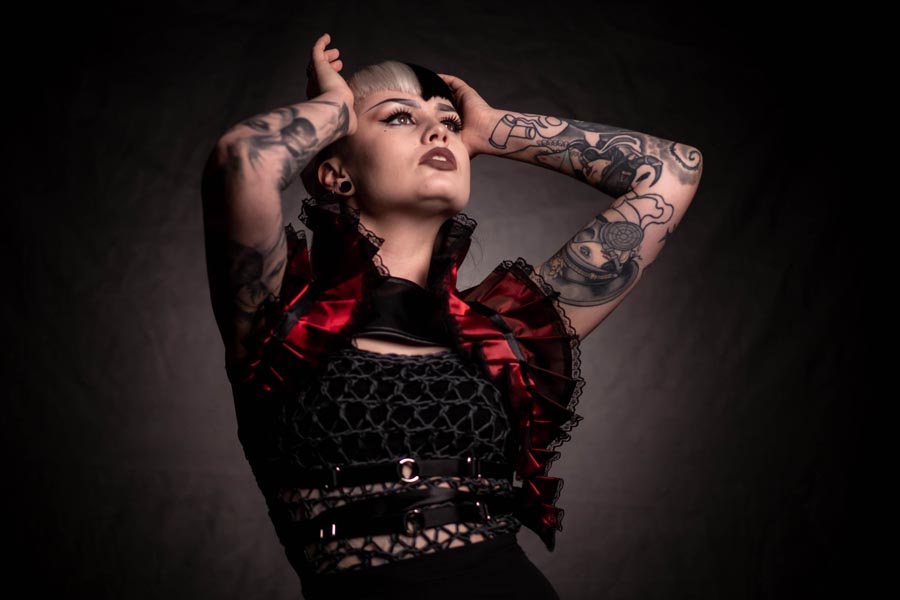
Some themes and styled shoots can benefit dramatically from the services of a good make up artist. In this video Gavin takes shots firstly with a quick make up coverage and then repeats the shoot after a more stylised make up look has been applied.

Our model, Beth Smith and make up artist, Sophie Daly help to show the difference achieved. Gavin gives hints and tips on how to get the most from working with a great make up artist.

[youtube]https://youtu.be/kVFcQ5mGgdY[/youtube]

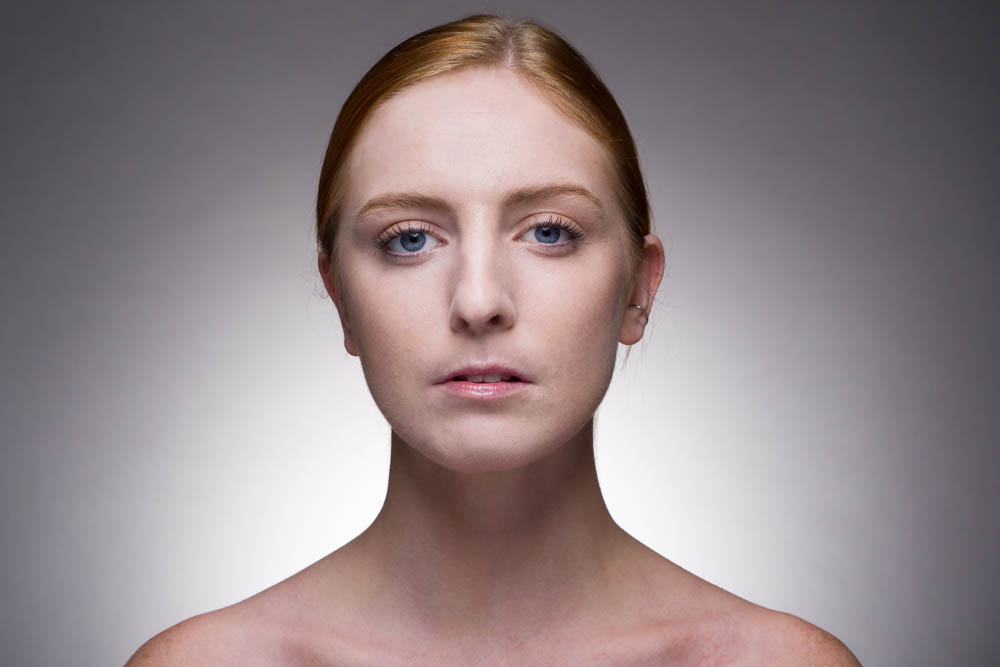
Here’s some of the basic coverage make up shots.

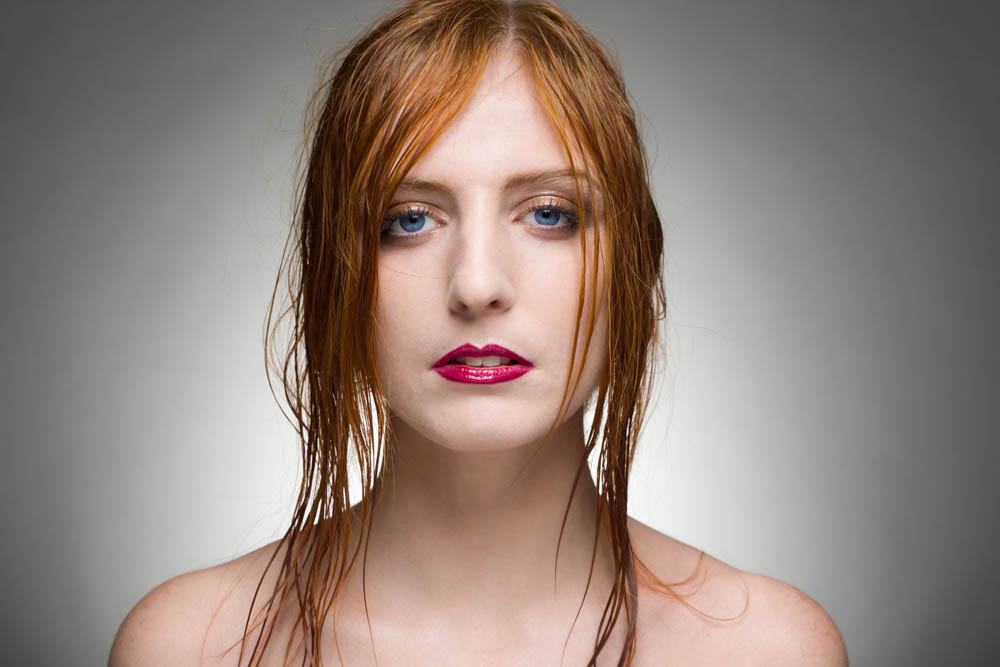
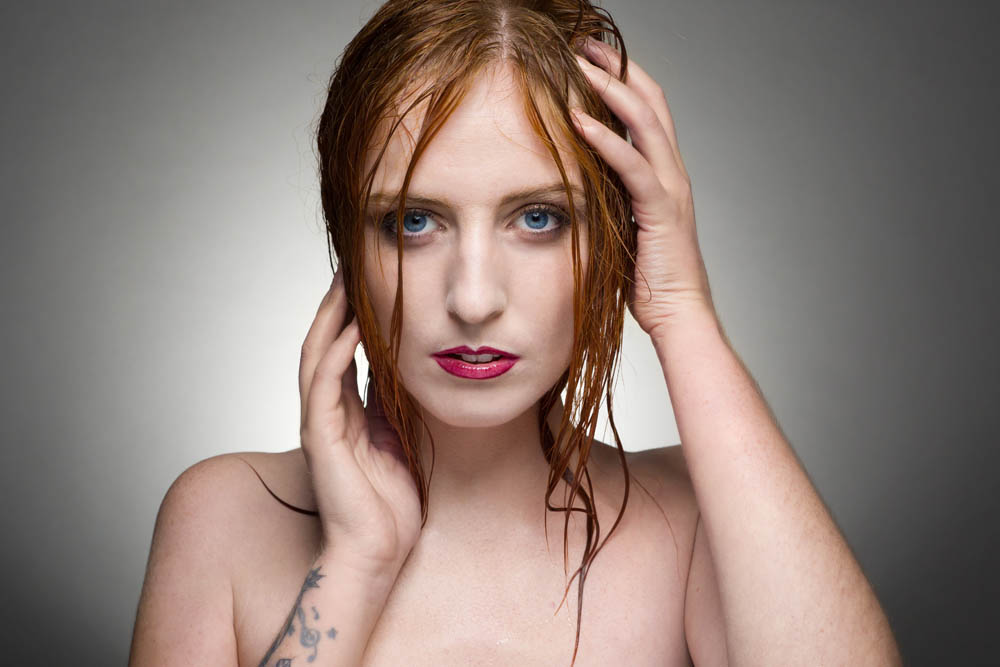
A few of the shots after the more dramatic make up was applied.


Home Studio to Mini Music Venue

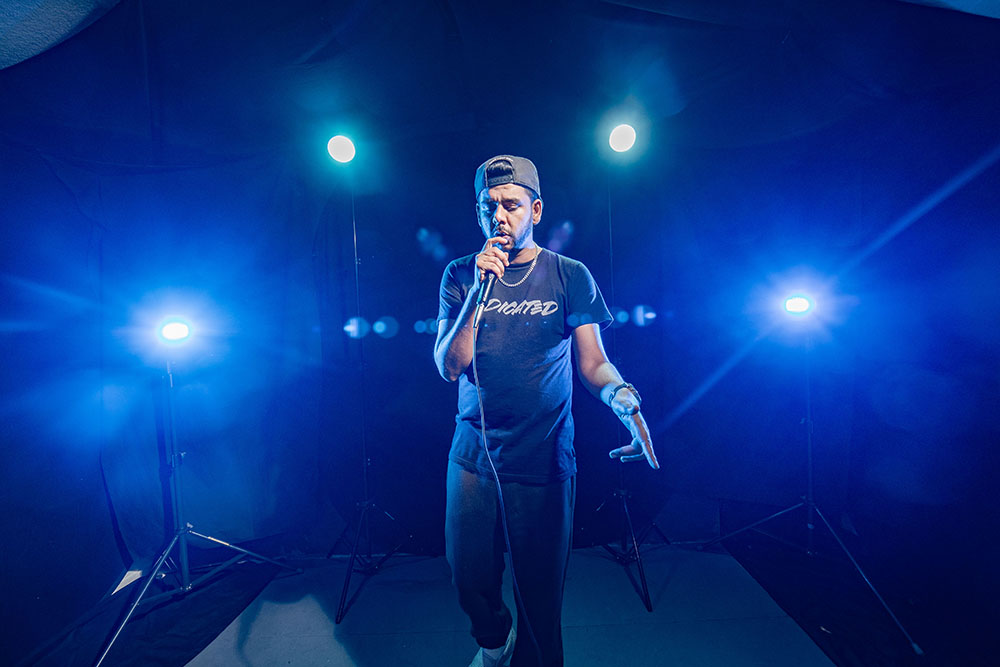
It’s always fun when we get IF-E in the studio and this video was no exception. Gavin likes to push the boundaries and overcome the limitations of working in the same small space and this was another cracking example.

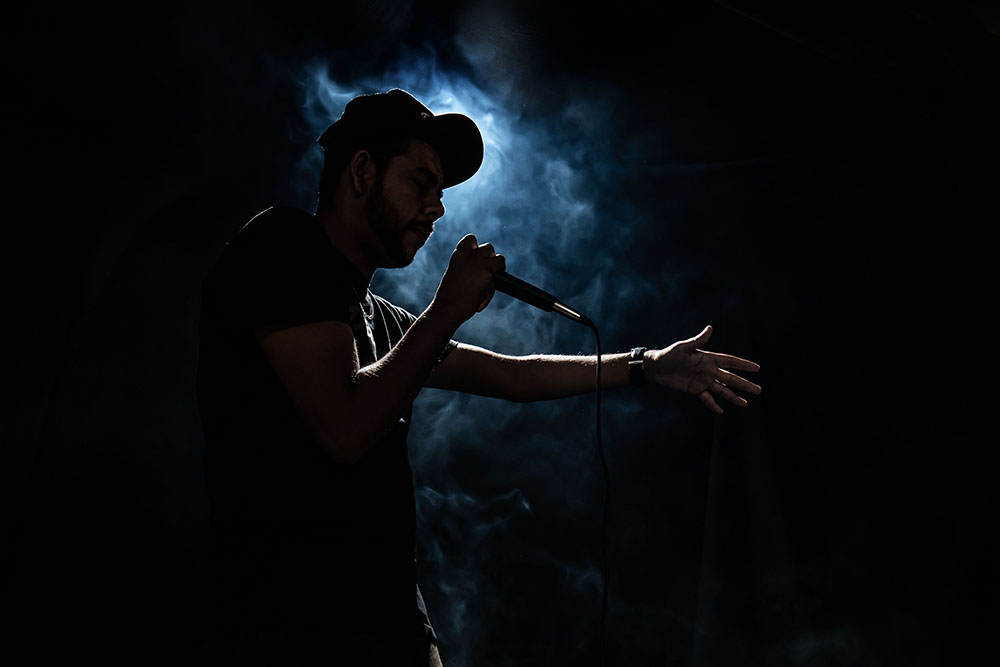
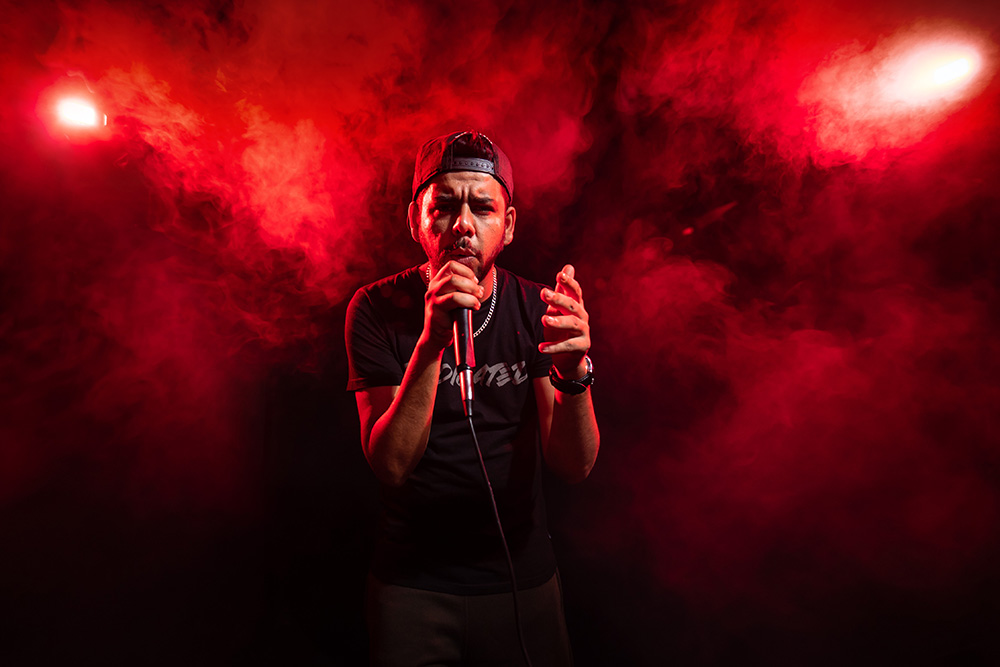
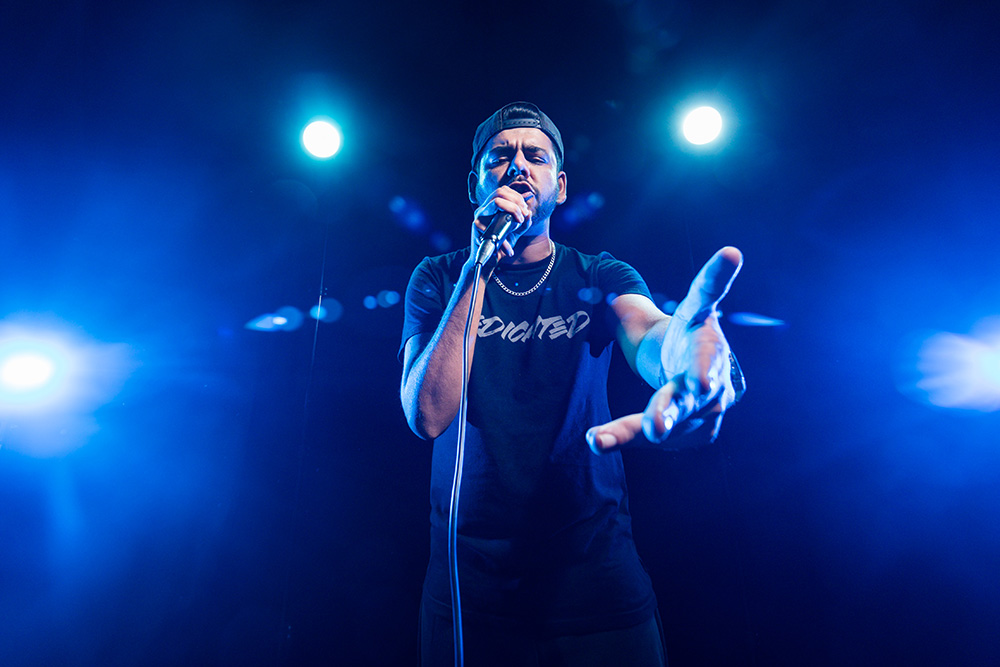
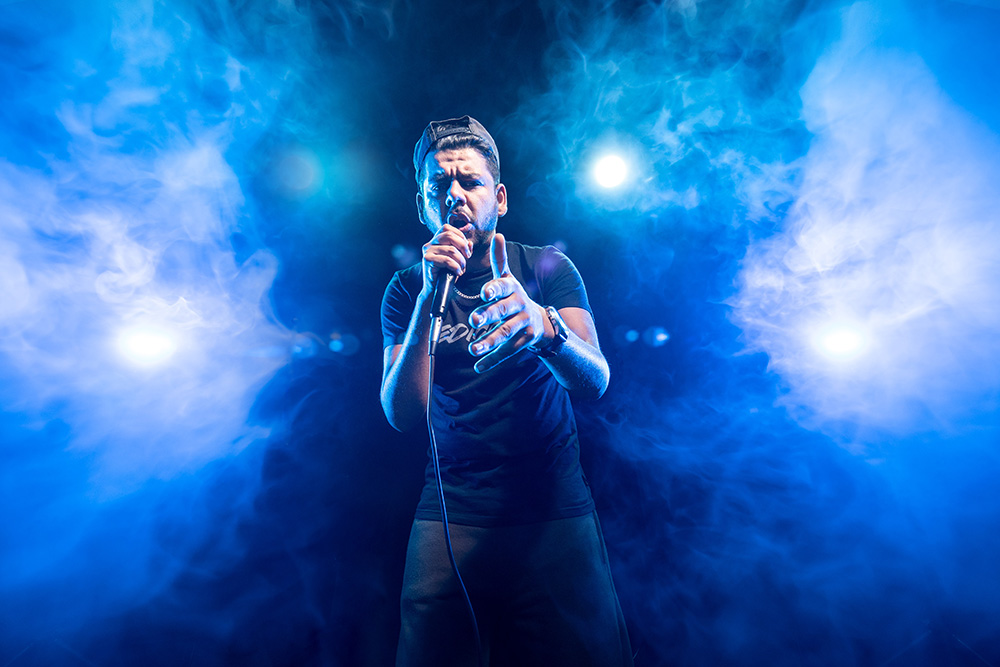
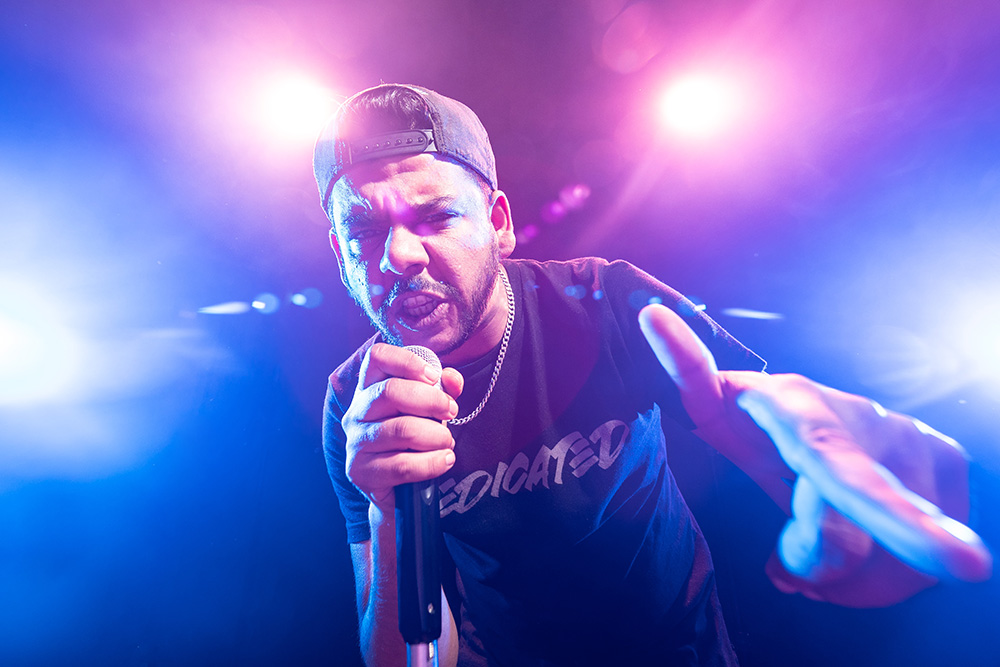
Some great lighting and obviously the smoke machine provide the right vibe for IF-E to bang out some lyrics and attitude (he’s great at that!).

The set up started with just one light progressing through to adding further lights for a variety of looks. The addition of smoke gives a different mood to the shots, as the smoke moves and dissipates the look changes.

Check out the video to see the entire shoot.

[youtube]https://youtu.be/yTnaLcGhZhg[/youtube]


Here’s a Behind The Scenes of the final set up.

Here’s a few of my favourites from the set.


Bed Sheets As Backgrounds

When I first started shooting portraits, I made do with some very basic gear. My studio was my garage, my second light was a reflector and my backgrounds were sheets of fabric.

Fortunately I’ve added one or two more lights to my gear over the years and I have my own, permanent small home studio. My backgrounds have evolved a bit too but one of the most challenging parts of being in a studio is the limited choice of backgrounds. So in the video below I revisited my early days by buying three cheap bed sheets for use as backgrounds.

I love dark and moody studio shots, so my three bed sheets (technically they’re duvet covers) were a basic black, stripy black and damask patterned black. Each gave a very different result, as you’ll see in the video below.

[youtube]https://www.youtube.com/watch?v=9pv_LX319uU[/youtube]

So what did I discover? First off, king sized duvet’s are amazing value (I limited myself to £20 max per sheet) and because they open up, adding some timber inside helps them hang well. However the creases were a real pain and took an age to steam out.

If all you want is a basic black background, a bed sheet is cheap and works perfectly. If you want a pattern, look for sheets that are advertised as crease resistant or ironing free but be aware that those terms aren’t really accurate from a photographic point of view.

As a bonus each duvet set comes with two pillow cases. So what should I do with those? Ideas below please.

F-Stop Chart

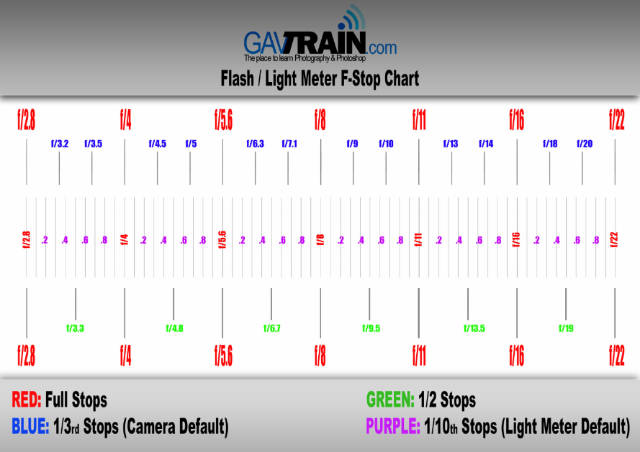
Flash meters are super helpful for lots of reasons but to really get the most from them you also need to know your f stop aperture numbers. You might already know that you need one more stop of light to move from f/5.6 to f/8 but how good are your intermediate f stops. For example you want to shoot at f/8 but your flash meter tells you f/7.1 or even f5.6.8, how close are you to your target aperture?

Learning the full stop scale is a must for any serious photographer and for me, so is learning the third stops too. Tenth stops is a bit more niche but many flash heads work in tenths. So to help you learn and as a quick reminder for me, I made an f-stop chart

Usage rules
The chart is copyright Gavin Hoey 2018. Use is limited to any personal but non-commercial purposes. Do not redistribute the original images without my permission.

Download instructions
       1. Click on the correct download link below (no sign up is needed)
        https://drive.google.com/file/d/12H6LrCVIgkA_R0PEKCTfZtlrd8rkh61s/view?usp=sharing

  1. Click the Download button download_icon
  2. The download should start automatically
  3. No support is provided with the Friday Freebies. If you need help Google or YouTube the question and you’ll almost certainly find the answer