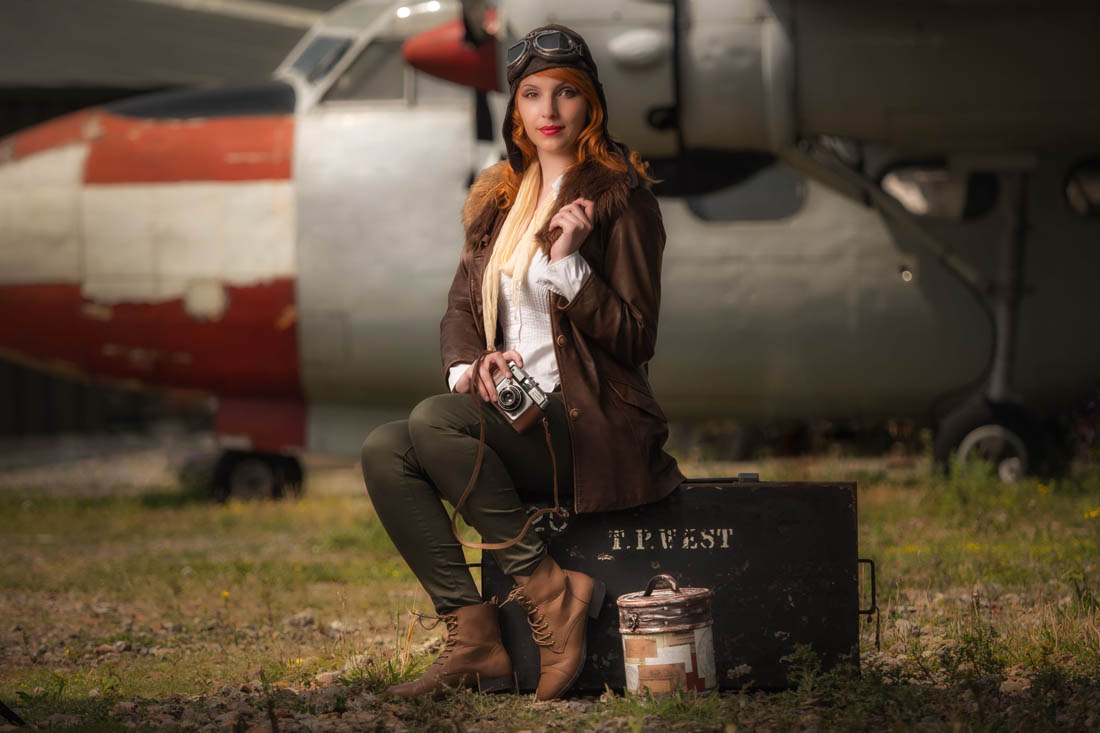
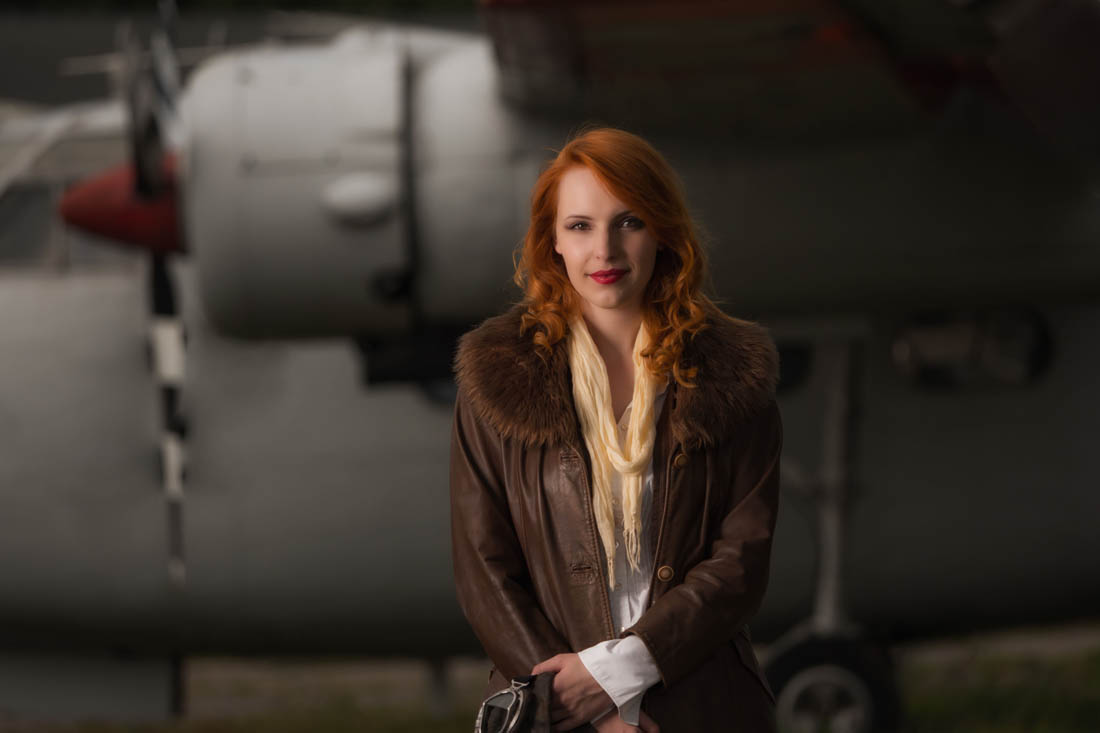
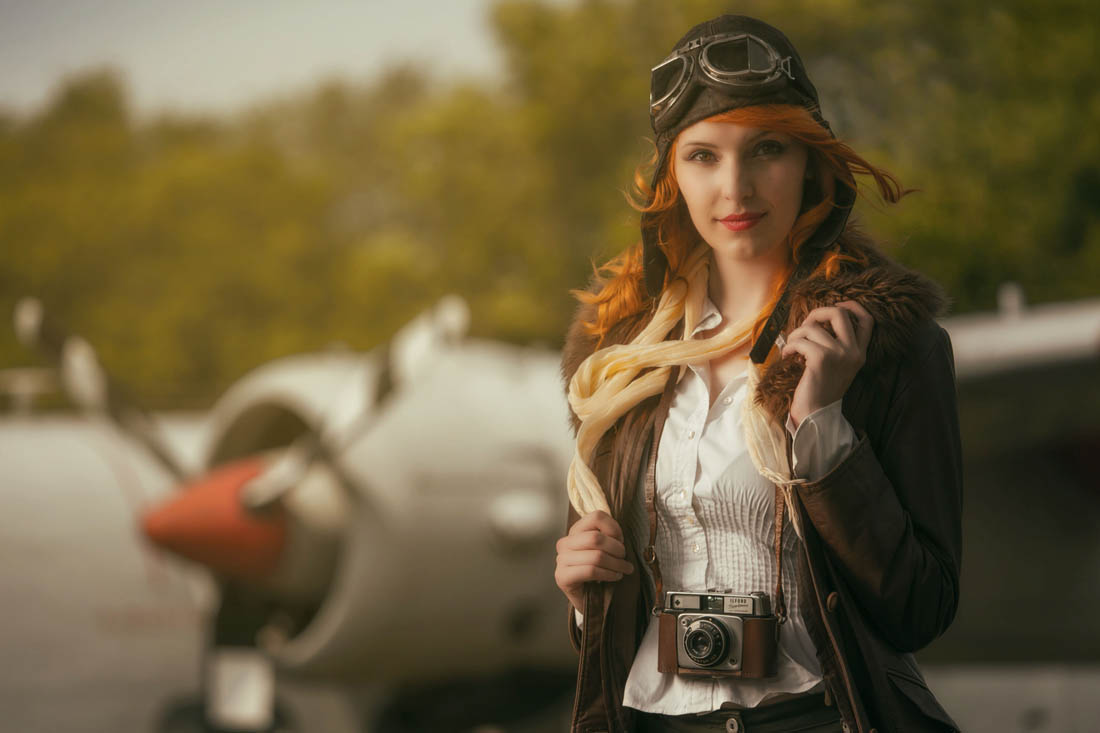
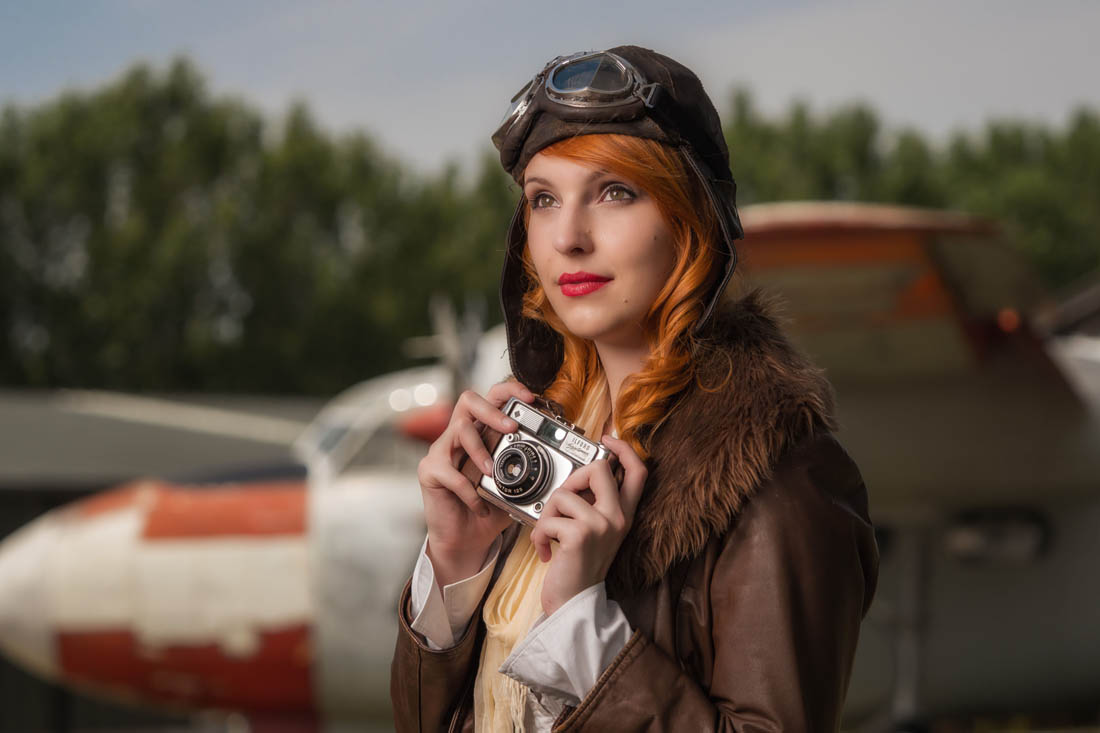
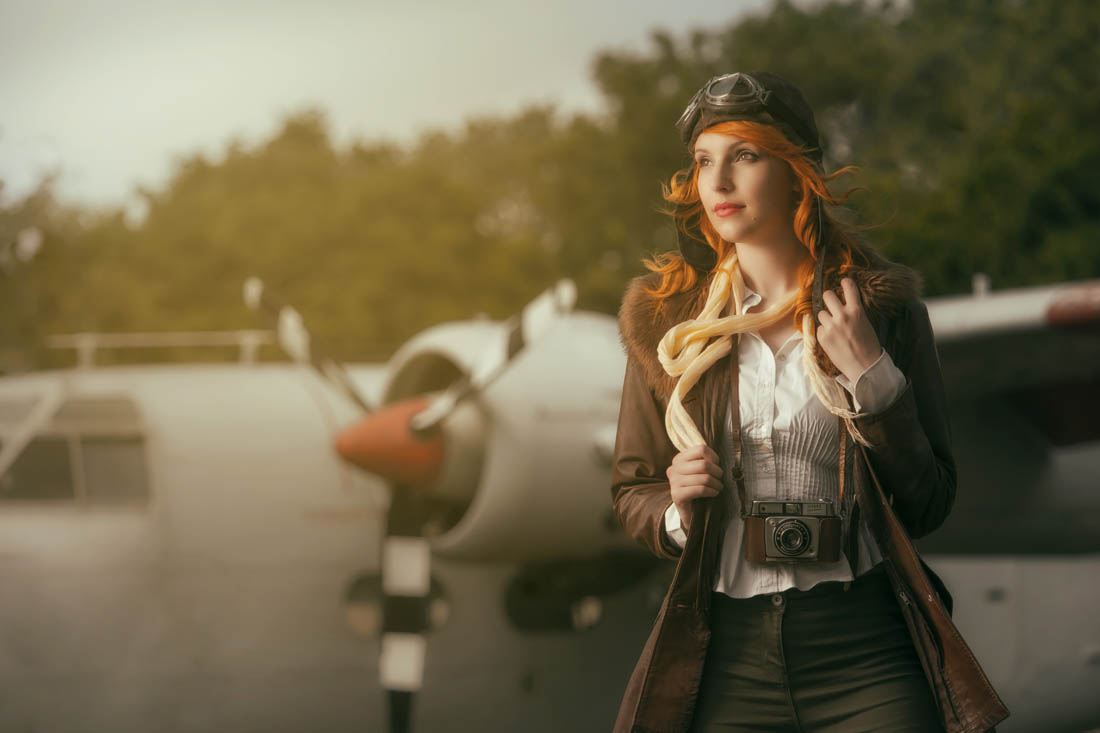
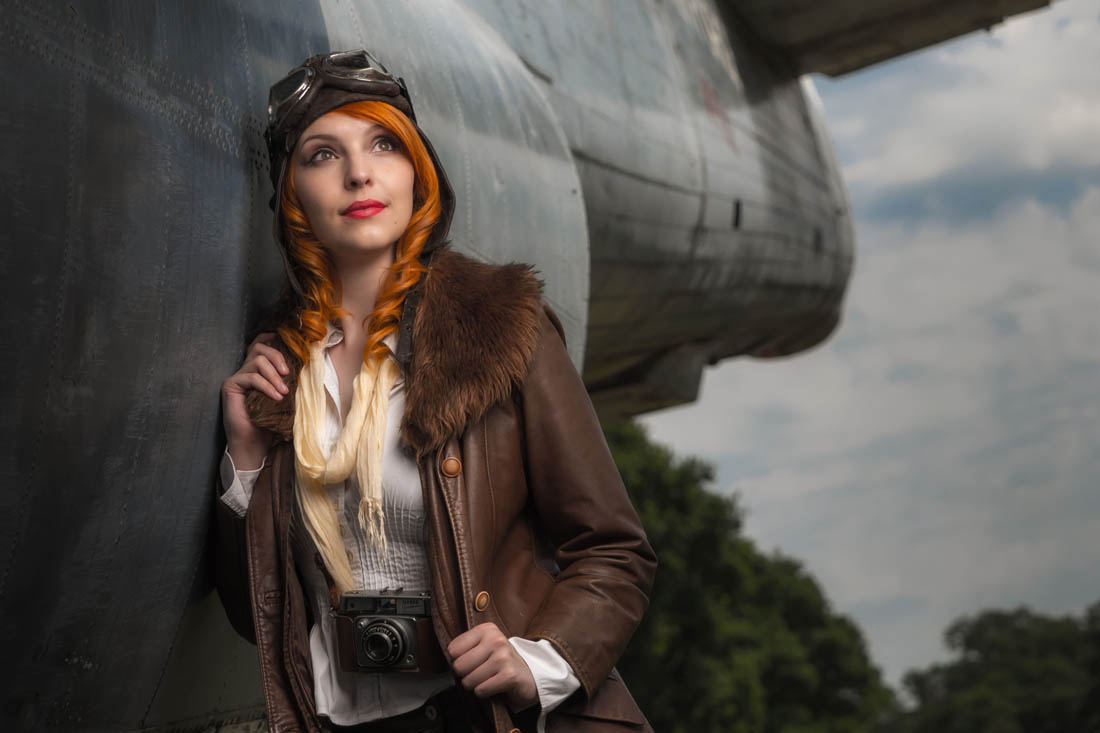
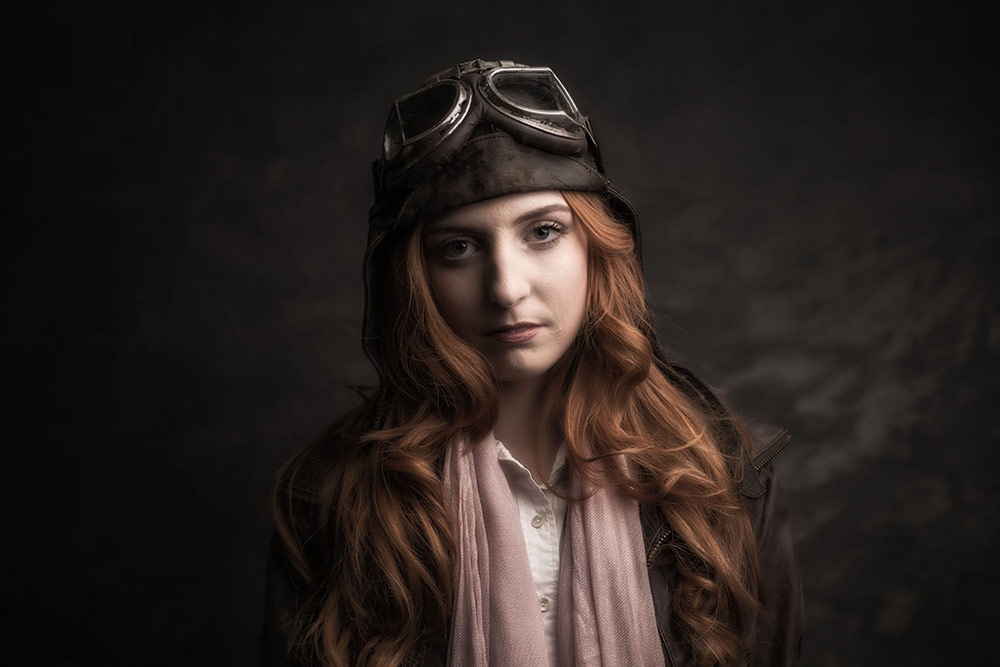
This is the first of a new series where I take you behind the scenes on one of my shoots. You get to come along for the ride as I plan the shoot, do the shoot and edit the photos.
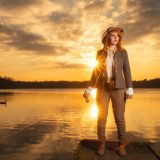
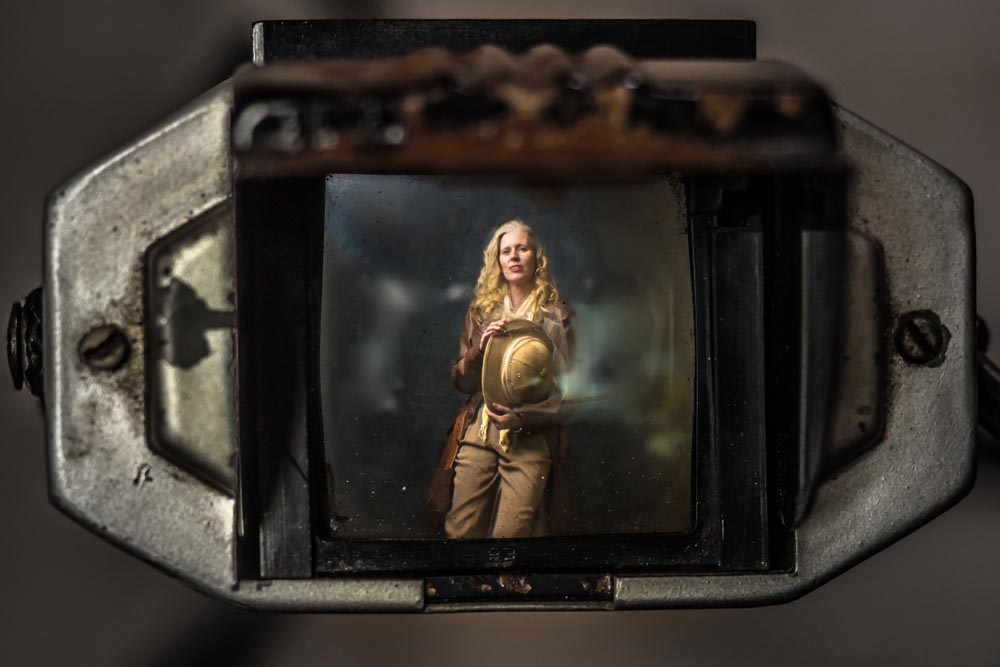
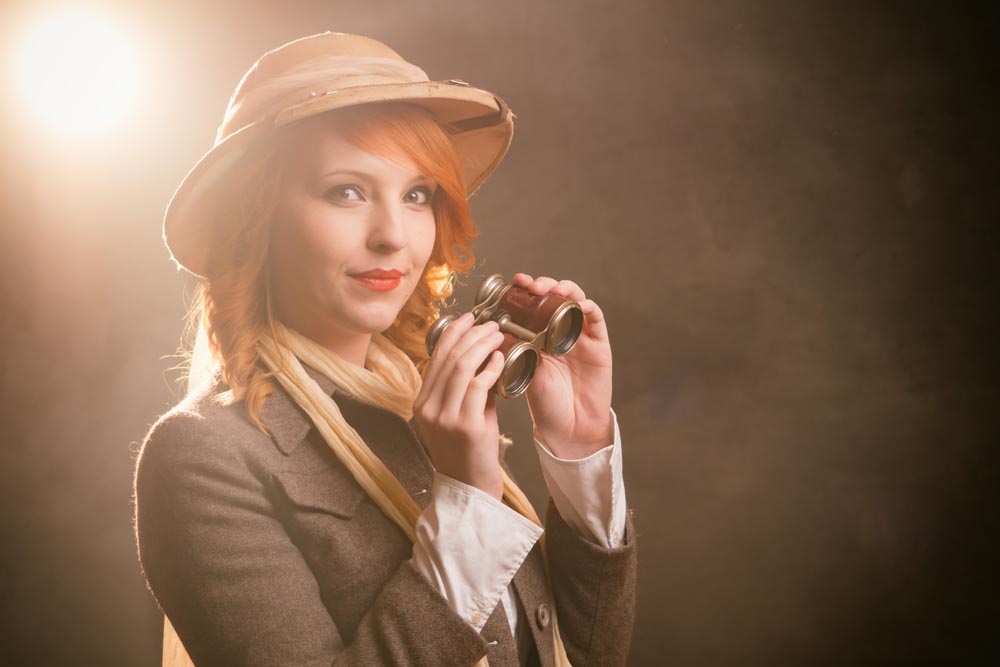
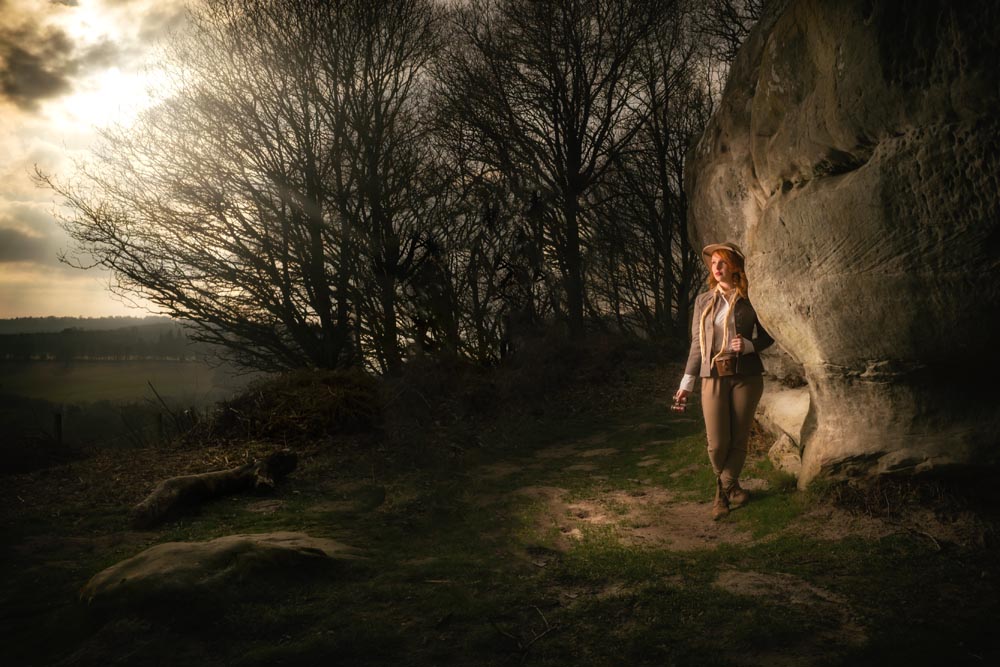
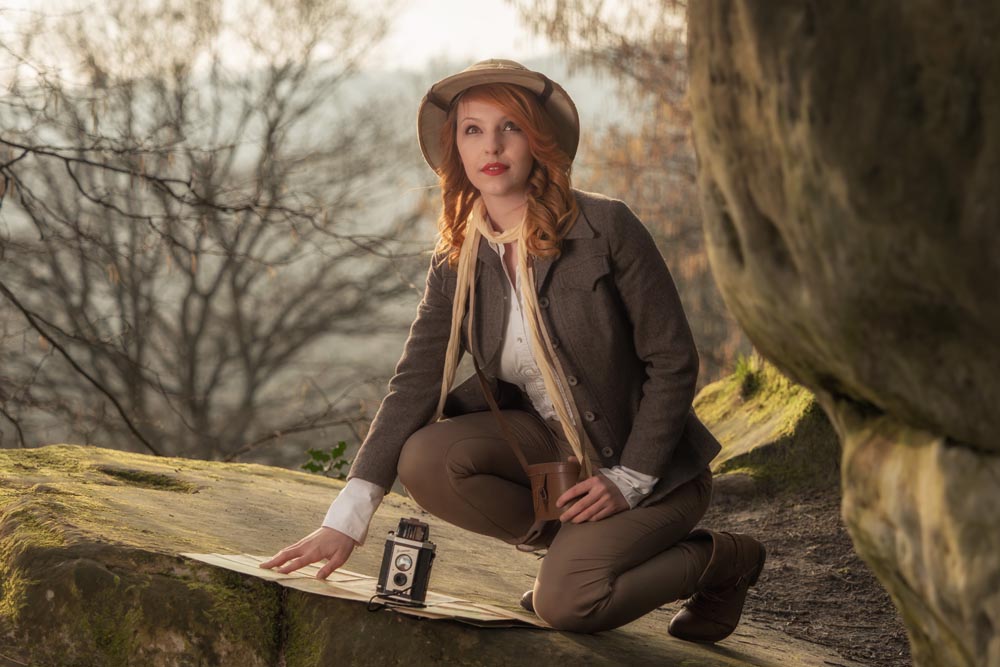
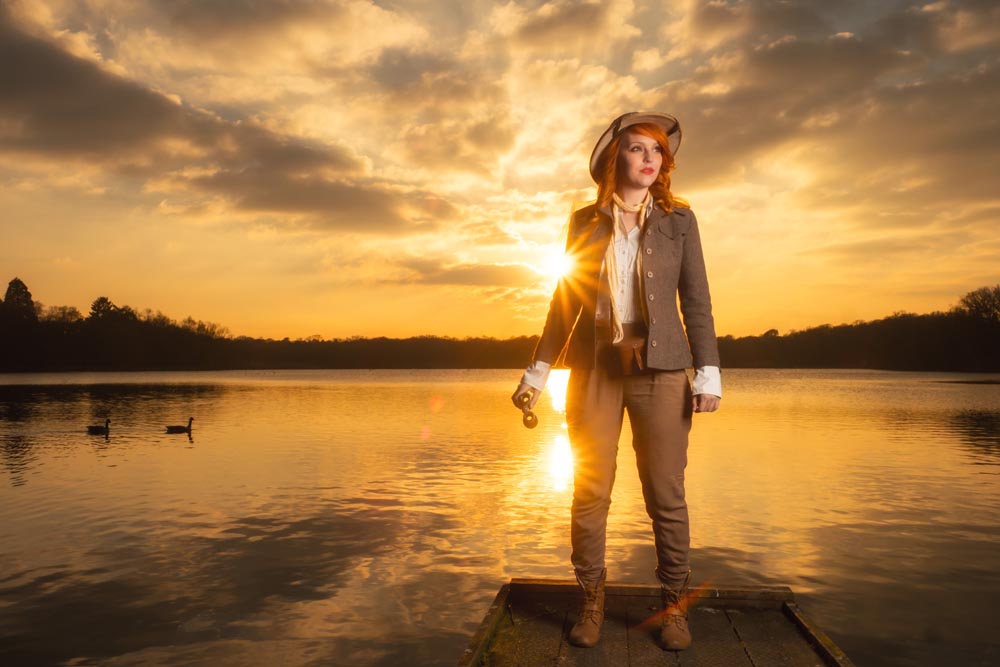
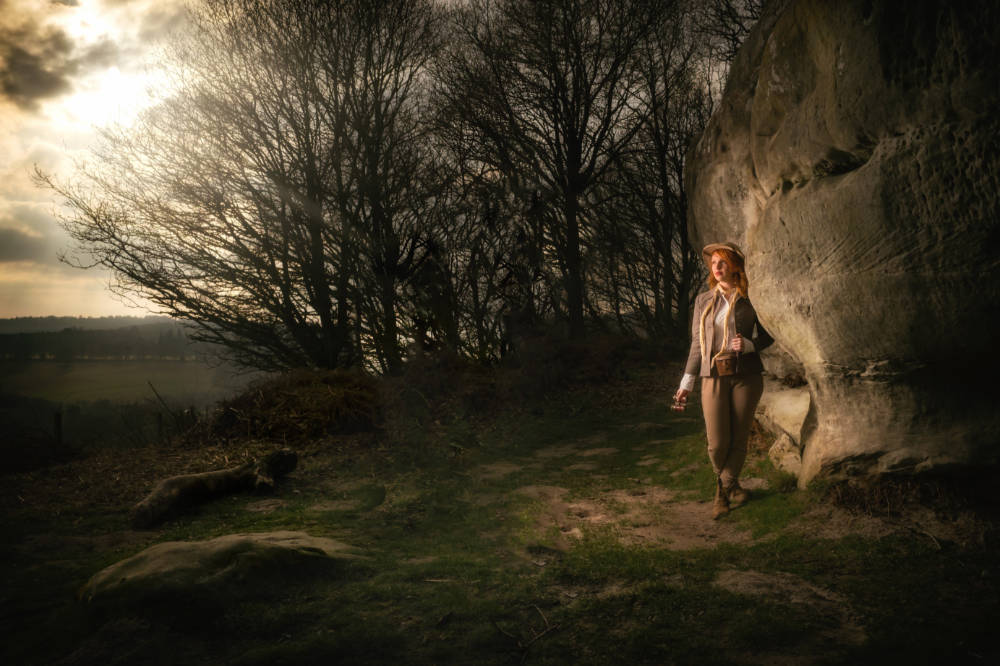
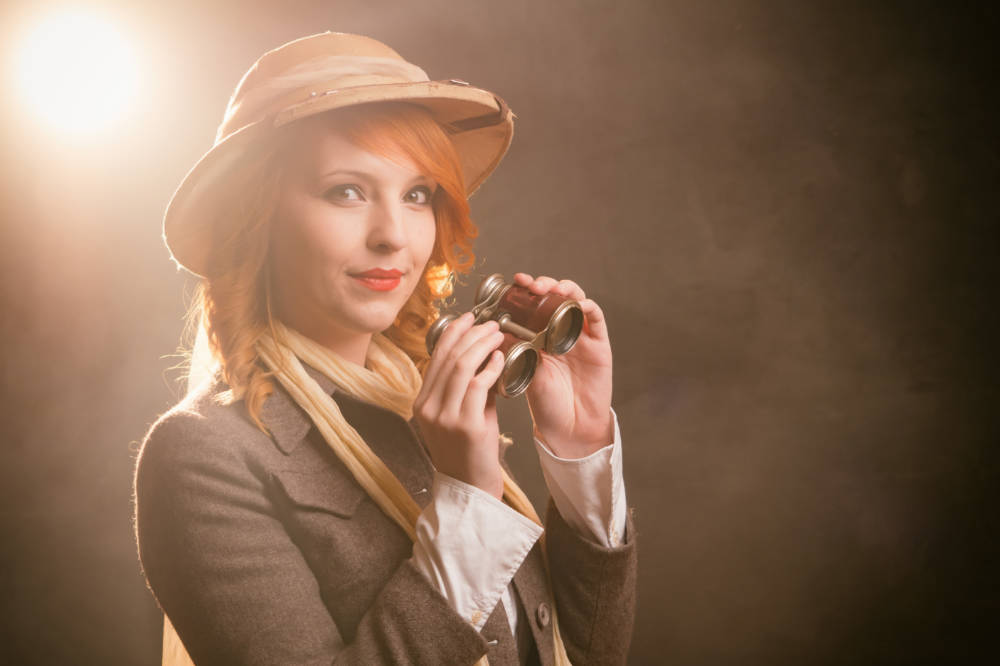
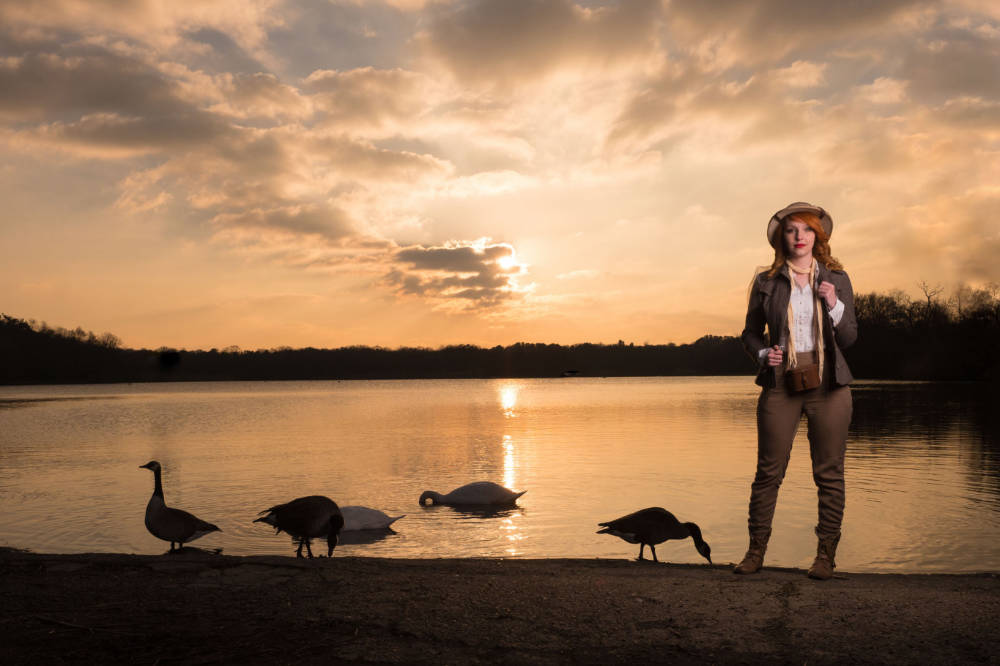
The theme for the first “Plan It, Shoot It, Edit” is Vintage Explorer.
Plan It It all starts with an idea, then there’s the preparation and planning. A location has to be found, props need making and finally there’s a test shoot to do. Of course not everything goes to plan, as you’ll see.
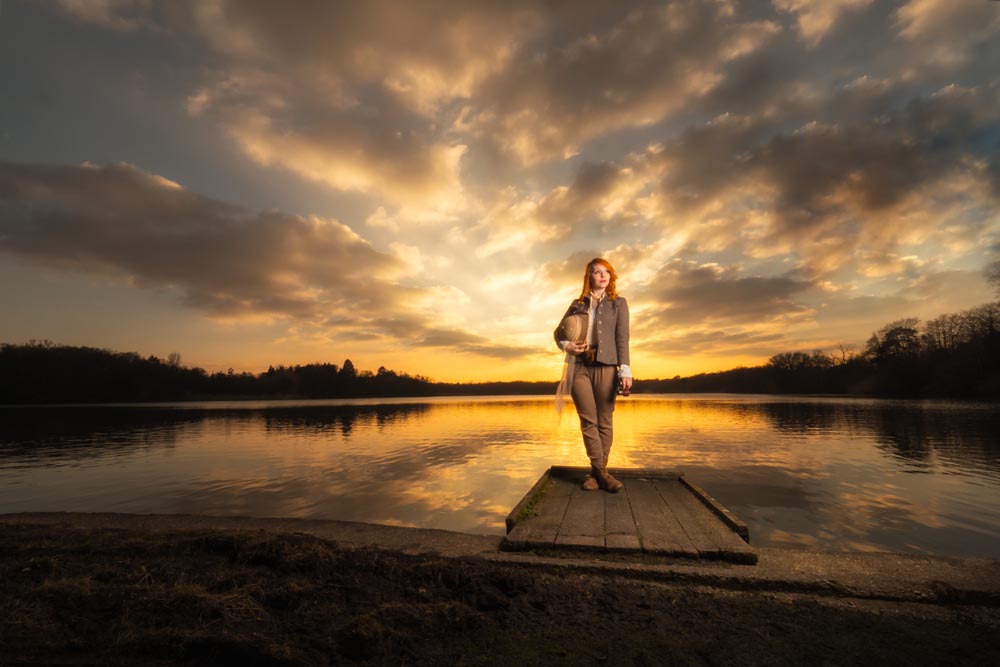
Shoot It Now for the fun bit… the shoot itself. The weather was cold, so I decided to get some banker shots in my studio before heading out on location. Sometimes you just get lucky and on the way home I stop off to shoot against a spectacular sunset.
Edit Here’s where the photos come alive. Adding colour and contrast is all that most of the shots needed but if you want to shoot wide shots and light the model with a softbox, there’s bound to be a bit of Photoshop needed.
I often get asked how I come up with my ideas or what my creative process is. With that in mind the next video for Adorama TV will be a different format to usual. Encompassing the creative process behind one of my photo shoots.
There’s a lot of planning and organising behind the scenes, all the stuff I don’t show usually. In the next 3 videos you will be part of the journey from initial concept through organising and shooting right to the end processing results and final conclusions.
You’ll see how we work as a team, that things don’t always go as planned. The importance of a plan B (and C) and much more. I hope you’ll join me, warts and all, to get a glimpse from the other side of the camera.
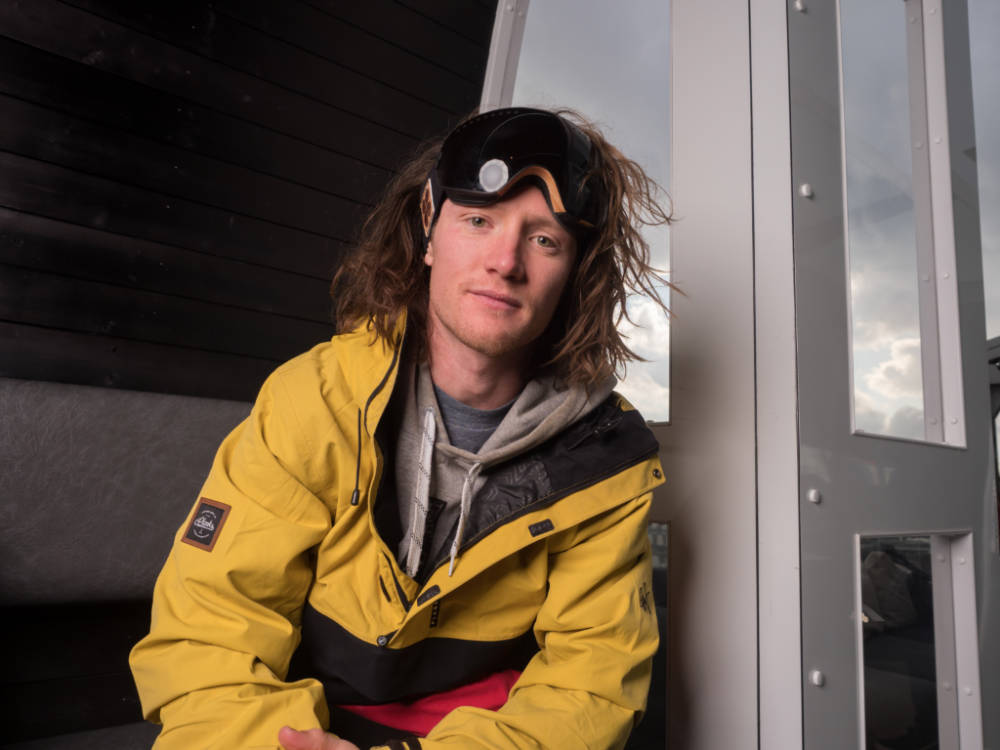
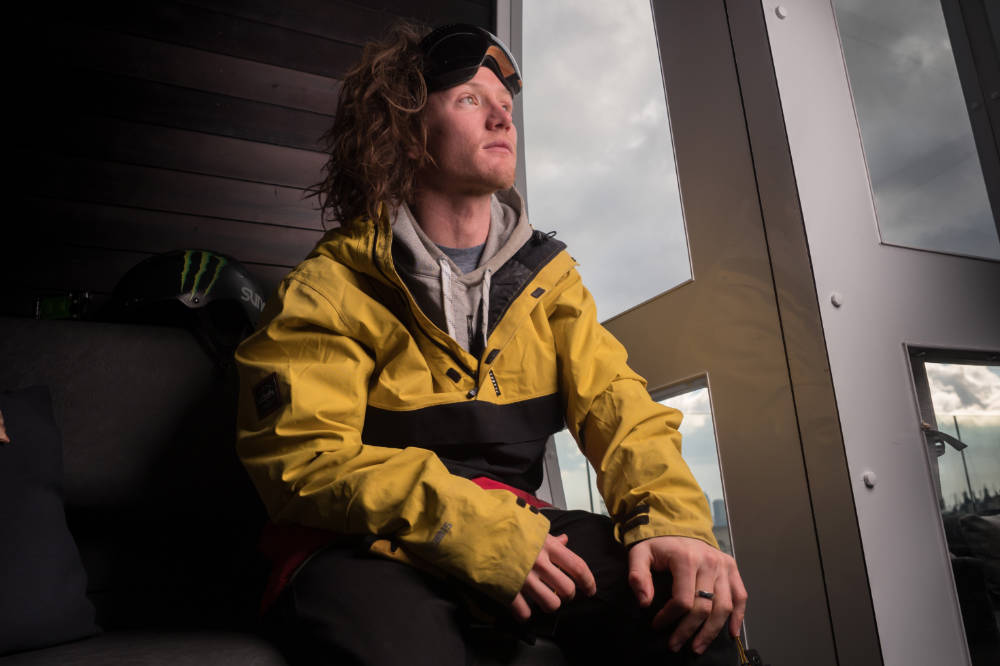
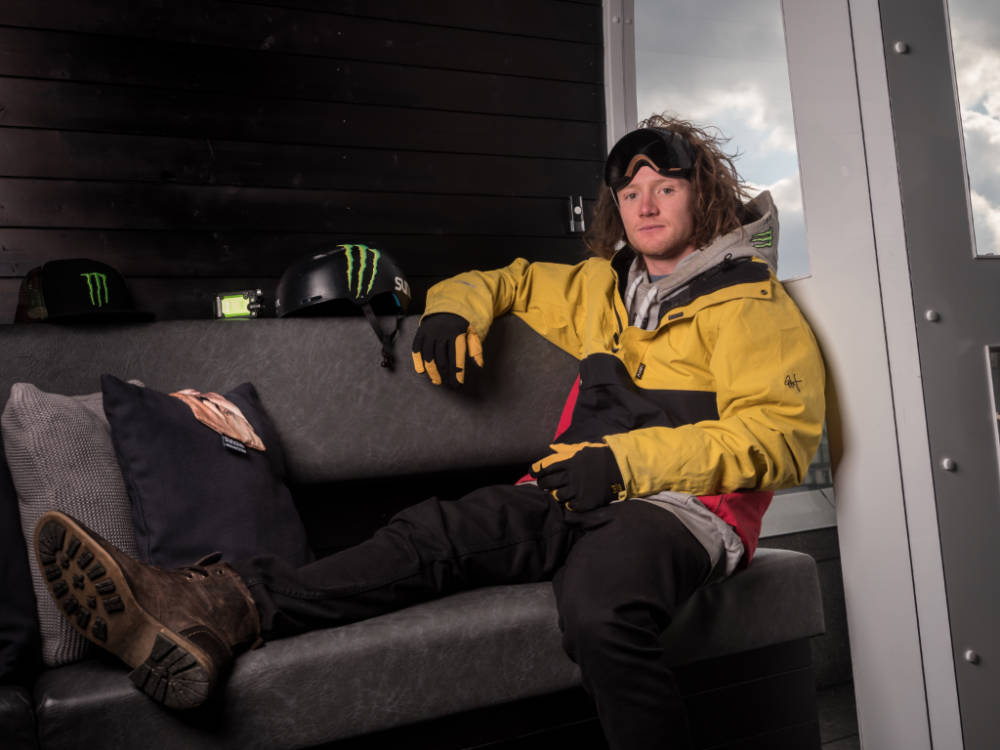
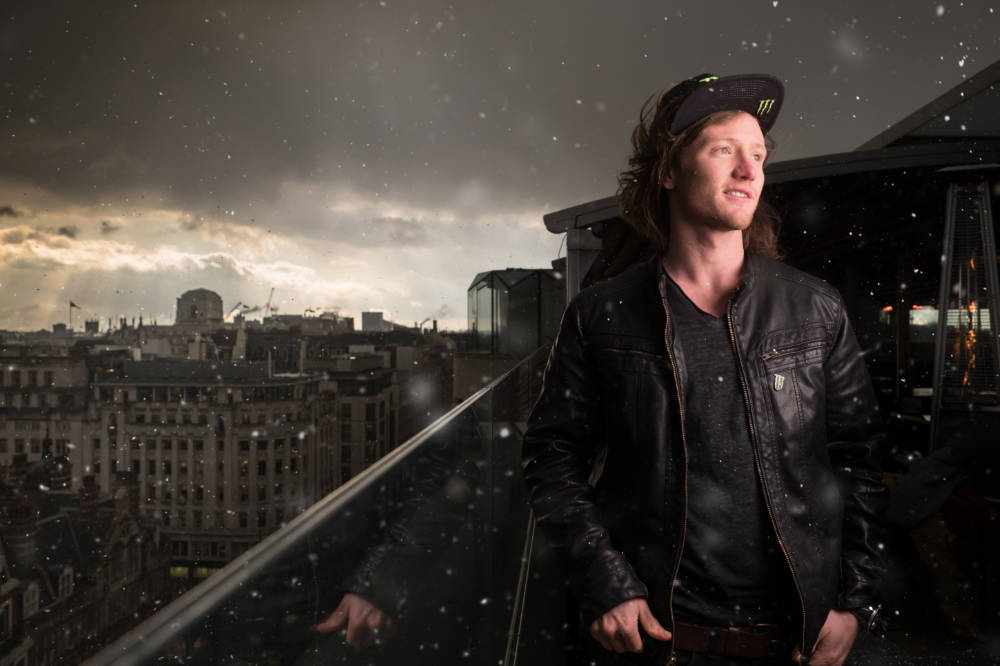
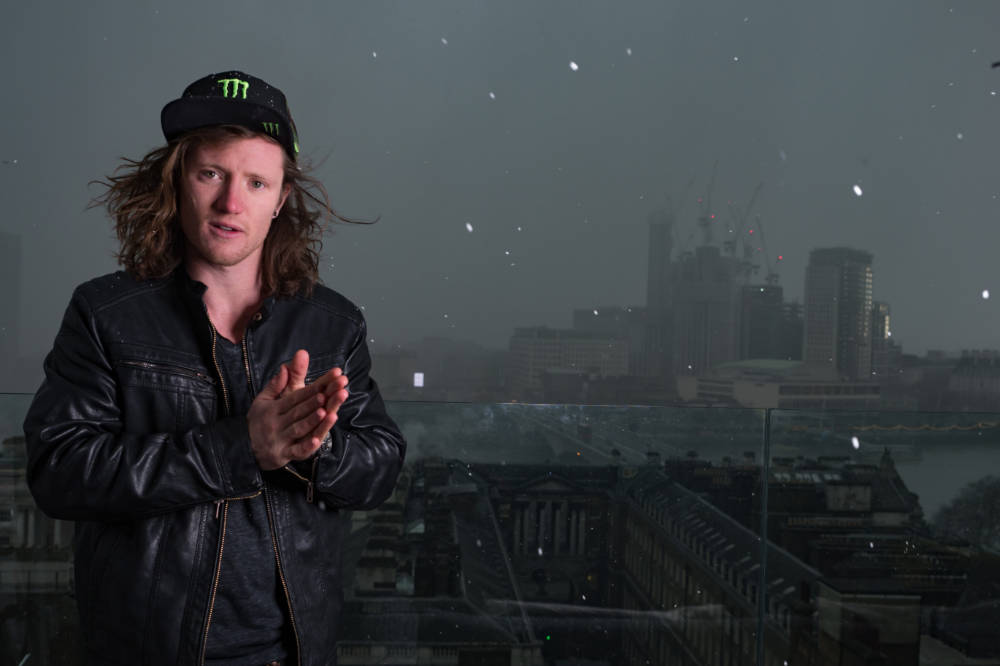
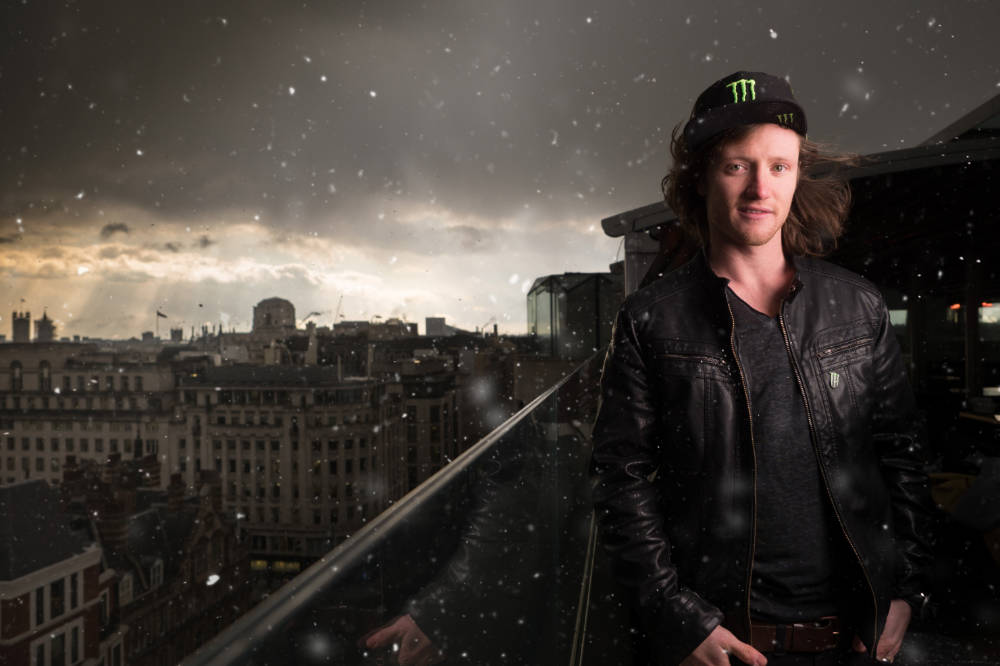
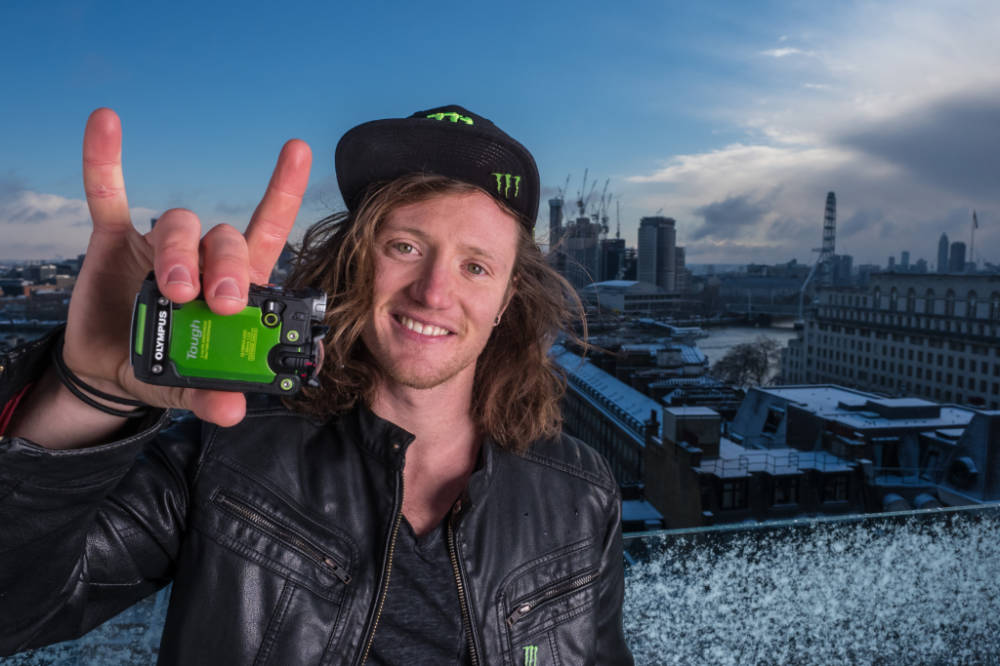
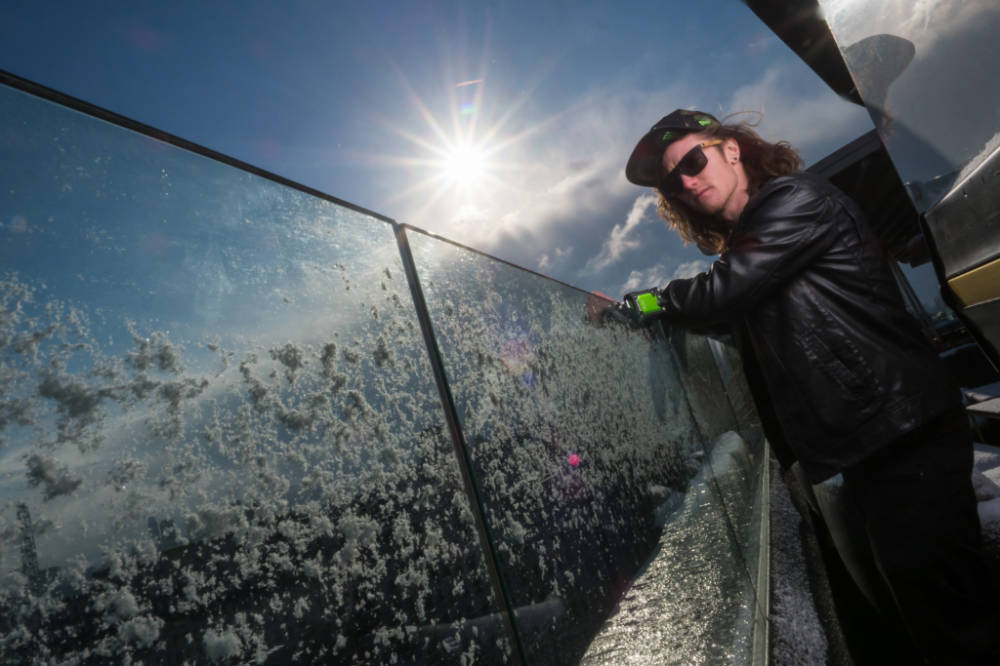
It’s not often you get the chance to photograph an Olympic athlete, but recently I was very fortunate to be asked to take some PR shot of the brilliant freestyle skier James ‘Woodsy’ Woods for Olympus UK.
There was a small window of opportunity, between winter Olympic competing in the slopestyle skiing and world cup practice, when he was in the UK.
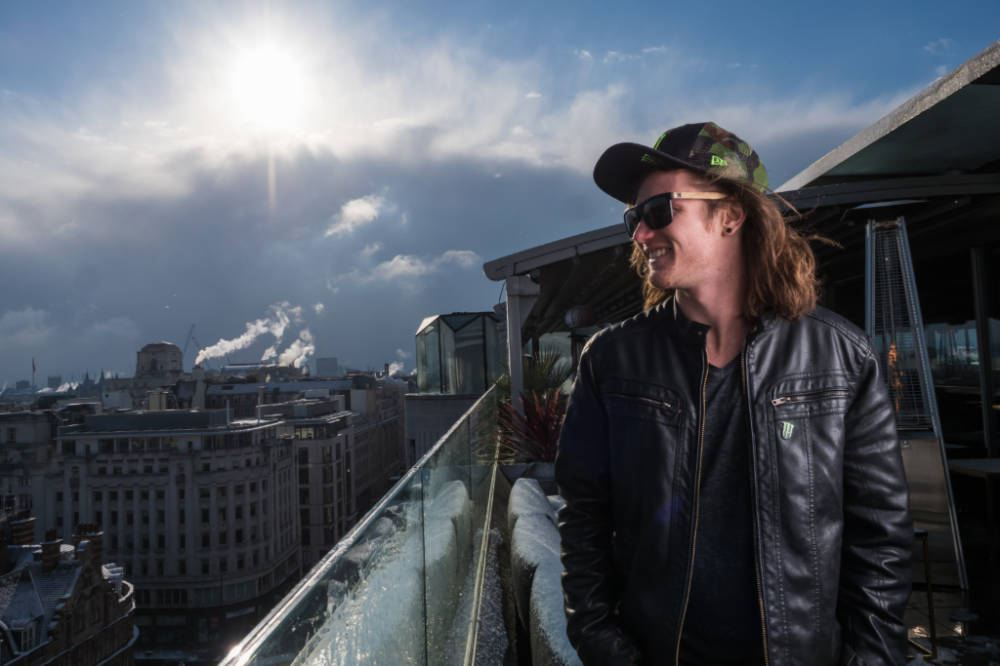
It’s not often the weather plays in to your hands but I can honestly say we couldn’t have planned it any better. We were shooting on the amazing rooftop at the ME London Hotel. There had been snow elsewhere in the UK but London was boringly snow free, just cold. But then a few flakes started.
The most intense of weather phenomenon’s hit and suddenly we couldn’t see the London skyline at all for snow. We sheltered ourselves and the gear in the very cool cable car the hotel has and when the worst of the storm passed we continued shooting with the fresh covering of snow adding the perfect level of authenticity to the photo’s of a winter Olympian!
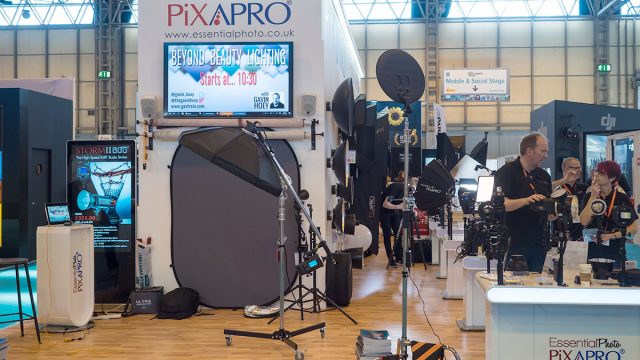
There’s just one week to go until The Photography Show2018 opens its doors at the N.E.C. in Birmingham, UK. Running from the 17th – 20th March, it’s the UK’s biggest and busiest photography show around 30,000 amateur and professional photographers attending and I’ll be there for all four days.
It’s a great mix of booths from photographic businesses big and small but this isn’t just another trade show, there’s also loads of things to see and do. There’s a constant stream of free demos and talks on various live stages and that’s on top of all the smaller demos on many of the booths dotted around the show.
I’ll be there giving various talks and demos on portrait lighting and photography, so if you’re coming along it would be great to meet you.
Saturday
10.30 am
PiXAPRO E91
Out of sight light (Demo)
1:00 pm
TPS Live Stage
Beyond beauty lighting (Demo)
2.30 pm
PiXAPRO E91
One light or two (Demo)
Sunday
10.30 am
PiXAPRO E91
Out of sight light (Demo)
12.15 pm
Olympus D91
Creative portraits from simple lighting (Talk)
1.30 pm
PiXAPRO E91
One light or two (Demo)
3.30 pm
PiXAPRO E91
Out of sight light (Demo)
Monday
11.30 am
PiXAPRO E91
Out of sight light (Demo)
2.00 pm
TPS Live Stage
Creative portraits in tight spaces (Demo)
3.30 pm
PiXAPRO E91
One light or two (Demo)
Tuesday
10.30 am
PiXAPRO E91
Out of sight light (Demo)
3.30 pm
PiXAPRO E91
One light or two (Demo)
All my demos are free and available on a first come first served basis.
Show tickets are free for professional photographers and the trade (if booked in advance) and £13.95 for enthusiasts (£18.00 on the door)
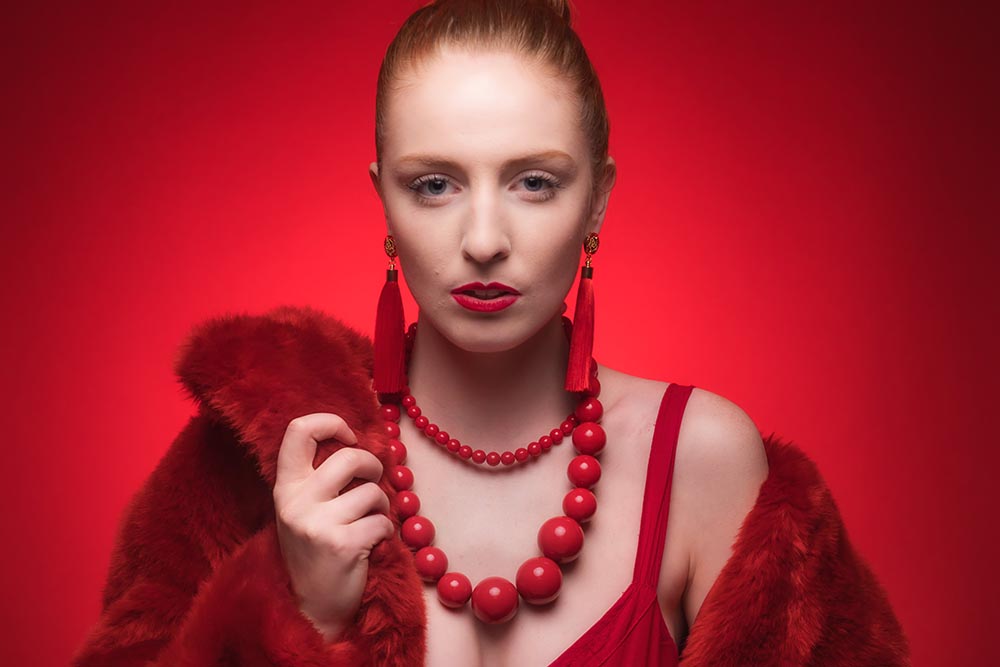
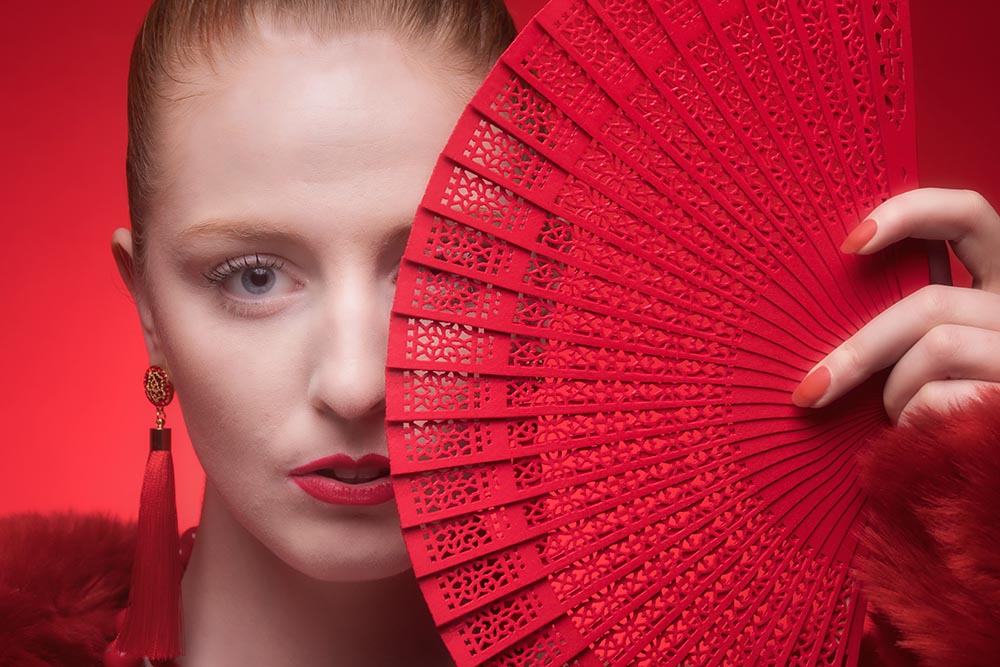
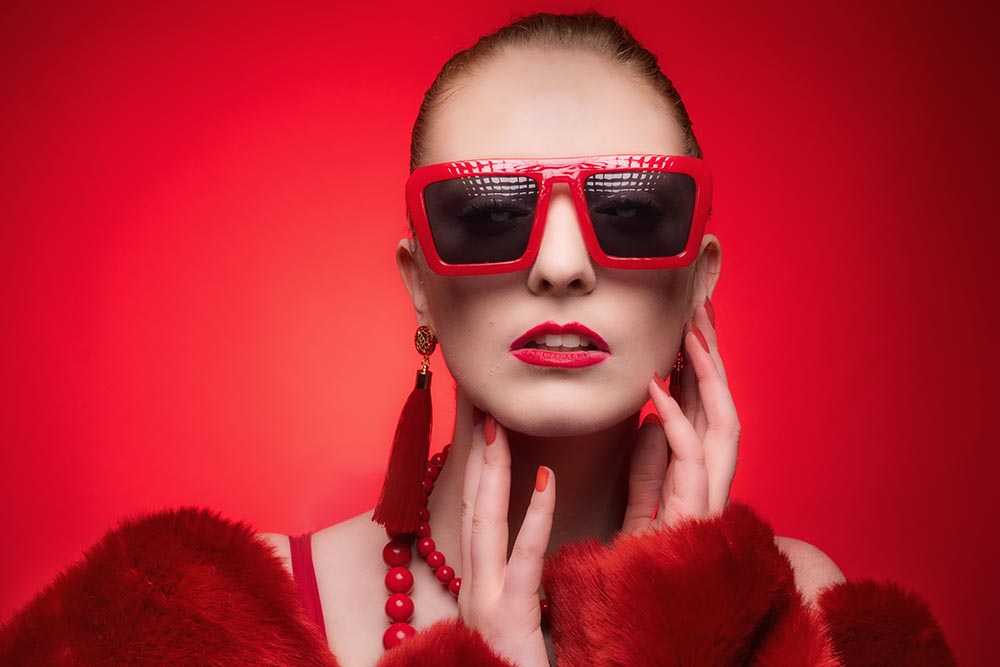
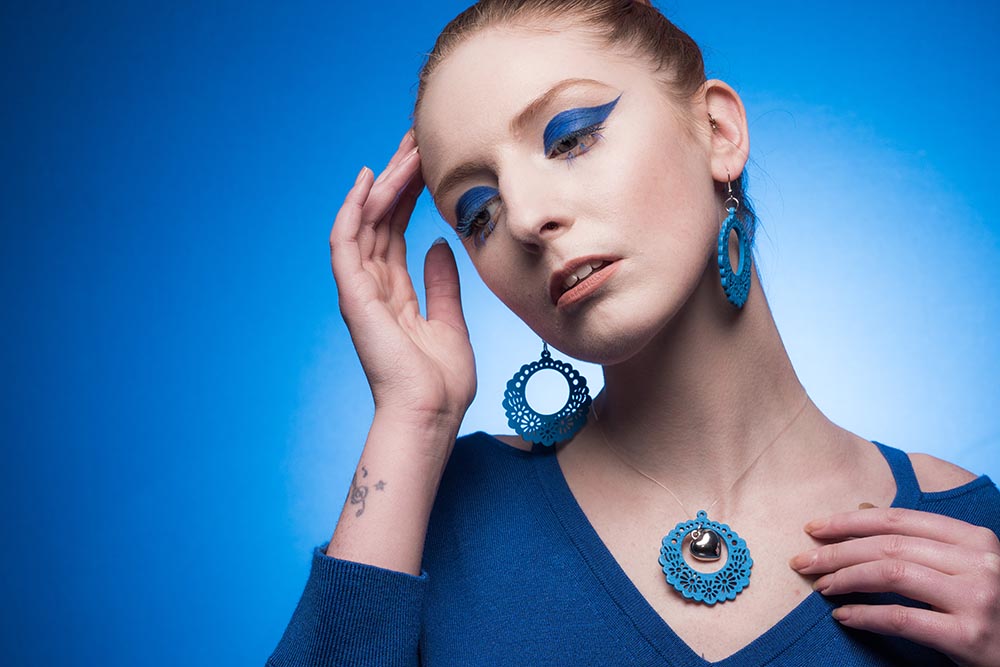
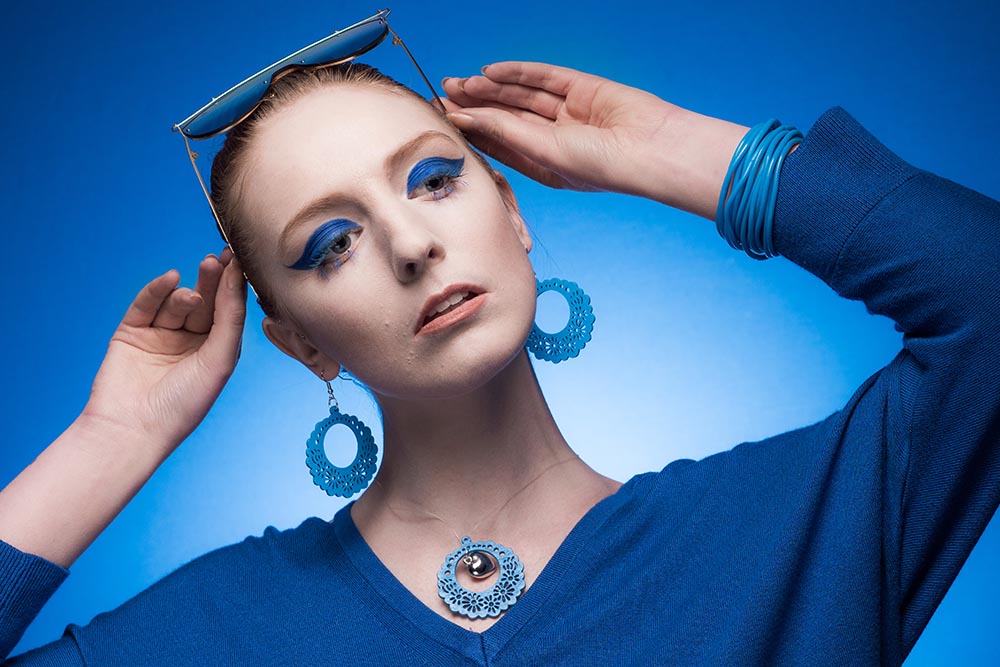
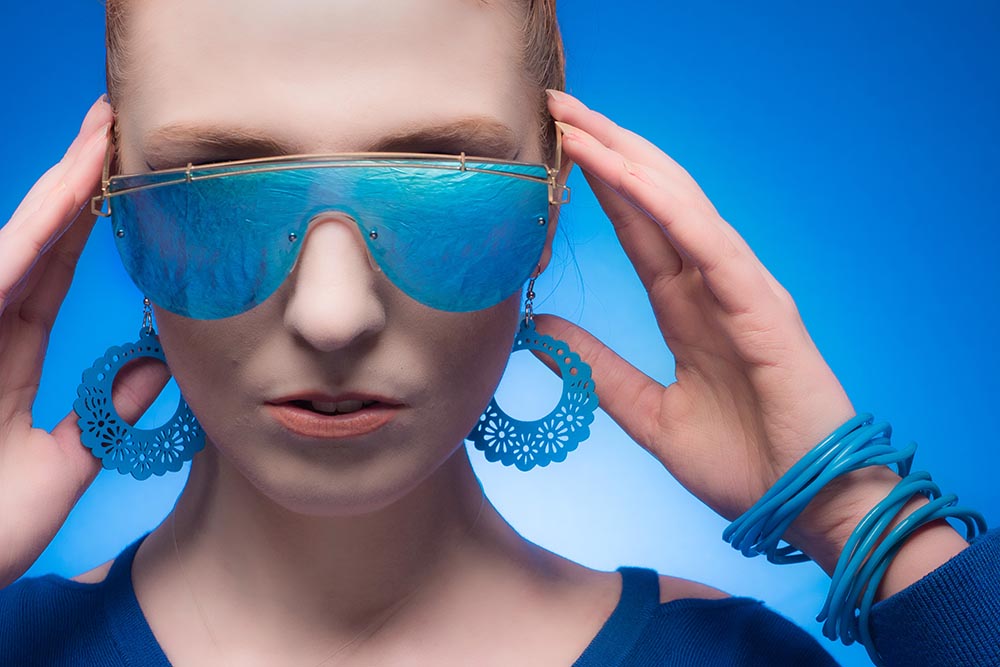
Colour can really make an image pop and catch the eye and that’s something I wanted to experiment with in my small home studio. Using some colour themed props can help give the photo’s a high fashion feel and also gives your model something to use in poses. Make up can play an important part in creating the atmosphere, especially for close shots.
In this video we look at how punchy using one strong colour can be. Don’t think that you’ll need awhole rainbow of backdrops either!
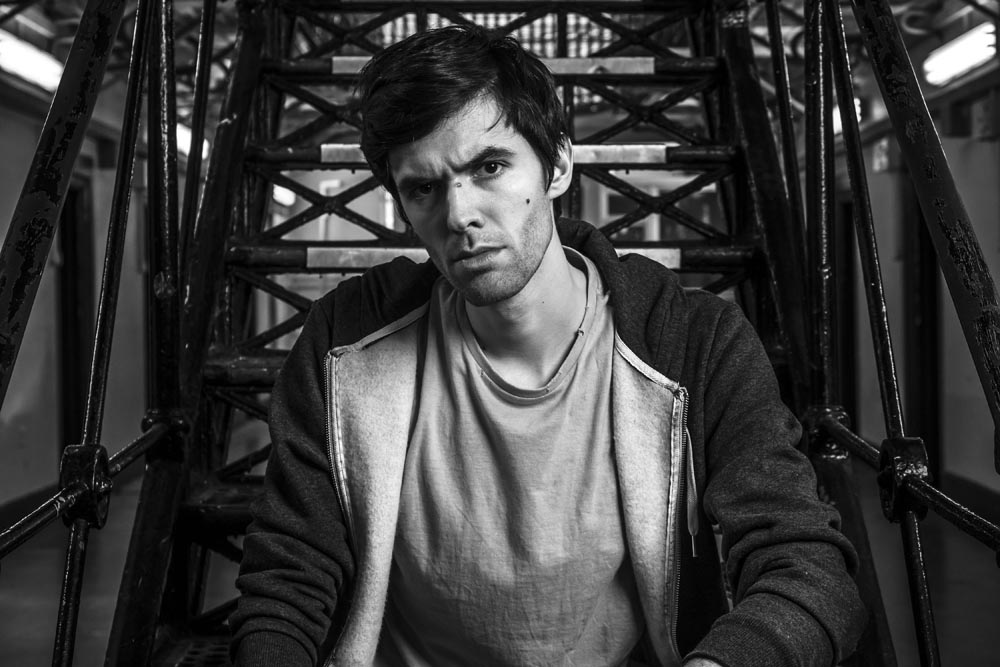
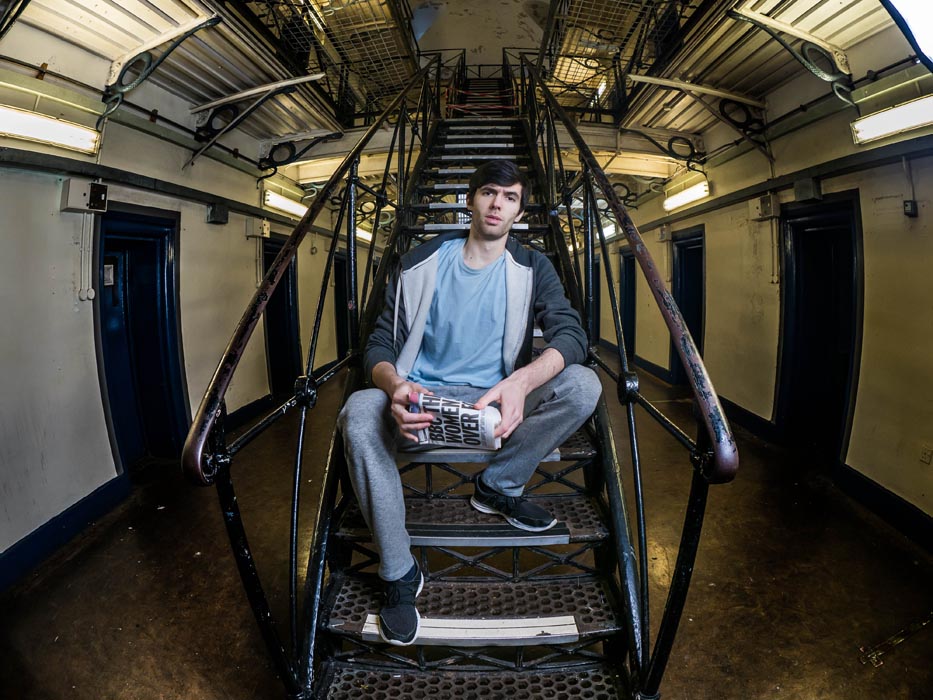
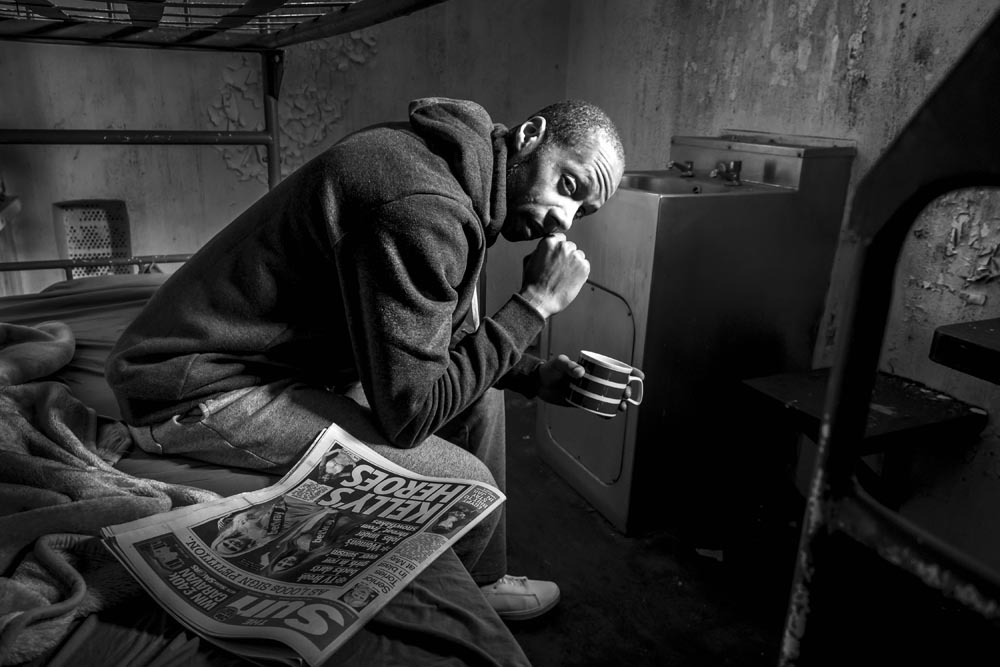
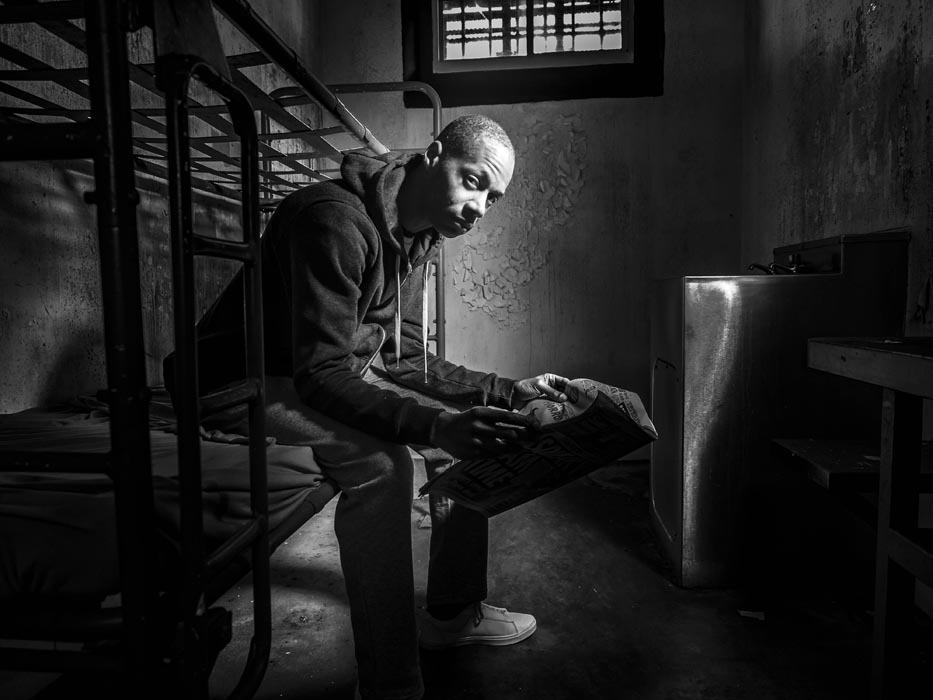
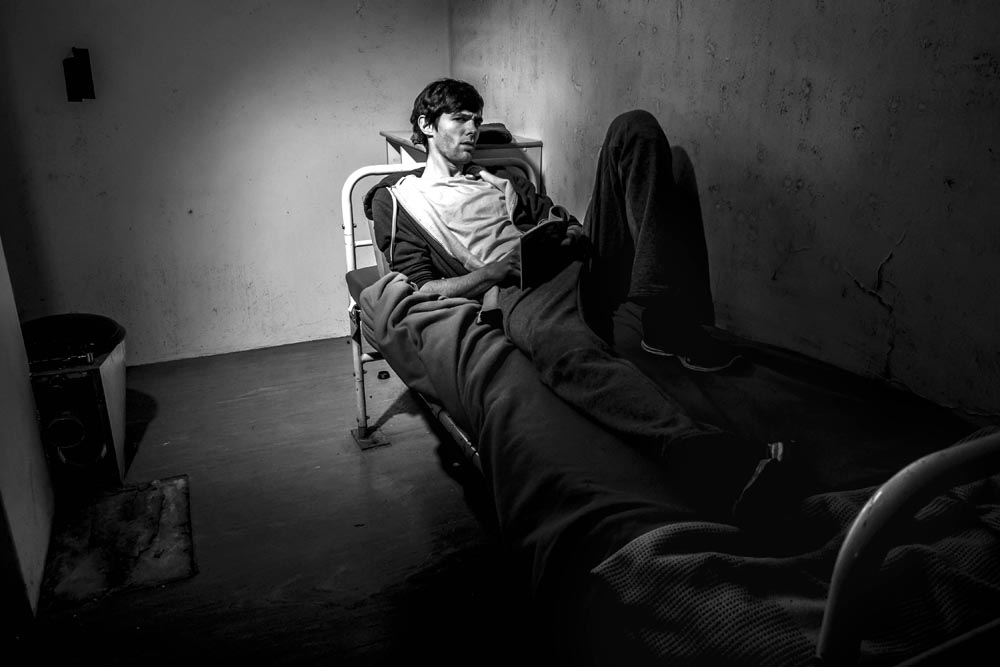
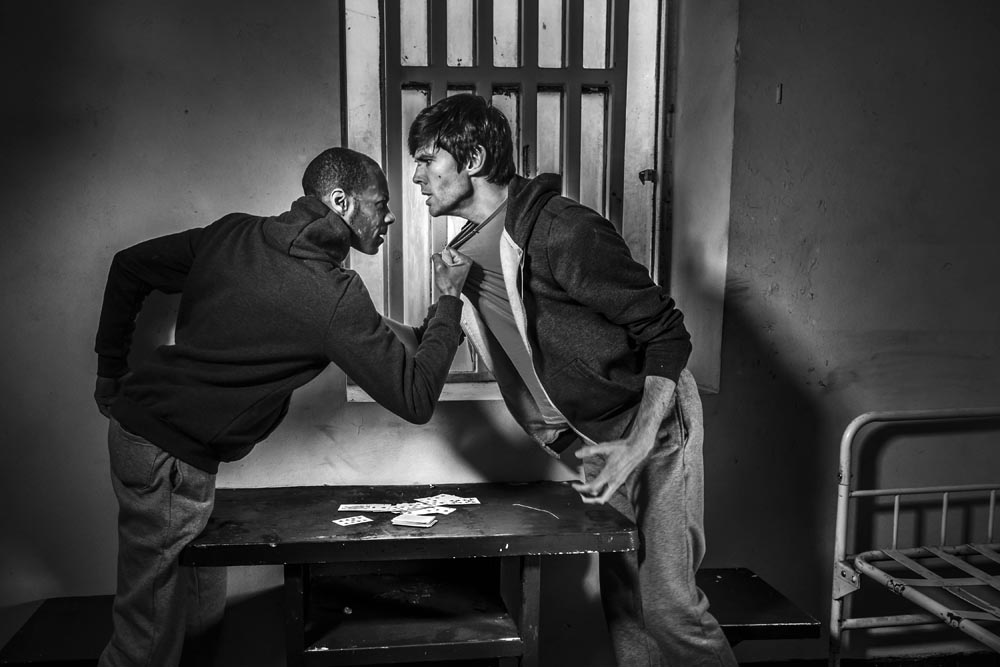
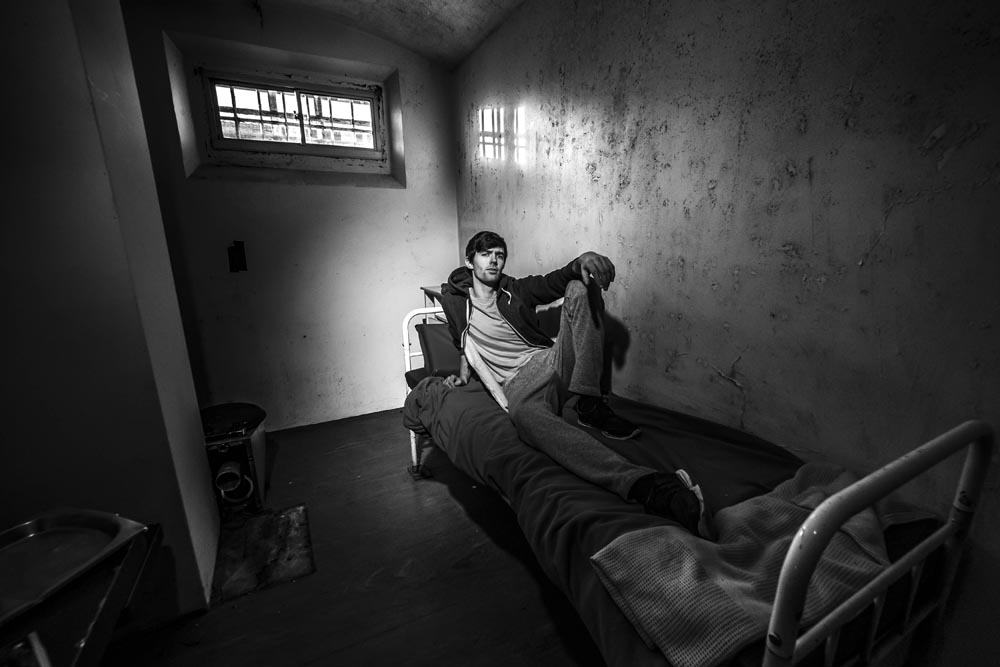
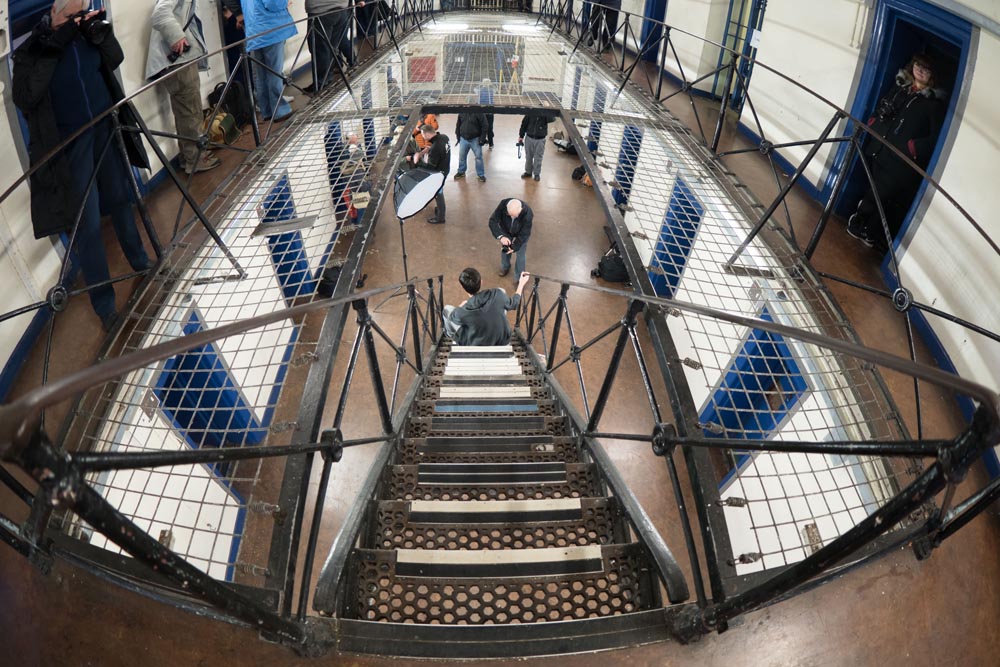
Going to prison isn’t something I’d ever want to do. But going to a decommissioned prison and having exclusive access to all areas is my sort of event.
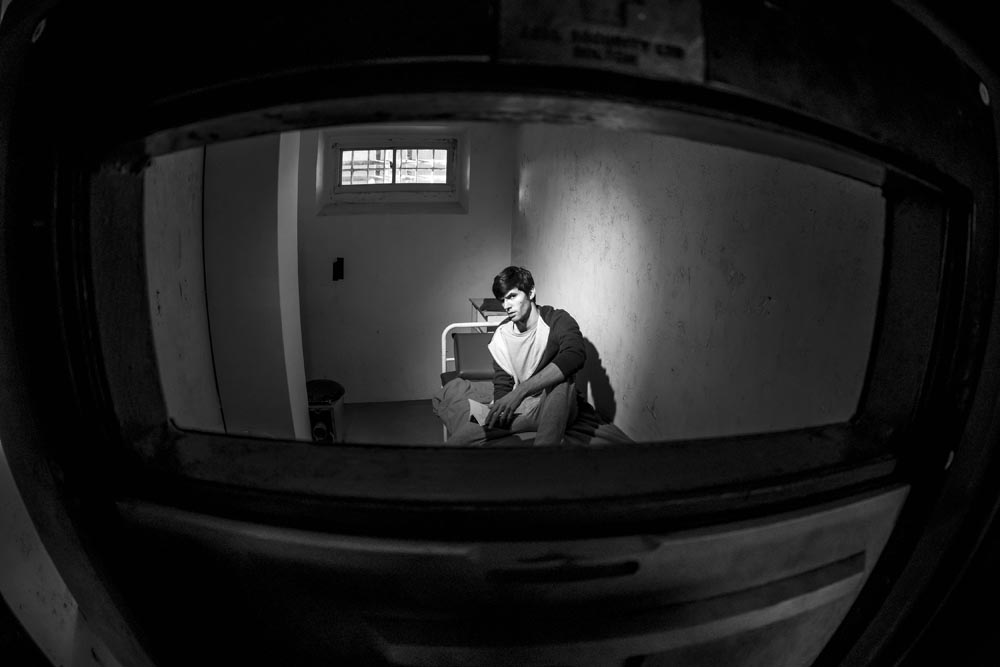
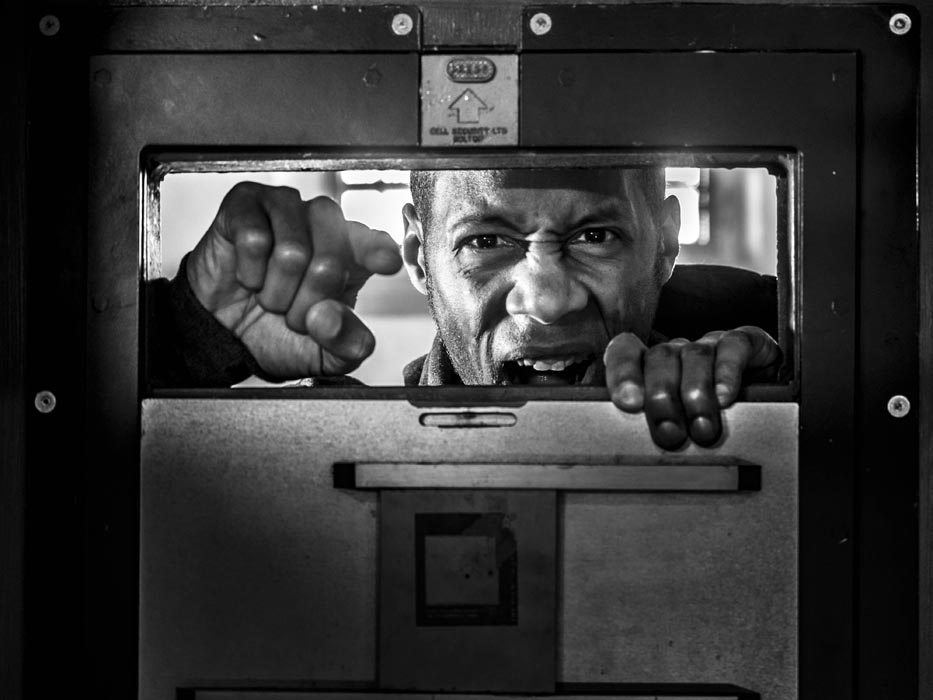
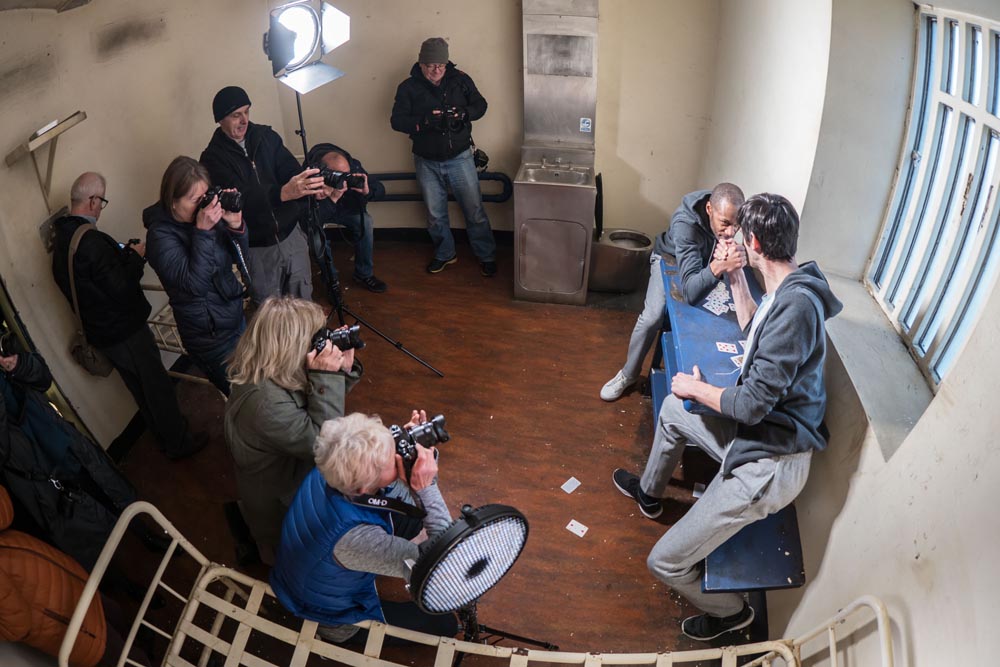
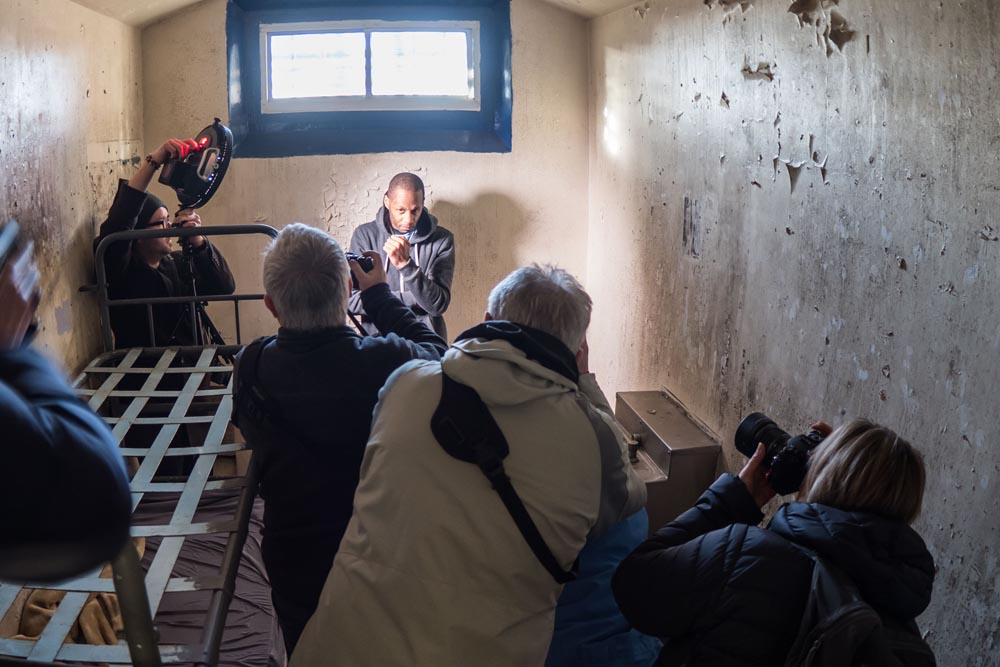
Gloucester prison is an incredible location to visit. Its last residents left 5 years ago but luckily Brianand P-J came along to play the part of prison inmates for the day. The cold, small cells with peeling paint may have looked grim but photographically they were perfect and both models really got into character.
Being a winter workshop and with small windows in the cells, we needed extra light to create mood and atmosphere in the photos. The photographers on the workshop got to work with some excellent continuous light courtesy of Rotolight Aeos LED panels and the small but powerful Pixapro Pika200 flashes.
Of course you need more then a great location, great models and great light to take great photos and luckily we also had a great group of photographers. I loved watching them take my original idea and turn it into something unique. It’s not often you get to take part in a shoot like this, so it was wonderful to see so many photographers making the most of the opportunity.
The whole thing was organised by Olympus UK and was open to users of any camera, not just Olympus users. For details of their upcoming workshops check out the Olympus Image Space events page.
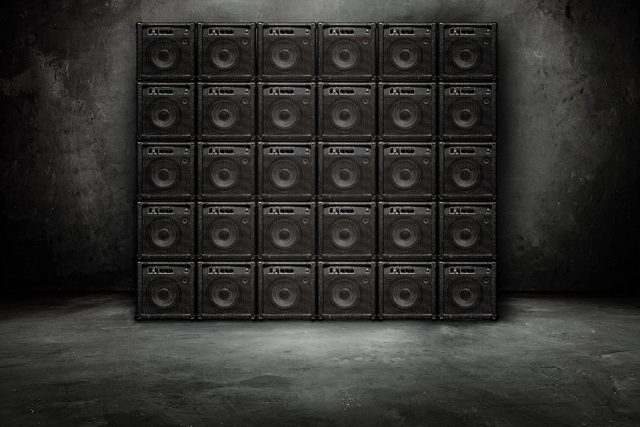
Recently I needed a wall of speakers in my studio to make an amazing background for an upcoming music shoot. But after a bit of thought I realised there were three major problems with the idea. First, my studio space is a lot smaller then my imagination. Second, I don’t have easy access to the 25 – 30 speakers I would need for a person sized wall and third, what would I do with all those speakers after the shoot? However I do own one small PA amp (I use it during my camera club talks) and of course I have Photoshop.
So here it is, a wall of sound in my studio and all it took was a couple of photos plus an hour or two in Photoshop. The only thing missing is a musician but I’ll get to that in a later post. In the meantime, I’m sharing this background as a Friday Freebie.
If you create a photo using the Friday Freebie then let me (and everyone else) know by leaving the link in the comments below.
Usage rules The images are copyright Gavin Hoey 2018. Use is limited to any personal but non-commercial purposes. Please share the Friday Freebie by linking back to this page. Do not redistribute the original images without my permission.
Download instructions 1. Click on the correct download link below (no sign up is needed) https://adobe.ly/2AUg8td
Click the Download button
The download should start automatically
No support is provided with the Friday Freebies. If you need help Google or YouTube the question and you’ll almost certainly find the answer
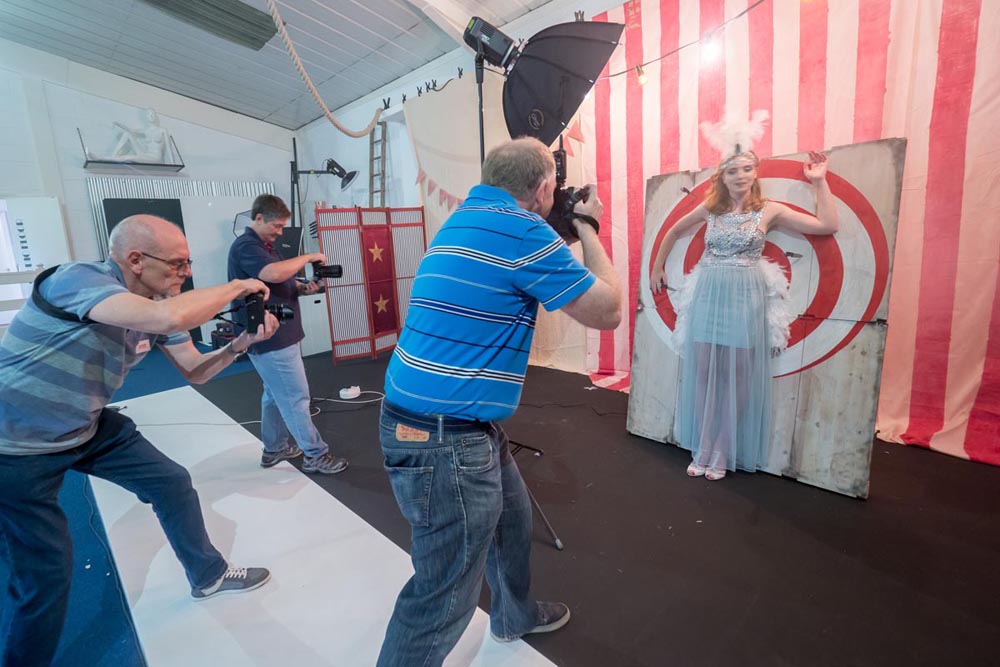
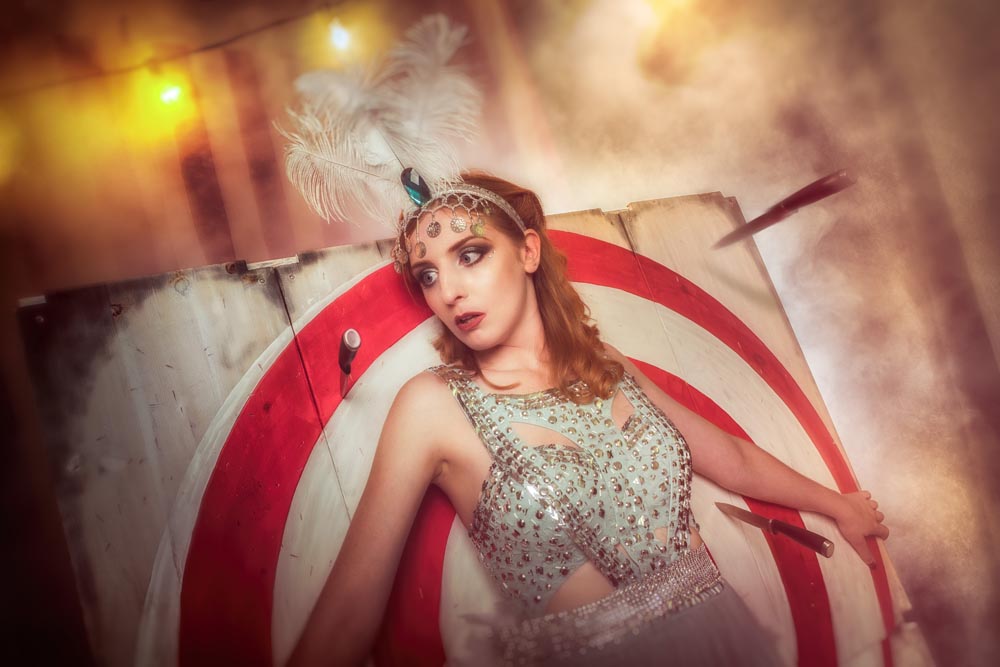
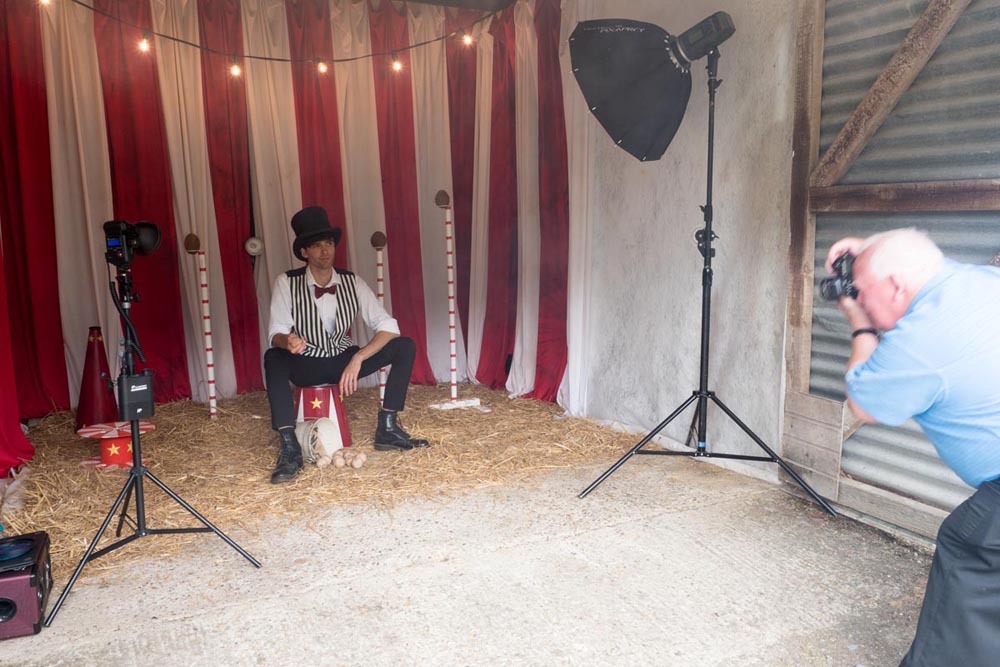
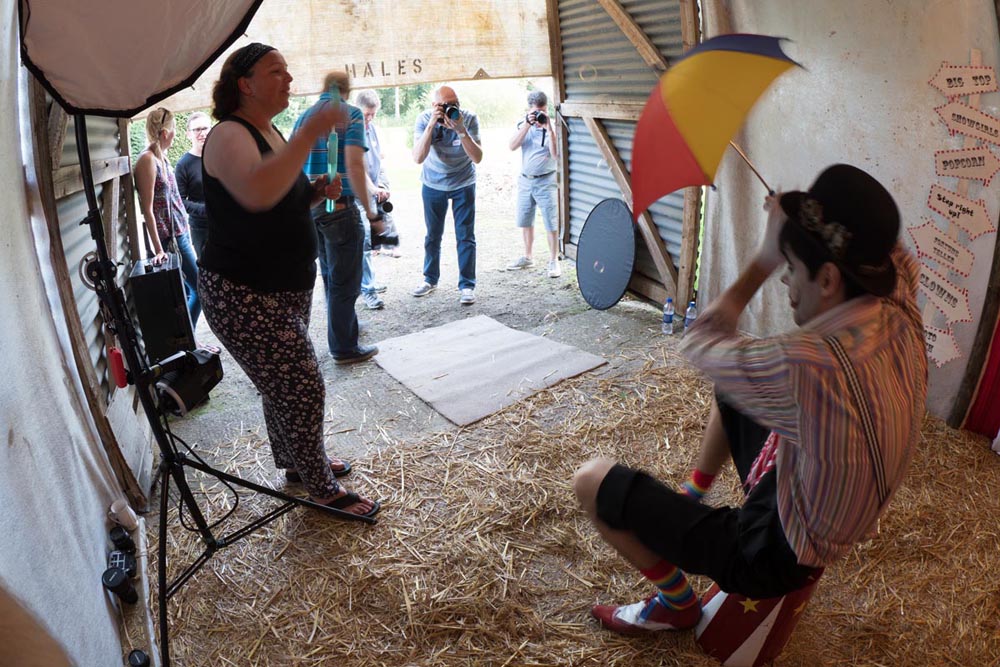
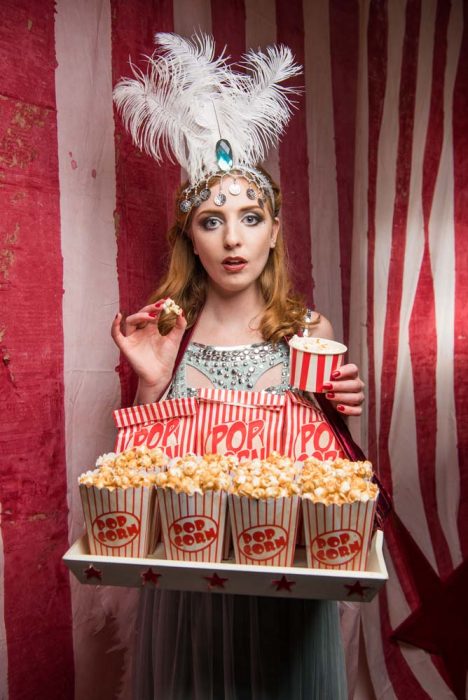
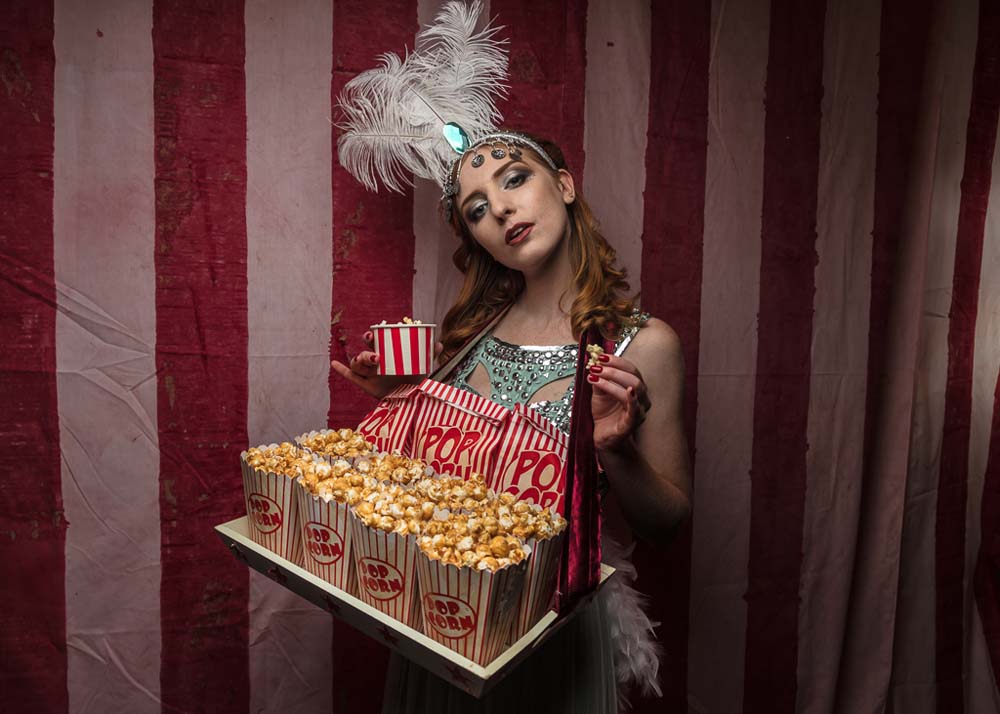
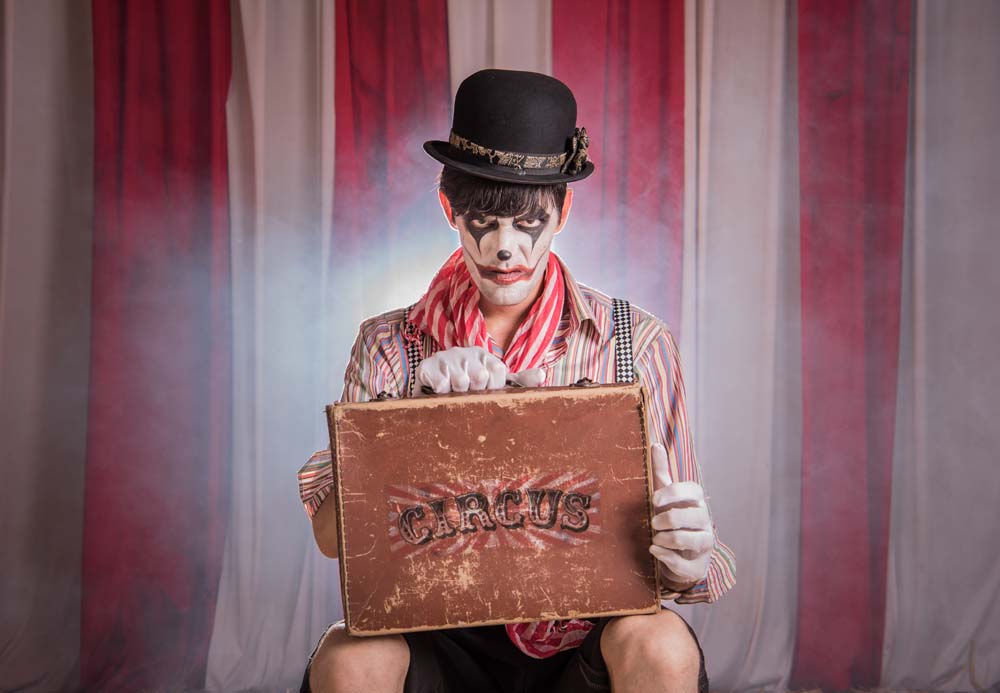
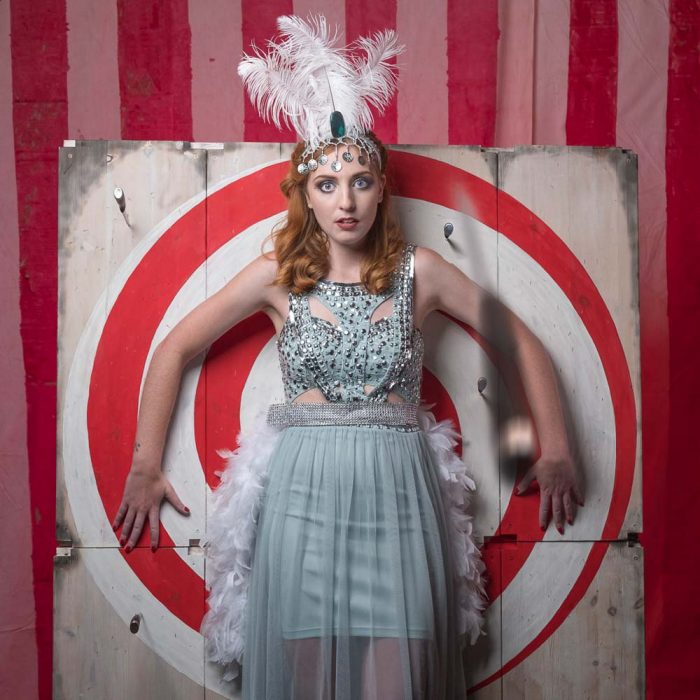
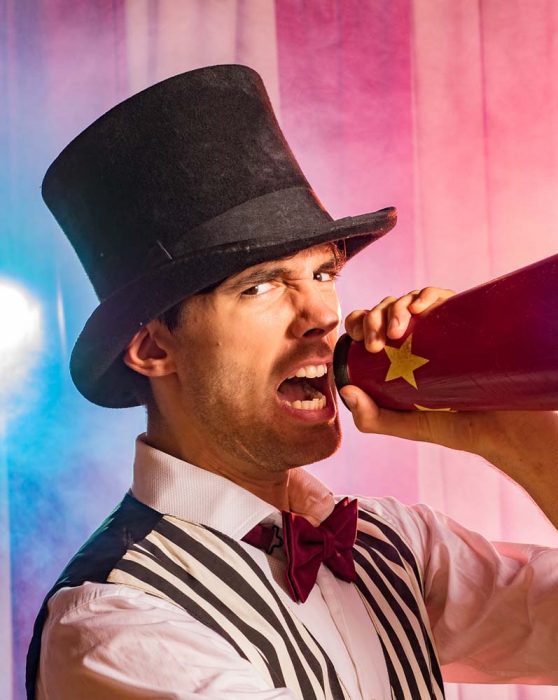
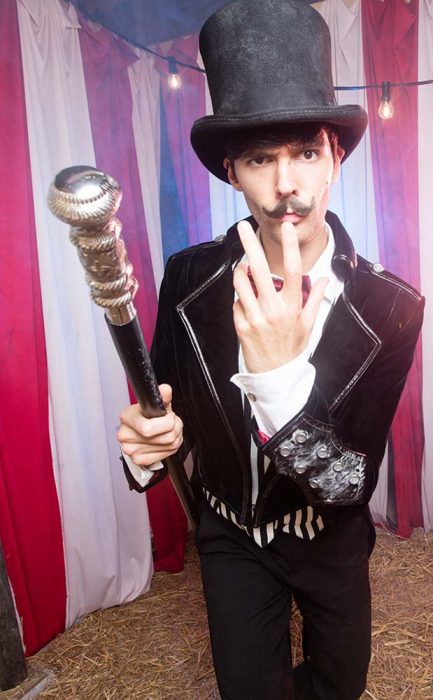
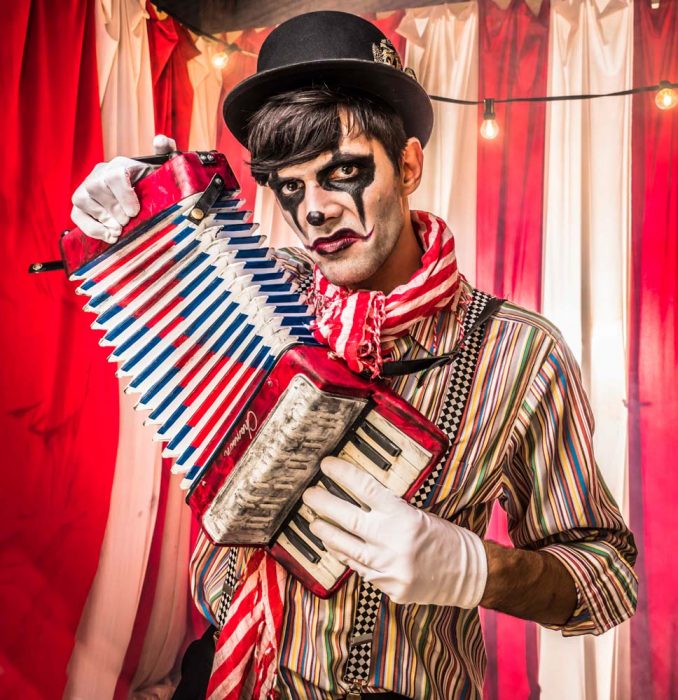
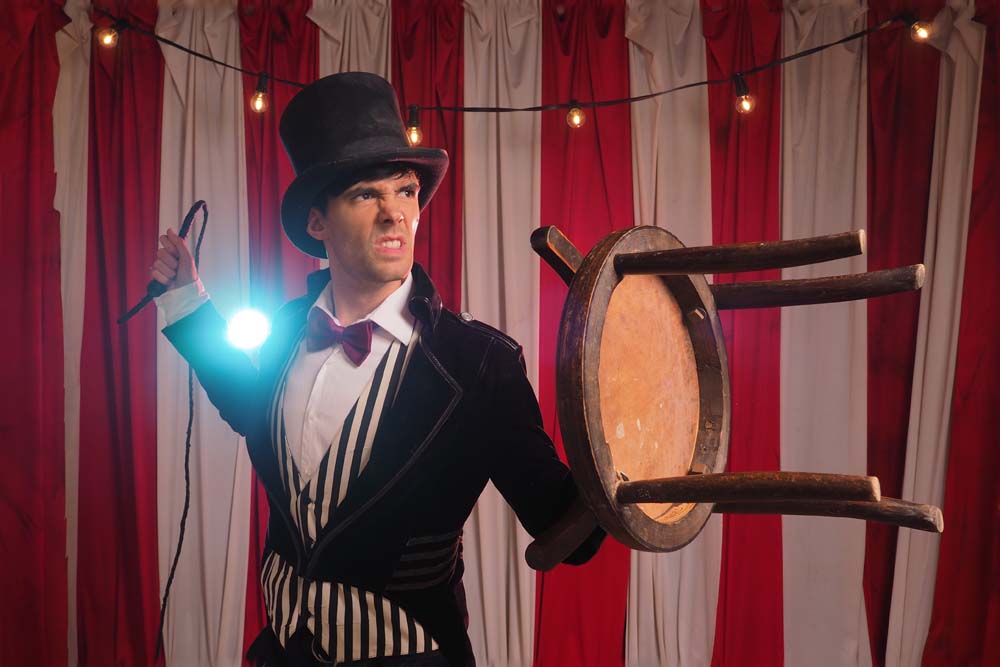
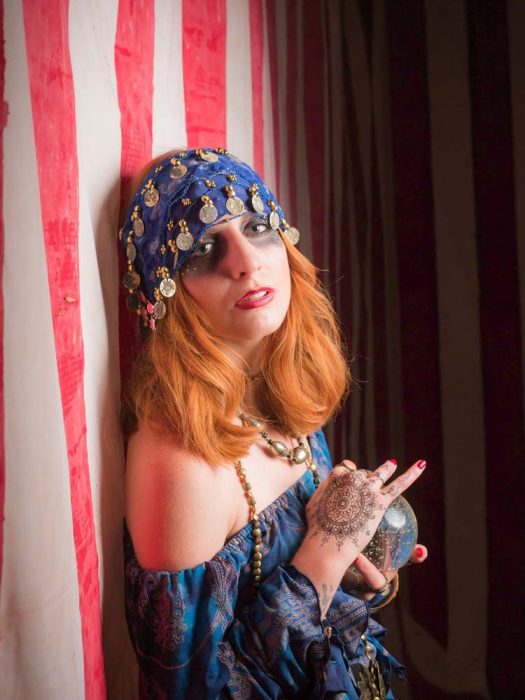
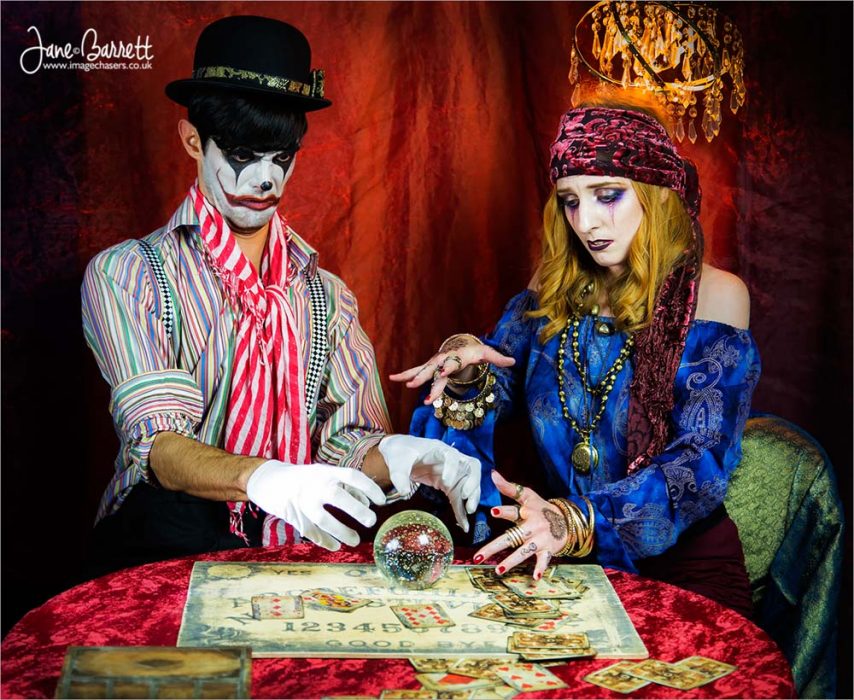
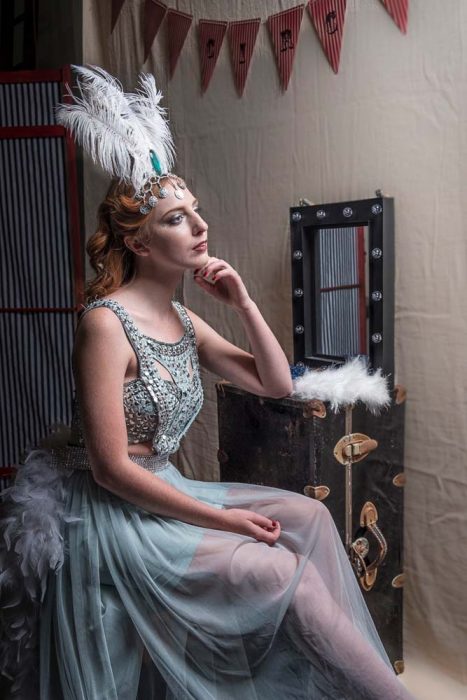
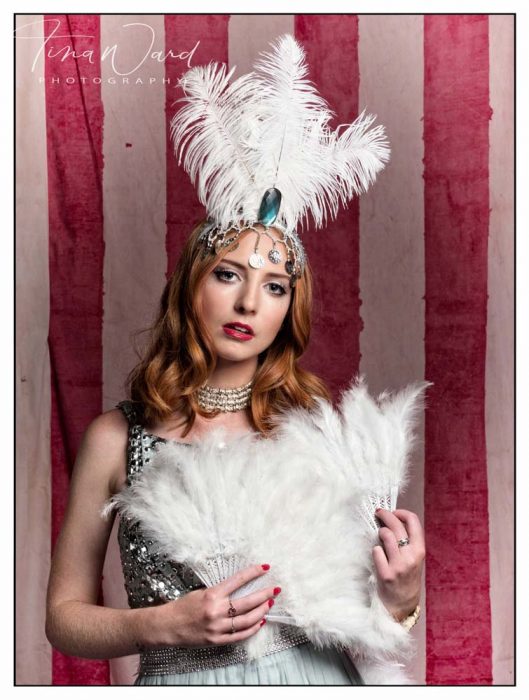
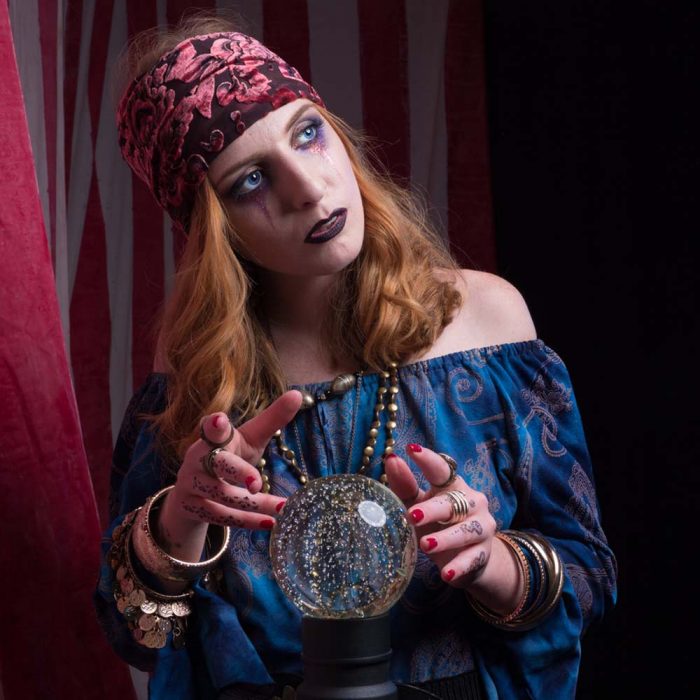
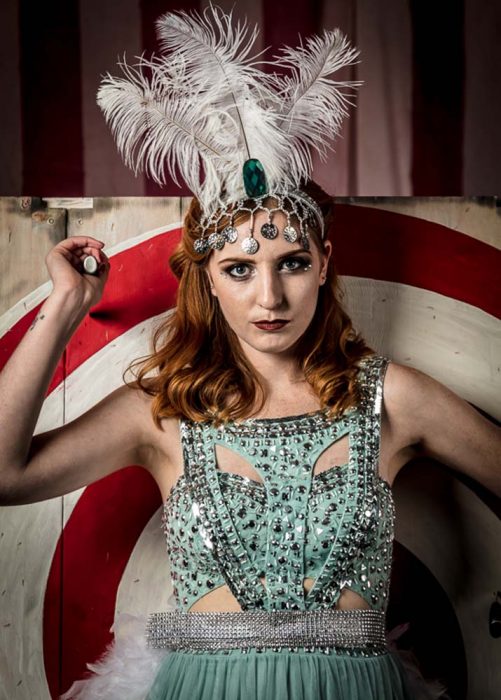
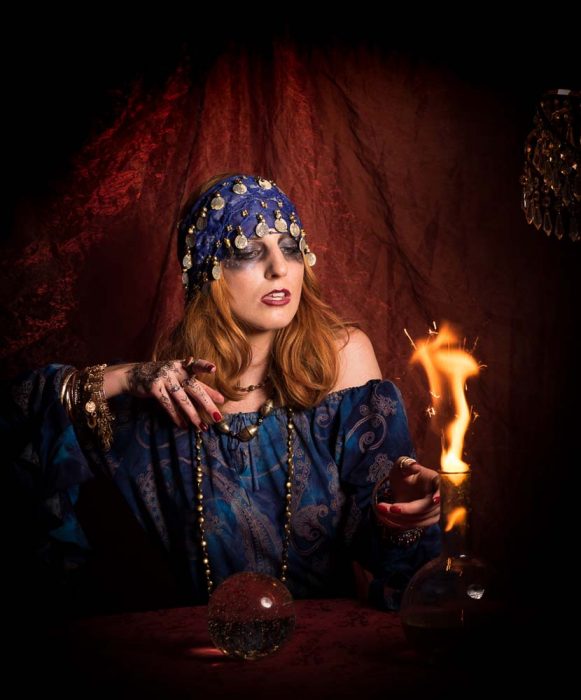
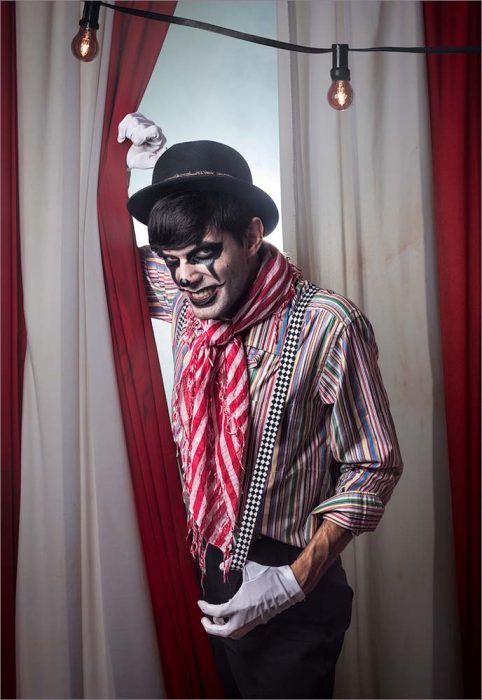
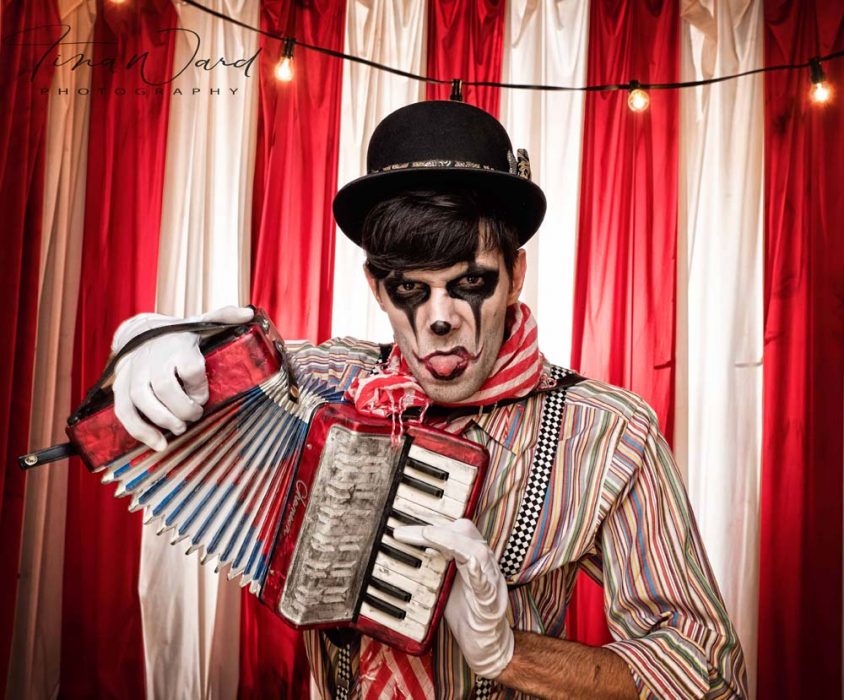
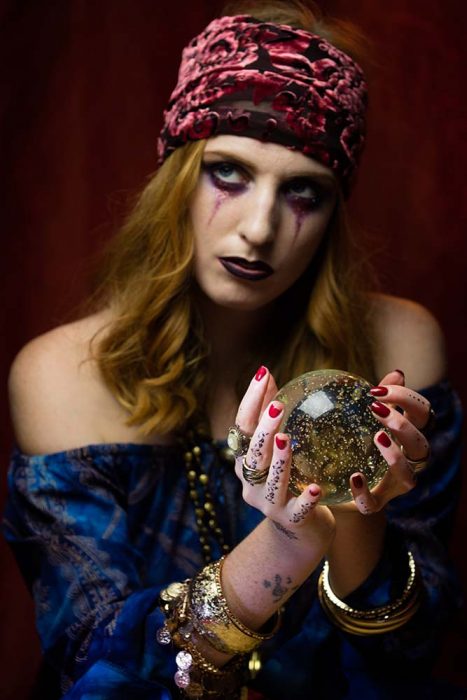
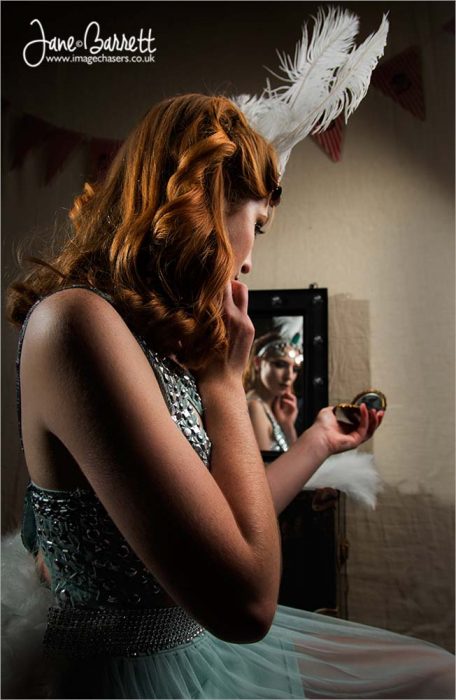
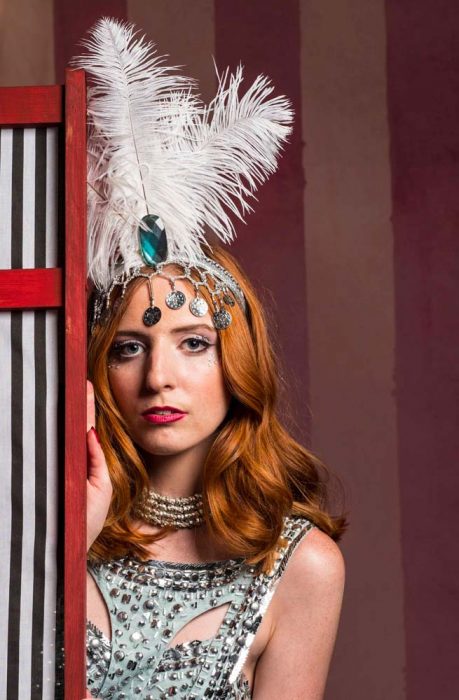
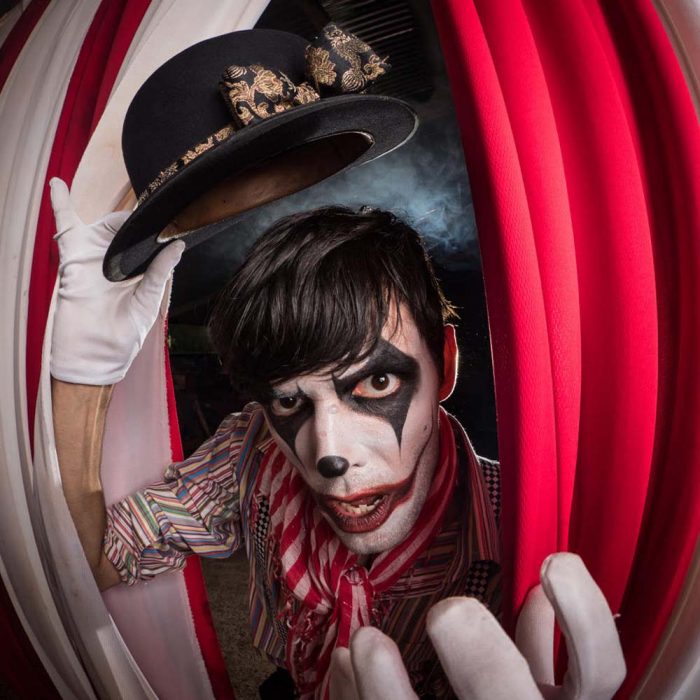
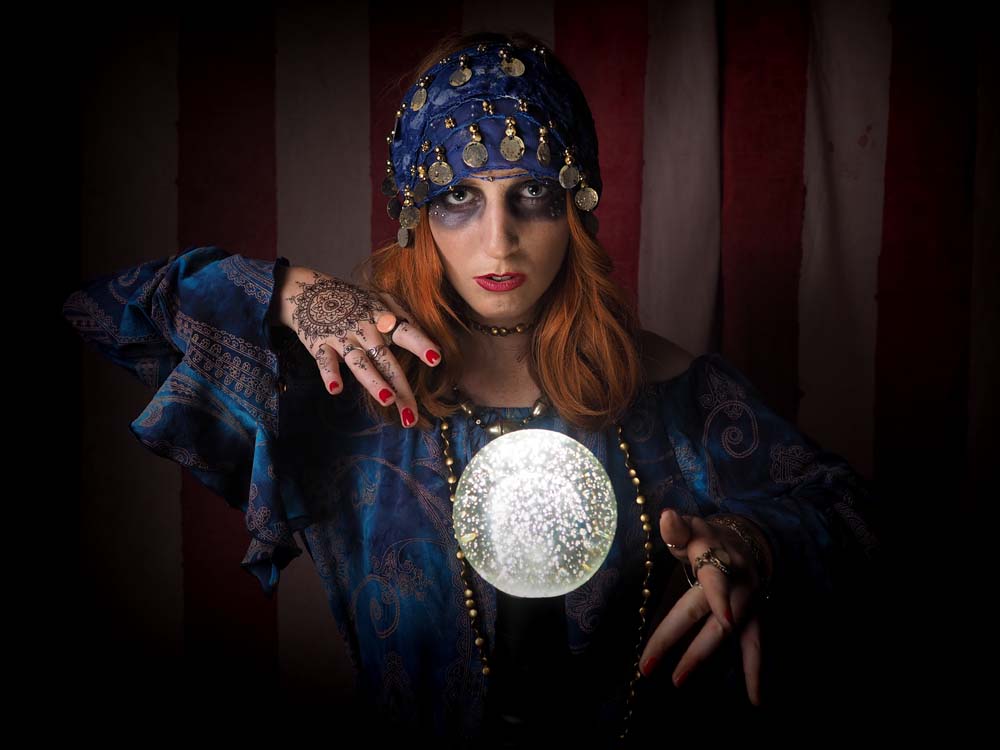
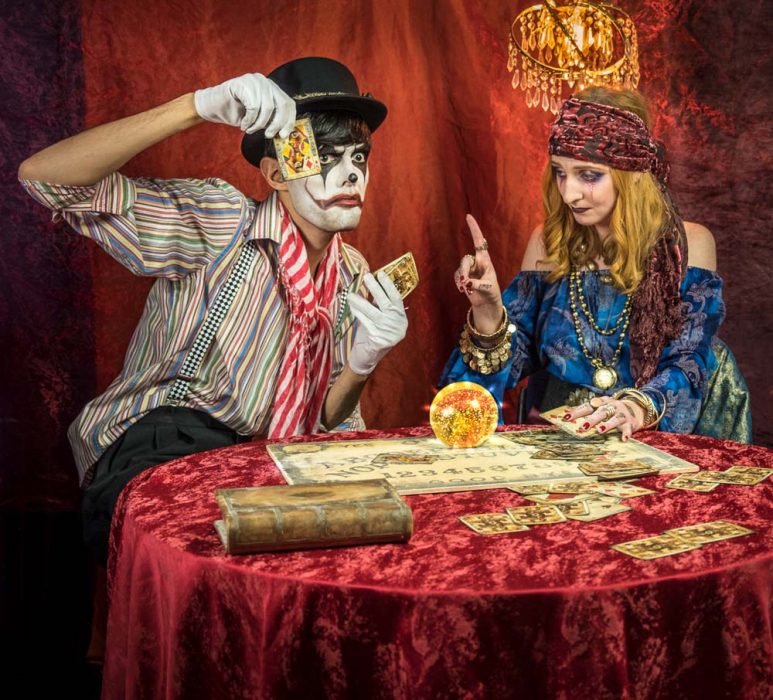
Our big summer workshop is becoming something of an annual event. This years theme was “The Faded Circus” which we held at Square One Studio in Surrey on two dates in July and August. Steve, the studio owner, allowed us to take over both his studio areas and even gave us rare access to his barn for that authentic circus feel.
We were joined by 12 photographers for each date and two amazing models, Beth Smith and Brian Mansi. In order to keep the groups small and the shooting time high, I once again roped in the help of Tommy Reynolds as a group leader who did a brilliant job passing on his ideas and passion.
We’ll be running this workshop again in April 2018 (exact date TBA). Register your interest here
For the morning sessions Beth took on the roll of a show girl. We had the whole of the main studio to play with and set up various areas for Beth to sell popcorn, brave the knife throwing board and even had a little back stage area.
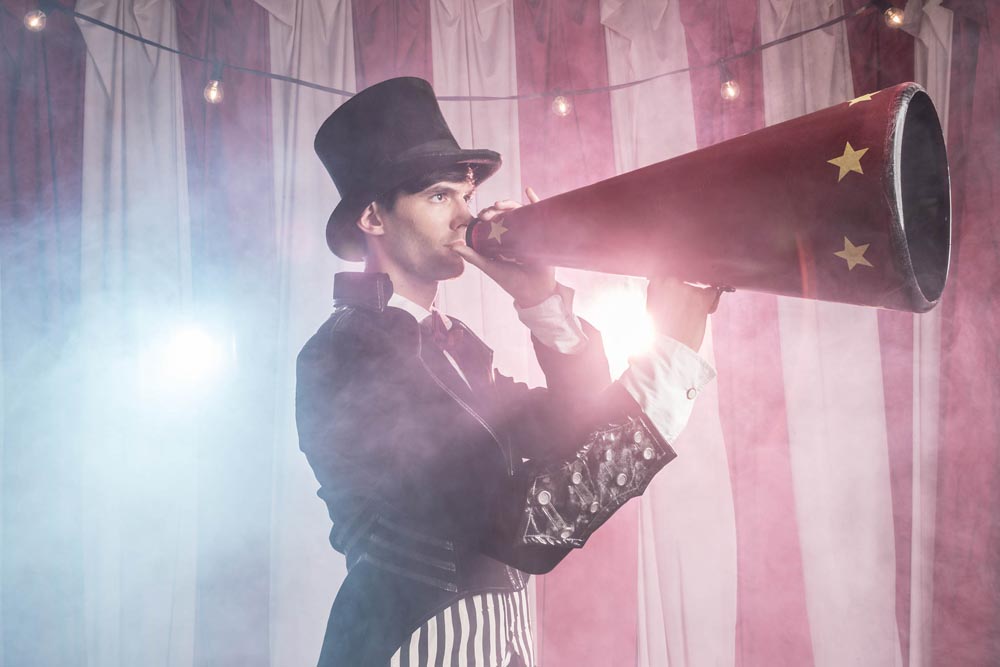
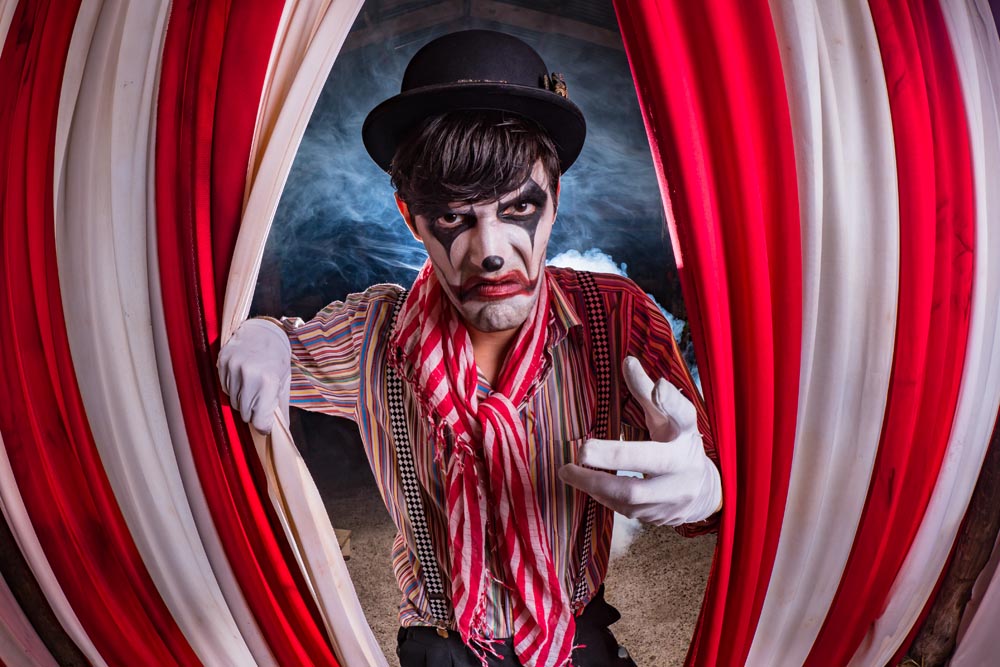
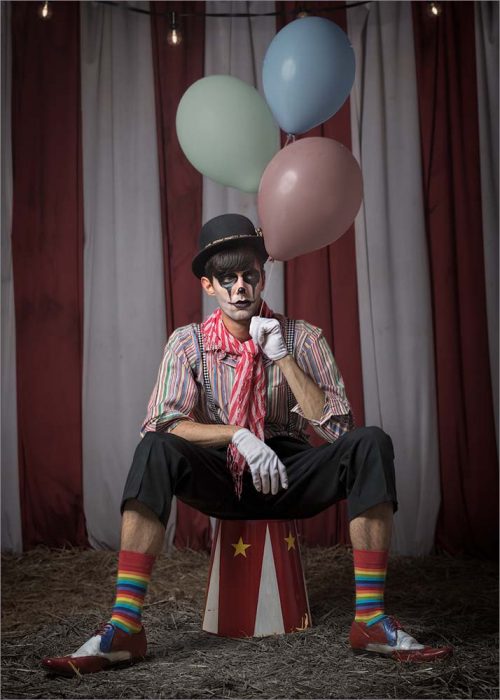
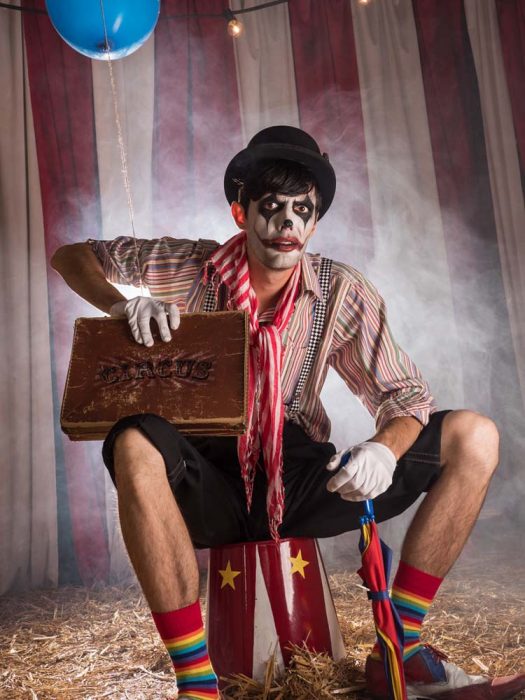
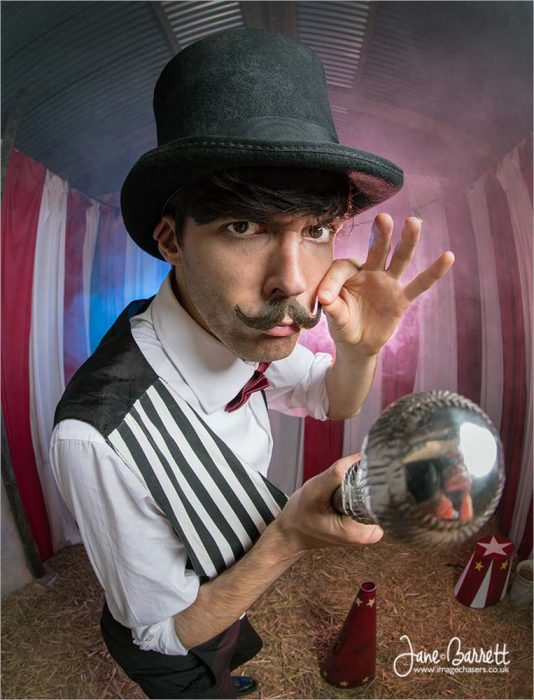
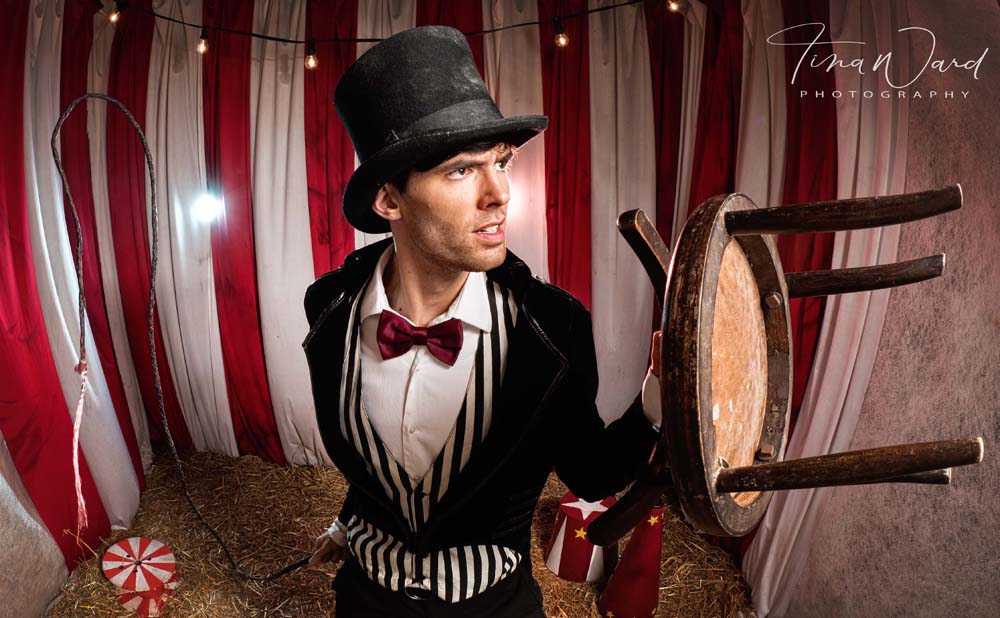
Brian became the circus ring master and carnival carnie. Being outside in the barn meant we could put straw on the floor and had room behind for some creative back lighting and LOTS of smoke.
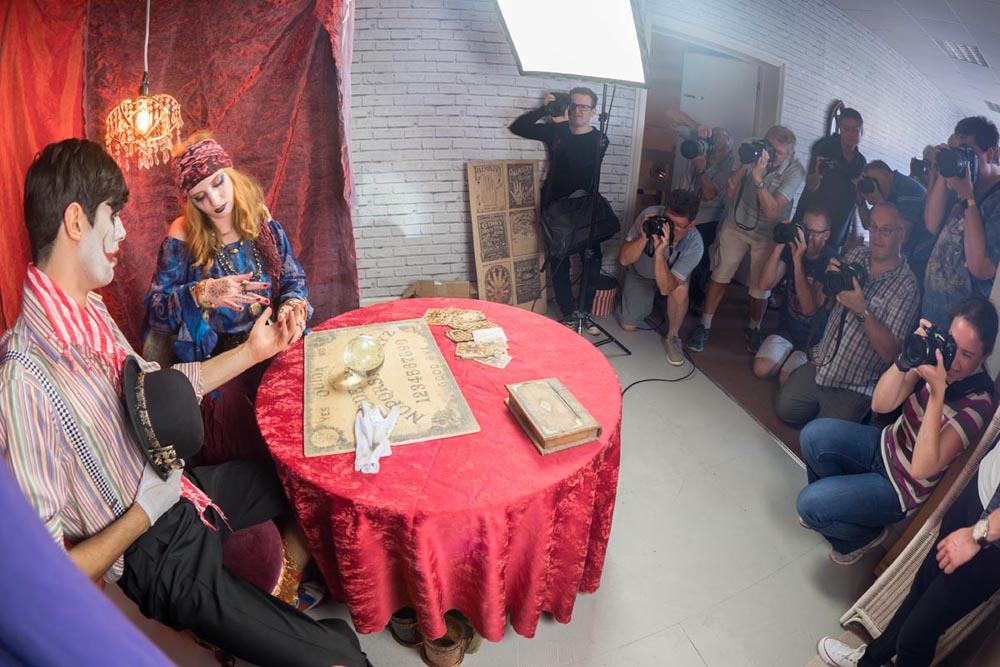
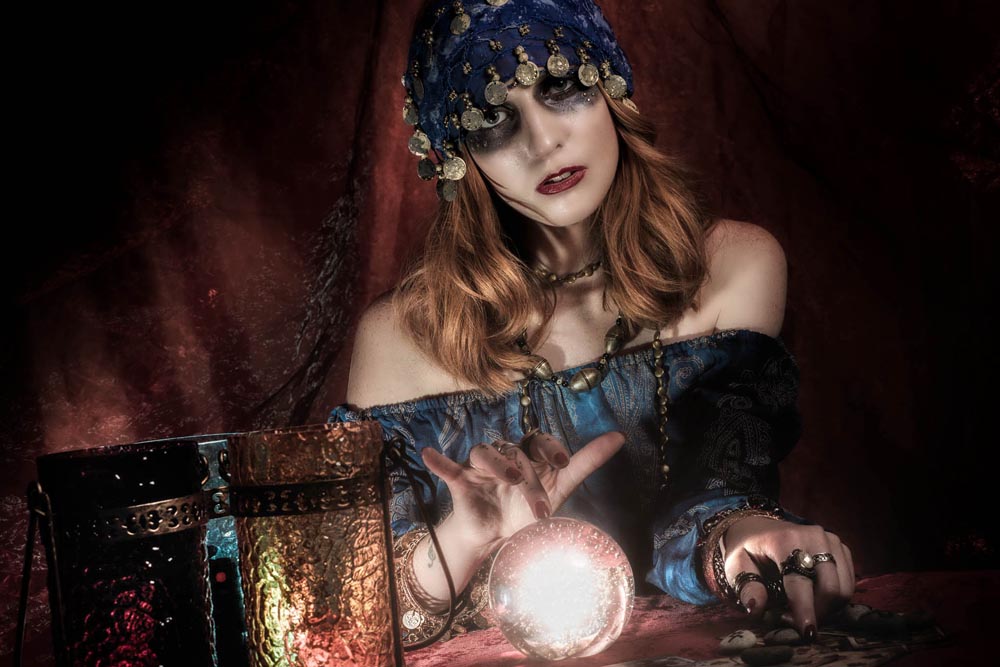
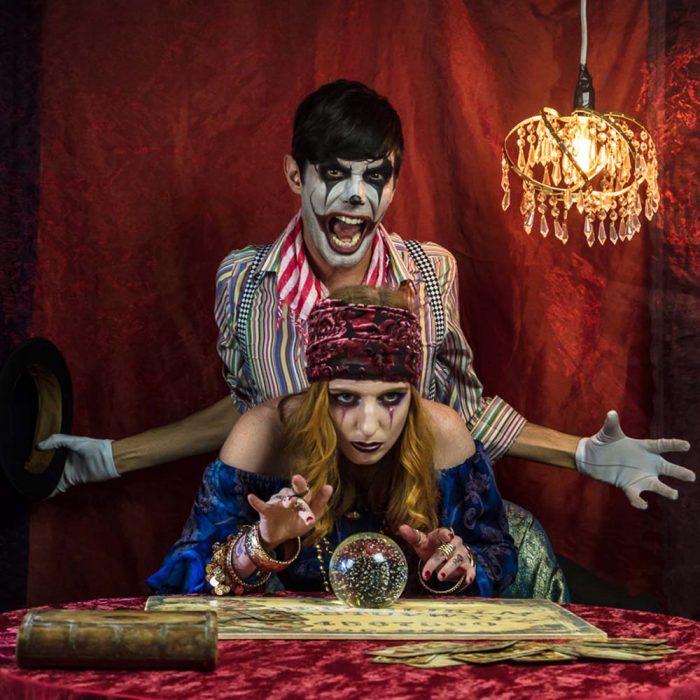
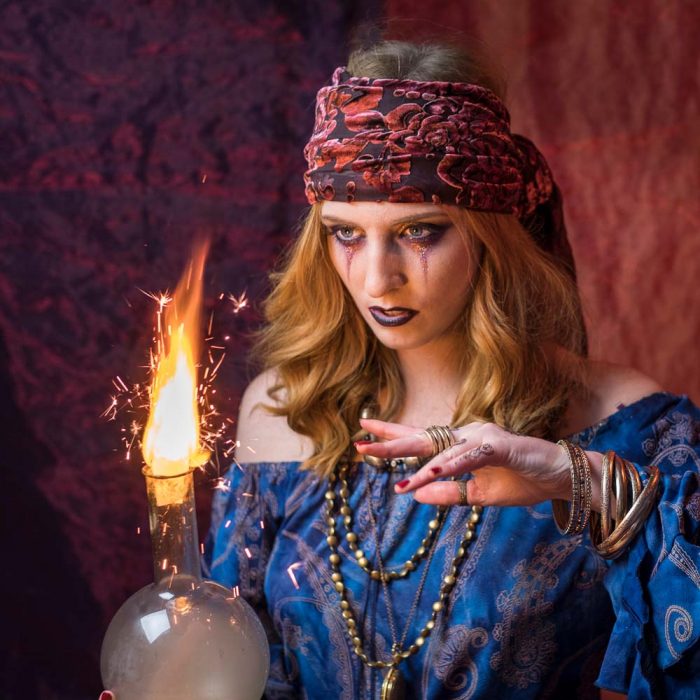
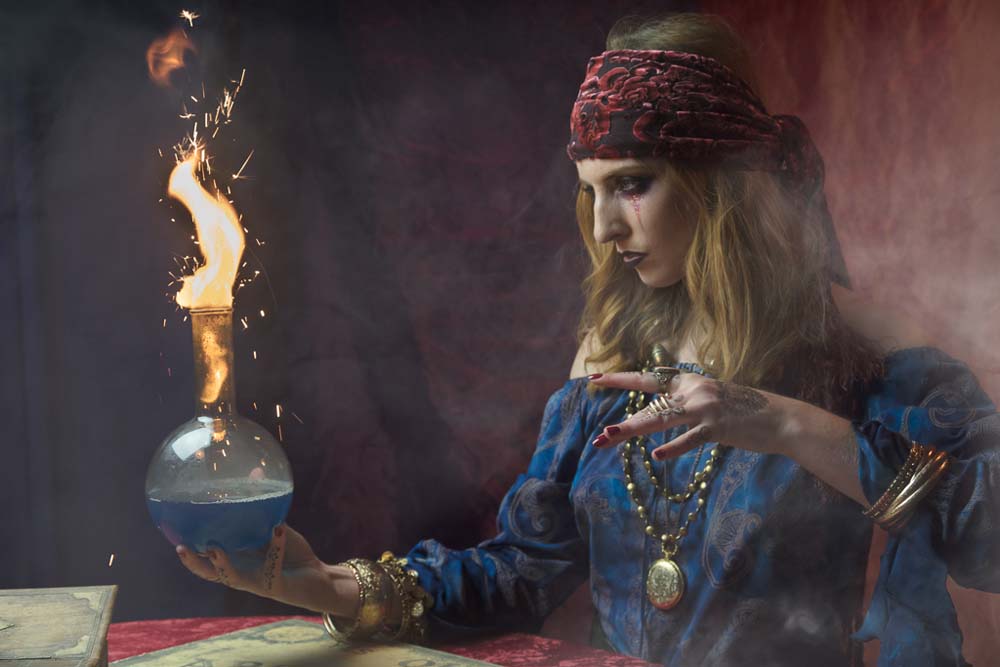
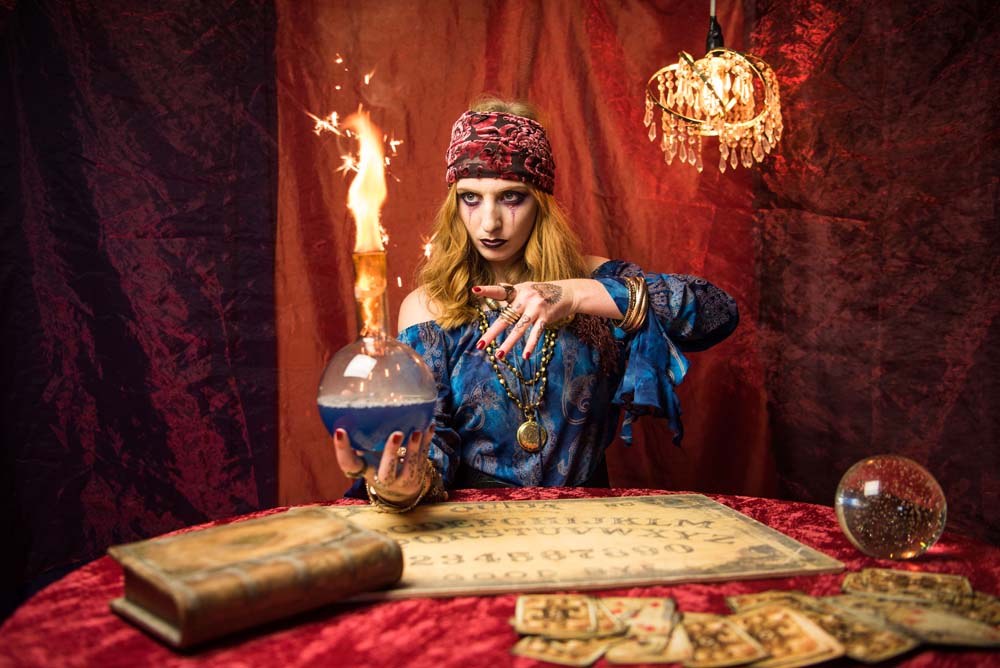
After lunch it was all change. Beth was in the second studio which we’d set up as a fortune-teller’s tent. Ouija boards, crystal ball and even a little bit of fire added to the shoot. For the second shoot, we made time at the end to bring Beth and Brian together. It was a bit of a bun fight for the photographers but brilliant fun.
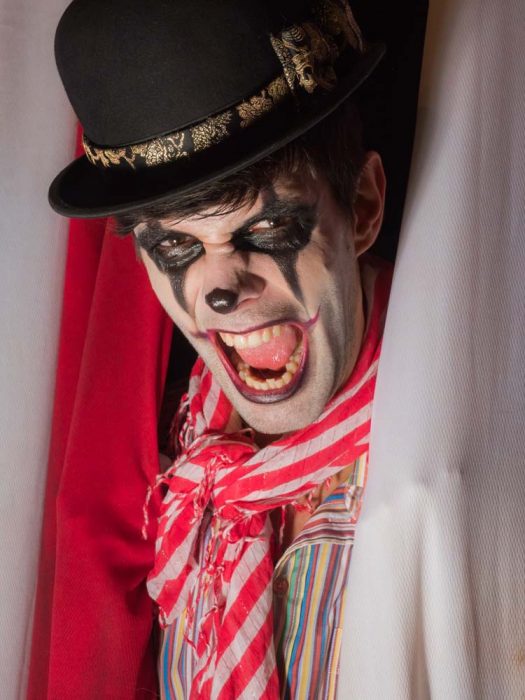
Who doesn’t love a clown? Well lots of us don’t and Brian played that hand to perfection. Miserable, angry and at times a little bit scary, it’s exactly what the faded circus theme was all about.
There’s nothing more frustrating to me than seeing a workshop organiser shooting photos for themselves at the expense of the attendees. As a result I only took a few shots. Fortunately, the photographers who joined us took thousands of photos and below are a few that I’ve been sent so far.
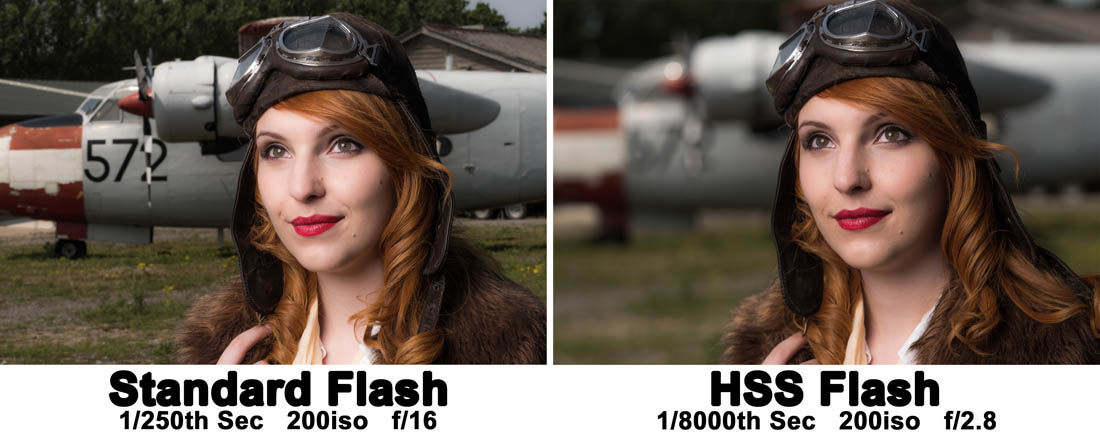
High speed sync is the one flash feature I’ve been missing since swapping to Olympus from Canon a few years back. Yes I could work around it with ND filters or shooting at either end of the day but neither worked as conveniently as high speed sync.
Also known as FP flash or just HSS, flash manufacturers have been slowly catching up and now there are a couple of brands supporting Olympus, Panasonic and Fuji. The first I came across was Profoto but sadly they’re way beyond my budget. Then Godox introduced the TT350o which works like a charm.
As you can see in the video above, HSS allows the camera to shoot at shutter speeds far beyond the tradition flash sync speed of around 1/250th sec. The upshot of reducing the exposure time is that you either reduce the ambient light contamination (perfect when shooting inside with large apertures) or if you want to record the ambient and flash together, you can shoot with wider apertures for less depth of field.
The Godox TT350o flash/trigger that I used here is branded as the Adorama Zoom Mini o (O for Olympus… and Panasonic) there’s also a f version as well as a C, N and S version.
Since then Godox have launched the X1T-o also known as the Adorama Flashpoint R2-oin the USA or the Pixapro ST-iii T in the UK
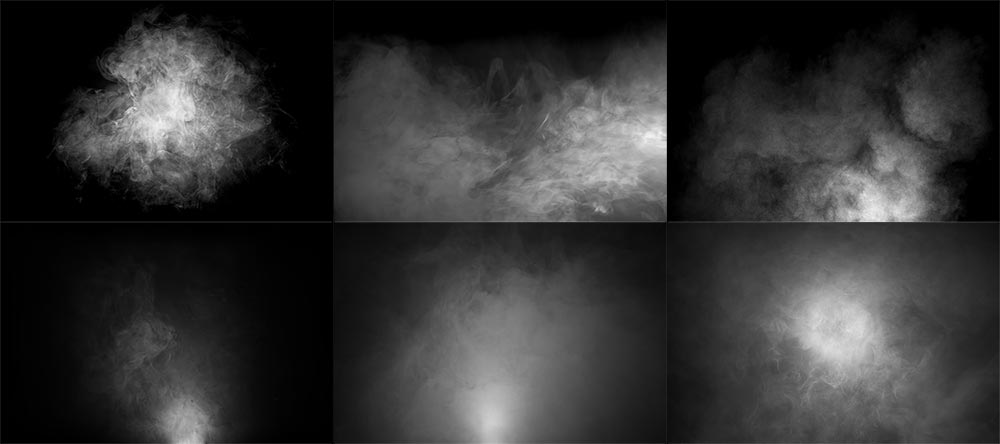
Recently I’ve run a couple of workshops that used smoke effects, the Music and Magic workshop was a great example. During the workshops I’ve mentioned that the volume of smoke can easily be enhanced with a little help from Photoshop. All you need is a shot of smoke against a black background and you’re good to go. Of course there’s smoke and then there’s smoke, so what you actually need is a library of various smoke patterns in order to match it to your scene.
How To Add Smoke
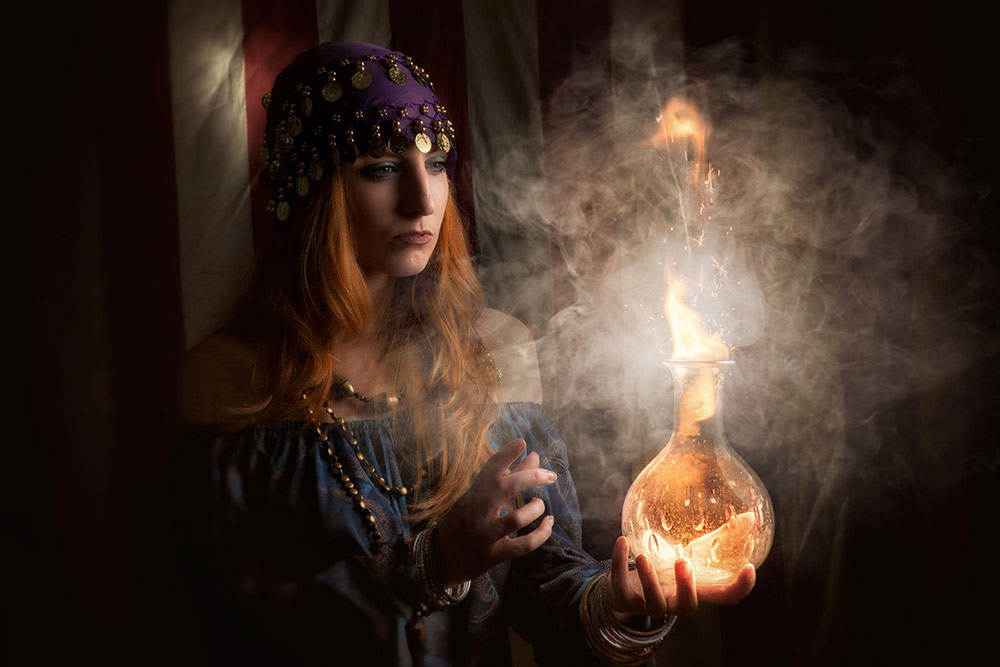
There’s a several ways to use my smoke textures but first you need to download and unzip them. In Photoshop simply open a smoke image and select it (CTRL+A). Then copy it (CTRL+C) and go to the image that needs smoke and paste it in (CTRL+V). To blend the smoke into the photo go to the Layers Panel and change the Layer Blending mode from Normal to Screen. Of course it’s unlikely that the smoke will be in the right place or even the right size, so press CTRL+T and use the Free Transform handles to resize the smoke and then drag it around as you need.
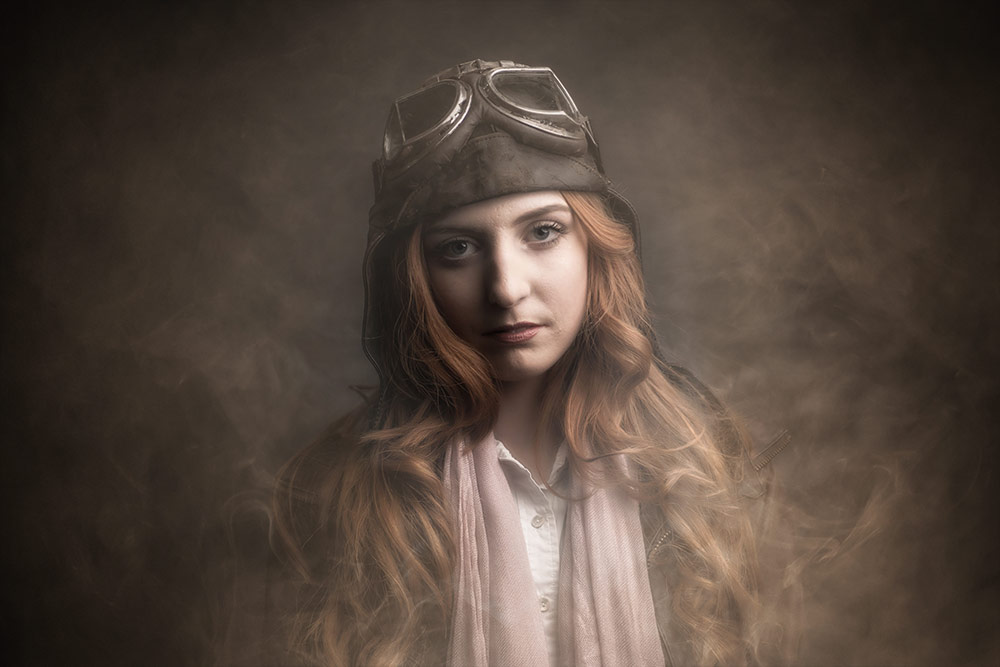
How you use the smoke in your photography is up to you but you. It can be used as realistic smoke by following the advice above or it can be more mist like by lowering the opacity and applying some Gaussian Blur. Alternatively you could add it to the whole image and use it as a texture, may be add some colour with CTRL+U (Hue/Saturation) or try different blending modes for interesting and unexpected results.
With Added Smoke
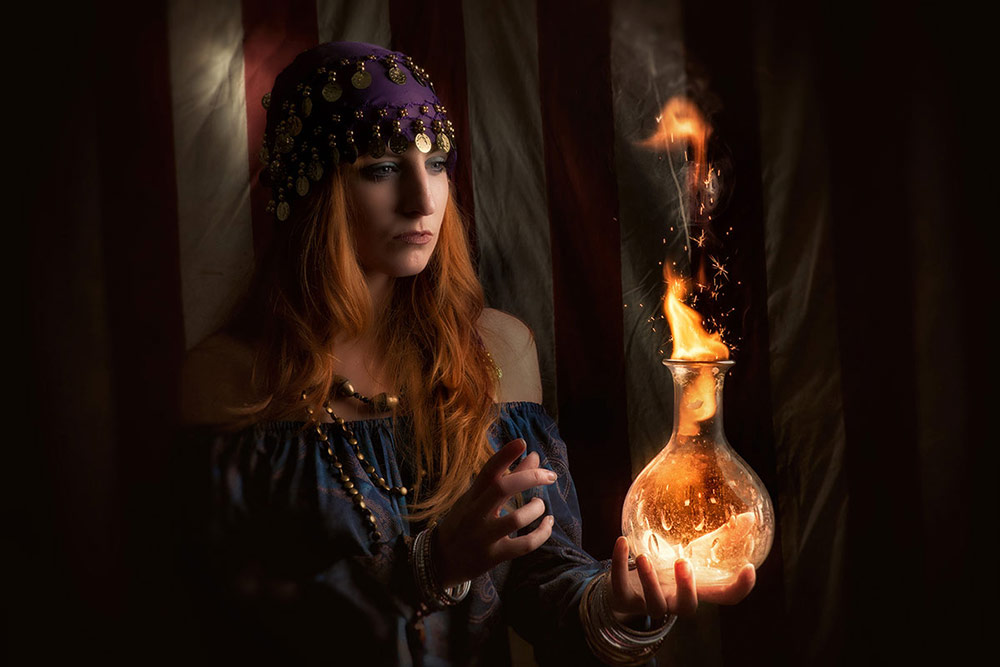
Original Image
With Smoke As A Texture
Original Image
If you create a photo using the Friday Freebie then let me (and everyone else) know by leaving the link in the comments below.
Usage rules The images are copyright Gavin Hoey 2017. Use is limited to any personal but non-commercial purposes. Please share the Friday Freebie by linking back to this page. Do not redistribute the original images without my permission.