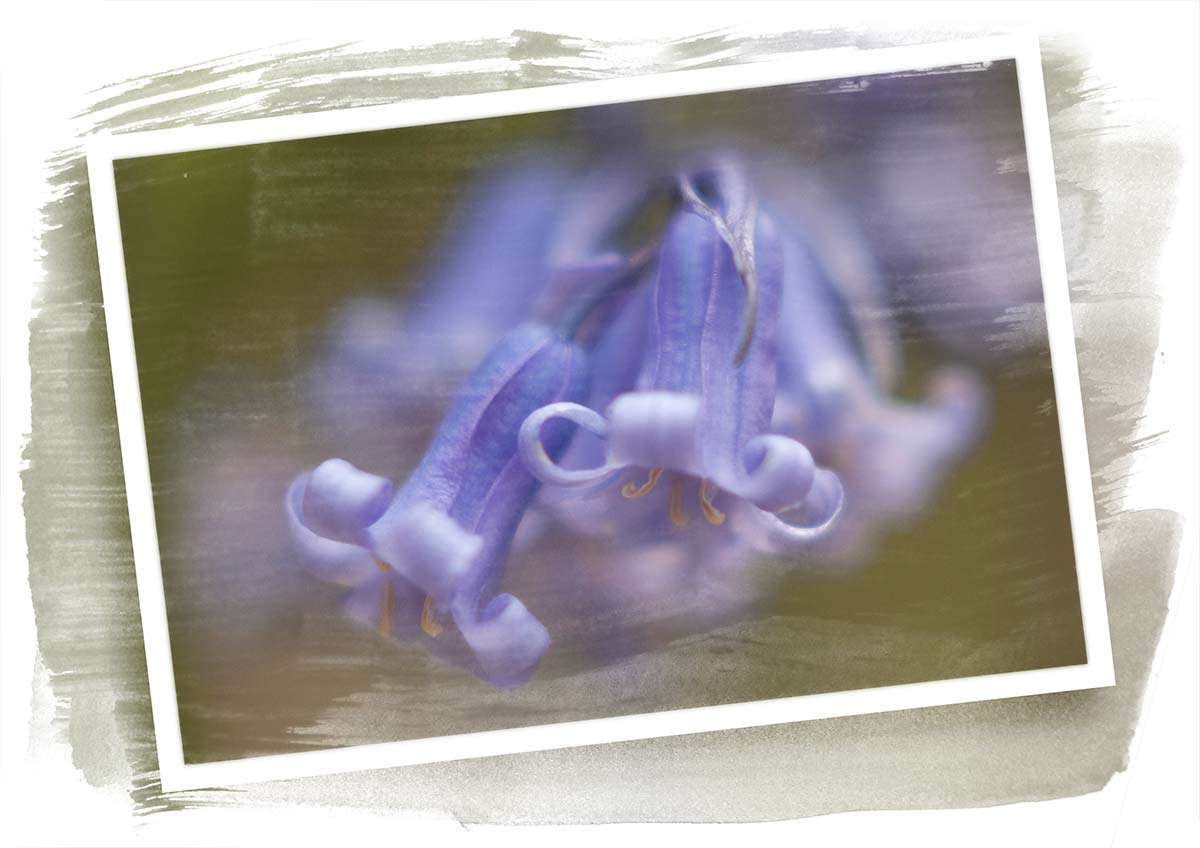
 Here’s a great Friday freebie for anyone who loves creating painterly effects.
The template is a simple JPG file which you can adjust to your own needs. For example you may wish to adjust the brightness using Levels or add a splash of colour with the Colorize option in Hue/Saturation. All you need to do is add your own photo over the whole image or just the framed area, then change the layer blending mode from Normal to Screen. Although the Screen blending mode will usually give you the best results, experimenting with other blending modes can yield some unexpected results which may be even better.
If you’ve had success with the template and you’d like to share your image with others, please pop a link in the comments section.
Download the Painted Frame Template
Usage rules
The image is copyright Gavin Hoey 2013. Use is limited to any personal, non-commercial purposes. Please share the Friday Freebie by linking back to this page. Do not redistribute the original image without my permission.
Download instructions
Click the link https://drive.google.com/file/d/0B_Mmmm3K1utNVnd4a2twTmNacW8/view?usp=sharing
1. Click the Download button 
2. The download should start automatically
Thanks Gavin.
Here’s mine…
http://www.flickr.com/photos/gaseousclay1/8497006751/
this was created using the Pin Light blending.
🙂
Had fun playing with this one.
Used screen and shadowed a selection, desaturated the original layer photo.
https://twitter.com/LesleyLetterist/status/305024131064291328/photo/1
Thanks Gavin.
Quick and easy to use.
Just used screen blend mode as you suggested. Have shared the link and my example on my FB page.
https://www.facebook.com/photo.php?fbid=244940935642689&set=a.214320115371438.56976.185420618261388&type=1&theater
Thanks
Kathy
Australian Photography Cafe
Thank you sir Gavin! as always very helpful.
Thank’s Gavin yet again for your for the Friday Freebie’s they are great..
So easy to use this took only a few mins after following your description above.
but turned it around to use on portrait
cheers.
http://www.flickr.com/photos/baron30s/8510160580/
Thanks Gavin – quick sample pic here: http://www.flickr.com/photos/15197342@N03/8509990675/in/photostream
http://www.flickr.com/photos/chris-rice/8518745651/in/photostream/
Cheers Gavin, love your stuff, Keep it coming.
Chris
Also used your focus stacking technique
https://www.facebook.com/photo.php?fbid=10200697614060683&set=a.10200686222175893.1073741826.1171247858&type=3&theater
Thanks for the template! Easy to use and very nice results: http://carloantonio25.deviantart.com/art/Deep-into-the-sea-374095388?ga_submit_new=10%253A1369626130
Thanks Gavin, here’s my sample..
http://www.flickr.com/photos/jeppacheco/10567588316/
Thank you, it works great. Is there a way to change the white background to a colour other than white? Thank you.