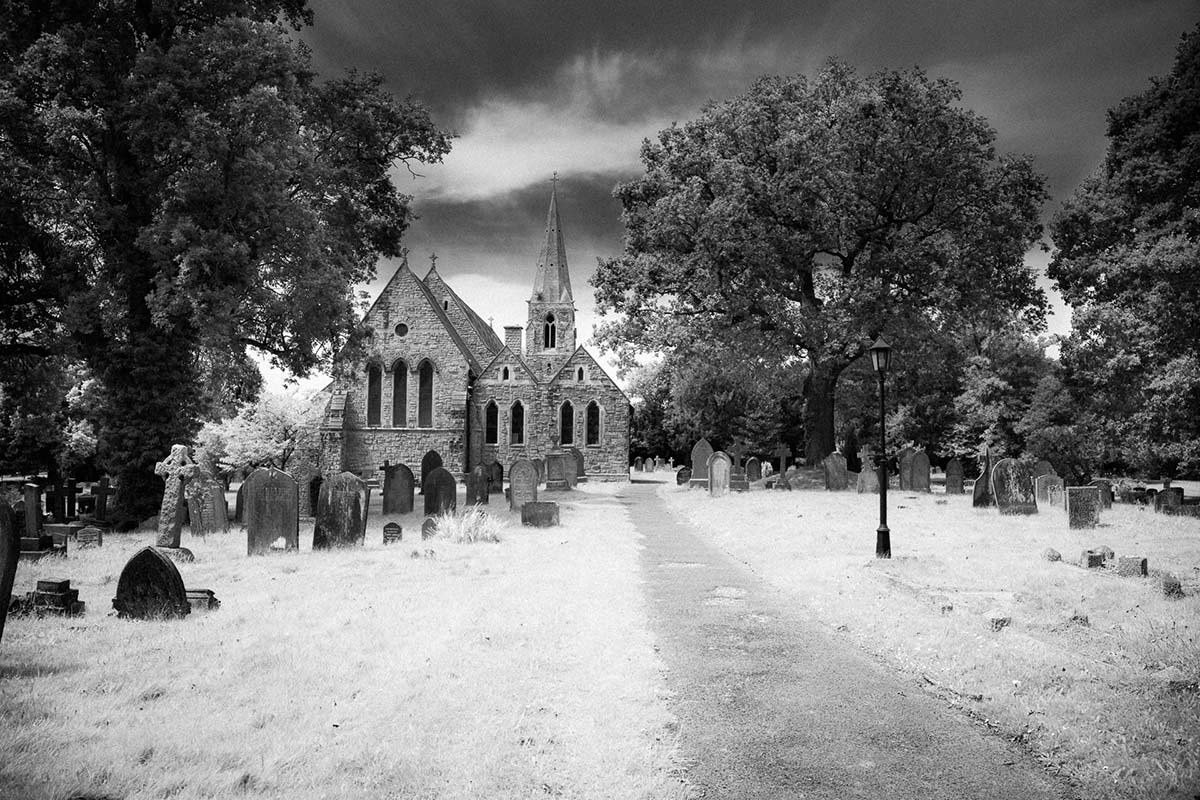
 In this weeks episode of Creative Lightroom I take a deep dive into creating stylish infrared style images in Lightroom. I first made mono infrared images way back in my film days, back then it was a tricky business requiring the film to be loaded in complete darkness. Today things are a lot easier, espeically if you’ve had your camera converted to capture near IR.
This technique forms the basis of my favourite way to process ordinary colour photos into stylish mono. It also adds a touch of the classic IR film feel with a slight glow and a touch of grain.
As always it’s worth mentioning that if you’re a Photoshop user rather then Lightroom user, EVERYTHING I show in the video is the same as Adobe Camera RAW in Photoshop CC, CS6, CS5 and CS4.
[youtube]http://www.youtube.com/watch?v=c6_8AQaNhzs&feature=youtu.be[/youtube]
Can’t see the video? Click here: http://youtu.be/c6_8AQaNhzs
Nice, would really appreciate a (pseudo) colour IR process from using one of those near IR filters too as I haven’t found one I liked yet
Great video Gavin, as always , I have had a Canon 39D converted for infrared, I tend to use the infrared preset but I am not 100% happy with the results. Do you have a recipe for a image from a converted camera or is the one in this tutorial a good place to start. Many thanks, Terry
I thought it was looking even more awesome when you started to pull up the clarity!
Damn…you’ve taught me well
Thanks as always for a brilliant tutorial
Jase
Next weeks the LAST episode…. Noooooo. More Lightroom please 🙂