May Photo Challenge

BFor the May photo challenge your theme is…

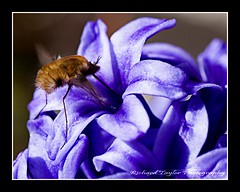
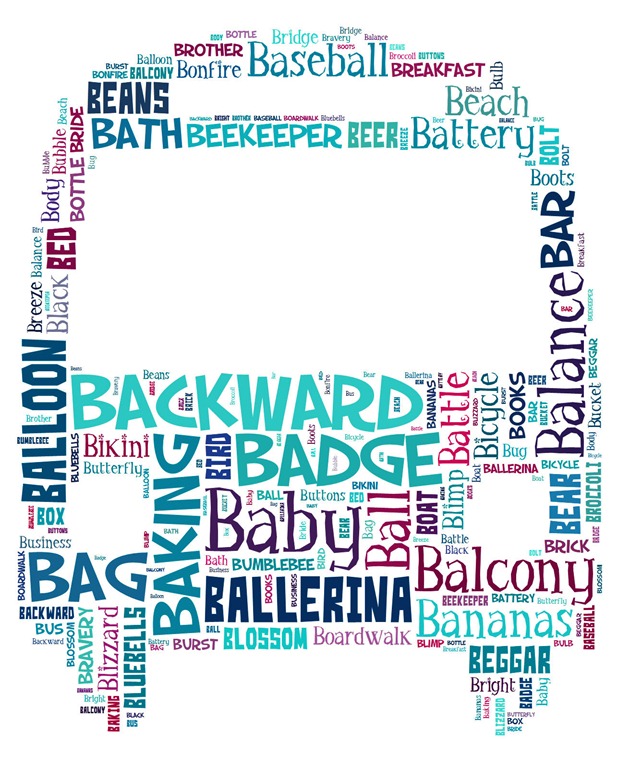
Something beginning with B

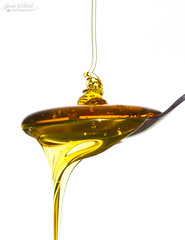
How you decide to interpret that theme is entirely up to you. Perhaps you’ll want to take it literally and enter a photo of a bus, bicycle or blossom. Maybe you’ll try something a little more subtle like a shot from a baseball, basketball or boxing match. Perhaps you’ll think out side the box and shoot a picture of honey (which starts with a bee, right?)

Once you have your photo you’ll then need to do three things…

1. Check your entry meets with the rules at the bottom of this post.
2. Upload your image to the Flickr Group page at
http://www.flickr.com/groups/1909666@N25/
3. Add a description of your “B” thing to the photo eg “B for balloon”

I’m very happy to report that the Photo Challenge is once again being sponsored by Print Yours. They are an independent print lab who specialise in creating small run, high quality prints. Check out their web site for more information http://www.printyours.co.uk/

So what will the winner receive? Well, Print Yours have generously offered to print the winning entry on their 270gsm Photo Satin paper up to a whopping 24”x16”. That’s an £18 print for FREE! If you’re the lucky winner then all you need to do is send a high res version to Print Yours (via email) and they’ll do the rest.

RULES
One entry per person
Entries must be uploaded to the correct Flickr group by 31st May 2012 
Entrants agree to the use of their image on the Gavtrain webpage/facebook page solely for the purpose of announcing the results
The image (including any manipulation or added elements) must be the sole work of the entrant
The winner will be selected by Gavin Hoey and his decision will be final
No alternative prizes are available
Only the winning picture will be printed
The winner will be notified by Flickr direct message.
The winner will be required to email a high res (printable) version of the winning image to Print Yours by 31st July 2012
The winner will be announced on the
Gavtrain Facebook Page during June 2012

Good Luck
Nik Software Webinar UPDATE

My recent webinar with Nik software was an amazing six times over subscribed and as a result I know a lot of you who wanted to watch it live were out of luck. Well I have two pieces of good news.

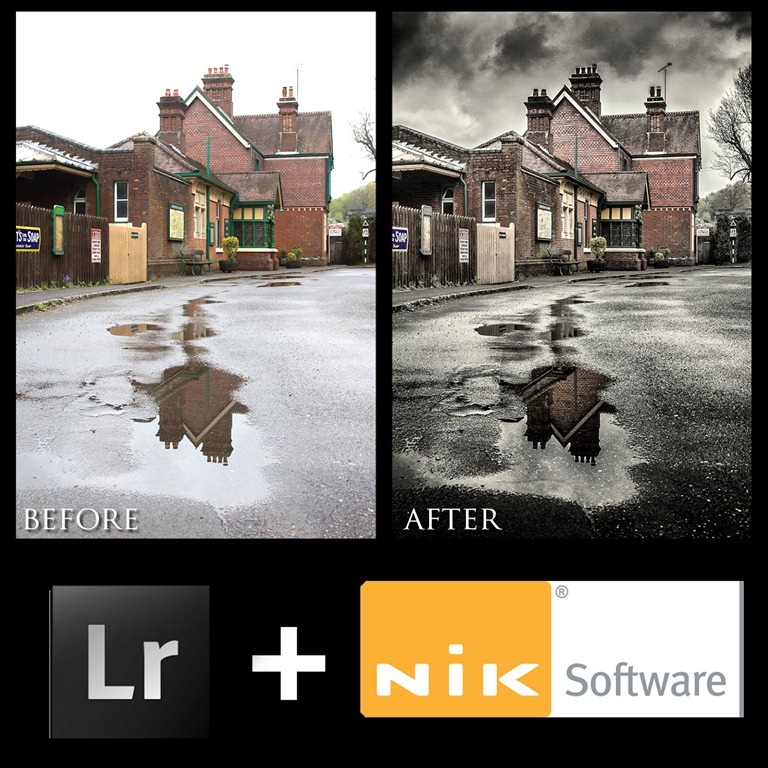
LR NIKThe Recording
First you can watch the recording of the webinar by following this link to download You’ll need to be a register member on the Nik Software site before you can download the video but it’s free to join. Also you’ll need a FLV player like free players from Applian or Wimpy to view the video.

New Webinar
The second bit of good news is that I’ve been asked  by Nik to give a second webinar on the 7th June 2012. As before it’s first come first served so I’d suggest you register today (please note that despite what the description currently says THIS webinar will be exclusively Nik + Photoshop)

Click here to register

April Photo Competition ~ Results

First up I must apologise for the delay in getting the results up and I thank everyone for their patience.

The theme for April photo competition was a little different. This time there was no theme, in fact you could enter any photo you liked as long as it had one important element… the texture on my website.

First up I’d like to thank everyone who got into the spirit of the competition. With 149 entries I think this has been the largest entry to date and as such it’s taken me a while to select a winner.

Once again the standard of the entries was very high, in fact I’d go so far as to say the quality of the photos was the best I’ve seen in these challenges so far. Here’s how I choose the finalists.

I looked at all 149 entries very carefully. Many of the images were excellent photos with a texture over the top and whilst that fitted the theme I was looking for the texture to add another dimension to the image. With that in mind I narrowed it down to around 20 photos and from those I picked my top 10.

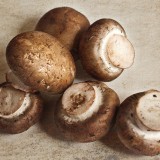
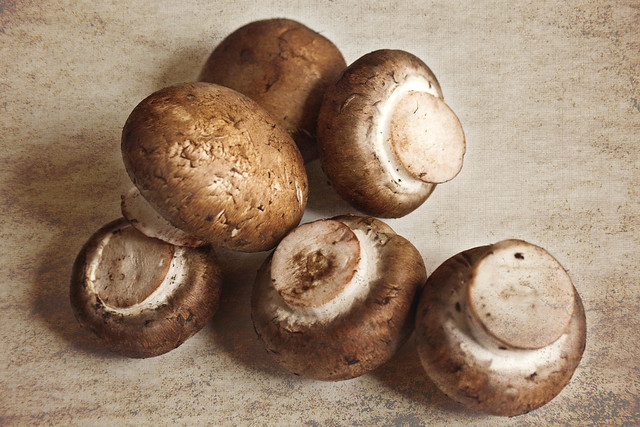
However there can only be one winner and this month the winner is…Mushrooms By Muffet

Mushroomsgav

Muffet will be getting a copy of his print made by my good friends over at Print Yours.

Near Misses…
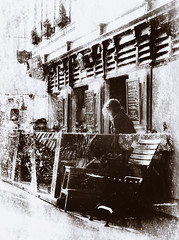
The runners up in no particular order are below. Click on an image to view it large on Flickr. If you didn’t win this time there will be a new challenge running until the end of May. Details coming very soon.

Cafe Culture (Aged)
Cafe Culture (aged)
By Oh, look…A butterfly!
APRTexture Worthing Pier
APRtexture Worthing Pier
By SheilaH2012
Planets 2012 from Pandorium Design©
Planets 2012
By © PANDORIUM DESIGN | Alex Photography
Seen Better Days
Seen better days
By ilovemegapixels
Out of the Darkness
Out of the darkness
By Michael Deville’s Photography
as time goes passing by...
As time goes passing by…
By rebecca1791
DSC_4993
Untitled By LITRATO 1430
West Pier Texture
West Pier Texture By graham_r_c
For the Gavin Hoey Flickr Group -- April Contest. Texture courtesy Gaving Hoey, www.gavtrain.com/free/APRTexture.jpg
Untitled By Decoupart

Free Nik Software Webinar

Nik-2I’m very excited to announce that I’ll be running a brand new eSeminar hosted by Nik Software.

Thursday 10th May 2012 ~ 7.00pm UK time

The Webinar starts at and should run for around an hour.

The best news is it’s totally FREE! All you have to do is register for the event on the Nik website and you’re ready to go.

At this stage I don’t know what the maximum number guest will be so I recommend registering early.

So what will I be covering? Well, I’ll be starting the webinar in Lightroom 4 and demonstrating how I use it in combination with the Nik Plug ins. Don’t worry if you’re new to Nik Software as I’ll explaining everything as I go along. Nik Software have kindly left the subject matter for this webinar totally open, so I’ll be running through some of my favourite images, showing you exactly how I made them and passing on as many hints, tips and techniques as I can fit into an hour.

Although I’ll be using Lightroom 4 as my host program I’ll be spending lots of time inside my three favourite Nik Plugins.
Nik Color Efex Pro 4
Nik Silver Efex 2
Nik HDR Efex

You can find out more information about those three plugins and even download a 15 day free trial from the Nik Website or you can buy them outright from many retailers like here at Adorama.

See you there!

Photoshop CS6 top 5 ~ Video

Photoshop-CS6In this video I talk about and demonstrate my top 5 BIG headline grabbing new features of Photoshop CS6.

Obviously I’m looking at this from a photographers point of view, so if you’re into 3D or graphic design then your top features list will be radically different.

My Top 5 CS6 photo features are:
The new dark interface
The content aware move tool
The three new blur and oil paint filters
Content aware Patch Tool
and finally the big one… Adobe Camera RAW 7

Big prints & 50% discount

PY-1Like many people I have an A4 printer on my desk. Mine’s a Canon Pixma and is ideal of the odd proof print or two.

A4 is a nice size to print and back in the day of 15” CRT monitors an A4 print looked large. Today however, we’re all used to seeing large images on our large screens, so I want to make my prints bigger then my screen.

A while ago I went looking for a company that could provide me with large prints at moderate prices.

Cheap vs Expensive
First up I tried the same printers I use for my small prints. I started off by sending some files to well known (and cheap) UK internet lab. The photos that came back weren’t amazing but were OK for my needs. So I placed a larger order but the prints I got back the second time didn’t match the colour and contrast of the first set… end result, fail!

Next I tried a pro lab. Their price of a 24” print was many times higher then the cheapo internet lab but the results were excellent. The only problem was I couldn’t get my head past the huge price.

Independent Lab
PY-2Back in January I met a chap call Kevin. We got chatting about photography and it transpired he owned a company called Print Yours who specialise in large fine art prints. I’ve since placed several orders with them and the quality has been outstanding and best of all it’s been consistent. The price isn’t bad either.

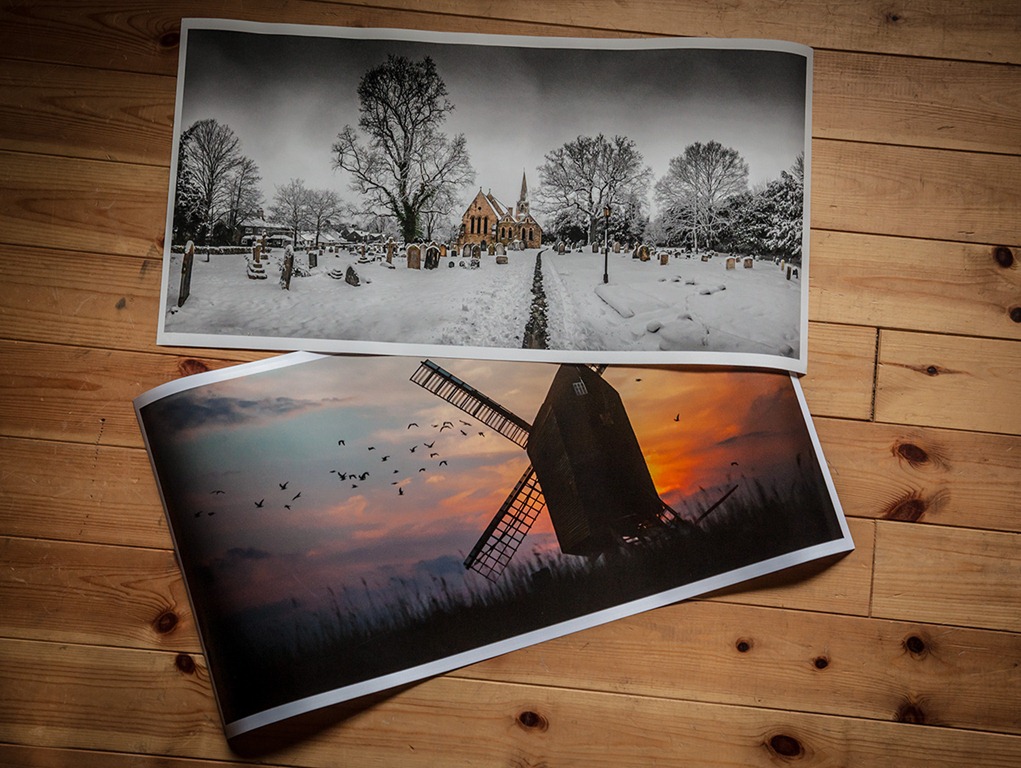
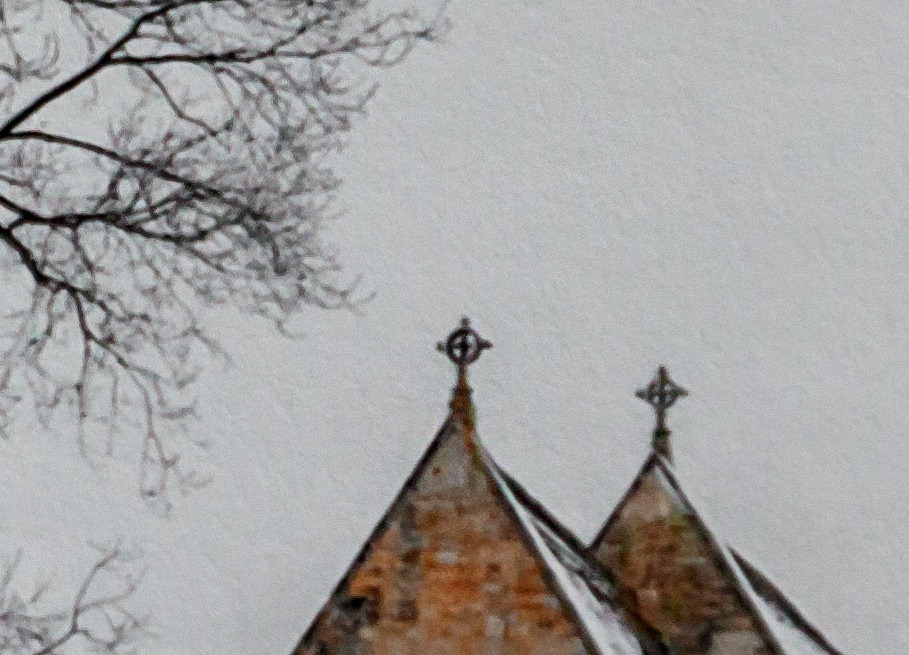
My favourite paper is the cotton rag. It’s a matte paper that has amazing detail and even a slight texture (click the image to see more detail)

Print Yours Offer
OK rather the taking my word for it why not give Print Yours a go for yourself. Kevin has organised a special 50% discount offer for the Gavtrain readers. Make it a weekend project to sort out one or two of your favourite photos and print them BIG!PY-3

Free Photoshop CS6 Border Action

Click here to… Download the Beta version of Photoshop CS6 Beta from Adobe Labs

Tool recordingPhotoshop CS6 has some impressive new features which are grabbing the headlines and quite rightly so. However once you’ve used Photoshop CS6 for a while and dig a little deeper, you’ll discover some very handy improvements which in the fullness of time may well be more useful then things like the new blur filters (not that there’s anything wrong with those of course).

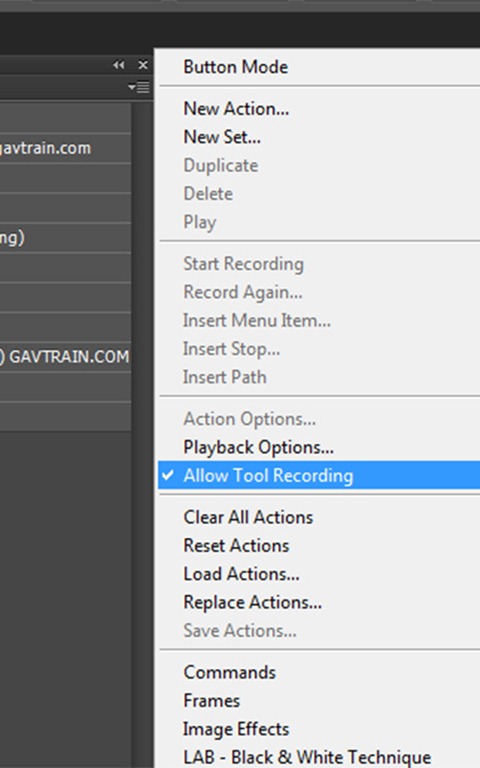
One such thing for me is a little enhancement to Actions called Allow Tool Recording. Actions have always been great, but I’ve always been frustrated that I can’t record any brush actions. That means I’ve always had to find imaginative ways to work round things like cloning, painting and erasing, that is until now.

Allow tool recording is turned off by default, so if you want to try it in your actions head over to the actions flyout menu and turn it on.

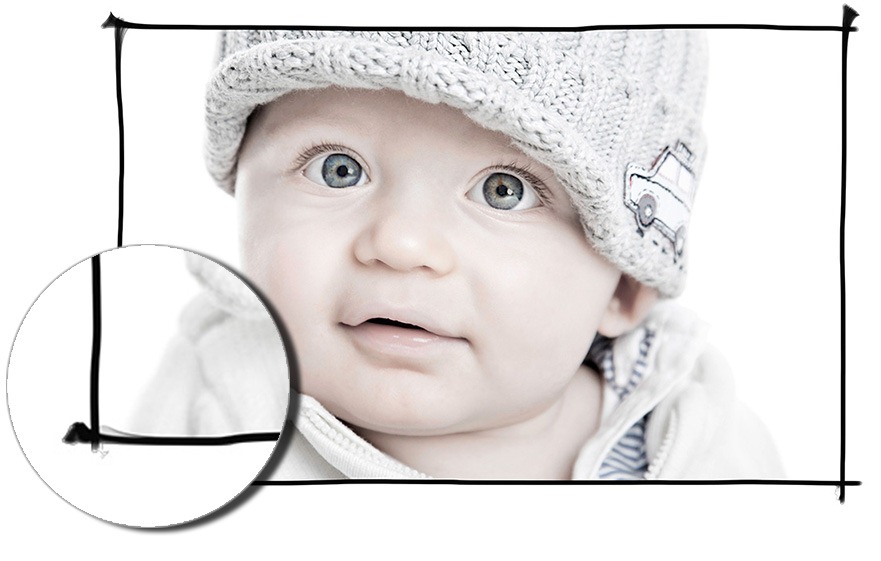
To give you a very quick idea of what it can do, I’m sharing one of my new hand drawn border actions for you to use on your own images. It’s a very simple keyline black border that I drew using a Wacom tablet and uses one of the excellent presets for the mixer brush.

To download the free sample action CLICK HERE    www.gavtrain.com/free/CS6-Demo-Border-1.zip
NOTE: This action will ONLY work with Photoshop CS6

CS6 Border1

Studio Clamps

If I asked you to come up with a list of the top 100 gadgets you would buy for a photographic studio, I’m pretty sure the studio clamps would fall somewhere towards the end. Let’s face it clamps are clamps right? All they do is hold things in place, job done.

Well yes that’s true, but that’s not the end of the story. In fact if I had to make a list of the most essential gear you’ll need in a studio, I’d put clamps somewhere towards the top just after lights, backgrounds, and light modifiers. Come to think of it, that might explain why I have so many of them.

So here’s the three types of clamps I use…

DIY store clamps
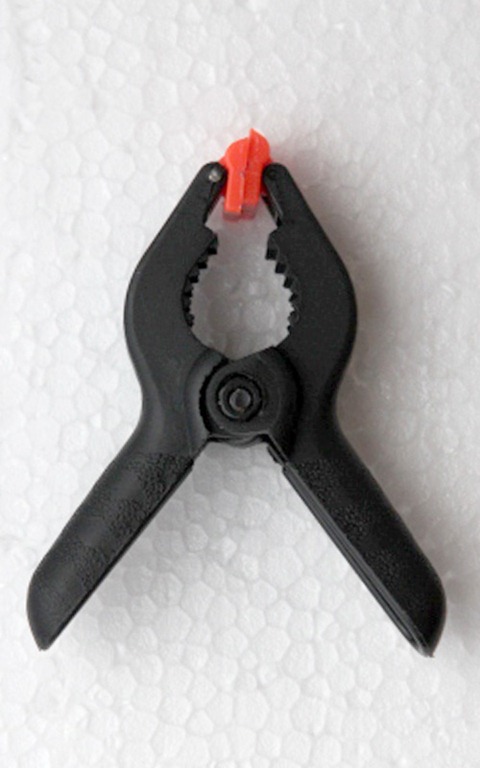
aIMG_5176You can pick these things up almost anywhere. I’ve found them on market stalls, in the local pound shop and even at the supermarket. From my experience, the cheaper they are the quicker those little orange jaws will break off. That said I have dozens of these things kicking around the studio and they’re great. I have giant ones for attaching backgrounds to large poles, medium sized ones for clamping reflectors to light stands and tiny ones for… actually I don’t use the really tiny ones.

Pros: Cheap to buy and readily available
Cons: Don’t expect the cheapo ones to last too long


Gorilla Studio Clamps
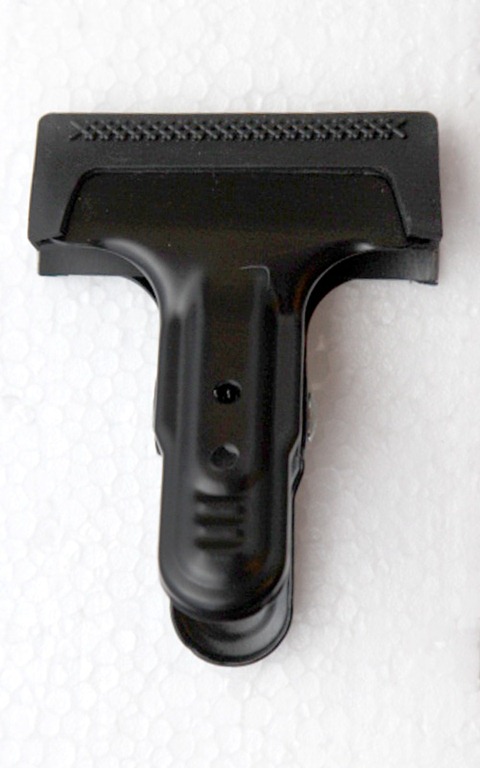
aIMG_5182These things are a big step up from the DIY store clamps. First up they’re made of metal, not plastic, so should stand up to years of use and abuse. The clamp action is seriously strong, so watch your fingers when snapping them closed. Each side of the clamp is lined with a rubber, which helps reduce the risk of marking delicate surfaces. These rubber strips can be removed and frustratingly, they do have a habit of falling off at the wrong moment. As the name suggests the gorilla clamps are super strong and I’ll use a couple of them to attach heavy material to a background support pole or as quick way of clamping and object to one of the many supports I have in the ceiling.

I got mine from my good friends at Smick LINK

Pros: Very strong and built to last, with a price that won’t break the bank
Cons: One day those rubber grips will fall off and get lost


Multi Clip

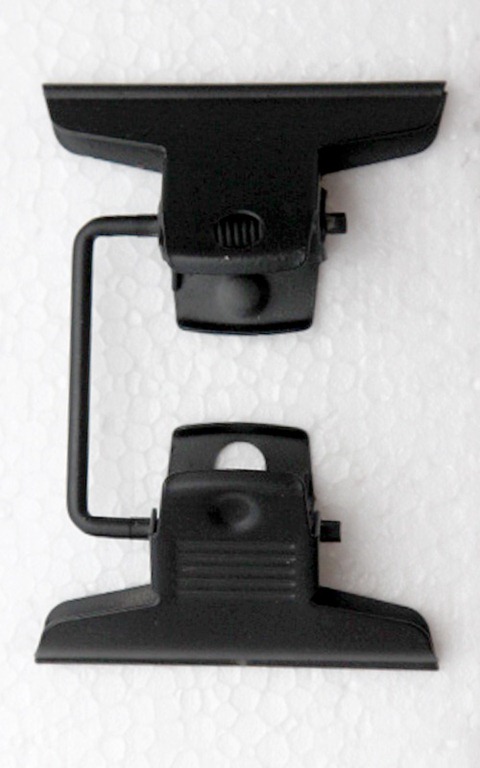
aIMG_5179It’s a clip not a clamp, so don’t expect this to hold anything too heavy. Even so this has to be the favourite clamp I own. It’s basically a couple of two inch bulldog clips joined together but it’s secret weapon is its ability to move each clip independently. This thing is great for making an impromptu barn door. Simply clip a piece of black card to one end and attach the other to a light stand. I’ll use these clips all the time to stop something wobbling, falling down or blowing away. At around £7 they’re not cheap but they’re so useful, every studio should have one. As before, mine came from Smick LINK

Pros: Small but ever so useful, this little gadget will be used time and time again
Cons: It’s not going to hold anything heavy for too long and the price is fairly high.

April Photo Challenge

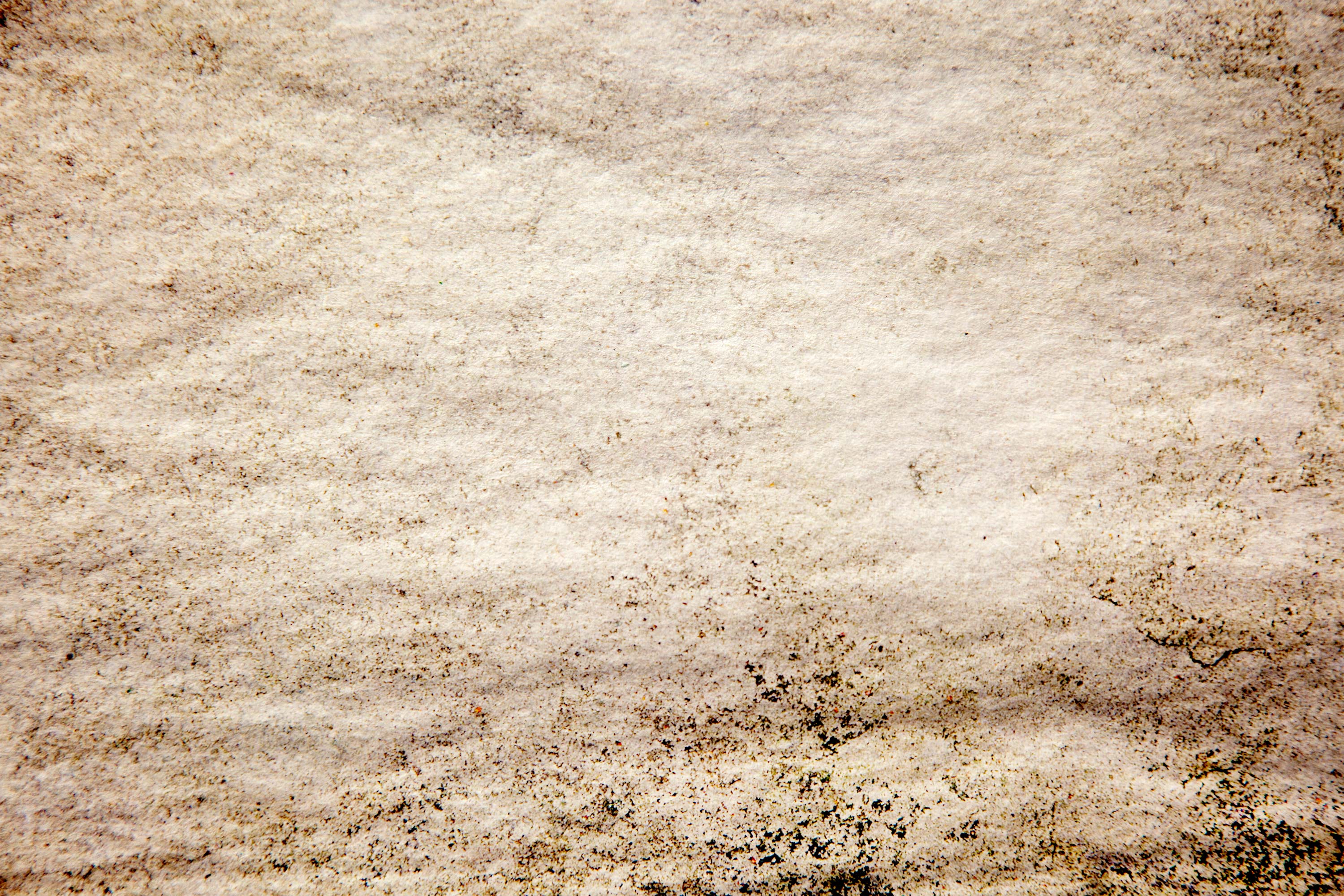
For the April photo challenge I thought we’d do something different. So this month there is NO THEME. That’s right this month you’re free to enter a photo of absolutely anything you want. In fact there’s only one thing your photo must have… Your entry MUST make use of this texture as part of the final shot.

APR-Texture-700

https://www.gavtrain.com/free/APRTexture.jpg
To download the texture, right click the link above and choose “Save As”

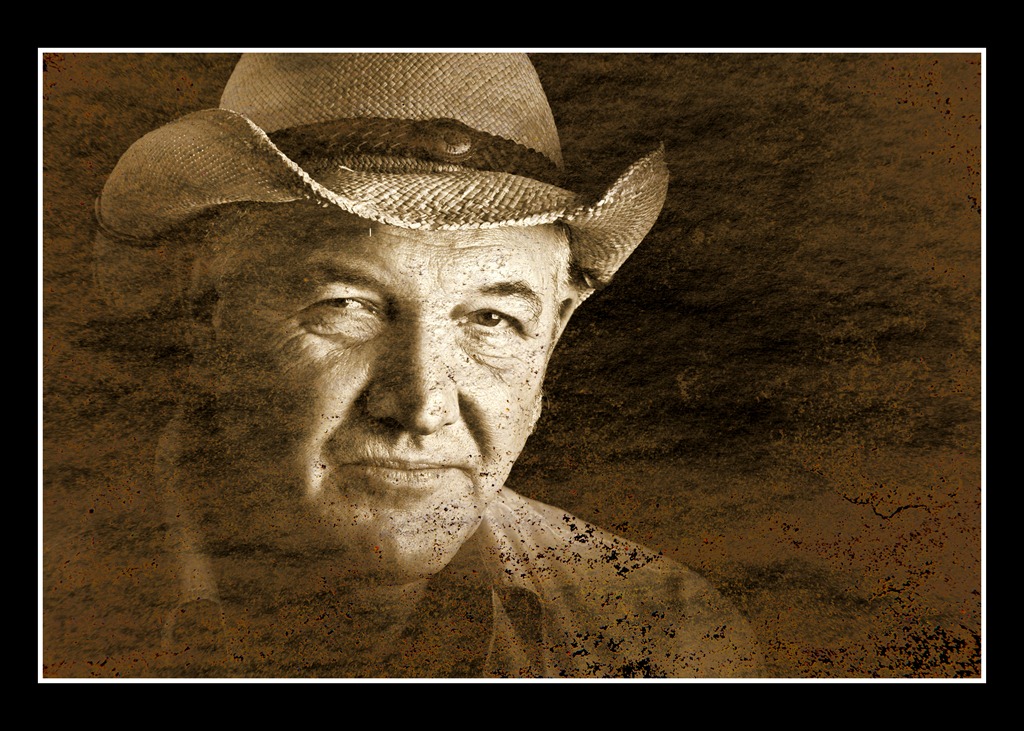
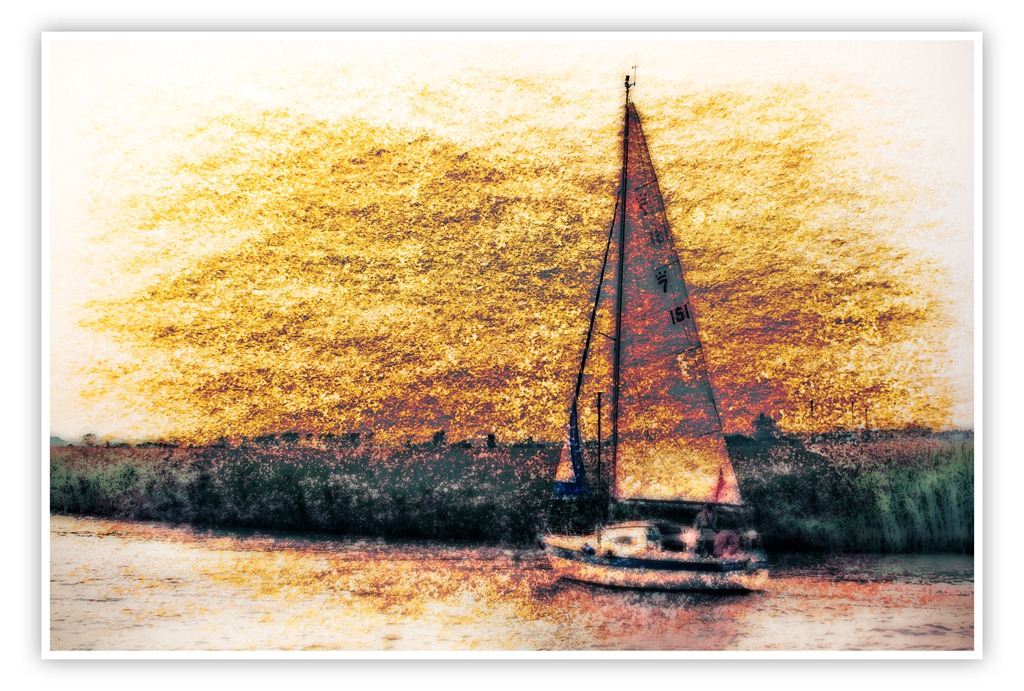
How you use the texture is entirely up to you. Perhaps you want to place it over your photo and change the blending mode, or maybe you’re going to use it to create a border effect. I’ve added a couple of my own ideas at the end of this post. Remember to use a bit of imagination and make it eye catching.

Once you have your photo you’ll then need to upload it to the Flickr Group page at http://www.flickr.com/groups/1964708@N23/

I’m very happy to report that the Photo Challenge is once again being sponsored by Print Yours. They are an independent print lab who specialise is creating small run, high quality prints. Check out their web site for more information http://www.printyours.co.uk/

So what will the winner receive? Well Print Yours have generously offered to print the winning entry on their 270gsm Photo Satin paper up to a whopping 24”x16”. That’s an £18 print for FREE! If you’re the lucky winner then all you need to do is send a high res version to Print Yours (via email) and they’ll do the rest.

RULES
One entry per person
Entries must be uploaded to the correct Flickr group by 30th April 2012
The entry must make use of the texture from https://www.gavtrain.com/free/APRTexture.jpg 
The images (including any manipulation or elements excluding the texture) must be the sole work of the entrant
The winner will be selected by By Gavin Hoey and his decision will be final
No alternative prizes are available and only the winning picture will be printed
The winner will be required to email a high res (printable) version of the winning image to Print Yours
The winner will be announced on the Gavtrain Facebook Page during May2012

Good Luck
Texture 3

Texture 2

March Photo Challenge winner

The theme for March photo competition was “Food for thought” which was a little more challenging then either the January competition or the February challenge. As always I left the interpretation of that phrase completely open and I was really pleased to see so many people have a go.

First up I’d like to thank everyone who got into the spirit of the competition. The purpose of these challenges is to get you to go out and take or make an image that fits the bill rather then simply choosing a photo from your hard drive. So if you went out and took a photo just for this challenge then you should be proud of your achievement.

This time round the winner wasn’t chosen by me. Instead I handed that responsibility to Sam, who many of you know is a food writer and photographer. You can see some of Sam’s work over at her website www.samskitchen.net.

Once again the standard of the entries was very high, so I asked Sam to pick one winner and 9 runners up. I think Sam’s chosen a great selection of photos which cover the whole range of interpretations of “Food for thought”
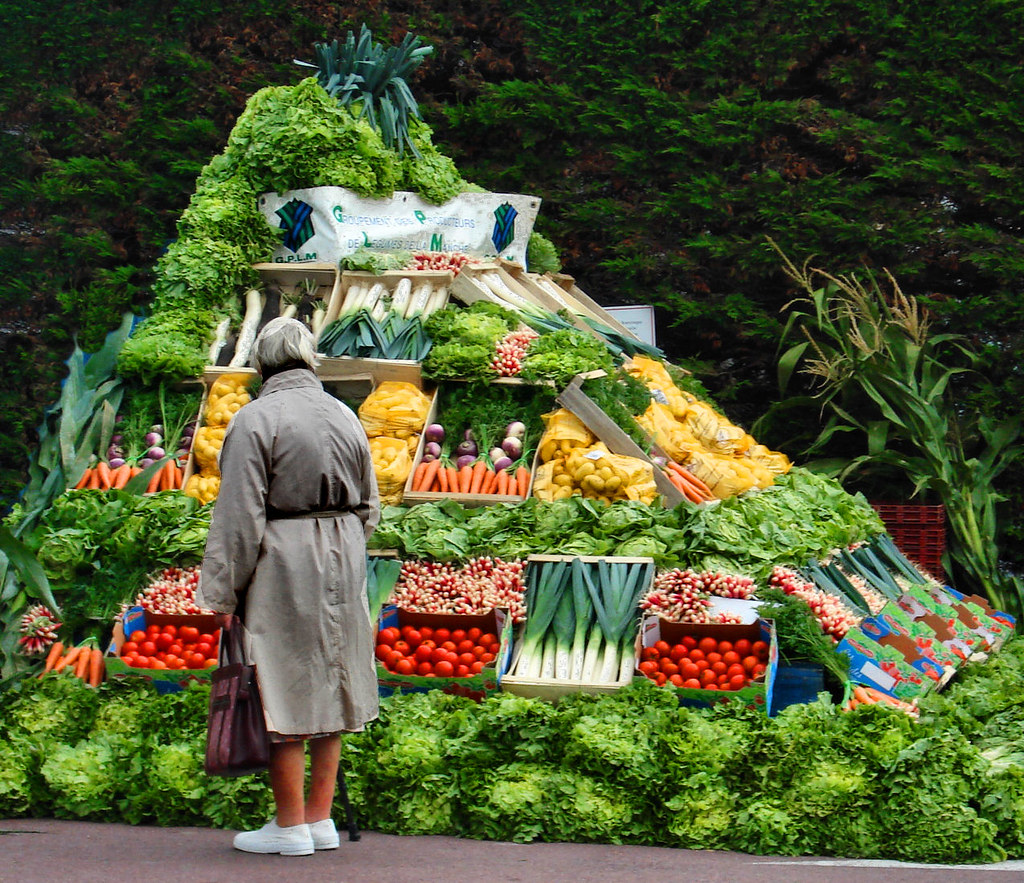
However there can only be one winner and this month the winner is…Five-A-Day By Drag’n’Drop

Drag’n’Drop will be getting a copy of his print made by my good friends over at Print Yours.

Near Misses…
The runners up in no particular order are below. Click on an image to view it large on Flickr. If you didn’t win this time there’s a new challenge running until the end of April. Details coming very soon.

Kiwi Kiwi By Arangan Ananth Insect Food
Insect Food
By Jellymoon Photography
Pasni: A rice feeding ceremony
 
By sukuchha
Schweeeeet!!
Schweeeeet!! By stormer014
Fruit Fairy cake-19
Fruit Fairy cake-19
By Davebozy
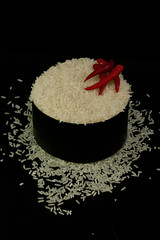
Rice and Spice
Rice and Spice By debrasflower
Deconstructed Chicken n Chips
Deconstructed Chicken ‘n’ Chips
By Phil-Williams
Enough is Enough
Enough is Enough 
By teddybearwithatowel
Creme Eggs How to you eat yours
Creame Eggs How to you eat yours
By CrazyDave53