I really love borders and a love grunge images, it’s the textures and decay that I find oddly interesting. So here’s a quick border effect that combines both of borders and grunge in one bite sized chunk.
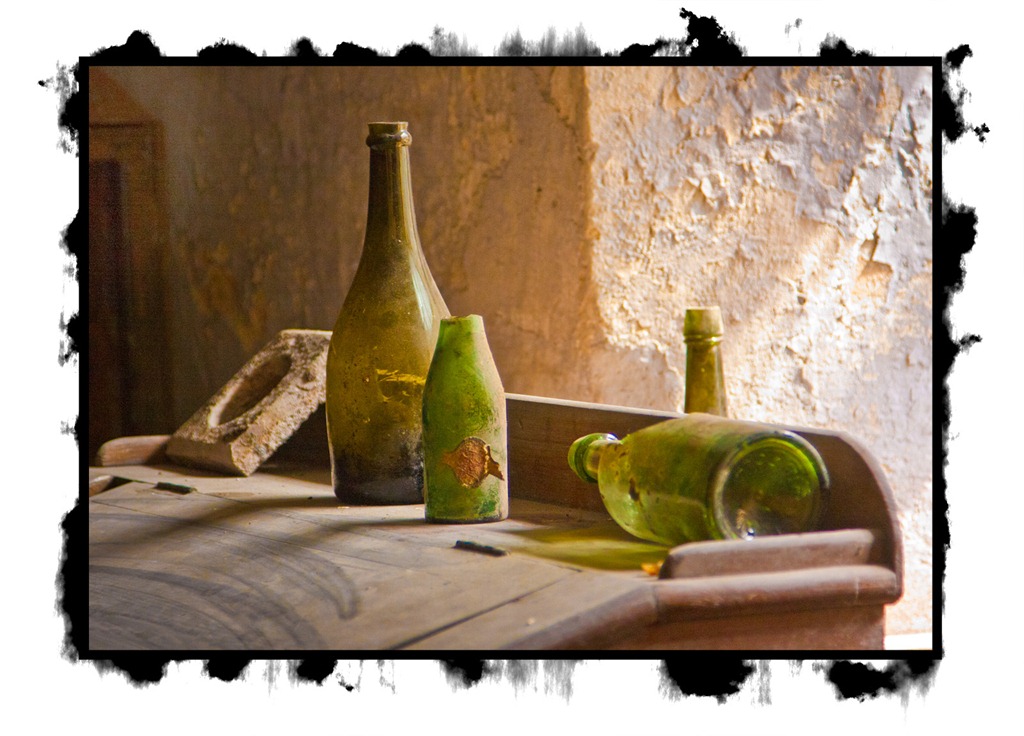

I really love borders and a love grunge images, it’s the textures and decay that I find oddly interesting. So here’s a quick border effect that combines both of borders and grunge in one bite sized chunk.
i love yoyr vidios because you teach so thorogh and explane every detail
it s a good website
good and video to follow… thanks!!! Benny
San Diego, Ca
I ment good and easy video to follow… Love your videos and pics!!! Thanks again!!!
I had the privilege to meet Gavin at the Focus on imaging show 2012 and sit in on a couple of his Photoshop talks, very impressed, very easy to understand and sat down with me after to just recap, great guy. Keep up the good work. Chris – Stoke on Trent
PS, I have now swapped my I Shoot Raw Shirt for a RAW to The Core one 🙂
Thanks for the kind words Chris 🙂
Hi Gavin,
Enjoying your videos very much. Finding a roadblock on ‘Super Quick Grunge Border in Photoshop.”
I get all the way to the end where you explain how to add grunge by clicking on a brush, clicking on black/white icon on tool bar and then selecting a color to brush around the edges of the photo. I watch your technique. After you select your color, the cursor becomes a circle/brush and lets you paint. But when I try it, the cursor is a cross and only gives me a pencil line instead of a nice grunge. I’ve tried every technique i can think of to match what you’ve done, but no luck. Any suggestions?