Find me on Google+

google Google+ finally went public around a week ago, which throws open the doors to the newest social networking platform. At this stage I’m undecided about how this new player will fit in to my life, but if you fancy following me on Google+ (known as adding me to a circle) I’m right here.

So what will I be using Google+ for? Well, at the moment it’ll probably be a copy of my Facebook page. Now you may say that’s a missed opportunity, but I’ve got nothing extra to add to Google+ that I can’t already say on Facebook. That said the "hangouts" idea on Google+ sounds interesting for the future. Hangouts are video (or audio only) calls between small groups of people and I can really see that being useful in due course.

To be clear Google+ is going to compliment my existing presence on Facebook and Twitter. At some point in the future Google will make business accounts available and then I’ll probably take a bigger interest in what it can do.

Just a note of caution. Although Google+ is proving a bit of a hit with many photographers, my teenage daughter and her peer group don’t see Google+ anywhere on their radar at the moment. However when the teenagers of this world drop Facebook and move on to something else, I wouldn’t be surprised if they choose Google+.

Quick Print Resizer – Free Action

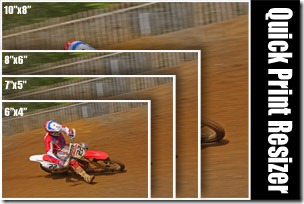
quick-print-resizerHere’s another one of my free downloads. As always it’s hosted on Adobe Exchange which means it’s free to download, but you’ll need to register on the Adobe site. It’s well worth it registering as it opens the door to lots of great Photoshop goodies.

This time, it’s a time saving action for anyone like me who needs to Instantly turn a single image in four photos at popular print lab sizes. The action makes one original sized image plus: 10″x8″ print, 8″x6″ print, 7″x5″ print and 6″x4″ print.

It Includes individual actions to make either 300ppi or 240ppi resolution prints in both upright (portrait) and wide (landscape) formats.

Download the file from here

NOTE: Source photos should be uncropped images from a DLSR camera. Images will be cropped to fit sizes

Brighton Sewer – Photography Challenge

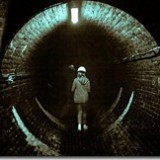
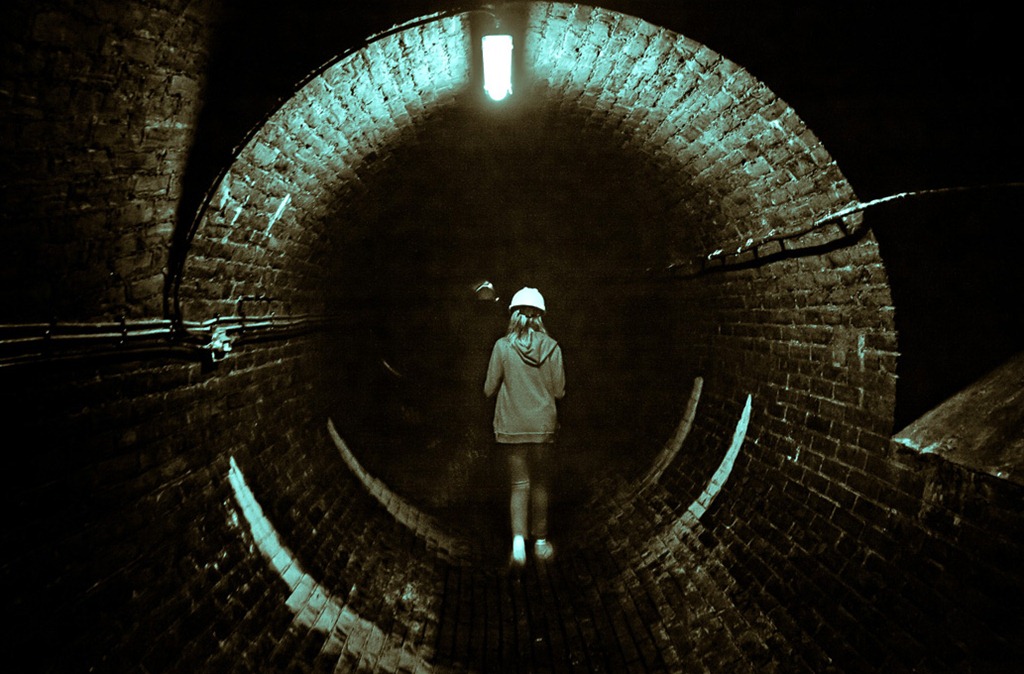
IMG_7493Sometimes photography can take you to some very unusual places and nowhere is more challenging then going into the maze of Victorian sewers that crisscross beneath the feet of the people of Brighton. It might have been easier if I had advanced warning of my visit, but the whole thing was arranged by Sam as a mystery location challenge. All I knew was that I was going to Brighton and I’d need to wear old clothes.

I’m sure there are a lot of questions to answer, but here are the first ones that come to mind.

Was it smelly?
Well surprisingly it wasn’t too bad. Yes there was a slight odour but nothing like you might imagine.

Surely if can’t be safe?
You get well briefed before going on the tour. Everyone wears gloves and a hard hat and there are comprehensive washing facilities at the end of the tour. That said you only go in walkways or sewers that handle surface water, so although you do see (if you want) the nasty stuff, it’s kept well away.

Wouldn’t a faster lens be more useful?
If I had time to research where I was going I just might have taken my 50mm f1.8 lens. However it really was a mystery visit so that wasn’t an option. Besides my 24-105L lens has image stabilisation equal to three stops and the f/4 aperture gave me a slightly bigger depth of field.

What happened in the middle of the video when it went black?
It was a power failure. One moment the lights were on the next it was pitch black. Fortunately the power came back on a few seconds later.

Are the images noisy at 6400 ISO?
Yes, but Photoshop CS5 has an almost magic ability to subdue noise in RAW photos.

What’s with the colour scheme?
In previous challenges I’ve come in for criticism for “over processing” my images. That’s a very subjective thing to say, but for these Images I decided to give them all the same look and do very little Photoshop work. The split tone look was applied in Photoshop CS5 (Adobe Camera RAW)

Would you recommend the tour for photographers?
I’d whole heartedly recommend the tour, but not as a photographic venue. Go and learn about the history and modern use of the sewer system, but don’t expect to come out with lots of photos.

A day at the races

Usually my email inbox is full of the usual junk mail, spam and the odd bizarre suggestions for videos (but that’s another story). Every now and then an email arrives that’s a bit special and when I read the email from Geoff, I had a big smile on my face.

Geoff wanted to arrange a training session, but rather then meeting at one of my usual locations Geoff had arranged passes to the Goodwood Revival. The weekend long event is a spectacle of 40’s 50’s and 60’s vintage racing cars, bikes and aircraft. That in itself would make it a worthwhile event, but these cars aren’t here to be looked at, oh no, the cars are here to RACE!
Goodwood-10
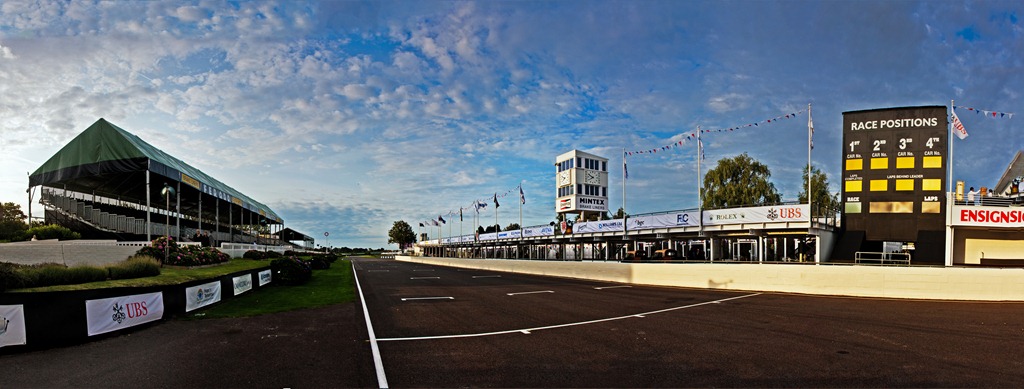
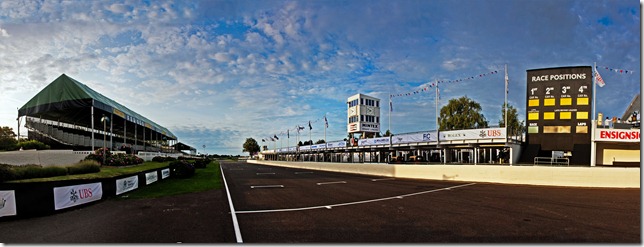
6 shot panoramic of the Goodwood race track

I had arranged to meet with Geoff and his friend Dan at Goodwood just as the gates opened, which made it a very early start, but there were a couple of benefits. Being at the venue early meant we avoided some of the huge crowds that attend the Revival, but the really big bonus of being early was getting access to the race track.

Geoff, Dan and I spent our time on the track perfecting the art of panoramic shooting whist avoiding being run over by some vintage Rolls Royce cars which were cruising round the track.
Goodwood-6
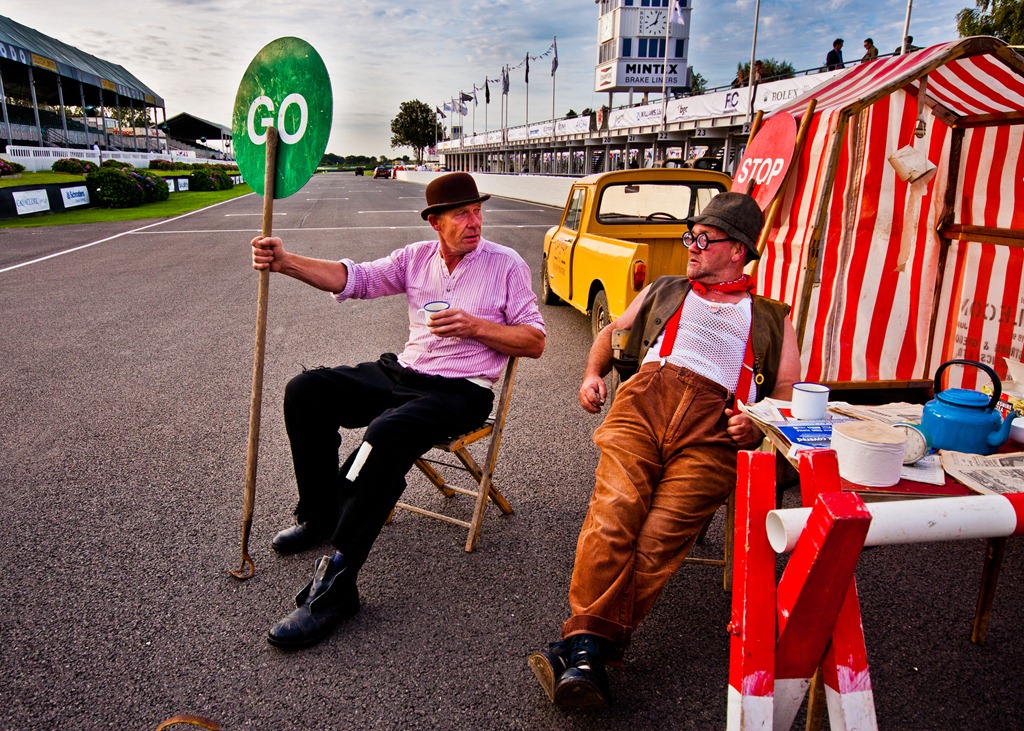
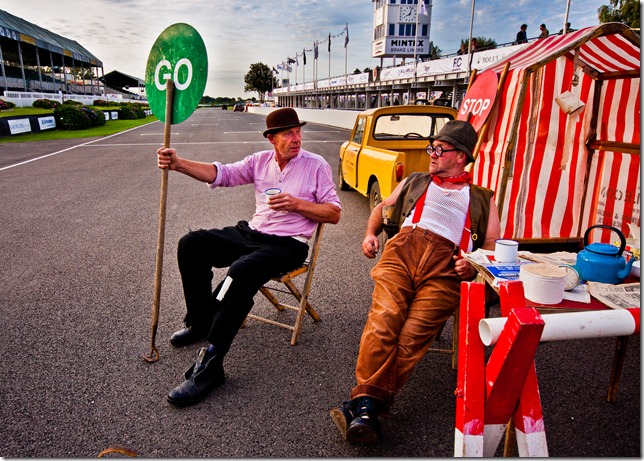
Traffic control, Goodwood style

One of the unique features of the Goodwood Revival is that almost everyone is in vintage costume (including myself, Geoff and Dan). Even the chaps who were ensuring we didn’t become photographic road kill were dressed for the occasion. In fact on the odd occasion I did see someone in jeans and a t-shirt they looked strangely out of place.
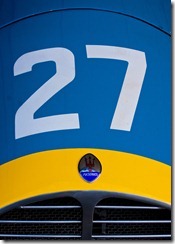
Goodwood-3    Goodwood-7    Goodwood-8
Details of cars

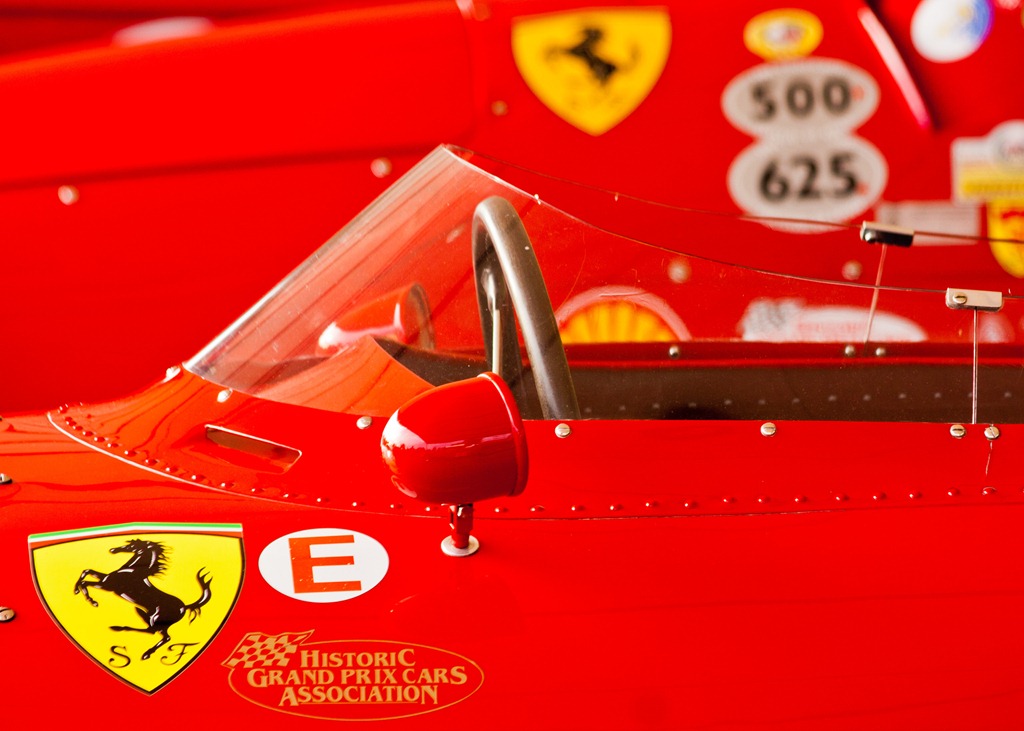
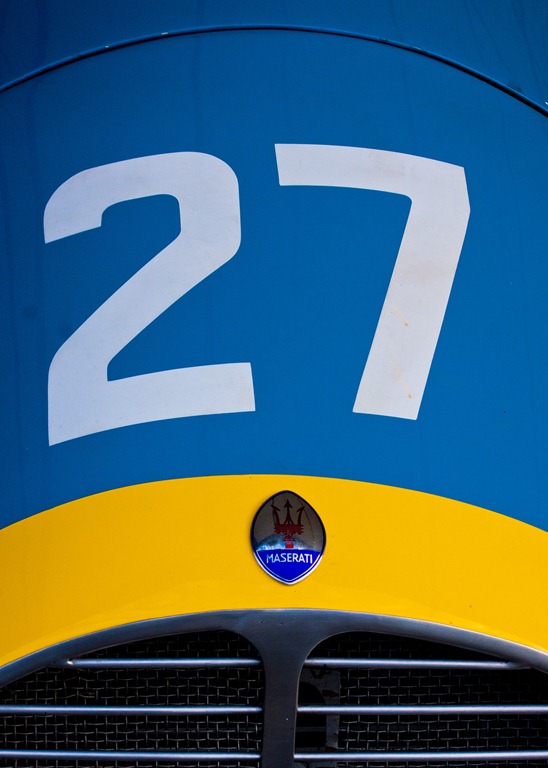
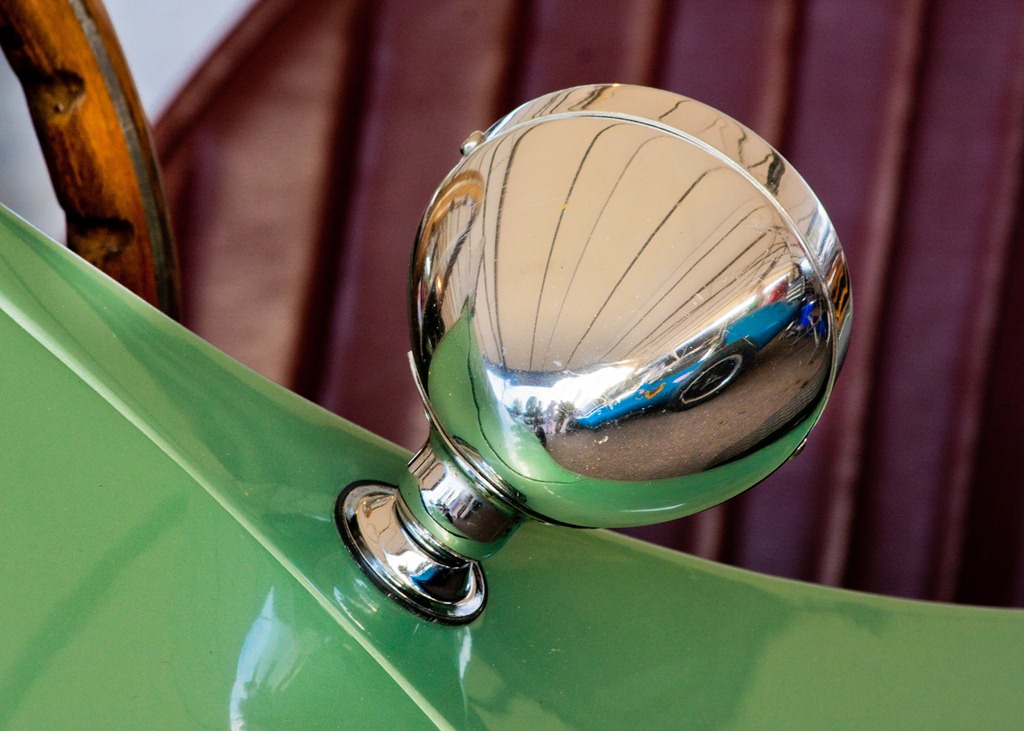
Our next stop was a visit to the paddock. This was where the very best cars were on show and when I say best I actually mean unique and priceless. At one point we found a line of a dozen Ferrari Grand Prix cars. In fact there were so many amazing cars packed into the paddock area that getting a good picture of a single car proved to be very difficult, but going in close and capturing the details was very rewarding.
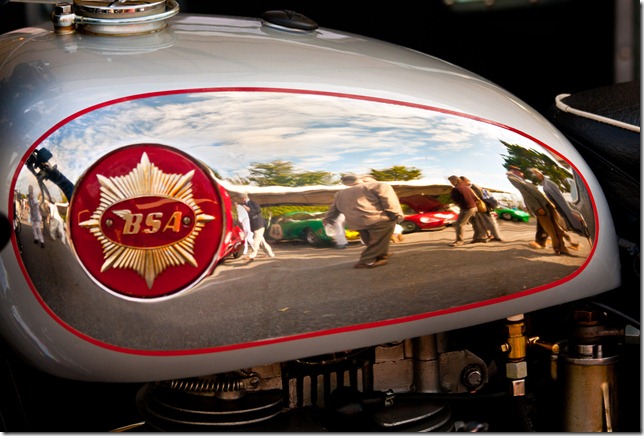
Goodwood-4
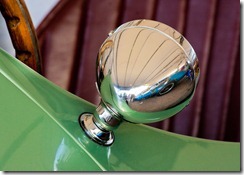
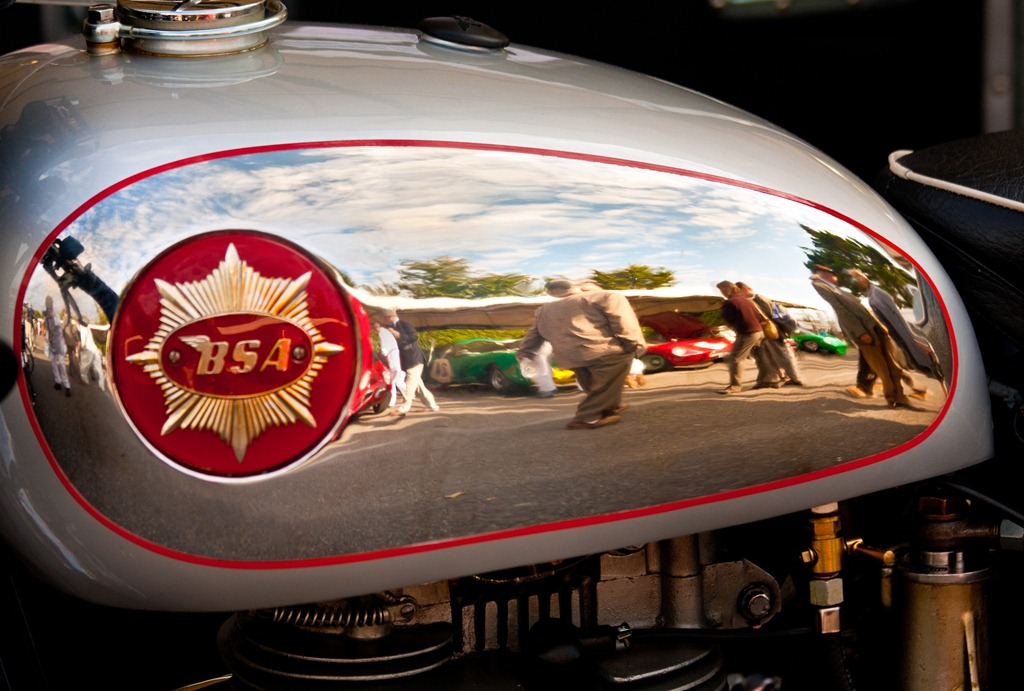
Reflections on a fuel tank

One of the great things about being able to wonder around an event like this is the chance to spot photo opportunities that I might otherwise have missed. The photo above is such an example. It’s the reflection on the fuel tank of a BSA motorbike. To get both the reflection and the badge in focus I took two shots. The first shots had the badge in focus and the second had the reflection in focus. Photoshop was used to align and combine the images into one photo.
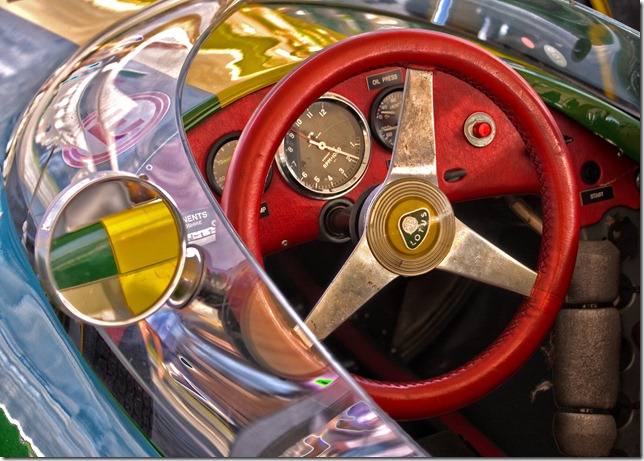
Goodwood-5
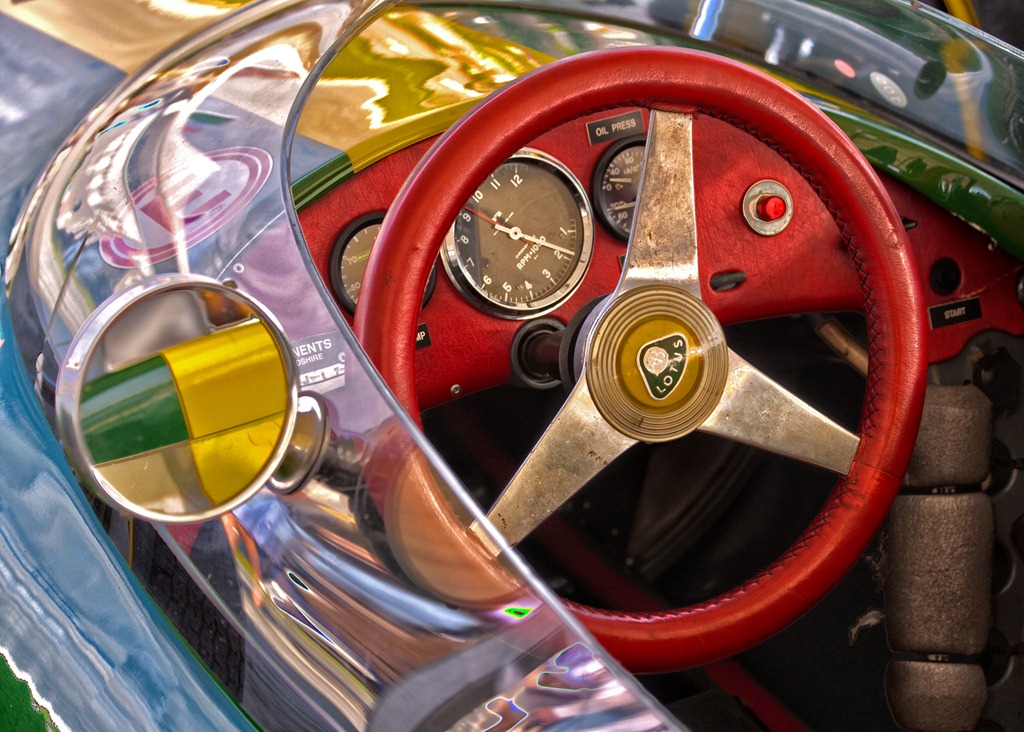
Lotus Cockpit in HDR

I’m always keen to make the photographers that come out with me try something different. Although both Geoff and Dan had tried HDR before it seemed they had found the results to be mixed. So we all had a go a shooting a three shot HDR image handheld. The secret of course, is to use Auto Exposure Bracketing and continuous shooting to minimise the movement from one shot to the next.

This shot above of the cockpit of a Lotus gives you an idea of just how close you could get to all of the cars. I couldn’t believe that I was allowed to dangle my DSLR a few inch’s above a million pound Ferrari.
Goodwood-1 
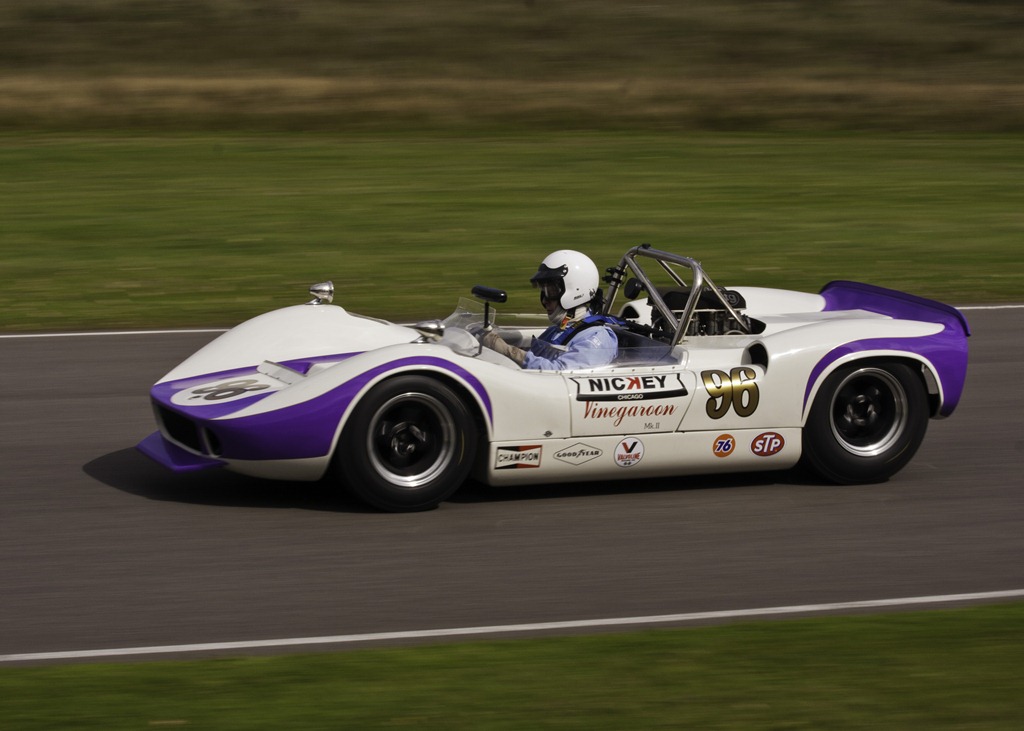
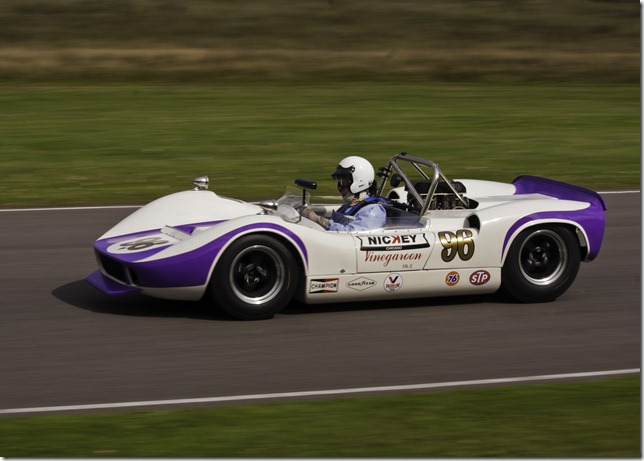
Racing for real

The sound of the cars racing round the track was both deafening and exciting and eventually we could stand it no more and headed off around the track to find a location to try our hand at panning. As I mentioned at the start of this post, the cars were here to race and the drivers were really pushing the cars to the absolute limit.

I’d packed a 70-300mm lens for this part of the day which proved to be a good choice. It took us all a bit of time to get the setting right, but eventually I settled on a shutter speed of 1/250th second as the perfect panning speed to keep the car sharp and background and wheels blurred.

As I often tell my training students, you won’t get a perfect photo every time you press the shutter and when it comes to panning that’s doubly true. There were plenty of soft photos or photos with only half a car in the frame, but practice makes perfect.
Untitled_HDR2
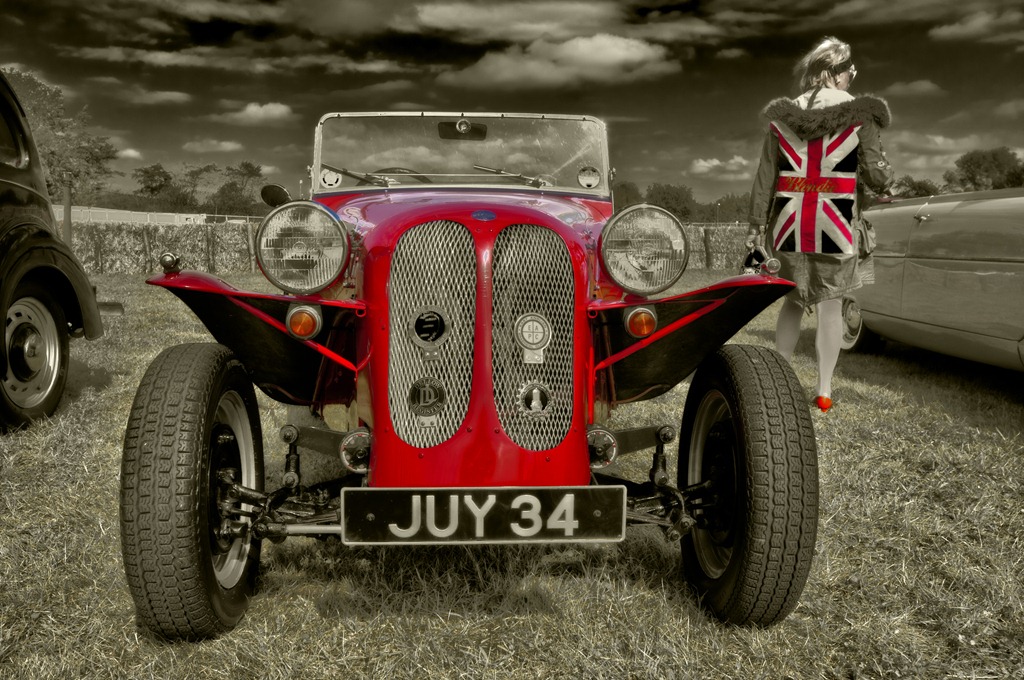
HDR and colour spotting

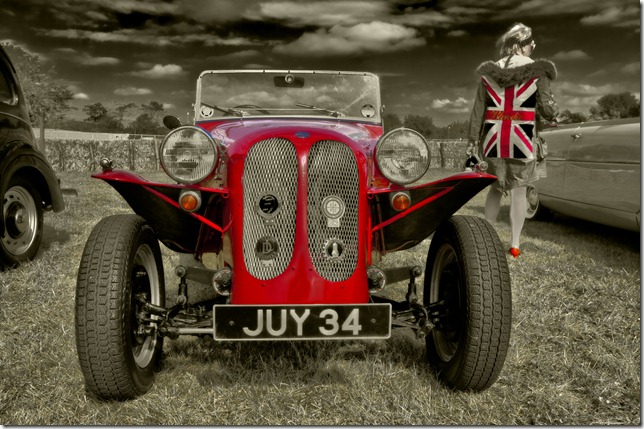
Eventually all good things come to an end and my time with Geoff and Dan came to an end. I had a great time in their company and I’m sure they went away with a headful of photo ideas. On the way back to car I took a quick detour to a part of the track we hadn’t visited and found a display of classic cars. By now the sun really bright and the shadows very deep, so HDR shooting was the order of the day.

I noticed this lady in a 60’s style Union Jack coat and as luck would have it she was standing next to a bright red car. Getting down low I fired off three photos (2 stops apart) and hoped for the best. After running the images through HDR Pro in Photoshop CS5 I used colour range to select just the reds. Everything else was toned sepia to create the image above.

Goodwood Revival was a blast of sights and sounds. It’s a feast for photographers and petrol heads alike and I hope to return for a longer visit next year.


New training location

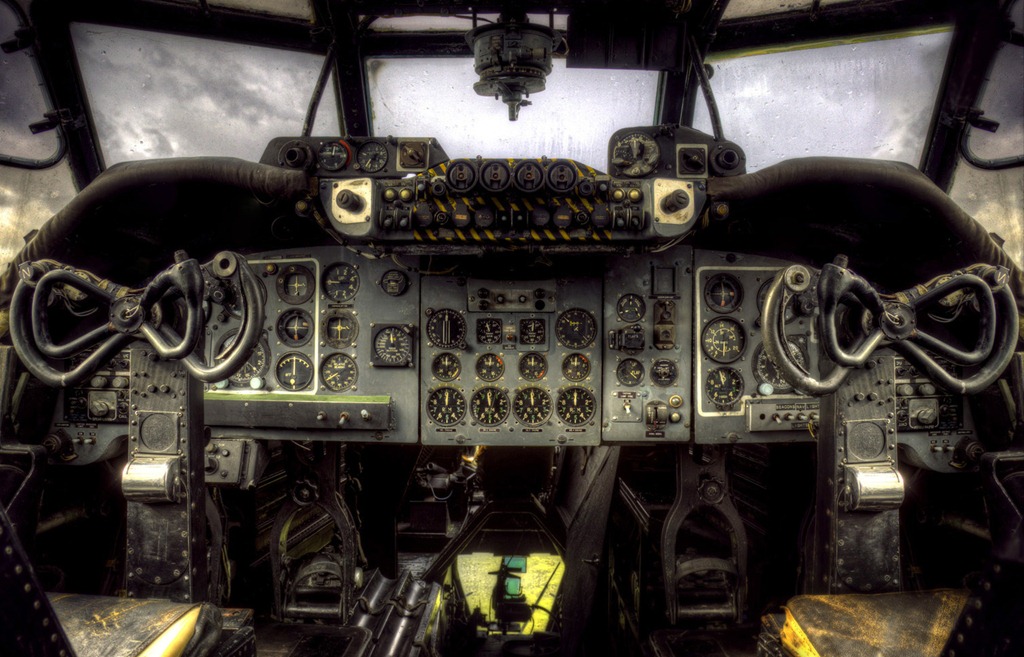
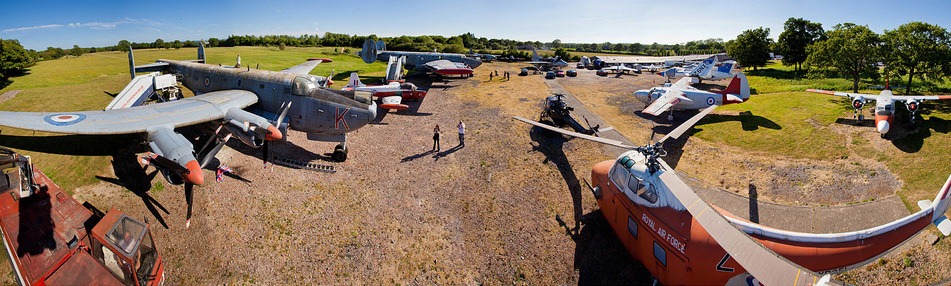
gatwick-cockpit-HDRWay back in January this year i visited the Gatwick Aviation Museum in Surrey to do one of my 15 minute photo challenges. It was a freezing cold day with a biting wind. Half the planes were wrapped up in protective winter covers and the sky was as blank as you’ll ever see. To be honest it wasn’t looking like a great photo opportunity, But I needn’t have worried as the museum is always jam packed with great things to photograph, whatever the conditions.

I enjoyed myself visit so much, I arranged with the owner to hold a one day workshop at the museum.

So in May 2011, a dozen photographers descended on the aviation museum and spent the day getting up close, inside and (in my case) above the airplanes. You can see a few of the photos taken on the workshop Flickr group page. The weather really played ball with blue skies and fluffy white clouds all day long.

5746257396_13edd72e89_b

Ever since the workshop I’ve been looking for an excuse to return, so I’m very excited to say that Gatwick Aviation Museum is now on my location list for one to one photography training.

So what can you expect when we visit? Well first it will be a private session so you (and up to three friends) will have the place pretty much to ourselves for a few hours. That means we can talk photography, test out equipment and learn new skills without fear of getting strange looks from passers by. It also means that you won’t have anyone walking into your photos or stopping you and asking what you’re doing.

Gatwick-Aviation-Museum (10)

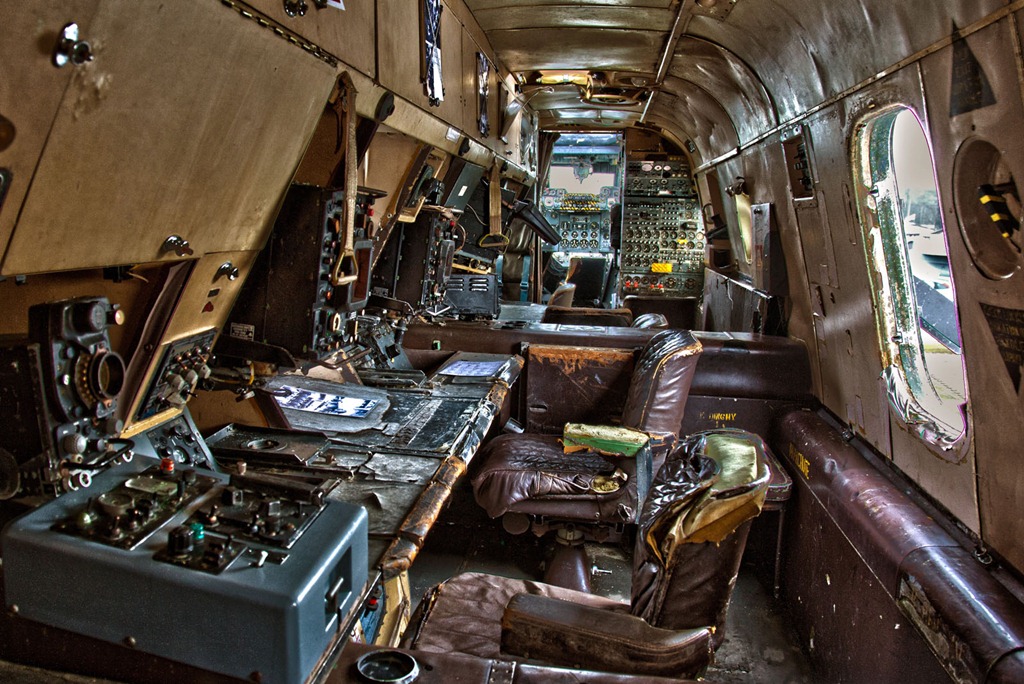
The highlight of a visit to the museum is getting the chance to go inside some of the aircraft. Although most of the planes and helicopters are in various states of “restoration” the interior of the giant Shackleton is a time capsule of the 1960’s. From the original buttons and dials down to the torn leather seats everything inside the Shackleton is a photographers dream.

 
Due to the large difference in exposure between aircraft interiors and the sky, HDR (High Dynamic Range) is the perfect technique to learn and perfect whilst we’re at the museum. If you’ve never tried HDR then remember to bring your tripod and a DSLR camera. I’ll show you all you need to know.

Gatwick-Aviation-Museum (11)
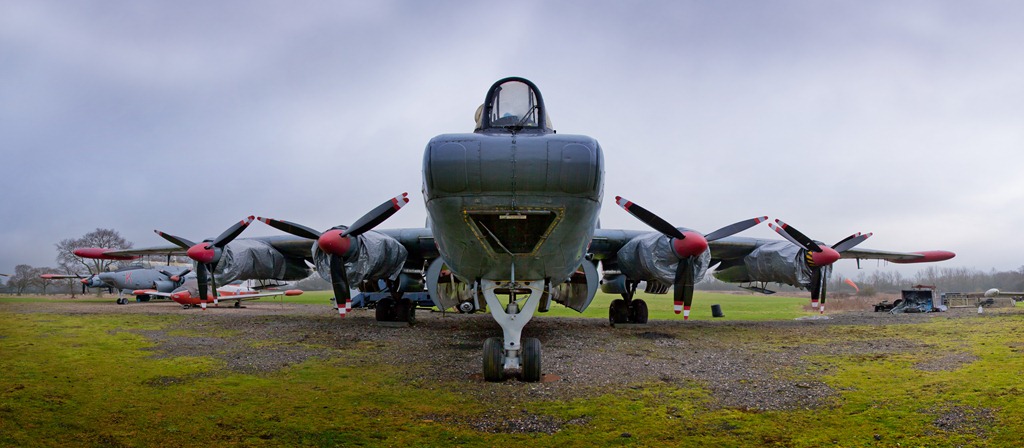
As anyone who’s been on one of my training courses will know, panoramic photography is a personal favourite of mine and standing in front of the Shackleton is the ideal place for a pano.

As usual it’s Sam who’ll be handling the enquiries. So for questions and booking info please send Sam an email sales@gavtrain.com

Gatwick-Aviation-Museum (4)

Watermark your Photos

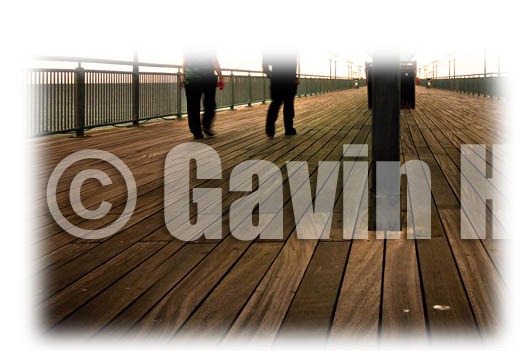
watermarkFor a lot of people the need to protect their images with a watermark is very real. The reasons can vary from downright image theft to the more subtle uses such as someone passing off one of your photos are their own work. Whatever the reason adding a watermark is a skill every photographer should have.

In Lightroom 3 watermarking is built in. In Photoshop CS5 you can download a free watermark panel from Adobe’s own Dr Russell Brown http://russellbrown.com/scripts.html In Photoshop Elements you’ll need to make your own watermark and that’s what I’ll show you in this video.

Of course once you’ve made your watermark, you can save the watermark text layer as a PSD file and paste it directly onto future images you wish to protect. That should speed up the process for future use.

Flora Light ~ Review

There are seems to be an endless choice of lighting options available to the modern photographer, but the choice often boils down to either flash or continuous light sources. Personally I like and use both on a regular basis, it all depends upon what subject matter I’m shooting.


For portraits I’ll usually use flash, but continuous lighting is perfect when I need a shallow depth of field or I’m shooting products which don’t move. I also use continuous lights for video work.

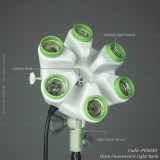
So when Linco offered to send me a set of their new continuous lights I jumped at the chance and jolly good they are to. Six lights and a quick erect octabox makes the a great choice on paper.

There’s a couple of things you need to know…

First Linco are a USA supplier and whilst they may well ship outside of the US the lighting units and bulbs are 110v. You’ll also need to add import duty fee to price, which can be a bit hefty.

Find out more about Flora Lighting products http://www.lincostore.com/search.php?keywords=flora%20light

Interview for Adobe Photoshop

PSW-bannerA few months back I was a guest of Adobe at the massive Photoshop World convention in Florida, USA. Three days of non stop Photoshop and photography was both exciting and exhausting but I came back with loads of new ideas and met some pretty incredible people too.

How did get to be a guest of Adobe? Well I did it by winning a competition to create a two minute Photoshop video tutorial for Adobe’s “Next Photoshop Evangelist Competition”

Of course being the guest of Adobe I had to earn my keep. Was well as the convention, Photoshop World runs a pretty decent expo which features all the major software names as well as a host other camera related companies. Adobe had a pretty big stand and ran a rolling seminar programme of which I was a small part.

On the second day I was asked to do a short interview about how I earned my experiences of Photoshop World and other questions. Expecting to be given some time to prepare I happily agreed and was handed a list of question. I had a very quick look through them and that was my preparation time finished!

As it turned out that was probably the best way to do it. Watch the video below to see the results…

Perfect pure white background – Studio lighting tutorial

As you might have noticed from my previous blog posts, I was invited to test out a very expensive Hasselblad camera a few weeks back. The location was the Hasselblad studios in London and whilst I visiting I couldn’t resist recorded a couple of lighting videos.

In this first video I revisited the pure white background tutorial I made several years back. Since that original video I’ve refined the technique which now contains more accurate and useful information for anyone looking for the perfect white background.