Isn’t it always the way… You really want to add an art paper texture to your photos but you just don’t have the right image to hand. So what do you do?
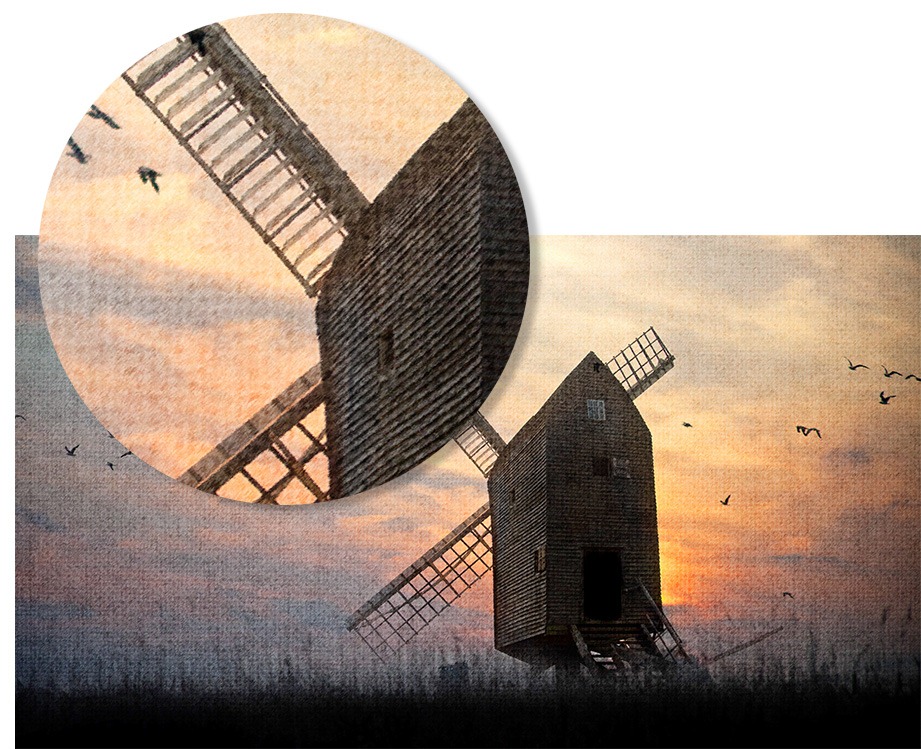 Well, in this video I’ll show you how to create you own art paper texture completely from scratch using nothing more then the standard filters found in Photoshop or Photoshop Elements. I’ll then show you how to blend the texture and the photo together to create a couple of different looks.
You’ll notice in the video I access the filters Halftone, Water Paper and Sprayed Strokes from the Filter Gallery rather then directly from the filter menu. If you use Photoshop CS6 (as I do in this video) that’s the only way you can access these supposedly less useful filters. Photoshop CS5 and earlier can either use the filter gallery or the usual filter menu, the effect will be the same.
Wow! That is really neat! I love the texture. Thank you, sir!
Su
Excellent, thank you. I saved it as a PSD file in the hope that with a little tweaking I can just change the image having followed all your steps to create the art paper.
Thank you for sharing! I like video photoshop tutorials more than step-by-step written tutorials, because there are less chances to mix the settings.
Thank you so much for your sharing video.I would like to suggest you the video is not clear although i click in youtube it still not clear.I just practise photoshop.I am following your blog.Thank you so much.